Pianoify
Convert any audio recording or YouTube link into piano MIDI and sheet music
Gallery
About Pianoify
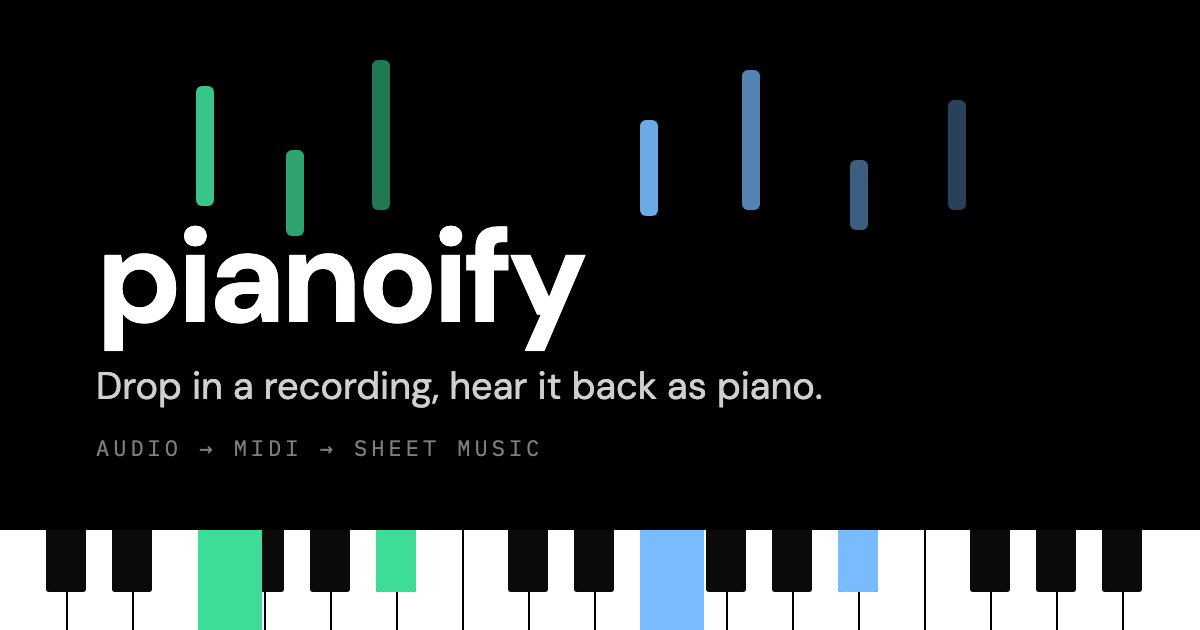
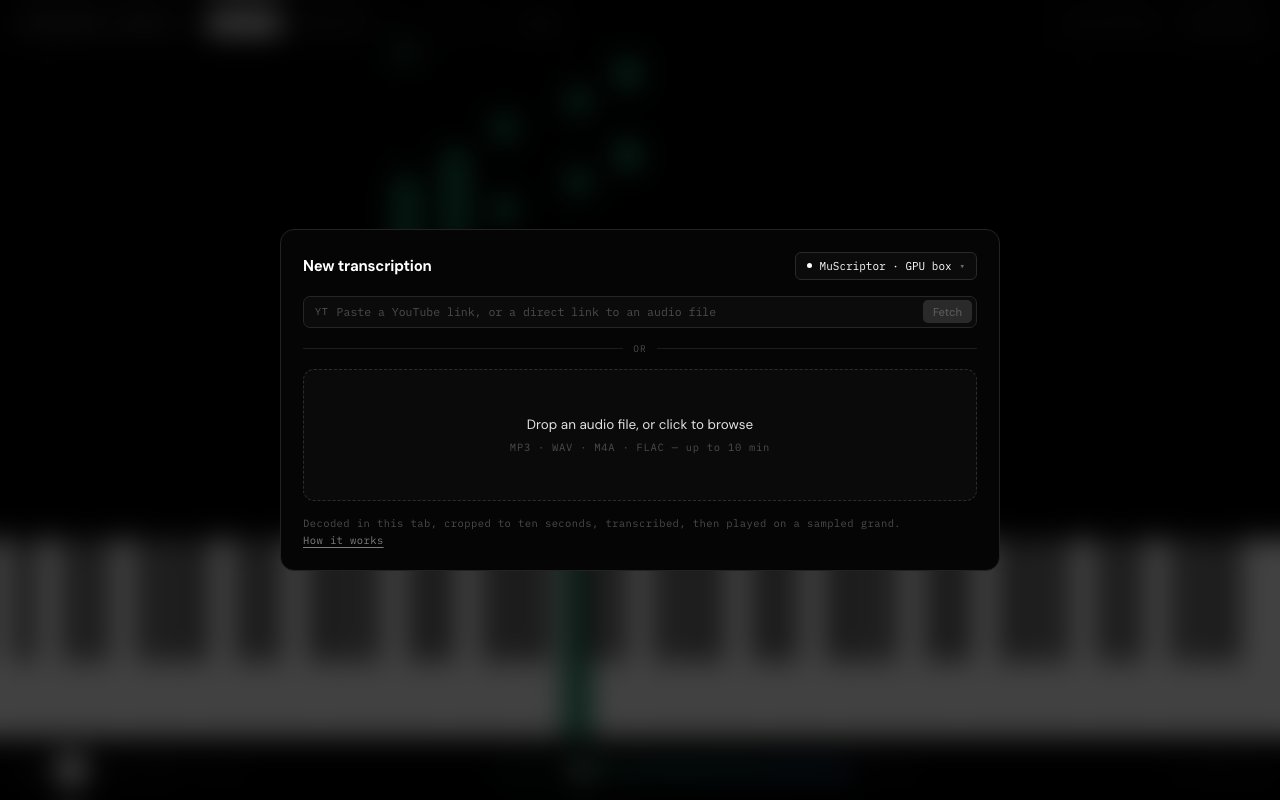
Pianoify is a browser-based audio transcription tool that converts recordings into piano MIDI files and sheet music. You can upload audio files in common formats or paste a YouTube link, select the segment you want transcribed, and the tool generates both a MIDI file and MusicXML notation that you can export and use immediately. The entire process runs through the Web Audio API in your browser, which means there is no software to install and no account to create. You open the page, drop in your audio, and get your transcription within seconds.
The core problem Pianoify addresses is one that musicians, composers, and students have dealt with for decades. Transcribing audio by ear takes time, training, and patience. Even experienced musicians can spend hours working through a complex passage, pausing and replaying to catch every note. For people learning an instrument or trying to create an arrangement of a song they love, the barrier to entry is high. Pianoify removes that barrier by automating the note detection process. It analyzes the audio waveform, identifies the pitches being played, and maps them to piano keys. The result is a starting point that you can refine, correct, and build upon rather than a blank page you have to fill from scratch.
The transcription engine performs best on recordings where piano is the dominant or only instrument. Solo piano pieces, piano covers, and piano tutorials work well because the model can focus on a single melodic and harmonic source. When you feed it mixed audio with drums, bass, vocals, and multiple instruments competing for attention, the results become less reliable. The model tends to latch onto the loudest or most prominent melodic line, which might not be the piano at all. This is a fundamental limitation of audio transcription technology, not a flaw specific to Pianoify. If you go in knowing this, you can still get useful results from mixed recordings by treating the output as a rough sketch rather than a finished score.
Once the transcription completes, Pianoify lets you review the results directly in the browser. A piano roll visualization displays the detected notes over time, with left and right hand parts shown in different colors so you can see how the music splits between bass and treble. The tool also runs chord recognition on the transcription, labeling chord symbols as they appear so you can follow the harmonic structure of the piece. You can play back the transcription using a sampled grand piano sound built into the application, which gives you an immediate way to hear whether the transcription captured what you expected. If something sounds off, you know to check that section more carefully when you import the file into your notation software.
Export options cover the two formats most musicians actually need. MIDI files work with virtually every digital audio workstation, from Ableton Live and Logic Pro to FL Studio and GarageBand. You can import the MIDI, assign it to a virtual instrument, quantize the timing, and edit individual notes as needed. MusicXML is the standard interchange format for notation software, supported by MuseScore, Sibelius, Finale, Dorico, and others. You can import the MusicXML file, clean up the notation, add dynamics and articulations, and print professional sheet music. Having both formats available means Pianoify fits into production workflows and educational workflows equally well.
The target audience is broad but centered on people who work with music in some capacity. Students learning piano can transcribe recordings of pieces they want to learn and practice along with the sheet music. Composers and arrangers can pull melodic ideas from existing tracks and use them as starting points for new work. Cover artists can get a quick lead sheet for a song they want to perform. Teachers can create educational materials from recordings. Hobbyists who just want to play their favorite songs on piano can get a usable score without paying for commercial transcription services or hunting for fan-made arrangements of varying quality.
Pianoify is completely free to use. There is no paid tier, no credit system, no subscription, and no account required. The source code is available on GitHub, which means you can inspect exactly how the transcription works, contribute improvements, or run your own instance if you want to remove the segment length restrictions for local use. For a tool that solves a genuine problem and costs nothing, Pianoify represents an accessible entry point into audio transcription that was previously only available through expensive commercial software or tedious manual work.
Key Features
- Audio to piano MIDI transcription
- YouTube link import up to ten minutes
- MusicXML export for notation software
- Piano roll visualization with hand separation
- Chord recognition and labeling
- Sampled Steinway grand piano playback
Pros & Cons
What we like
- Completely free with no account required
- Exports to MIDI and MusicXML for flexible workflows
- Browser-based with minimal server uploads
- Open source code available on GitHub
Room for improvement
- Limited to ten-second segments per transcription
- Mixed audio with multiple instruments produces messy results
- YouTube links capped at ten minutes
- No batch processing for multiple files
Frequently Asked Questions
What is Pianoify?
Is Pianoify free?
Does Pianoify work with any audio?
What formats can I export?
Best For
Featured in
Alternatives to Pianoify
View all
Suno
Generate full songs from a prompt, including vocals, lyrics, and all.

Stable Audio
Stability AI's text-to-audio model for generating original music and sound effects from a written prompt

Loudly
Berlin-based AI music platform for generating, customizing, and distributing 100% royalty-free tracks

Soundraw
AI music generator that builds royalty-free, fully customizable songs from a mood and genre in seconds
Reviews (0)
Badge builder
Add Pianoify to your website
Choose a badge style and size, preview it here, then copy the generated HTML. Badge images are self-contained SVGs and do not require an external script.

<a href="https://toolindex.net/tools/pianoify?ref=badge" target="_blank" rel="noopener">
  <img src="https://toolindex.net/badge/pianoify/medium.svg" alt="Pianoify - Listed on Tool Index" width="180" height="50" />
</a>How to use the badge
- 1. Pick the style, size, and theme that fit your layout.
- 2. Copy the generated HTML from the code block.
- 3. Paste it into your footer, homepage, or press page.
Standard badge available
The standard listing badge is available now. Score and circle badges are limited to tools currently ranked in the top 10 of a category.
Badge clicks return visitors to this profile with a referral tag so the source remains identifiable.
Related Tools
Soundraw
AI music generator that builds royalty-free, fully customizable songs from a mood and genre in seconds
Stable Audio
Stability AI's text-to-audio model for generating original music and sound effects from a written prompt
Suno
Generate full songs from a prompt, including vocals, lyrics, and all.

Boomy
Make original AI songs in seconds and distribute them to Spotify, Apple Music, and 40+ streaming platforms
Work on Pianoify? Request listing access or correction