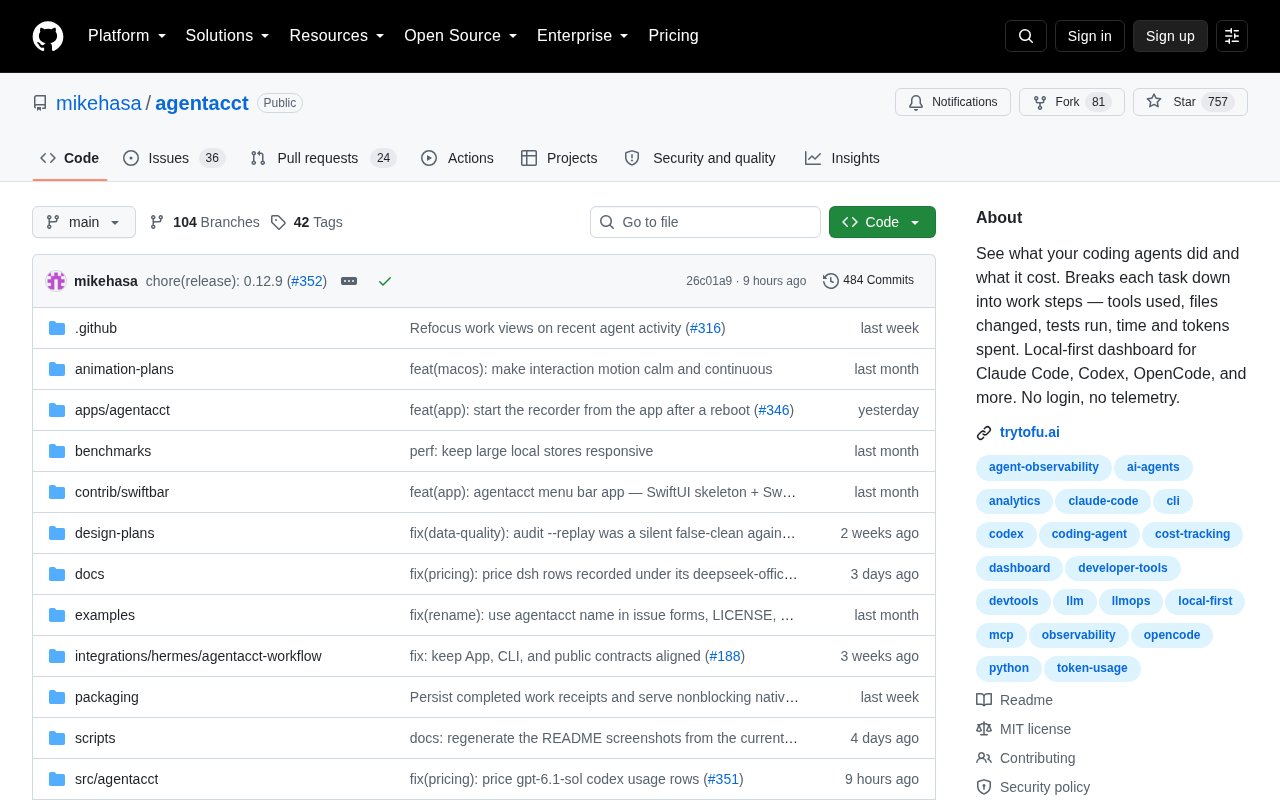
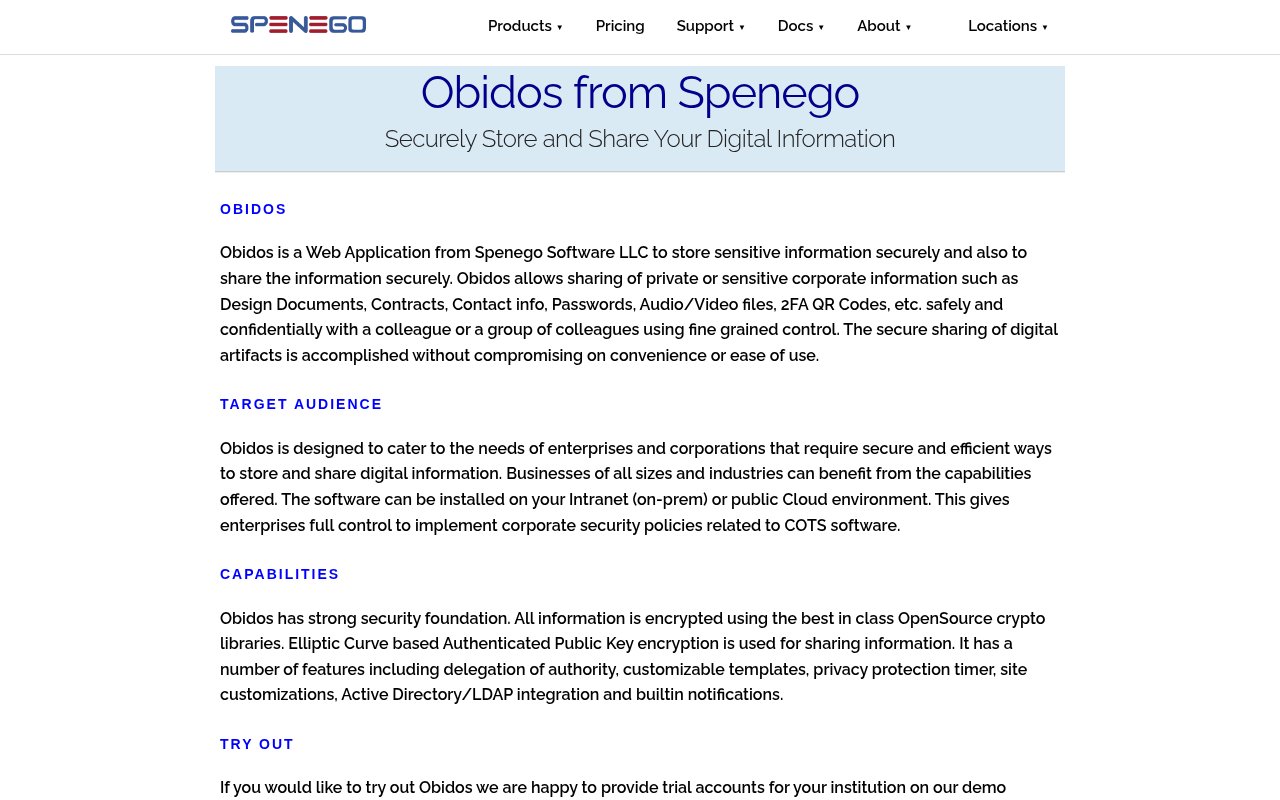
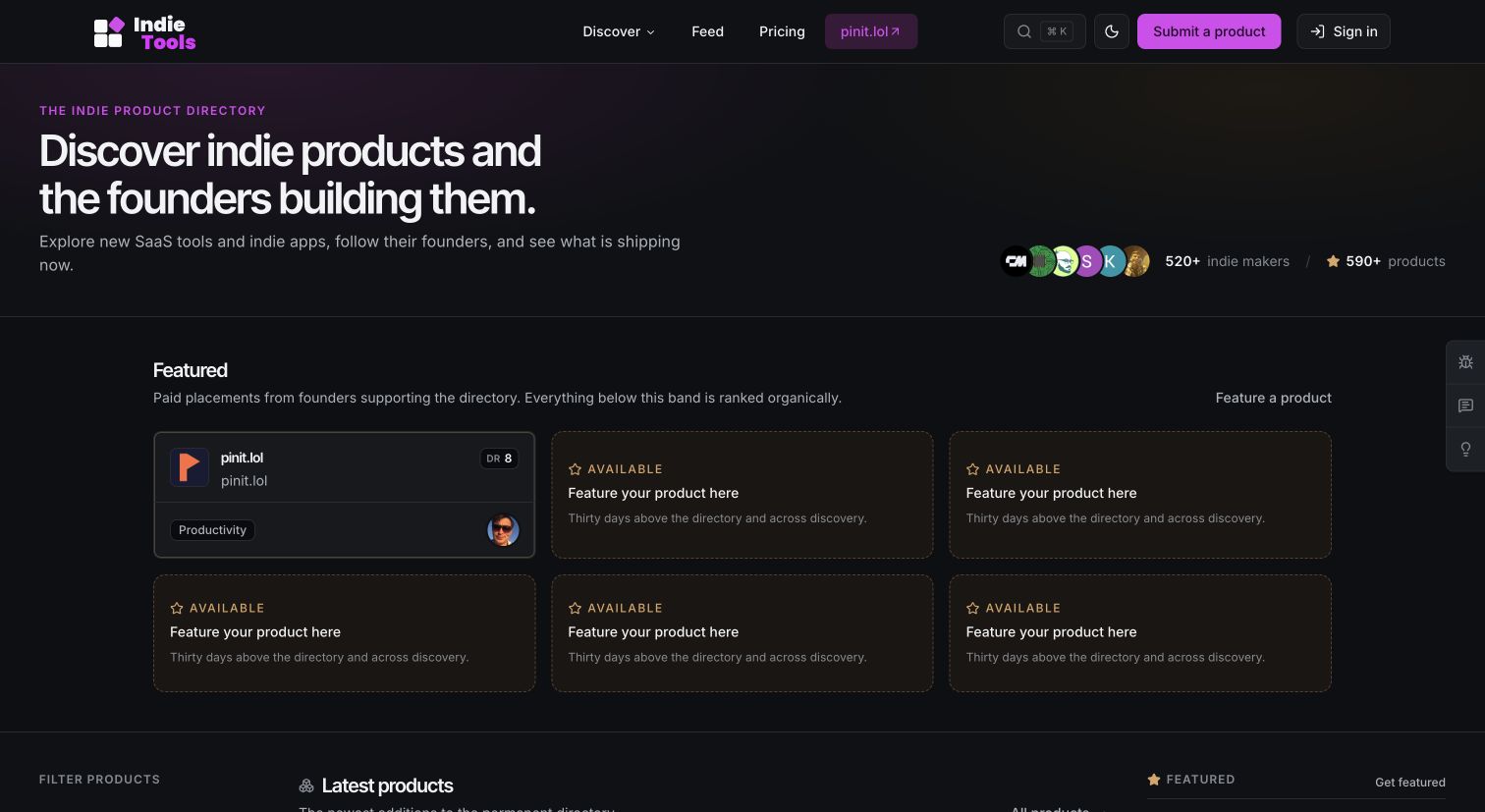
Sponsored editorial review. PowerSync purchased Tool Index's Launch Bundle, which includes this article alongside a featured placement on Tool Index. Payment covers the work and placement; it does not purchase a favorable verdict, an organic ranking, or a traffic guarantee. Links to PowerSync in this article are qualified as sponsored.
Review scope: We inspected PowerSync's homepage, pricing page, team page, and public blog on October 19, 2026 in a desktop browser. We did not create an account, make a purchase, enter a private dashboard, connect a database, or test an SDK. The screenshots show the actual public interface from that visit, so our assessment covers the published product model and terms rather than deployed performance.
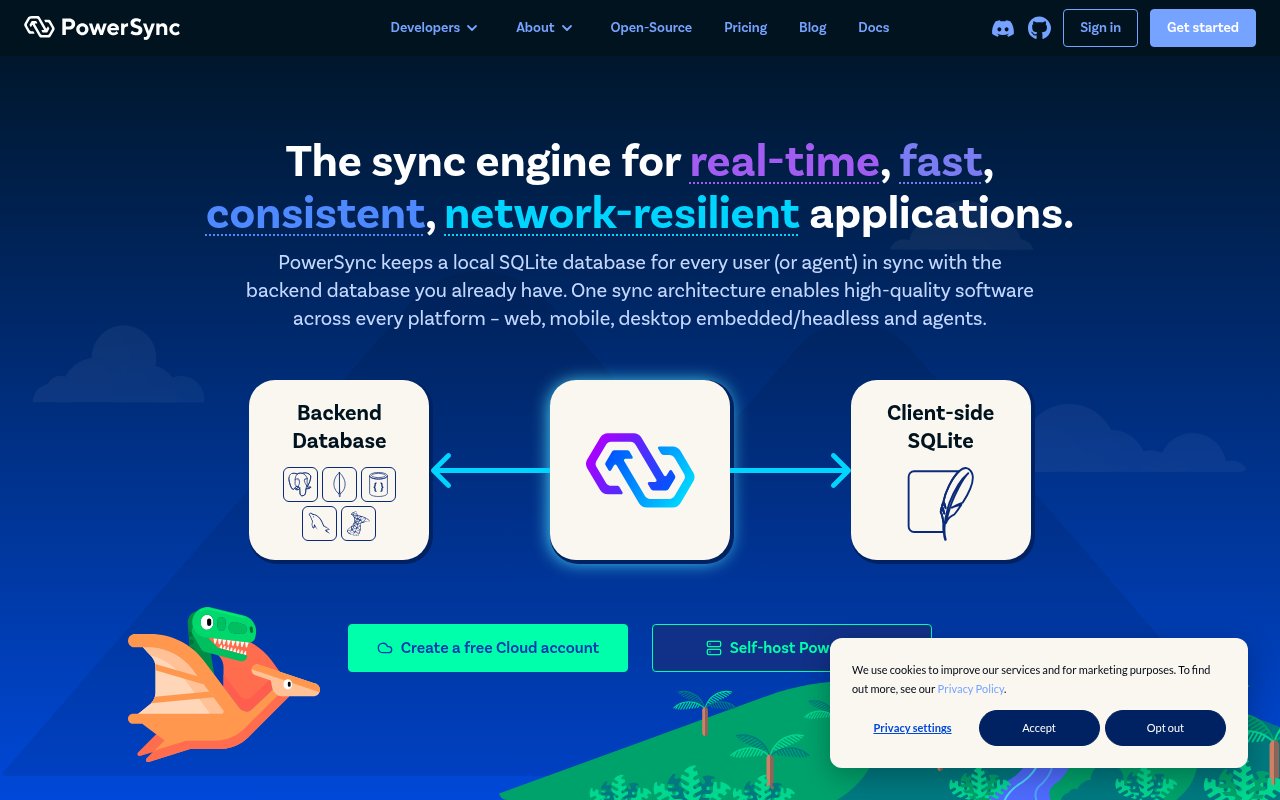
A sync layer between backend data and local SQLite
PowerSync is a data synchronization layer for applications that need a local copy of selected backend data. Its service watches a source database, while client SDKs maintain SQLite on the device or in the application environment. The pitch is not a new system of record, but a way to put responsive, queryable state close to each user or software agent.
The public site says the service connects to Postgres, MongoDB, MySQL, SQL Server, and Azure DocumentDB, with the last option marked alpha. It targets web, mobile, desktop, embedded, headless, and agent workloads. That range is useful, although actual SDK fit and platform maturity need checking against the documentation before a team commits.
The site footer identifies Journey Mobile, Inc. as the company behind PowerSync. Its team page names Conrad Hofmeyr as co-founder and CEO, Ralf Kistner as co-founder and CTO, and a broader group spanning product, engineering, forward-deployed engineering, and customer success. PowerSync also describes its software as open-source and source-available, and it offers both a managed cloud route and self-hosting.
PowerSync's strongest idea is simple enough to explain without hiding the hard parts of synchronization.
Best suited to apps that can't wait on the network
The clearest audience is a development team building an application that must remain useful through slow or missing connectivity. Field tools, mobile products, desktop software, and reactive web apps all fit that pattern. Teams that want local SQL queries, optimistic interaction, and background synchronization get the most obvious benefit.
It also makes sense for products with many users who should receive only a defined subset of a large backend database. PowerSync calls those subsets Sync Streams, and each client can subscribe to the data it needs. That model is relevant when a full replica would be wasteful or inappropriate, especially in multi-user products with scoped records.
Agent developers are another stated audience. A local SQLite database can give an agent durable, inspectable state without requiring a network request for every read, while streamed updates can keep that state current. The case is less compelling for a small online-only CRUD app where ordinary API calls and a modest cache already meet the latency and resilience requirements.
- Mobile and desktop apps that must work offline
- Web apps that need reactive local data
- Products that distribute scoped data to many clients
- Agent systems that benefit from current local state
- Teams keeping an existing supported backend database
The user flow is local first, with writes routed back
A team starts by connecting the PowerSync Service to a supported source database. The public explanation says the connection is non-invasive and needs minimal permissions, then the service follows the database change stream. Developers define Sync Streams that partition data, and connected clients subscribe to the relevant slices.
On the client, a PowerSync SDK keeps either a persistent or in-memory SQLite database updated. Application reads hit SQLite, and live queries can refresh the interface when synchronized changes arrive. This is the part that removes repeated network round trips from common reads and gives the application a usable local data model.
Writes take a more deliberate path. The SDK applies them locally and places them in an upload queue, but the application still sends them through its backend API and controls how they are applied to the source database. That division preserves business logic and authorization on the backend, yet it also means PowerSync isn't a complete replacement for application APIs.
Authentication uses JWTs according to the homepage. In practical terms, a team must coordinate token issuance, subscription rules, local schema behavior, the upload endpoint, and error handling before the full loop is dependable. We could verify that model from the public explanation, but we couldn't judge setup friction or debugging quality without using the dashboard and SDKs.
- Connect a supported source database
- Define client-specific Sync Streams
- Subscribe from a PowerSync client SDK
- Read and query the local SQLite database
- Queue local writes for the backend API
- Apply accepted writes to the source database
Cloud pricing starts free, then meters several resources
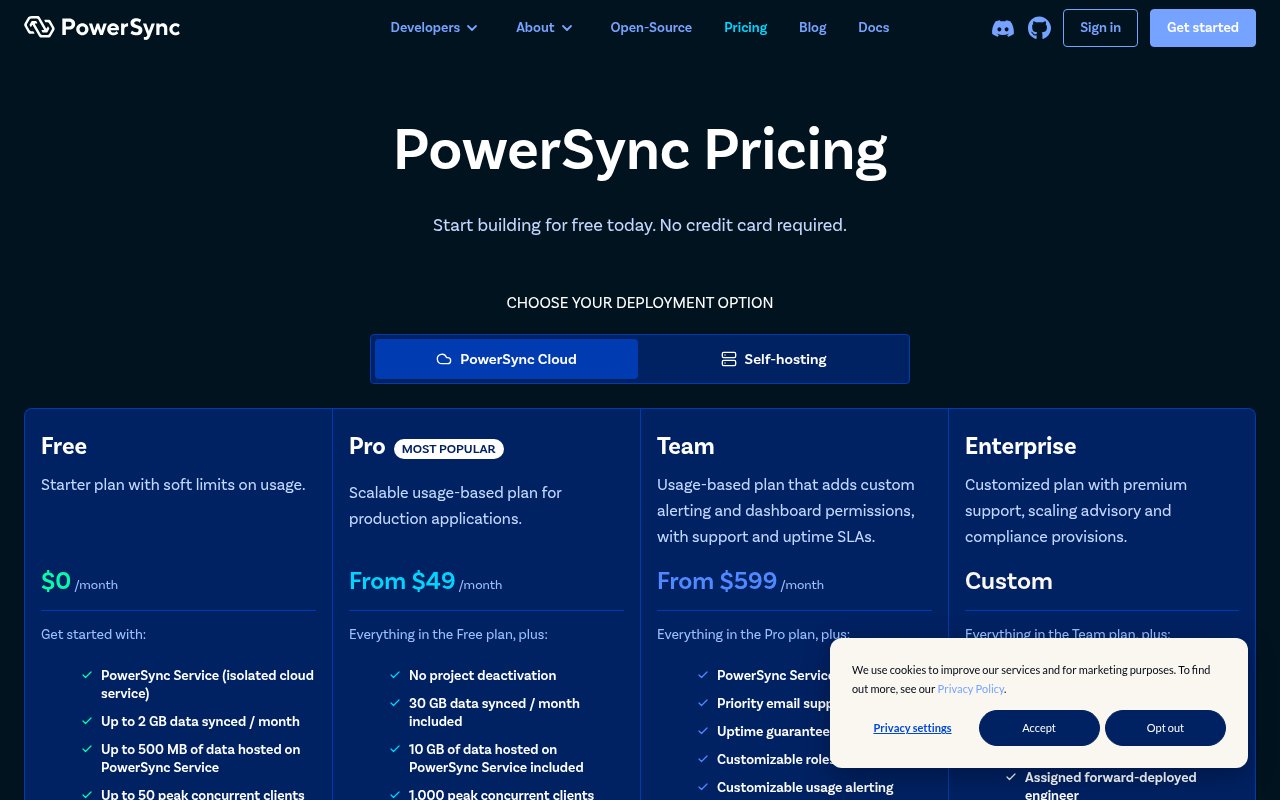
PowerSync Cloud has four published tiers. Free costs $0 per month, Pro starts at $49 per month, Team starts at $599 per month, and Enterprise uses custom pricing. The page also presents self-hosting as a deployment option, but the captured text doesn't give a self-hosted price, so we won't infer one.
The Free plan includes 2 GB of data synced each month, 500 MB hosted on the service, 50 peak concurrent clients, two service instances, and one source database connection per instance. Free projects are deactivated after one week of inactivity. That allowance is suitable for evaluation and small prototypes, but the deactivation rule matters for a demo expected to remain available.
Pro includes 30 GB synced each month, 10 GB hosted, and 1,000 peak concurrent clients. Overage is listed at $1 per GB for synchronized data, $1 per GB for hosted data, $30 per additional 1,000 peak concurrent clients, and $25 per month for each service instance beyond the two included. Its published default ceilings are 100 GB hosted and 3,000 peak clients.
Team keeps the same included data and client quantities but raises the default ceilings to 500 GB hosted and 10,000 peak clients, with higher client capacity available on request. It adds version locking, priority email support with an SLA, an uptime guarantee, roles and permissions, configurable alerts, private endpoints on AWS, and compliance options. Billing is organization based, usage is combined across projects, and all plans receive live usage monitoring.
The entry price is approachable, but production budgeting needs more than a glance at the monthly base fee.
Where the product case holds up
PowerSync makes a convincing architectural case for keeping an established backend while adding local-first behavior. Supporting several common source databases reduces the pressure to move core data into a proprietary backend. Using SQLite on the client also gives developers a familiar query model, an inspectable file format, and access to an established ecosystem of tools and extensions.
The split between synchronized reads and application-controlled writes is also defensible. It lets a product keep validation, authorization, and domain rules in its own backend instead of moving those decisions into the sync provider. For teams with meaningful server-side logic, that control can be more valuable than an apparently simpler black-box write path.
The pricing page is unusually specific about included capacity, overage units, default maximums, log retention, alerts, support, and compliance availability. That detail makes an early cost model possible before a sales conversation. The site also separates claims about real-time updates, causal transaction order, and consistency from the mechanics shown in its architecture diagram, which makes the product easier to evaluate.
We wouldn't treat the claims of elastic scale, near-zero local latency, or consistency as independently proven by this visit. They are credible goals for this architecture, but a serious evaluation should measure initial synchronization, reconnect behavior, conflict outcomes, storage growth, and client recovery under the application's own workload.
- Keeps a supported existing database as the source
- Uses SQLite as the client-side data layer
- Supports partial subscriptions instead of full replicas
- Leaves backend write rules under application control
- Publishes detailed cloud limits and overage rates
The public release trail adds useful context
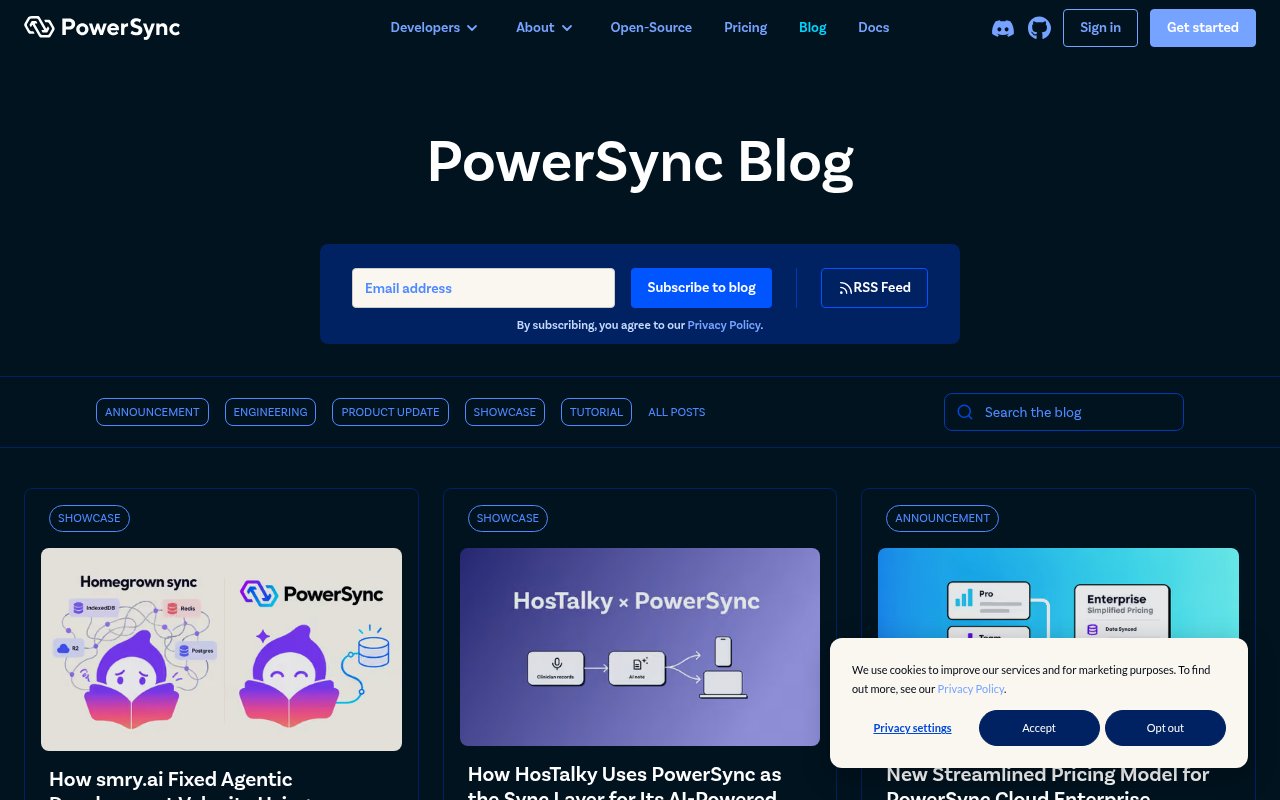
The blog showed a steady mix of product updates, engineering notes, tutorials, migration guides, and customer examples. Recent entries covered checkpoint requests, national-scale offline use, a migration from Electric Cloud, agent development, and an experimental Convex integration. That breadth suggests PowerSync is working on both the core engine and the practical edges around adoption.
The archive also includes material on Electron, Capacitor, TanStack DB, file uploads, background tasks, ORMs, end-to-end encrypted chat, SQL Server replication, and MongoDB migration. This doesn't prove that every integration is equally mature, but it gives technical evaluators concrete topics to investigate. A vendor that publishes implementation details is easier to question than one that offers only a feature grid.
We also saw dated changelog posts across multiple months, including June and July 2026 updates published in August. The cadence is a positive maintenance signal, though the blog isn't a substitute for release notes, support history, or a service status record. Teams should still verify whether the exact connector and SDK they need receive the same level of attention.
Where it falls short
PowerSync reduces synchronization work, but it doesn't remove distributed-system design. A team still has to define subscriptions, manage JWT authentication, operate a backend API for uploads, decide how writes are validated, and handle rejected or conflicting changes. Those responsibilities are substantial, and the public pages don't demonstrate the day-to-day tooling for tracing a bad sync or repairing client state.
The cloud price has a large step from Pro at $49 to Team at $599 per month. Several operational features that larger production teams may consider basic, including an uptime guarantee, support SLA, version locking, customizable dashboard permissions, and fully configurable usage alerts, sit on Team. Usage is also metered across synchronized data, hosted data, peak clients, and extra instances, so bills may require active monitoring as an application grows.
Backend support is broad but not uniform. Azure DocumentDB is explicitly labeled alpha, and the captured pages don't show connector-specific caveats, SDK maturity tables, conflict policies, or a compatibility matrix. Teams should not translate a logo on the homepage into production readiness for their exact database and client combination.
Finally, the local-first approach adds SQLite storage, schema evolution, queued writes, and synchronization state to every client. That is justified when offline behavior and instant local reads matter, but it is extra machinery for products that are nearly always online. We didn't create an account or deploy a sample, so onboarding quality, dashboard ergonomics, and real recovery behavior remain untested limitations of this assessment.
- Application teams still own the backend write path
- Team pricing is a sharp jump above Pro
- Several important operations features require Team
- Multiple usage meters complicate cost forecasts
- Connector and SDK maturity may differ
- Client-side state adds operational surface area
How it compares with the obvious alternatives
ElectricSQL is the closest conceptual alternative for teams centered on Postgres and local application state. PowerSync's public advantage is the stated choice of Postgres, MongoDB, MySQL, SQL Server, and Azure DocumentDB as sources. A Postgres-only team should compare actual query rules, write semantics, SDK coverage, hosting, and recovery workflows rather than choosing from the database list alone.
Firebase and Supabase offer real-time application patterns with a broader backend platform around them. They can be more direct when a team wants authentication, storage, functions, and database services from one provider, but adopting their preferred data path can be a larger architectural decision. PowerSync is more focused and is attractive when the existing database and backend API must remain in place.
Ditto and Couchbase Lite are relevant when buyers want an edge database and synchronization stack, particularly for mobile, embedded, or occasionally connected environments. Their topology, peer capabilities, server products, licensing, and conflict models differ, so the right comparison depends on whether device-to-device operation or a particular edge deployment is required. PowerSync's public model is easier to frame as backend database to client SQLite synchronization.
RxDB and custom SQLite replication are also possible routes for teams willing to assemble more of the stack themselves. They may offer tighter control or a closer fit to a particular client framework, but they shift more protocol, consistency, hosting, and observability work onto the product team. PowerSync earns its place on a shortlist when partial sync and existing backend compatibility matter, though we would run a representative proof of concept before calling it the winner.
Pros and cons
- Connects several established backend databases to client-side SQLite
- Supports persistent or in-memory local data for offline and network-blip cases
- Sync Streams limit each client to the data it needs
- Application teams retain control of backend write validation and business rules
- Cloud pricing publishes allowances, default ceilings, and overage rates
- Public engineering posts cover migrations, integrations, and product changes
- Developers still need a backend API to accept and apply queued writes
- The price jumps from $49 for Pro to $599 for Team
- Support SLAs, uptime guarantees, and version locking require Team or higher
- Usage-based charges span data transfer, hosted data, clients, and instances
- Azure DocumentDB support is labeled alpha
- This public-site assessment couldn't verify setup, debugging, or recovery behavior
Development teams building offline-capable or highly reactive apps that need scoped data from an existing Postgres, MongoDB, MySQL, SQL Server, or Azure DocumentDB backend in local SQLite.
Verdict
PowerSync has a coherent answer to a hard problem. It is most persuasive for teams that need local SQL, partial replication, and offline resilience without replacing an existing backend. The clear architecture and published pricing earn it a proof of concept, but the retained write-path work and steep Team tier mean buyers should test operations and model usage before committing.
You can look at PowerSync yourself at powersync.com, or read what other builders say on its Tool Index listing. This review reflects what the public site showed on 2026-10-19; products change, so treat the details as a snapshot.