
Rendemo
Record product workflows once and turn them into clickable interactive demos
Gallery
About Rendemo
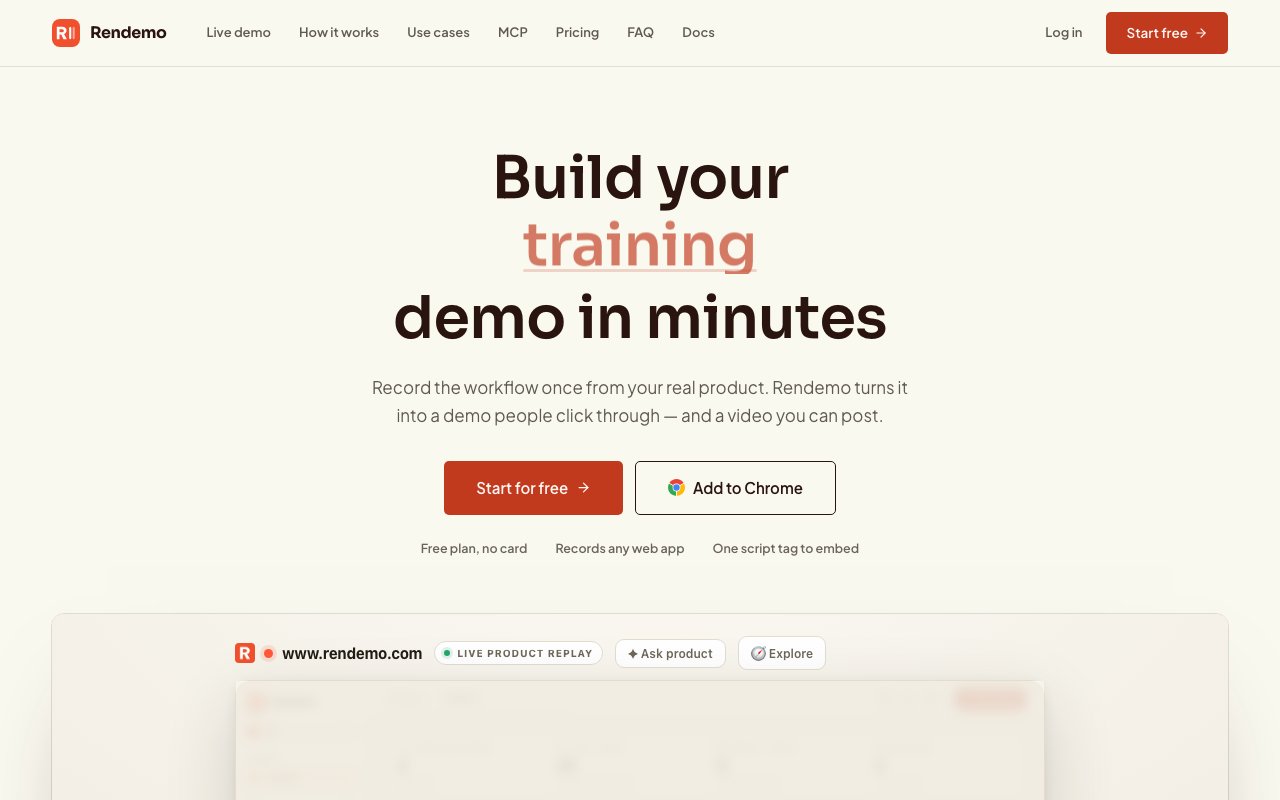
Rendemo is interactive demo software that lets product and marketing teams capture real workflows from their application and turn them into guided, clickable demos that prospects can explore on their own. Unlike screenshot-based walkthroughs, Rendemo records actual HTML so the resulting demo behaves like the real product, complete with clickable elements and guided steps that respond to user interaction. The distinction matters because HTML captures scale cleanly at any zoom level, allow viewers to interact with buttons and form fields, and can be updated incrementally without re-recording an entire flow when your UI changes slightly. For teams tired of maintaining demo environments or scheduling live calls for every interested prospect, this approach lets the product sell itself on the visitor's own schedule.
The workflow breaks into three stages. First, you install a Chrome extension and walk through the flow you want to demonstrate. The extension captures each screen as live DOM elements rather than static images. You do not need to write code, configure a staging environment, or coordinate with engineering. The recording happens in your real product, using real data if you choose, and takes about as long as the workflow itself. Second, you open the studio to refine the recording. Here you add callouts, adjust timing, apply your brand kit, insert lead capture gates at strategic moments, set up branching paths so viewers can choose their own adventure, and create persona variants that tailor the same base recording for different audiences. The studio is visual and does not require technical skills, so marketing and success teams can handle the entire process. Third, you publish. A demo can go live as an embeddable widget using a single script tag, as a shareable link you send after a sales call, as an MP4 video export when you need a non-interactive version, or as a Live Guide overlay that runs directly on top of your production application so new users see the tour inside the actual product instead of a separate sandbox.
One of the more distinctive capabilities is code-based tour definitions. If your team wants to keep demo scripts versioned alongside your codebase, you can define tours in code and run them through CI. When a UI change breaks a tour, the build fails, which keeps your demos from quietly drifting out of sync with the product. This is an unusual integration that most demo software does not offer, and it appeals to engineering-heavy organizations that treat documentation as code and want the same rigor applied to product tours.
Analytics go beyond basic view counts. Rendemo tracks step-level funnels so you can see exactly where viewers drop off, which branches they explore, how long they linger on each screen, and where content gaps exist. That data feeds back into demo optimization, letting you shorten flows that lose attention or add guidance where people get stuck. For sales teams, the analytics also signal which prospects engaged deeply enough to warrant follow-up, turning passive demo views into qualified leads.
MCP server integration is built in, meaning AI agents running Claude Code, Claude.ai, or other compatible tooling can automate demo creation. If you have an agent that ships features and you want it to also generate a demo for each release, Rendemo can handle that loop without human intervention. This is a relatively new pattern in demo tooling and positions Rendemo for teams adopting agentic workflows across their product operations. The integration means your release pipeline can output a working interactive demo alongside release notes, reducing the manual overhead of keeping demos current with the product.
The target audience skews toward product-led growth companies, sales teams who want to leave a clickable artifact after a call, support teams building self-serve help content, and enablement leads training new hires. Because the recording and publishing steps do not require engineering involvement, marketing and success teams can produce demos independently. The embed works with plain HTML, React, Vue, and Svelte, so it slots into most marketing sites without asking developers to set aside roadmap time.
Pricing is freemium and organized around workspaces rather than seats, so adding teammates does not increase your bill. The free tier includes three published demos and one thousand views per month, with full real-HTML capture included at no cost. This is notable because competitors often gate HTML capture behind plans that start at one hundred fifty dollars or more. Pro at thirty-nine dollars per month unlocks unlimited creators and demos, twenty-five thousand views, brand kit controls, analytics, branching logic, lead capture, and custom domains. Scale at one hundred twenty-nine dollars adds one hundred fifty thousand views, the Live Guide overlay, localization support, roles and permissions, and priority rendering. Enterprise pricing is custom and brings SSO, SLAs, and unlimited views for larger organizations. The flat-workspace model keeps costs predictable even as your team grows.
Key Features
- Real HTML capture instead of screenshots
- Chrome extension for one-click recording
- Step-level analytics and funnel tracking
- One-line embed for any website
- Live Guide overlay on production apps
- MCP server integration for AI agents
Pros & Cons
What we like
- Demos stay interactive because they capture HTML, not images
- Free tier includes HTML capture that competitors charge over $150 for
- Pricing is per workspace, not per seat
- Code-based tour definitions integrate with CI for version control
Room for improvement
- Requires Chrome for recording, no Firefox or Safari extension
- Complex multi-app workflows may need multiple recordings
- Live Guide overlay only available on higher-tier plans
- View limits can creep up fast on high-traffic landing pages
Frequently Asked Questions
What is Rendemo?
Is Rendemo free?
How is Rendemo different from screenshot-based tools?
Who is Rendemo for?
Best For
Featured in
Alternatives to Rendemo

Apatero AI
The creator studio for AI image, video, audio, 3D, and avatars, now at apatero.ai.

Prompted Income
Make money with AI, documented with the receipts instead of the screenshots.

Sellsmithy
The workshop side of selling digital products. Built first, fees counted, duds included.

Postdex
An exclusive marketplace for finished, human-made articles. Every piece sells once.
Our take
Tool Index Editorial · Oct 2026· 4.0/5
Rendemo records a web workflow as interactive HTML and republishes it as a guided demo, link, video, or in-product tour. We found the real HTML capture, single embed tag, branching, analytics, and CI check for broken tour anchors a stronger package than a screenshot slideshow. The free plan includes one published demo or tour and 1,000 monthly views.
Recording currently depends on Chrome, DOM capture requires care around sensitive data, and interface changes can still break an anchored tour even if Rendemo provides a checker. Pro is a flat $39 per workspace for unlimited creators and demos with 25,000 views. Scale is $129 and adds live overlays, localization, and roles. That pricing is compelling for a team, though high-traffic pages can reach the view ceiling quickly.
Editorial opinion from the Tool Index team, written from the public product pages. Not a user review.
Reviews (0)
Badge builder
Add Rendemo to your website
Choose a badge style and size, preview it here, then copy the generated HTML. Badge images are self-contained SVGs and do not require an external script.

<a href="https://toolindex.net/tools/rendemo?ref=badge" target="_blank" rel="noopener">
  <img src="https://toolindex.net/badge/rendemo/medium.svg" alt="Rendemo - Listed on Tool Index" width="180" height="50" />
</a>How to use the badge
- 1. Pick the style, size, and theme that fit your layout.
- 2. Copy the generated HTML from the code block.
- 3. Paste it into your footer, homepage, or press page.
Standard badge available
The standard listing badge is available now. Score and circle badges are limited to tools currently ranked in the top 10 of a category.
Badge clicks return visitors to this profile with a referral tag so the source remains identifiable.
Related Tools
Apatero AI
The creator studio for AI image, video, audio, 3D, and avatars, now at apatero.ai.

SEObot
Autonomous AI SEO agent that runs your blog and link building on autopilot

Substack
Hosted newsletter and publication platform with built-in payments, recommendations, and an audience network for writers.

MailerLite
Friendly, affordable email marketing tool with newsletters, automations, landing pages, and a growing creator toolkit.
Work on Rendemo? Request listing access or correction