
MailerLite
Friendly, affordable email marketing tool with newsletters, automations, landing pages, and a growing creator toolkit.
Gallery

About MailerLite
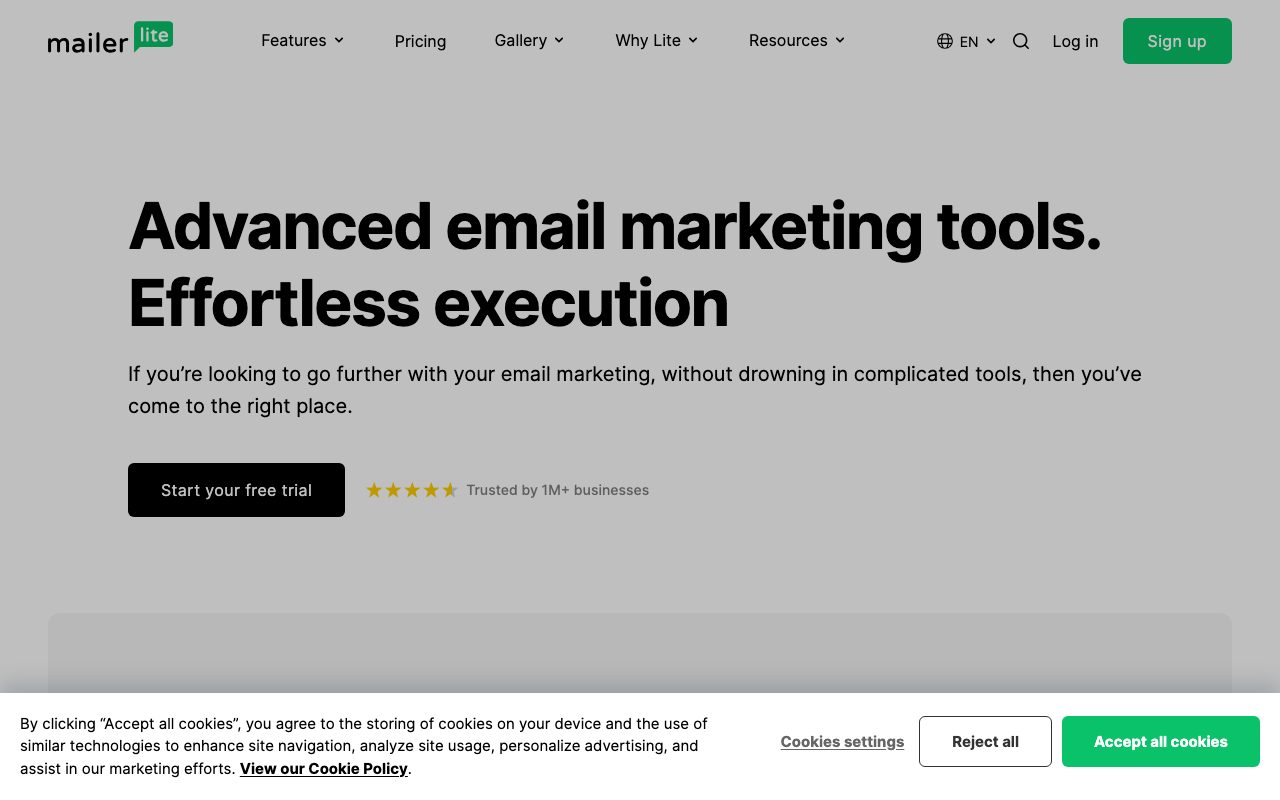
MailerLite is an email marketing platform that targets small businesses, creators, and bloggers who want a simple, affordable, and decently powerful tool. It's been around since 2010 and built a loyal following on the back of a generous free tier and a clean editor.
The pitch sits between Mailchimp's bigger product and ConvertKit's creator focus. MailerLite gives you newsletters, automations, landing pages, signup forms, and basic websites under one roof for a price most indie operators can stomach.
What MailerLite actually does
The core is email broadcasts and automations. You design emails in a drag and drop editor, schedule sends, segment subscribers, and trigger workflows when subscribers join, click, or hit a tag. The editor is fast and the email templates render reliably across clients.
Around the core, MailerLite ships landing pages, popups, embedded forms, a subscriber CRM, basic websites, and even a paid newsletter feature. It's a one stop shop for a creator who doesn't want to glue together five tools.
Who MailerLite is built for
MailerLite is built for solo creators, small SaaS teams, ecommerce brands, bloggers, and agencies running client newsletters. The trait that ties them is wanting solid email plus signup forms without paying enterprise prices.
It's not the right fit for huge enterprises with deep deliverability and compliance needs. Klaviyo, HubSpot, or Salesforce Marketing Cloud usually own that segment.
MailerLite pricing
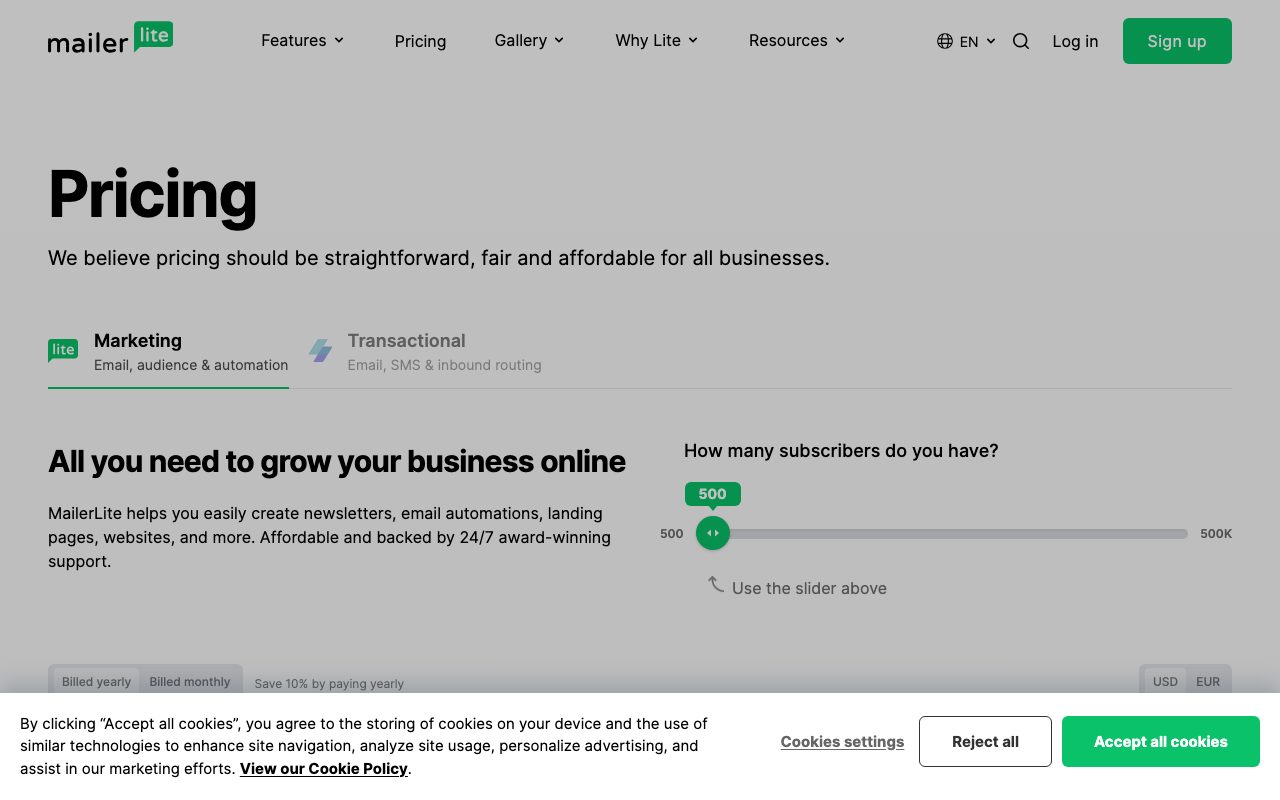
The free tier is generous. You get up to 1,000 subscribers and a healthy monthly send limit. Paid plans scale by subscriber count and unlock features like automations beyond the basics, advanced segmentation, and more.
Compared to MailerLite alternatives, the per-subscriber pricing is on the friendlier end. That's a big reason creators recommend it.
Features that define MailerLite
The drag and drop editor is fast and forgiving. You build emails block by block, set responsive behavior, and preview across clients without leaving the editor. AI assist drafts subject lines and body copy.
Automations cover welcome series, abandoned cart, post-purchase follow ups, and tag based workflows. Logic blocks let you branch on subscriber data. The visual builder is approachable for non-technical users.
Landing pages and websites turn the platform into a small launch suite. You can run a course launch, lead magnet, or product preorder without standing up a separate site builder. Payments integrate through Stripe.
MailerLite is the email tool you pick when you want a fair deal. It rewards small operators with serious features at a sensible price.
Tradeoffs and rough edges
Deliverability is generally good but not bulletproof. Heavy senders sometimes find specialist platforms outperform on inbox placement. Run your own deliverability tests before committing.
Reporting is solid but not as deep as enterprise tools. If you want cohort retention and lifetime value modeling, you'll need to layer in another product.
MailerLite vs alternatives
The usual comparisons are MailerLite versus Mailchimp, ConvertKit, beehiiv, and Brevo. Mailchimp is bigger and pricier. ConvertKit is creator-focused. beehiiv leans into newsletters as a media product. Brevo bundles email with SMS and CRM.
MailerLite's edge is value plus polish. Read MailerLite vs Mailchimp and browse the best email marketing tools.
Common questions about MailerLite
Does MailerLite have a free plan? Yes, up to 1,000 subscribers.
Can MailerLite host paid newsletters? Yes, through subscription products integrated with Stripe.
Is MailerLite good for ecommerce? It supports ecommerce flows and integrates with Shopify, WooCommerce, and others.
Bottom line on MailerLite
MailerLite is the budget-friendly email platform that punches above its price. It's a strong pick for anyone running a small business newsletter. See tools for creators for the rest of the stack.
If you want fair pricing, a clean editor, and enough power to grow into, MailerLite earns the recommend.
MailerLite for creators
Creators use MailerLite to run weekly newsletters, sell digital products, and grow audiences. The paid newsletter feature integrates with Stripe so subscribers can pay directly. That's a real alternative to Substack with more control.
Course creators use MailerLite for student onboarding sequences. A purchase triggers a welcome series, then drips weekly content over the course duration. The automation builder handles this without scripts.
Deliverability tips
Authenticate your sending domain with SPF, DKIM, and DMARC. MailerLite supports the setup, but you have to make the DNS changes. Inbox placement improves materially when authentication is complete.
Warm up new lists slowly. Send to your most engaged subscribers first, then expand. Sudden spikes in volume can land mail in spam folders, regardless of platform.
Tutorial / Demo
Key Features
- Drag-and-drop email and template editor
- Visual automation flows with triggers and waits
- Landing pages, signup forms, and pop-ups
- Digital product and paid newsletter selling
- Generous free tier with monthly send allowance
- Shopify and WooCommerce integrations
Pros & Cons
What we like
- Clean, beginner-friendly interface
- Strong free tier and predictable paid pricing
- Solid deliverability for the price
Room for improvement
- Segmentation and reporting less powerful than premium tools
- Customization of emails can feel constrained at the high end
Frequently Asked Questions
Is MailerLite cheaper than Mailchimp?
What's MailerLite missing compared to bigger ESPs?
Does MailerLite have a landing page builder?
Is MailerLite good for creators and Substack alternatives?
Does MailerLite integrate with Shopify or WordPress?
Best For
Featured in
Tags
Alternatives to MailerLite
Brevo
Marketing platform combining email, SMS, WhatsApp, transactional sending, and a basic CRM under volume-based pricing.

Customer.io
Event-driven messaging platform for product teams that want to send email, push, SMS, and in-app messages from real user behavior.

Substack
Hosted newsletter and publication platform with built-in payments, recommendations, and an audience network for writers.

Buffer
Social media scheduling tool with a clean queue, multi-channel posting, and analytics for small teams and creators.
Our take
Tool Index Editorial · May 2026· 4.8/5
What MailerLite is really selling — beyond the marketing copy — is friendly, affordable email marketing tool with newsletters, automations, landing pages, and a growing creator toolkit.
On the strengths side: Clean, beginner-friendly interface, Strong free tier and predictable paid pricing, and Solid deliverability for the price. What to watch for: Segmentation and reporting less powerful than premium tools and Customization of emails can feel constrained at the high end.
Bottom line: pick MailerLite when you need newsletter sending for creators and bloggers; look elsewhere if segmentation and reporting less powerful than premium tools would be a dealbreaker.
Editorial opinion from the Tool Index team, written from the public product pages. Not a user review.
Reviews (9)
Stuck the landing for our team
First impression of MailerLite was 'huh, this is actually thought through.' What stands out is how clean, beginner-friendly interface. Mostly using it for lead capture with embedded forms and pop-ups. One thing that bugs me: segmentation and reporting less powerful than premium tools.
Pros
- Clean, beginner-friendly interface
- Solid deliverability for the price
Finally something that fits
MailerLite solves a real problem for me, but it's not magic. The biggest win has been clean, beginner-friendly interface. Worth calling out the visual automation flows with triggers and waits too. Found it works best for lead capture with embedded forms and pop-ups.
MailerLite is fine, here's the real take
MailerLite is one of those tools you stop noticing because it just works. Honestly impressed by how clean, beginner-friendly interface. Wish they'd address how segmentation and reporting less powerful than premium tools. Solid pick for my use case, your mileage may vary.
Pros
- Strong free tier and predictable paid pricing
- Clean, beginner-friendly interface
Cons
- Customization of emails can feel constrained at the high end
Solid daily driver
First impression of MailerLite was 'huh, this is actually thought through.' What stands out is how clean, beginner-friendly interface. Drag-and-drop email and template editor works the way you'd hope. Would buy again without thinking twice.
Pros
- Strong free tier and predictable paid pricing
- Clean, beginner-friendly interface
- Solid deliverability for the price
Does the job, doesn't sparkle
Hadn't planned on switching, but MailerLite was hard to ignore. Real selling point: strong free tier and predictable paid pricing. The drag-and-drop email and template editor is more useful than I expected. Main use case: small-store ecommerce automations.
Onboarded the team in a day
MailerLite solves a real problem for me, but it's not magic. The thing I keep coming back to: strong free tier and predictable paid pricing. The visual automation flows with triggers and waits is more useful than I expected. Mostly using it for small-store ecommerce automations. Sticking with MailerLite.
Onboarded the team in a day
Got MailerLite on the recommendation of someone I trust. What stands out is how solid deliverability for the price.
Solid product, even better support
Hadn't planned on switching, but MailerLite was hard to ignore. Genuine strength: clean, beginner-friendly interface. Worth the price for what I get out of it.
Hit the MailerLite sweet spot
First impression of MailerLite was 'huh, this is actually thought through.' The thing I keep coming back to: solid deliverability for the price. Their take on generous free tier with monthly send allowance is solid. Found it works best for lead capture with embedded forms and pop-ups. One thing that bugs me: customization of emails can feel constrained at the high end. Still recommending it to people in similar setups.
Pros
- Solid deliverability for the price
- Strong free tier and predictable paid pricing
Badge builder
Add MailerLite to your website
Choose a badge style and size, preview it here, then copy the generated HTML. Badge images are self-contained SVGs and do not require an external script.

<a href="https://toolindex.net/tools/mailerlite?ref=badge" target="_blank" rel="noopener">
  <img src="https://toolindex.net/badge/mailerlite/medium.svg" alt="MailerLite - Listed on Tool Index" width="180" height="50" />
</a>How to use the badge
- 1. Pick the style, size, and theme that fit your layout.
- 2. Copy the generated HTML from the code block.
- 3. Paste it into your footer, homepage, or press page.
Score badge available
MailerLite qualifies for the score and circle badges based on its current top-10 positionin Communication.
Badge clicks return visitors to this profile with a referral tag so the source remains identifiable.
Related Tools

Apatero AI
The creator studio for AI image, video, audio, 3D, and avatars, now at apatero.ai.

SEObot
Autonomous AI SEO agent that runs your blog and link building on autopilot
Substack
Hosted newsletter and publication platform with built-in payments, recommendations, and an audience network for writers.

Twist
Calmer team messaging where threads replace the firehose of channels
Work on MailerLite? Request listing access or correction