
Customer.io
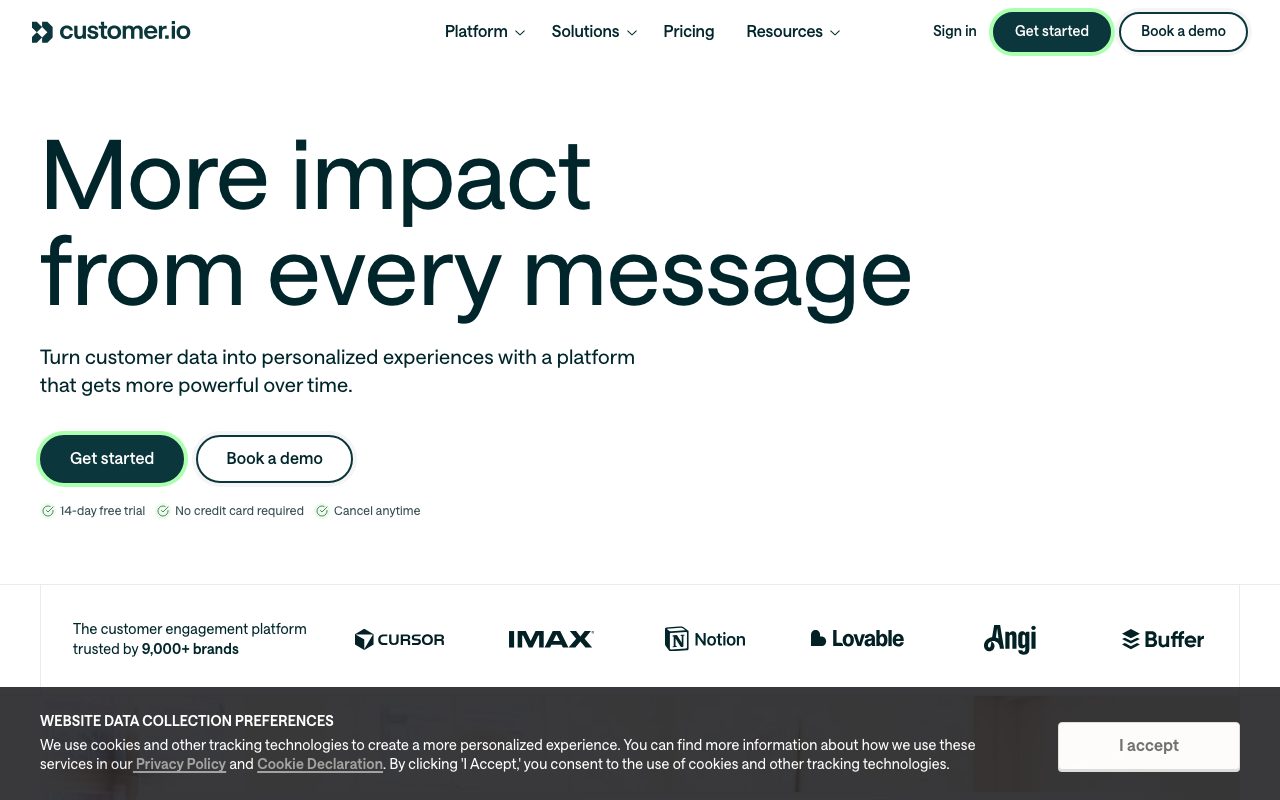
Event-driven messaging platform for product teams that want to send email, push, SMS, and in-app messages from real user behavior.
Gallery
About Customer.io
Customer.io is the messaging platform that grew up around the idea of triggering communications from real product behavior. Not "send to list X on date Y" but "send when a user did Z."
That distinction sounds small. It isn't. Once you've built a lifecycle program around real events, going back to list-based blasts feels like going back to dial-up.
If you've worked with Mailchimp or Klaviyo and outgrown them on the data model side, Customer.io is the upgrade most product teams reach for.
What Customer.io actually does
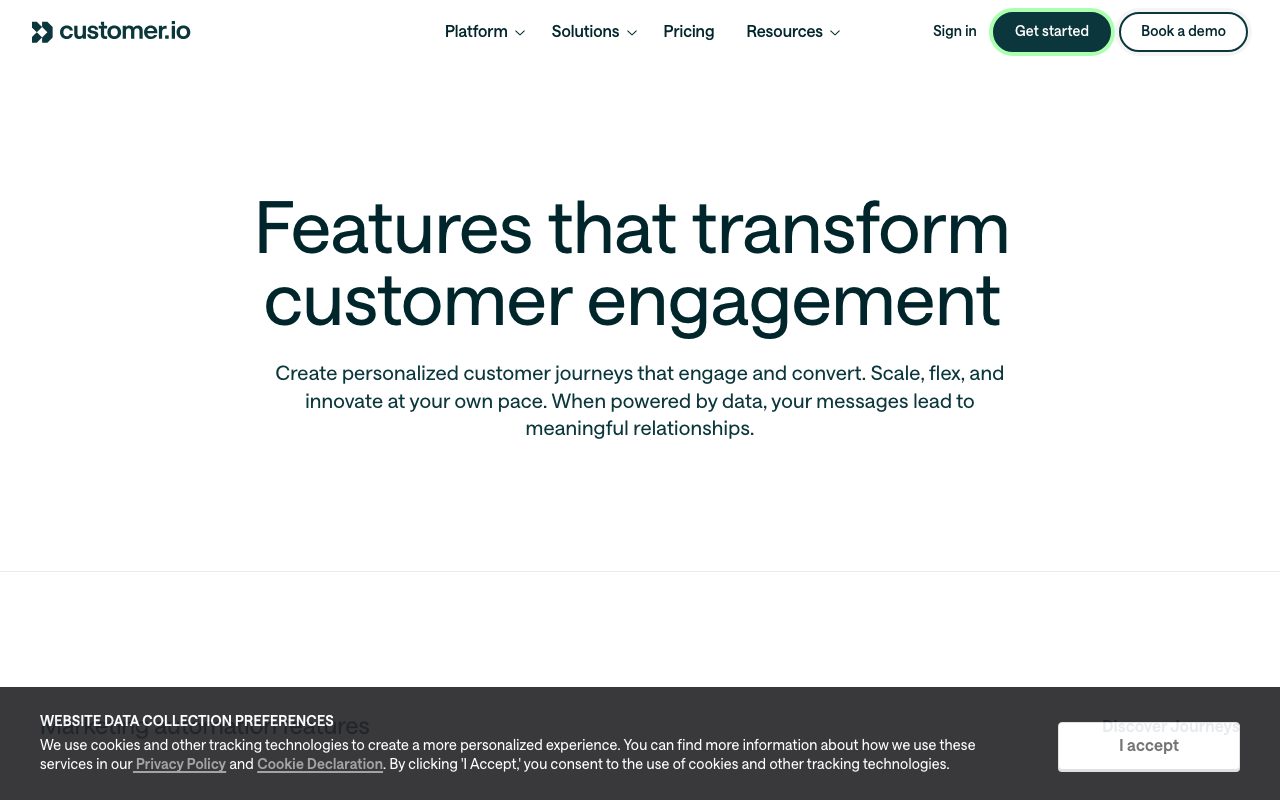
Customer.io ingests events and user attributes from your product, then routes messages across email, SMS, push, in-app, and webhook channels based on rules you define. It's a state machine for messaging.
The campaign builder lets you draw flows: when X happens, wait Y, check Z, send if true, branch if false. It's visual but the underlying logic is rigorous.
Data first, design second
Customer.io expects you to send it real data: pageviews, signups, purchases, feature usage. The richer your event stream, the better your campaigns get. This is product-led messaging, not list-led.
Who Customer.io is for
SaaS product teams running lifecycle messaging. Mobile apps doing onboarding sequences and retention nudges. E-commerce teams that have outgrown rule-based merchandising emails.
It's not the right tool for newsletter publishers or simple content sends. The investment in event design only pays off when you actually have product behavior to react to.
Engineering buy-in matters
To use Customer.io well, your engineers have to instrument events and ship them to the platform. Marketing teams that skip this step end up with the same list-based experience they had before, just at higher cost.
Pricing breakdown
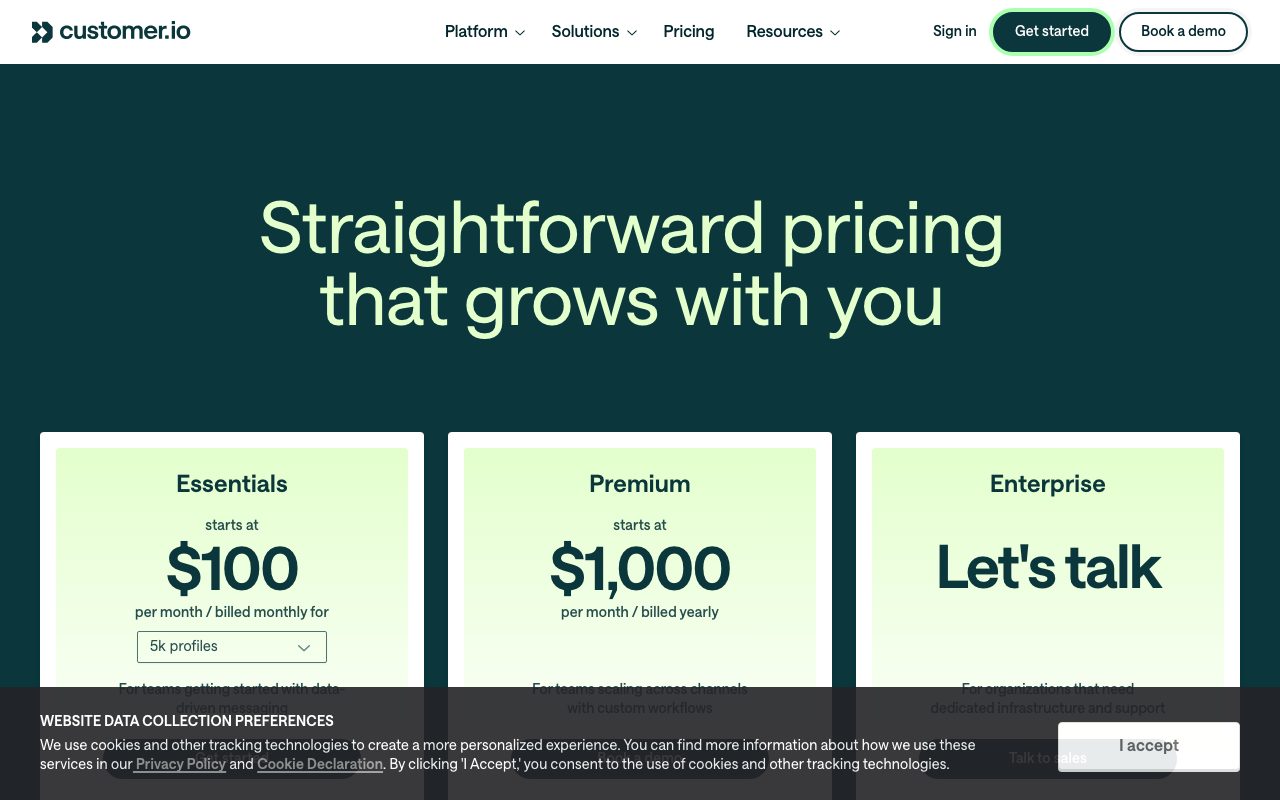
Pricing is based on profile count and message volume. There's a basic tier, a premium tier, and an enterprise tier. The basic tier covers most early-stage SaaS needs.
The cost scales with active users, not list size, which is the right model for product-led businesses. You're not paying for dormant signups.
Where the bill grows
Profile count is the biggest lever. SMS adds carrier fees. Premium and Enterprise unlock things like data warehouse sync, branching workflows, and SLA-backed deliverability.
Standout features of Customer.io
Liquid templating in messages. You can pull any user attribute or event payload directly into the email or SMS, which means deeper personalization without external rendering services.
The campaign builder is the other star. You can draw a flow, branch it on conditions, time it on events, and the platform handles the orchestration. Other tools have similar features but Customer.io's UX is less hostile.
Data Pipelines
The acquisition of Segment-style functionality means Customer.io can now act as a CDP for your messaging. Events come in once, route to multiple destinations.
Honest tradeoffs with Customer.io
The learning curve is real. New users get overwhelmed by the segments, attributes, events, and triggers in week one. Plan a serious onboarding investment.
The drag-and-drop email editor lags behind dedicated marketing tools. Most pro users end up writing HTML or using Mailmodo-style external templates and dropping them in.
Customer.io rewards teams that take their data seriously. If your product events are clean, the messaging tier you build on top is genuinely a competitive advantage.
Customer.io vs alternatives
Customer.io vs Braze: Braze is heavier and more enterprise. Customer.io is more accessible to mid-market product teams.
Customer.io vs Iterable: Iterable is a closer competitor. Both are event-driven. Customer.io tends to be the friendlier onboarding for smaller teams.
Customer.io vs Klaviyo: Klaviyo dominates Shopify e-commerce. Customer.io is broader and works well for SaaS product flows.
For more options, see the best email marketing tools or check Mailchimp alternatives.
When Customer.io wins
You're a SaaS team running lifecycle messaging. You have engineering capacity to instrument events. You want one platform for email, push, and SMS.
Bottom line on Customer.io
Customer.io is the messaging platform you graduate to once you understand that lists are a dead-end and behavior is the right input. It's not the cheapest option but it pays for itself in retention work.
If you're sending newsletters, look elsewhere. If you're running a product that earns money from active usage, this is the kind of tool that compounds. See tools for SaaS teams for related picks.
The mental model shift Customer.io requires
Most marketing tools want you to start with audiences and craft messages. Customer.io wants you to start with events and craft journeys. That's a real shift, and it changes how you brief campaigns.
You're no longer asking "who should I send to?" You're asking "what behavior should trigger this?" The difference compounds over time. Behavior-based programs adapt as the product changes. List-based programs go stale.
Segmentation as a side effect
In Customer.io, segments are computed live from events and attributes. Add a new event today and segments using it update tonight. You don't have to rebuild lists when the product changes.
Customer.io for different team types
SaaS lifecycle teams use it for onboarding flows, feature adoption nudges, and re-engagement. Mobile apps use it for push notifications and in-app messages. Marketplaces use it for two-sided messaging across buyers and sellers.
The unifying thread is product behavior driving messaging. If your app generates rich events, Customer.io can do remarkable things. If it doesn't, instrument first.
Multi-channel orchestration
Email is the obvious channel. Push, SMS, in-app, and webhooks make Customer.io a true cross-channel orchestrator. You can build flows that try email first, fall back to SMS, and notify Slack on failure. The logic lives in one place.
Common Customer.io questions
Does Customer.io replace a CRM? No, it complements one. Can it handle marketing emails too? Yes, but it's optimized for behavioral campaigns over broadcast. Does Customer.io integrate with Segment? Yes, natively.
For more, see tools for lifecycle marketers and Customer.io vs Braze.
Final take on Customer.io
Customer.io is the messaging tool that respects how modern products actually work. The investment is real but the leverage is bigger. For SaaS teams serious about retention, this is the right pick.
Building your first lifecycle program in Customer.io
The instinct is to draft a campaign first. Resist that. The right starting point is your event taxonomy. What does "user signed up" mean? What about "user activated"? What about "user churned"? Define these before you build a single message.
With clean events, your campaigns become trivial. Trigger on signup, branch on activation, send re-engagement on inactivity. Without clean events, every campaign requires custom logic that breaks the next time you change the product.
Liquid templating for personalization
Liquid lets you pull any user attribute or event payload into the message. You can write conditional content that shows different copy based on user state. This is where Customer.io's depth shows up. The templating language is real, not just a toy substitution system.
Customer.io for mobile apps
Push notifications, in-app messages, and SMS all flow through the same orchestration engine as email. You can build cross-channel campaigns that adapt based on which channels the user has opted into. The mobile SDK handles the device-side tracking and message rendering.
For app teams, this consolidation is meaningful. You don't run separate stacks for push and email. One platform, one set of campaign logic, multiple channels.
The data warehouse integration
Customer.io can sync with Snowflake, BigQuery, and other warehouses. This means your messaging campaigns can reference data that lives outside the platform. Customer attributes computed in your warehouse can drive campaign segmentation directly.
For data-mature teams, this closes a long-standing gap. You don't have to choose between rich warehouse data and rich messaging. They can finally talk to each other natively.
Common pitfalls in Customer.io adoption
Sending too many messages because the platform makes it easy. Building complex flows before validating simple ones. Treating Customer.io as just an email tool when its strength is multi-channel orchestration. Skipping the event taxonomy work and ending up with messy data.
Migration from Mailchimp or Klaviyo
If you're moving from list-based tools, expect a fundamental rethink, not a port. Lists become segments. Audiences become events. Blasts become campaigns. The mental model shift takes longer than the technical migration.
Customer.io wrap-up
The platform rewards investment in the data layer more than any other messaging tool. Teams that wire up clean events get exponential returns over the next two years. Teams that hack messages around incomplete data fight the same fires forever.
If you're evaluating Customer.io, run a small but real campaign during the trial. Define one event you care about, instrument it, build a campaign that triggers on it, and see how the orchestration feels in practice. The trial reveals the platform's value better than any demo could.
The pricing climbs as your active user count grows, which is the right shape for a product-led messaging tool. You're paying for engaged users, not dead lists. Plan for the curve and budget accordingly. For SaaS teams serious about lifecycle messaging, Customer.io has earned its position as the category leader for a reason.
Customer.io's value compounds for teams that commit to the data-first model. Each new event you instrument unlocks new campaigns. Each new campaign teaches you something about your users. The platform becomes more valuable the longer you use it, which is the right shape for infrastructure software. For teams in their first month, the value is unclear. For teams in their second year, the value is enormous.
One practical tip: instrument event taxonomy with help from a senior engineer or data person. The cost of getting the taxonomy wrong is high. Renaming events later is painful because campaigns, segments, and reports all reference the old names. Investing the extra hour to get the taxonomy right pays off for years. Treat it like database schema design, because that's effectively what it is.
Tutorial / Demo
Key Features
- Event-driven campaigns from product data
- Email, SMS, push, in-app, and webhook channels
- Visual workflow builder with branches and waits
- Liquid templating for dynamic content
- Segment and CDP integrations
- Goal-based attribution and reporting
Pros & Cons
What we like
- Designed for real product event data, not just lists
- Multi-channel logic lives in a single workflow
- Strong fit for SaaS lifecycle and onboarding
Room for improvement
- Requires solid event tracking before it pays off
- Overkill for teams that only send weekly newsletters
Frequently Asked Questions
What is Customer.io used for?
Is Customer.io free to use?
What are the pros and cons of Customer.io?
Who should use Customer.io?
Best For
Featured in
Tags
Alternatives to Customer.io

Loops
Modern email platform built for SaaS teams, combining transactional, marketing, and lifecycle messages with a clean API.
Crisp
Multichannel customer messaging platform with a generous free tier

Buttondown
Minimalist newsletter tool built for writers who prefer Markdown, plain text, and quietly powerful tooling under the hood.

ActiveCampaign
Email marketing, automation, and CRM in one platform aimed at SMBs that need branching, conditional customer journeys.
Our take
Tool Index Editorial · May 2026· 4.8/5
If you're evaluating Customer.io, the headline is simple: event-driven messaging platform for product teams that want to send email, push, sms, and in-app messages from real user behavior, and most teams will get value out of the box.
Worth highlighting: Designed for real product event data, not just lists, Multi-channel logic lives in a single workflow, and Strong fit for SaaS lifecycle and onboarding. The friction points: Requires solid event tracking before it pays off and Overkill for teams that only send weekly newsletters.
Verdict: Customer.io comfortably earns its spot in the category — a smart default when you need saaS onboarding and trial-to-paid conversion.
Editorial opinion from the Tool Index team, written from the public product pages. Not a user review.
Reviews (7)
Customer.io, better than expected
Two quarters of using Customer.io, here's what holds up. What stands out is how multi-channel logic lives in a single workflow. The visual workflow builder with branches and waits is more useful than I expected. That said, overkill for teams that only send weekly newsletters is a real gripe. Worth the price for what I get out of it.
Pros
- Multi-channel logic lives in a single workflow
It just works
Hadn't planned on switching, but Customer.io was hard to ignore. What stands out is how multi-channel logic lives in a single workflow. Still recommending it to people in similar setups.
Pros
- Designed for real product event data, not just lists
- Strong fit for SaaS lifecycle and onboarding
Cons
- Overkill for teams that only send weekly newsletters
- Requires solid event tracking before it pays off
Customer.io has been a quiet upgrade
Found Customer.io on a Reddit thread, glad I clicked. Genuine strength: multi-channel logic lives in a single workflow. Got real value out of goal-based attribution and reporting.
Pros
- Strong fit for SaaS lifecycle and onboarding
Cons
- Requires solid event tracking before it pays off
- Overkill for teams that only send weekly newsletters
Genuinely impressed
Skeptical at first because Customer.io looked too simple. It's not. The biggest win has been multi-channel logic lives in a single workflow. Their take on segment and CDP integrations is solid. Found it works best for transactional product notifications with marketing logic. Still recommending it to people in similar setups.
Pros
- Strong fit for SaaS lifecycle and onboarding
- Designed for real product event data, not just lists
Genuinely impressed
Found Customer.io on a Reddit thread, glad I clicked. Where it really wins is designed for real product event data, not just lists. Their take on liquid templating for dynamic content is solid.
Pros
- Strong fit for SaaS lifecycle and onboarding
- Designed for real product event data, not just lists
Customer.io, better than expected
The pitch for Customer.io sounded too good to be true. Mostly true. Genuine strength: multi-channel logic lives in a single workflow. Event-driven campaigns from product data works the way you'd hope. Worth the price for what I get out of it.
Solid product, even better support
Tried Customer.io on a side project first. The biggest win has been strong fit for SaaS lifecycle and onboarding. The visual workflow builder with branches and waits is more useful than I expected. Easy yes for anyone weighing the same trade-offs.
Pros
- Designed for real product event data, not just lists
- Strong fit for SaaS lifecycle and onboarding
Badge builder
Add Customer.io to your website
Choose a badge style and size, preview it here, then copy the generated HTML. Badge images are self-contained SVGs and do not require an external script.

<a href="https://toolindex.net/tools/customer-io?ref=badge" target="_blank" rel="noopener">
  <img src="https://toolindex.net/badge/customer-io/medium.svg" alt="Customer.io - Listed on Tool Index" width="180" height="50" />
</a>How to use the badge
- 1. Pick the style, size, and theme that fit your layout.
- 2. Copy the generated HTML from the code block.
- 3. Paste it into your footer, homepage, or press page.
Score badge available
Customer.io qualifies for the score and circle badges based on its current top-10 positionin Communication.
Badge clicks return visitors to this profile with a referral tag so the source remains identifiable.
Related Tools

Kevin Gabeci
Solo developer building web apps, cozy browser games, and AI creator toolkits.

Coolify
Self-hostable, open source alternative to Heroku and Netlify

Apatero AI
The creator studio for AI image, video, audio, 3D, and avatars, now at apatero.ai.

Warp
The modern terminal reimagined with AI and collaboration
Work on Customer.io? Request listing access or correction