
Trieste
Manage projects, code, documents, and multiple local AI agents in one desktop app
Gallery
About Trieste
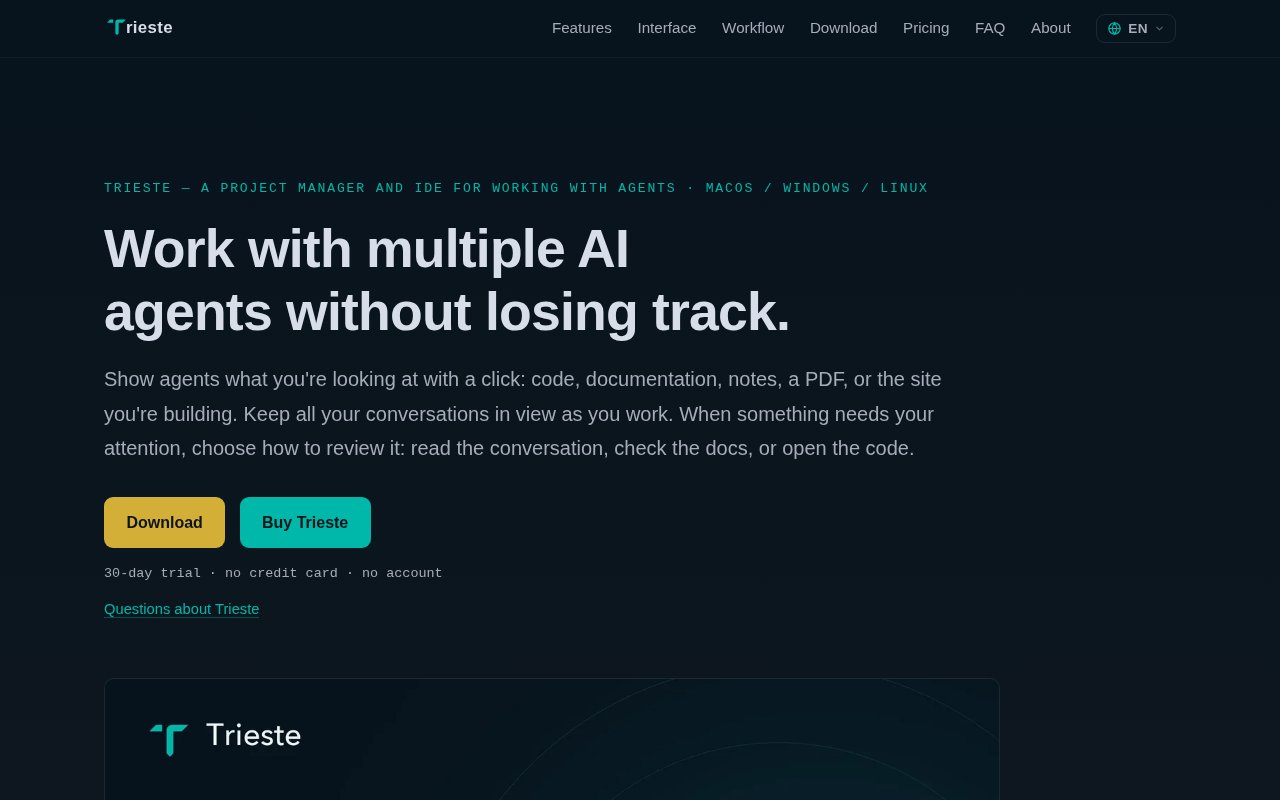
Trieste is a desktop project manager and IDE designed for people who work with several coding agents at once. It brings locally installed Claude Code, Codex, OpenCode, and Antigravity command line tools into a shared interface with source files, documentation, notes, a terminal, and a browser. The practical problem it tackles is attention. When multiple agents are running, it can be hard to remember which conversation is waiting, where a decision was made, and what code changed. Trieste gives every project a row of colored conversation indicators that show whether an agent is working, waiting for a reply, holding an unread result, or reporting an error. It also tracks a configurable time window and approximate context use. Messages sent while an agent is working are queued, and Trieste keeps a searchable archive of conversations started in the app. Closing one doesn't erase its work, so a developer can resume the thread later.
The app makes references a central part of agent communication. A user can middle-click a line of code, search result, PDF passage, spreadsheet cell, terminal line, note, or excerpt from another conversation, then Trieste adds the relevant location and quoted text to a draft message. The same approach works in the built-in browser for a site under development when the optional project plugin can map page elements back to source. This reduces the manual work of copying file paths and describing what is on screen. Agents can also use Trieste's built-in MCP tools to open a file in a highlighted tab, read another agent's conversation, or send information to one another. Those cross-agent permissions can be disabled in settings when a project needs stricter separation.
Trieste keeps review close to the agent conversation. Automatic file display can open every edited file in a green tab with recent changes highlighted, while the project tree colors files and folders according to how much changed since the latest commit. A comparison view includes untracked files but excludes Git ignored files. For independent tasks, several agents can work inside the same project. When changes could overlap, a right-click can create a Git worktree as a separate project with its own agents and review surface, then merge it back after the work is committed. The app doesn't decide how tasks should be divided or resolve merge conflicts for the user, but it makes both shared and isolated workflows visible in one place.
Beyond source code, Trieste can read rendered Markdown, PDFs, spreadsheets, SQLite databases, images, and web pages. Text, code, and Markdown remain editable, while binary workbooks, databases, PDFs, images, and sites are read-only. Each project also gets a terminal, a notes graph, syntax highlighting for about 55 languages, and optional local voice dictation through whisper.cpp. The built-in browser lets users choose no agent access, read-only access, or permission to interact for each tab. A phone can read conversations, dictate or send messages, and answer permission prompts over the local network. Internet access from the phone isn't direct, so remote use outside that network requires the user to configure Tailscale.
This is a good fit for developers who already have supported agent CLIs installed and want more control than a stack of separate terminals and editor windows. It is particularly relevant when code, specs, research, and multiple conversations need to stay visible together. It doesn't replace the provider accounts or usage plans behind those CLIs, and compatibility can trail a major provider change until Trieste releases an update. Platform support is also specific. It runs on Apple silicon Macs with macOS 13 or later, x64 Windows systems tested on Windows 11, and x64 Linux through deb and rpm packages tested on Ubuntu and Fedora. The interface is available in English, French, and Spanish.
Trieste is paid software with a complete 30 day trial that requires no account, credit card, or sign-in. A personal license costs €79 plus tax as a one-time purchase, covers use on one machine at a time across the supported operating systems, and includes versions released during the following year. The user can keep using eligible versions indefinitely. An optional additional year of updates currently costs €49, with no automatic renewal. After the trial, an unlicensed copy remains able to read, copy, and export content, but editing, agents, and the browser are disabled. Trieste says projects and conversations don't go to its license servers, although content shared with an agent can still go directly to that agent provider under its own privacy policy.
Key Features
- Multi-agent conversation status tracking
- Click-to-reference project context
- Agent-guided code review
- Integrated Git worktree workflow
- Built-in browser and terminal
- Local voice dictation
Pros & Cons
What we like
- Keeps multiple agent conversations visible
- Points agents to exact project passages
- Supports Mac, Windows, and Linux
- One-time license has no subscription
Room for improvement
- Requires separately installed agent CLIs
- Provider subscriptions remain separate
- Mac support is Apple silicon only
- Remote phone access needs Tailscale
Frequently Asked Questions
What is Trieste?
Which agents does Trieste support?
How much does Trieste cost?
Does Trieste upload projects to its servers?
Best For
Featured in
Alternatives to Trieste
View allCursor
VS Code fork built around an AI pair-programmer

Replit
Browser IDE plus Replit Agent that builds and deploys apps from a prompt
Windsurf
Codeium's AI editor with Cascade agent and deep IDE integration

Vibe Built
Building real apps with agentic AI. What worked, what broke, what shipped.
Reviews (0)
Badge builder
Add Trieste to your website
Choose a badge style and size, preview it here, then copy the generated HTML. Badge images are self-contained SVGs and do not require an external script.

<a href="https://toolindex.net/tools/trieste?ref=badge" target="_blank" rel="noopener">
  <img src="https://toolindex.net/badge/trieste/medium.svg" alt="Trieste - Listed on Tool Index" width="180" height="50" />
</a>How to use the badge
- 1. Pick the style, size, and theme that fit your layout.
- 2. Copy the generated HTML from the code block.
- 3. Paste it into your footer, homepage, or press page.
Standard badge available
The standard listing badge is available now. Score and circle badges are limited to tools currently ranked in the top 10 of a category.
Badge clicks return visitors to this profile with a referral tag so the source remains identifiable.
Related Tools

Bolt.new
Prompt-to-deployed full-stack app inside the browser

Tabnine
Privacy-first enterprise AI code assistant you control, with SaaS, VPC, on-prem, or fully air-gapped deployment
Cursor
VS Code fork built around an AI pair-programmer

Skeezo
Agent-native macOS IDE for coordinating Claude Code and AI agents
Work on Trieste? Request listing access or correction