
WebMotion
Browser-native library for deterministic video composition and export
Gallery
About WebMotion
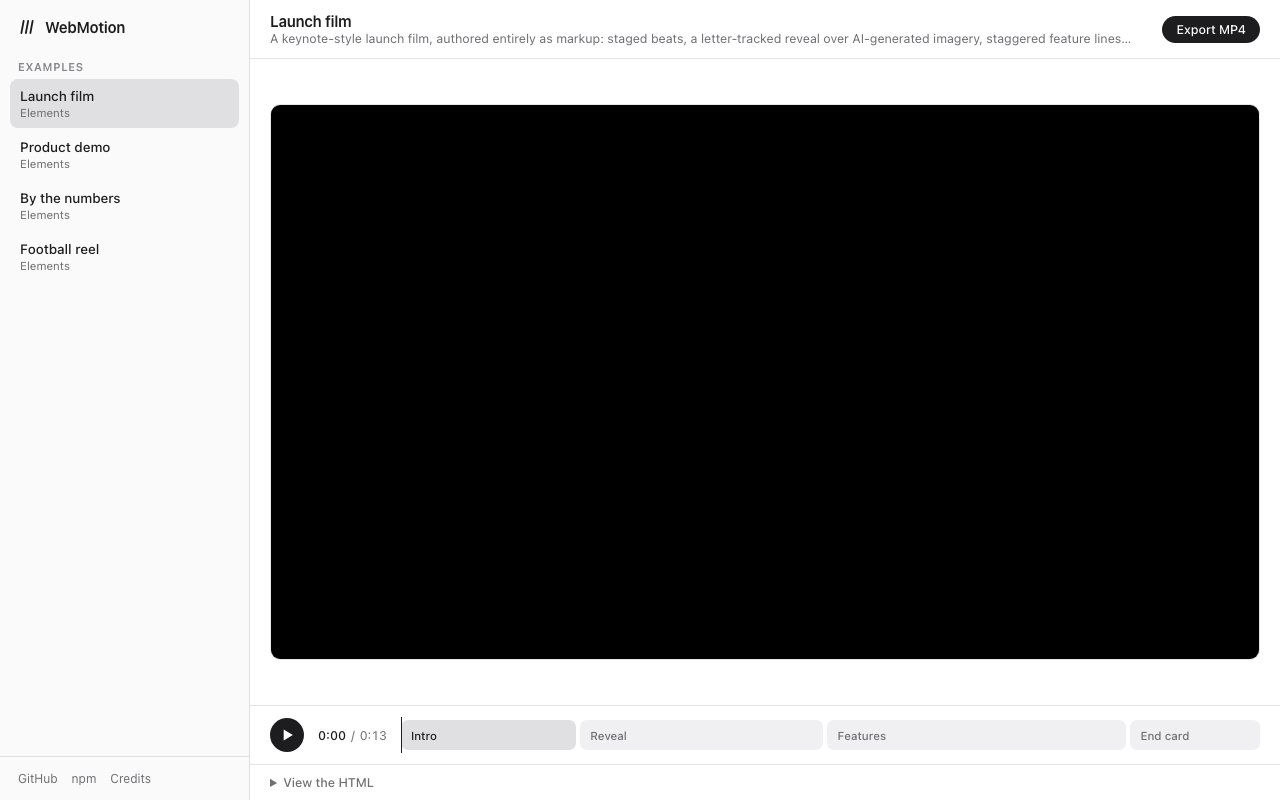
WebMotion is a browser-native library for composing and exporting video, built by SuperHQ AI and published on npm as @superhq/webmotion. It positions itself as a client-side alternative to Remotion, and the distinction it cares about is infrastructure. There's no headless Chrome, no FFmpeg, and no render farm behind it. Composition and export both happen in the browser the user already has open.
The design rests on one rule that the docs state plainly, which is that everything visible is a pure function of the current frame. That sounds academic until you've debugged the alternative. If a scene's appearance depends on animation state that accumulated over time, then jumping to frame 900 gives you something different from playing through to frame 900, and preview stops matching export. By forcing every frame to be derivable from the frame number alone, WebMotion makes seeking deterministic, which in turn makes rendering frame-accurate, cacheable, and identical whether a frame is drawn first or last. It also means frames can be rendered out of order, or in parallel, with no risk of drift, since none of them depend on the ones that came before.
There are two ways to author a scene, and they suit different people. The HTML approach imports the elements entry once, after which the scene is just markup built from custom web components like w-composition, w-animate, and w-sequence, with w-for handling templated repetition driven by JSON data. That last piece matters for anyone generating many variations of one video from a data source. The TypeScript approach is programmatic instead, with component-based rendering through renderFrame functions drawing to canvas. You can reach for the markup when a scene is mostly layout and the code when it's mostly logic. Having both is more useful than it first appears, because a designer can read and edit the markup version without touching a build step, while the programmatic version handles the cases where a scene is really just a function of data.
Export runs through WebCodecs, encoding MP4 entirely client-side. Alongside that you get a live preview with a zoomable timeline, an audio timeline, animation definitions, and motion scoping. Getting started is a scaffold command, npx degit superhq-ai/webmotion/template my-video, which drops a Vite template with live preview and one-click export already wired. The practical consequence of the whole architecture is that a video tool built on WebMotion can run with no server-side rendering cost, because the viewer's machine does the encoding. That quietly changes the economics of anything that renders video per user. A hosted product normally has to price GPU minutes into every single export, and here that line item sits at zero no matter how many videos get made.
The tradeoff is honest and worth stating up front. WebMotion needs a Chromium-based browser with WebCodecs H.264 support and OffscreenCanvas, so Safari and Firefox users aren't served today. It also leans on an html-in-canvas polyfill that tracks WICG proposals, which means part of the foundation is standards work still in progress. Anyone shipping to a general consumer audience will need a fallback. Anyone building an internal tool, a creator product, or something where they control the browser will find the constraint easy to live with. It's also a constraint that should soften over time as WebCodecs support widens across engines.
There's also an installable agent skill in the repository at skills/webmotion, which teaches coding agents to author scenes and works with Claude Code, Cursor, Copilot, and more than fifteen other platforms. That's a deliberate bet on where video tooling is heading, since programmatic video is one of the things language models are genuinely good at once they know the API. Being able to describe a scene and have an agent write a correct composition is a reasonable use of the format. The determinism helps there too, since a scene that's a pure function of the frame is far easier for a model to reason about than one assembled from imperative animation calls that mutate state over time.
WebMotion is open source under the MIT license, with the HTML rasterizer derived from MIT-licensed work by repalash, and it's free to install from npm with live demos at superhq-ai.github.io/webmotion. It's early, with 3 stars and 47 commits on GitHub at the time of writing, so anyone adopting it is adopting a young library rather than a settled one. One point of clarification worth making is that superhq.ai, the parent site, hosts a different SuperHQ product entirely, namely a macOS desktop app for running AI coding agents in isolated microVMs under AGPL-3.0. WebMotion is a separate MIT-licensed library from the same team, and it's the thing at this URL.
Key Features
- Deterministic frame-pure rendering model
- Client-side MP4 export via WebCodecs
- HTML custom elements authoring mode
- TypeScript renderFrame programmatic API
- Live preview with zoomable timeline
- Installable coding agent skill
Pros & Cons
What we like
- No headless Chrome, FFmpeg, or render farm needed
- Preview and export match exactly because frames are pure functions
- MIT licensed and free to install from npm
- Ships an agent skill so coding assistants can author scenes
Room for improvement
- Needs a Chromium browser with WebCodecs H.264 and OffscreenCanvas
- Relies on an html-in-canvas polyfill tracking in-progress standards
- Very young project with few stars and a small community
- Requires technical setup rather than a visual editor
Frequently Asked Questions
What is WebMotion?
Is WebMotion free?
What does deterministic composition actually mean here?
What are the browser requirements?
Best For
Featured in
Alternatives to WebMotion
View all
1Lookup
Real-time data verification API for phone, email, IP, and domain validation to fight fraud

Kevin Gabeci
Solo developer building web apps, cozy browser games, and AI creator toolkits.

Codedex
A gamified, story-driven platform that teaches Python, web dev, and more like an RPG quest
Hack2hire
Practice real SDE interview questions from top tech companies with expert worked solutions
Reviews (10)
Decent with some rough edges
Started using WebMotion casually, now it is pinned in my dock. What stands out is how it handles mit licensed and free to install from npm. Found it works best for generating many video variants from json data. My only gripe is needs a chromium browser with webcodecs h.264 and offscreencanvas. Easy yes for anyone weighing the same trade offs.
Finally something that fits
Started using WebMotion casually, now it is pinned in my dock. Their take on no headless chrome, ffmpeg, or render farm needed is genuinely good. The thing I keep coming back to is how reliable it is. Found it works best for rendering videos client-side with no server cost. Easy yes for anyone weighing the same trade offs.
Two months in, no regrets
WebMotion has quietly become part of my daily flow. It does what it says, which is rarer than it should be. Mostly using it for generating many video variants from json data. Hard to imagine going back to my old setup.
It just works
Tried WebMotion on a side project first, then rolled it out everywhere. Their take on html custom elements authoring mode is genuinely good. Glad I made the switch.
Quietly excellent
Three months of WebMotion later, here is what holds up. Got real value out of no headless chrome, ffmpeg, or render farm needed. Worth it for what I get out of it.
Two months in, no regrets
Came to WebMotion after getting frustrated with what I had before. Got real value out of live preview with zoomable timeline. Worth it for what I get out of it.
Two months in, no regrets
Hadn't planned on switching, but WebMotion was hard to ignore. The thing I keep coming back to is how reliable it is. Found it works best for letting a coding agent author video scenes.
Recommended without reservation
Three months of WebMotion later, here is what holds up. Support actually answered when I had a question, which surprised me. Setup was painless and I was productive the same day. Found it works best for adding video export to a web app.
Quietly excellent
Came to WebMotion after getting frustrated with what I had before. The core workflow is smooth once you are set up. Recommending it to people in a similar spot.
It just works
Found WebMotion on a Show HN thread and I am glad I clicked. Got real value out of no headless chrome, ffmpeg, or render farm needed. Mostly using it for letting a coding agent author video scenes. Would sign up again without thinking twice.
Badge builder
Add WebMotion to your website
Choose a badge style and size, preview it here, then copy the generated HTML. Badge images are self-contained SVGs and do not require an external script.

<a href="https://toolindex.net/tools/webmotion?ref=badge" target="_blank" rel="noopener">
  <img src="https://toolindex.net/badge/webmotion/medium.svg" alt="WebMotion - Listed on Tool Index" width="180" height="50" />
</a>How to use the badge
- 1. Pick the style, size, and theme that fit your layout.
- 2. Copy the generated HTML from the code block.
- 3. Paste it into your footer, homepage, or press page.
Standard badge available
The standard listing badge is available now. Score and circle badges are limited to tools currently ranked in the top 10 of a category.
Badge clicks return visitors to this profile with a referral tag so the source remains identifiable.
Related Tools
Kevin Gabeci
Solo developer building web apps, cozy browser games, and AI creator toolkits.

Coolify
Self-hostable, open source alternative to Heroku and Netlify

Warp
The modern terminal reimagined with AI and collaboration

Bolt.new
Prompt-to-deployed full-stack app inside the browser
Work on WebMotion? Request listing access or correction