
AutoSprite
AI spritesheet generator that turns a character image into game-ready animations
Gallery
About AutoSprite
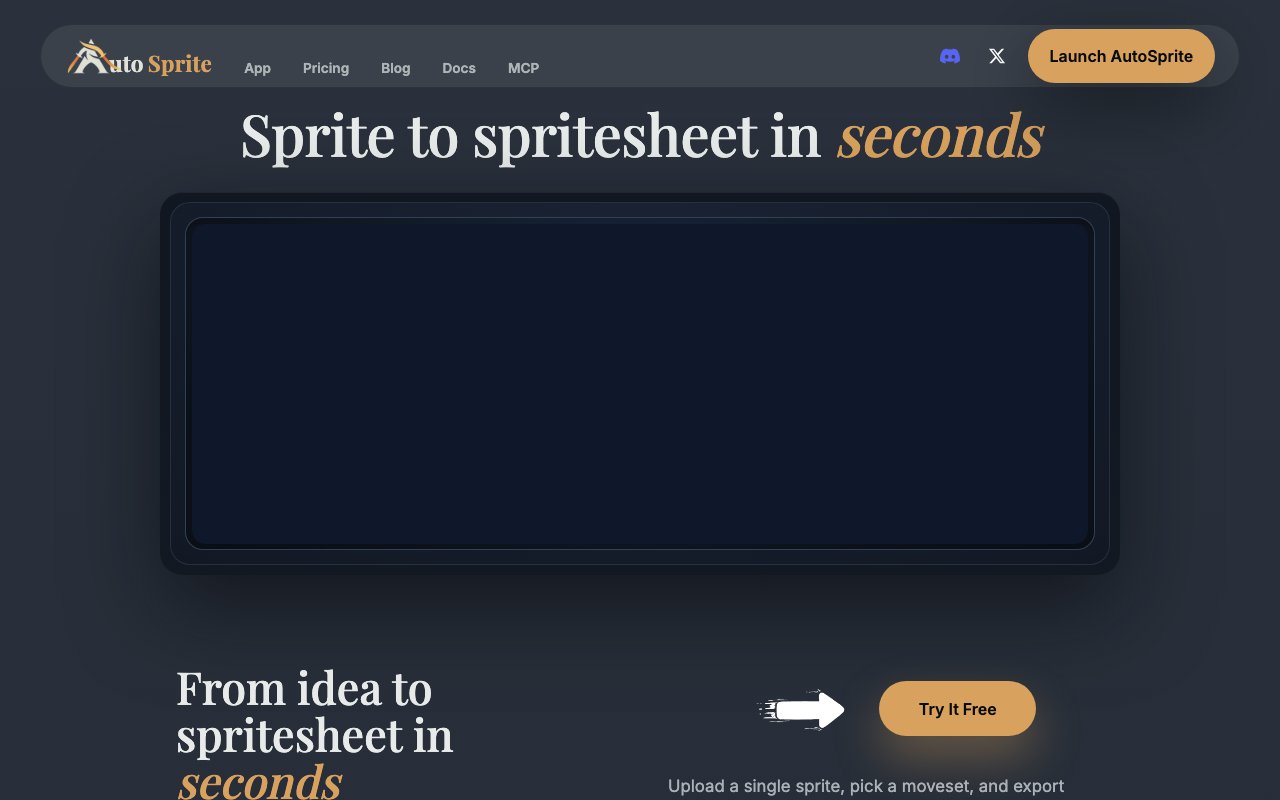
AutoSprite is an AI tool that turns a single character image into a complete, game-ready sprite sheet. You upload the artwork once, choose the moves you need, and the tool assembles the animation frames and packs them into a sheet for you, which removes the slow manual grind of drawing, trimming, and arranging each individual pose by hand.
For a solo developer or a small studio, character animation is one of the biggest time sinks in all of 2D game art. Even when you already have a strong base sprite, producing a full set of actions like an idle, a walk, a run, a jump, and an attack means a great deal of repetitive frame work before anything actually moves on screen. AutoSprite compresses that entire stage into picking the animations you want and letting the model generate the frames, so you reach a moving character far sooner.
The workflow itself is deliberately simple. You upload a character or start from one of the presets, choose the movements you need from the available set, and then preview the result right in the browser with gamepad-style controls so you can watch the animation play in real time. From there you can adjust frame rates, loop points, and timing for each movement individually, tuning exactly how every action reads before you ever commit to an export.
The set of moves covers the staples a 2D character needs, things like idle, walk, run, jump, and attack, and the paid tiers open up custom movesets so you are not boxed into a fixed list. Because you choose which animations to generate rather than getting a rigid template, you can build out exactly the moveset your game design calls for and come back later to add more as the character grows.
The real-time preview is more useful than it sounds, because animation lives or dies on timing. Being able to nudge a frame rate, shorten a loop, or adjust where an action repeats and see the result immediately means you catch a floaty jump or a stuttering run right away rather than after a round trip through an engine. That tight loop is what turns raw generated frames into motion that actually feels good in a game.
Export is built around what game engines genuinely expect rather than a generic image dump. AutoSprite outputs a PNG sprite sheet together with atlas metadata, and the formats are made to drop cleanly into Unity, Godot, GameMaker, Phaser, Astrocade, and RPG Maker. That means you skip the fiddly manual trimming, padding, renaming, and frame slicing that normally stands between a raw sheet and something an engine can actually read and animate.
For anyone producing more than a single one-off character, the timing and export settings can be saved as reusable presets and shared across a team, so a consistent look and cadence carries from one character to the next instead of being re-tuned each time. The higher tiers add API and MCP access on top of that, which lets the generation slot into an automated asset pipeline rather than running only through the web interface, a real help once you are churning out characters at volume.
The natural fit is indie game developers and small studios at any skill level who want their animation done faster and would rather pour their limited time into design and gameplay than into frame-by-frame sprite work. It is especially handy during prototyping, where getting a character up and moving quickly matters far more than hand-crafting every pixel, though it is worth being honest that the quality of the input art still shapes how good the generated frames look.
On pricing, AutoSprite starts genuinely free. The no-cost tier gives you daily credits, basic animations, PNG and atlas export, and community support, which is enough to try it on a real prototype. The paid plans then run on a credit-based subscription, with a Starter tier at 12 dollars a month that covers roughly a hundred sheets, and a Pro tier at 29 dollars a month for around three hundred sheets plus API access, MCP access, and custom movesets.
What separates AutoSprite from a general AI image generator is that it speaks the language of game engines. A generic model can draw a character in a new pose, but it will not slice, pad, and pack those poses into a clean sheet with atlas coordinates that Unity or Godot can import without fuss. AutoSprite is tuned for that final mile, which is usually where the tedious, unglamorous hours quietly disappear.
For larger needs there is an enterprise option with dedicated support, custom integrations, and team management tools, arranged through direct contact rather than self-serve checkout. General questions can go to the published address at hello@autosprite.io, which makes it easy to reach the team before committing if you want to check whether it fits your specific engine and art style.
Key Features
- AI spritesheet generation from an image
- In-browser real-time animation preview
- Per-move frame rate and loop control
- PNG sheet with atlas metadata
- Exports for Unity, Godot, and GameMaker
- Reusable, shareable timing presets
Pros & Cons
What we like
- Skips manual trimming and frame slicing
- Free tier with daily credits to start
- Exports fit common game engines
- Real-time preview before exporting
Room for improvement
- Paid credits needed for heavier use
- Output quality depends on the input art
- Credit-based limits on the free tier
- API and MCP access only on Pro
Frequently Asked Questions
What is AutoSprite?
Is AutoSprite free?
Which game engines does it support?
Who is AutoSprite for?
Best For
Featured in
Alternatives to AutoSprite



Reviews (12)
Recommended without reservation
Tried AutoSprite on a side project first, then rolled it out everywhere. Setup was painless and I was productive the same day. It earns its place in my stack.
It just works
AutoSprite solves a real problem for me without making a fuss about it. What stands out is how it handles exports for unity, godot, and gamemaker. Hard to imagine going back to my old setup.
Exactly what I needed
Have been running AutoSprite for a while, here is where I land. Got real value out of ai spritesheet generation from an image. Found it works best for generating a walk cycle from one image. No regrets so far.
Solid daily driver
Picked AutoSprite for the price, stayed for the quality. The per-move frame rate and loop control is more useful than I expected. The thing I keep coming back to is how reliable it is. It fits well for filling out a character's moveset quickly. It earns its place in my stack.
Exactly what I needed
Have been running AutoSprite for a while, here is where I land. Where it really wins is per-move frame rate and loop control. Support actually answered when I had a question, which surprised me. Easy yes for anyone weighing the same trade offs.
Exactly what I needed
Started using AutoSprite casually, now it is pinned in my dock. It slotted into my routine without much fuss. Worth it for what I get out of it.
Pulled its weight from week one
Tried AutoSprite on a side project first, then rolled it out everywhere. What stands out is how it handles exports for unity, godot, and gamemaker. It handles the boring parts so I can focus on the work that matters. Easy yes for anyone weighing the same trade offs.
Exactly what I needed
Tried AutoSprite on a side project first, then rolled it out everywhere. It has shaved real time off my week. It fits well for generating a walk cycle from one image. It earns its place in my stack.
Genuinely impressed
Have been running AutoSprite for a while, here is where I land. The real-time preview before exporting is more useful than I expected. The defaults are sensible, so I was not fighting settings on day one. Found it works best for generating a walk cycle from one image. It earns its place in my stack.
Pulled its weight from week one
Three months of AutoSprite later, here is what holds up. The ai spritesheet generation from an image is more useful than I expected. It fits well for filling out a character's moveset quickly.
Quietly excellent
Found AutoSprite on a Show HN thread and I am glad I clicked. Where it really wins is in-browser real-time animation preview. It fits well for generating a walk cycle from one image. Worth it for what I get out of it.
Exactly what I needed
AutoSprite solves a real problem for me without making a fuss about it. The thing I keep coming back to is how reliable it is. The core workflow is smooth once you are set up. It fits well for generating a walk cycle from one image. It earns its place in my stack.
Badge builder
Add AutoSprite to your website
Choose a badge style and size, preview it here, then copy the generated HTML. Badge images are self-contained SVGs and do not require an external script.

<a href="https://toolindex.net/tools/autosprite?ref=badge" target="_blank" rel="noopener">
  <img src="https://toolindex.net/badge/autosprite/medium.svg" alt="AutoSprite - Listed on Tool Index" width="180" height="50" />
</a>How to use the badge
- 1. Pick the style, size, and theme that fit your layout.
- 2. Copy the generated HTML from the code block.
- 3. Paste it into your footer, homepage, or press page.
Standard badge available
The standard listing badge is available now. Score and circle badges are limited to tools currently ranked in the top 10 of a category.
Badge clicks return visitors to this profile with a referral tag so the source remains identifiable.
Related Tools

HairstylesPro
Try hundreds of hairstyles on your own photo before you commit to a cut

Recraft
AI image generator built around vector output and brand styles

AIMakeTattoo
Turn text descriptions into visual tattoo concepts with style and placement options
Flux by Black Forest Labs
Open and hosted image models that power half the AI art stack
Work on AutoSprite? Request listing access or correction