ClickHouse
Columnar OLAP database that runs analytical queries on billions of rows in seconds, available open source and as a managed cloud.
Gallery
About ClickHouse
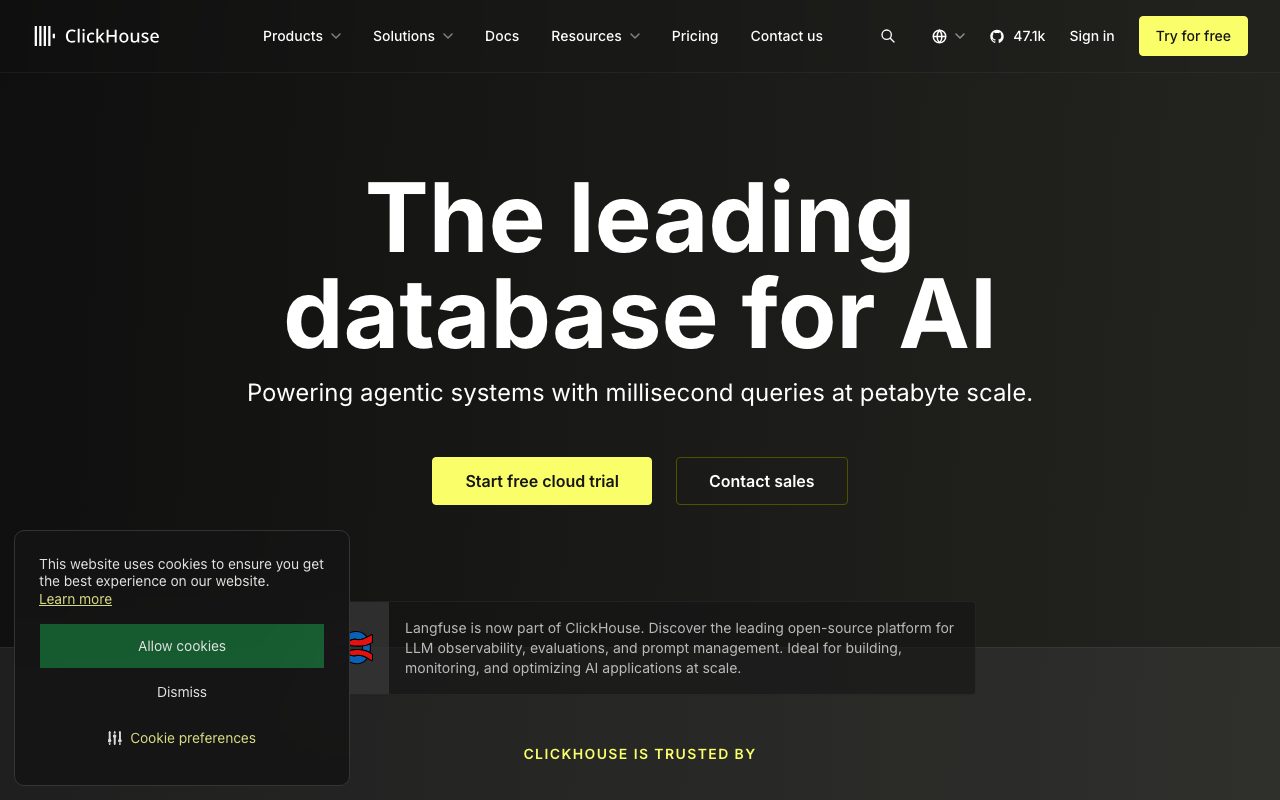
ClickHouse is the analytical database that turns "we should query that later" into "we already queried that, twice." It is a column-oriented OLAP engine designed for fast aggregations over huge tables. ClickHouse runs on a laptop and runs at petabyte scale, with the same SQL.
If you have ever waited a minute for a SUM on a table Postgres could not handle, ClickHouse is the relief. It was open-sourced by Yandex and is now backed by ClickHouse Inc, which offers a managed cloud version on top of the open-source core.
Two notes up front. ClickHouse is not a transactional database. Do not put your user accounts in it.
What ClickHouse is built for
ClickHouse is a column store, which means it reads only the columns you query. On a wide event table with two hundred columns, asking for three of them is, in real terms, basically free. Compression on each column is also dramatically better than row-oriented engines, which keeps your storage bill in line.
It is built for analytical workloads: dashboards, time-series queries, ad-hoc analysis, log search at scale, and event analytics. Ingest is append-friendly with high throughput. Updates and deletes exist but are not the happy path.
The engine ships dozens of MergeTree variants for different patterns, ReplacingMergeTree for upserts, AggregatingMergeTree for pre-aggregated rollups, ReplicatedMergeTree for high availability. The vocabulary takes a week to absorb and pays back forever.
Who ClickHouse is for
Data engineers and platform teams pick ClickHouse when Postgres or MySQL stops keeping up with reporting queries. Product analytics teams pick it for self-hosted Mixpanel-style stacks. Observability teams pick it under custom log search and metrics platforms.
It also fits embedded analytics. If you serve customer-facing dashboards that have to load in under a second over millions of rows, ClickHouse is a top three pick. The latency budget on a customer dashboard is brutal, and the engine respects that.
Pricing
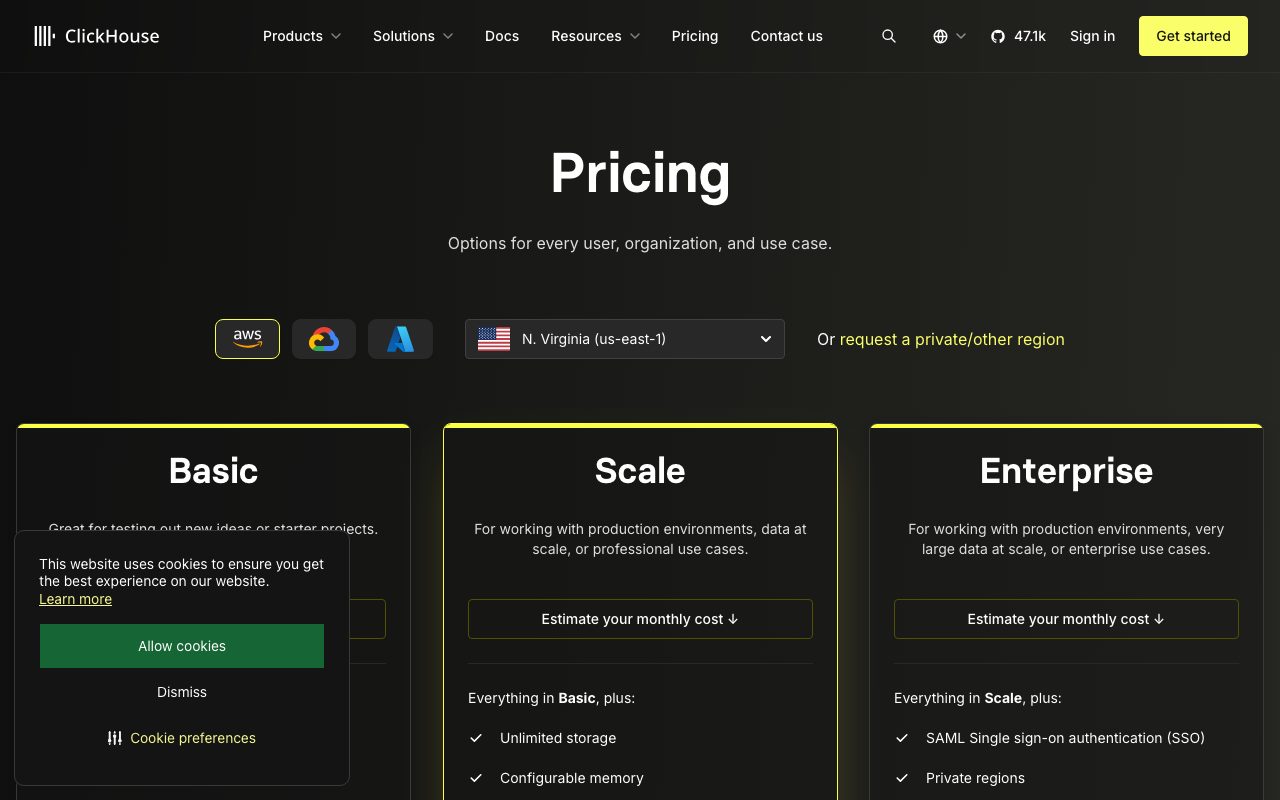
The open-source engine is Apache 2.0 licensed, free to run on your own hardware. ClickHouse Cloud is the managed version, billed by compute and storage, with a free trial.
Self-hosting is genuinely viable; some of the largest deployments in the world are on bare metal. The Cloud tier is the right call if you do not want to operate the cluster, especially with replication and zero-downtime upgrades.
Features worth highlighting
The query language is SQL with extensions. Window functions, arrays, nested types, and dozens of aggregation functions. Once you discover quantileTDigest, you will use it in every dashboard.
Materialized views in ClickHouse are aggressive and useful. They run on insert and roll data forward into pre-aggregated tables, which makes some "live" dashboards feel cached when they are actually fresh.
Storage policies let you tier data across hot SSD and cold S3-compatible object storage. Old log data lives on cheap blob storage, recent data lives on local NVMe, and queries span both.
Replication, sharding, and the new ClickHouse Keeper component handle high availability without ZooKeeper if you do not want to run it. The cluster topology is real distributed systems work; you should plan for it.
Tradeoffs
Updates and deletes are slow and meant to be rare. If your workload is OLTP-flavored with frequent row-level mutations, ClickHouse is not your tool. Use Postgres for transactional, ClickHouse for analytical, and replicate between them.
Joins improved a lot in recent versions but are still less flexible than Postgres. Wide denormalized tables remain the happiest pattern. If your data model resists denormalization, plan accordingly.
Operational complexity at scale is real. Sharding strategy, replication lag, mutation queues, dictionary updates, all of it requires thinking. The Cloud version exists exactly because most teams underestimate this.
If you are reading this article and your dashboard is slow, ClickHouse is probably what you want under it. The bigger your data, the more obvious that becomes.
ClickHouse vs alternatives
Versus Snowflake and BigQuery, ClickHouse is faster on most analytical queries per dollar and cheaper at sustained load, but the warehouses ship more managed niceties and broader ecosystem tools. If your team lives in the warehouse, switching is a project. If you are building from scratch, ClickHouse deserves the seat at the table.
Versus Druid and Pinot, ClickHouse has stronger SQL, simpler operations, and a faster ingest path for most patterns. Druid still wins on certain real-time rollup scenarios.
Versus DuckDB, ClickHouse is the distributed answer; DuckDB is the local, single-node answer. They are friends, not rivals.
See best analytical databases, Snowflake alternatives, and the ClickHouse vs BigQuery comparison.
Common questions
Is ClickHouse open source? Yes, Apache 2.0. Is ClickHouse OLTP? No, OLAP. Can ClickHouse replace Postgres? Only for analytical workloads, not transactional. Does ClickHouse support JSON? Yes, with native types and good performance. Is there a managed cloud? Yes, ClickHouse Cloud, run by ClickHouse Inc.
Bottom line
ClickHouse is the right answer if your analytical workload has outgrown a row store. It is the wrong answer if you want a single database for everything. Treat it as the analytical leg of a Postgres-plus-ClickHouse stack and you will be in good company with most of the modern data world.
The learning curve is real. The payoff is dashboards that load instantly on tables you used to be afraid of. See tools for data engineers and the ClickHouse profile for the latest details.
What ClickHouse is good at, in practice
The classic win is dashboards. A wide events table with billions of rows, and a dashboard that needs SUM, COUNT, AVG, P95, and breakdowns by ten dimensions. ClickHouse returns those queries in hundreds of milliseconds where Postgres takes minutes.
The second win is log search. Storing logs as columns rather than rows means you can query "errors by service in the last 24 hours" without scanning every byte. Many teams have replaced Elasticsearch with ClickHouse on this workload, and the cost difference is meaningful.
The third win is product analytics. The PostHog stack uses ClickHouse as the engine; so does Mixpanel under the hood for some workloads. If you want to roll your own product analytics with full data ownership, ClickHouse is the database under it.
What to know before adopting
The MergeTree family of table engines is the first thing to learn. ReplacingMergeTree for upserts, AggregatingMergeTree for pre-aggregations, ReplicatedMergeTree for HA, CollapsingMergeTree for deletes. Pick the wrong engine and you will fight the engine forever.
Partitioning by date is almost always the right call. Daily or monthly partitions make data lifecycle, deletion, and TTL operations cheap. Without partitions, you will pay later.
Materialized views run on insert and aggregate forward. Build them for common queries; the query that hits the materialized view runs at memory speed because the work is already done.
Operating ClickHouse
Single-node ClickHouse is easy. Install, point at storage, ingest, query. A single beefy server handles surprising volumes; do not assume you need a cluster on day one.
Replicated ClickHouse adds a coordinator (Keeper or ZooKeeper) and replication semantics. This is where operations gets serious. Most teams pay ClickHouse Cloud at this point rather than running it themselves.
Backup, monitoring, and observability of ClickHouse itself need attention. The system tables are rich; instrument them.
ClickHouse adoption tips
Start with one workload. Pick the slowest dashboard or the most painful log search; move that to ClickHouse first. Win one battle before fighting the war.
Denormalize aggressively. ClickHouse rewards wide tables and punishes joins. If your data model resists denormalization, plan for materialized views to do the work.
Use the right column types. LowCardinality for repeated strings; FixedString for known-length values; DateTime64 for high-resolution timestamps. The wrong types cost compression and query speed.
Codec choices matter. ZSTD is the right default for most data; specialized codecs (Delta, DoubleDelta, Gorilla for time-series) save more on the right shape.
Sampling is a real feature. The SAMPLE clause lets you trade exactness for speed on huge tables. Useful for exploratory queries on terabyte tables.
ClickHouse community and ecosystem
The community Slack and GitHub discussions are active. The ClickHouse team responds publicly to issues; the open-source culture is real.
Tooling around ClickHouse has grown: Materialize for streaming joins, dbt support, Apache Superset for dashboards, Grafana for visualization, Vector for ingest, Tabix and DBeaver for query interfaces.
The ClickHouse Cloud version is the path of least resistance. Self-hosting is real and is a project. Most teams pick Cloud and revisit if pricing forces self-host.
ClickHouse vs the warehouses, deeper
BigQuery's per-query pricing model is unpredictable for some workloads; ClickHouse self-hosted gives flat infrastructure cost. The cost predictability matters at certain scales.
Snowflake's compute separation is elegant; ClickHouse Cloud has compute-storage separation too, with simpler cost shapes for many workloads.
Redshift's tight AWS integration is hard to beat in pure AWS shops; ClickHouse runs anywhere, including AWS, and is the right pick if you value portability.
The right answer depends on your constraints: existing cloud commitments, query patterns, team expertise, data sensitivity. There is no universal right answer.
ClickHouse query optimization
EXPLAIN reveals what the engine is actually doing. Read it before tuning blindly.
Primary key choice and ORDER BY shape determine which queries are fast. Match the keys to your most common filter patterns.
Skip indexes (data skipping) accelerate range queries on non-primary columns. Use them where the cardinality is right.
Distributed table topology affects query planning. Choose your sharding key to minimize cross-shard joins.
Tutorial / Demo
Key Features
- Columnar storage with vectorized query execution
- SQL with extensions for time series and aggregation
- Open source under Apache 2.0
- Managed cloud option with separated compute and storage
- Native Kafka, S3, and Postgres integrations
Pros & Cons
What we like
- Genuinely fast on the workloads it targets
- Open source with no rug-pull risk
- Mature ecosystem and large community
Room for improvement
- Wrong tool for update-heavy transactional workloads
Frequently Asked Questions
Is ClickHouse really free?
ClickHouse vs Snowflake or BigQuery, when does ClickHouse win?
Is ClickHouse good for transactional workloads?
How hard is ClickHouse to operate yourself?
Can I stream data into ClickHouse?
Best For
Featured in
Tags
Alternatives to ClickHouse

DataExpert.io Academy
Live and self-paced academy that trains you for real data engineering and AI jobs
Tinybird
Real-time data analytics APIs built on ClickHouse

Sleep Suivour
Track your sleep, improve your rest
Notionlytics
Page-view analytics and reader feedback widgets for public Notion pages
Our take
Tool Index Editorial · May 2026· 4.6/5
ClickHouse is the kind of tool you adopt when you want columnar olap database that runs analytical queries on billions of rows in seconds, available open source and as a managed cloud.
Worth highlighting: Genuinely fast on the workloads it targets, Open source with no rug-pull risk, and Mature ecosystem and large community. The friction points: Wrong tool for update-heavy transactional workloads.
In short: ClickHouse is a strong pick when you need product analytics over hundreds of millions of events, and a harder sell if wrong tool for update-heavy transactional workloads would be a dealbreaker.
Editorial opinion from the Tool Index team, written from the public product pages. Not a user review.
Reviews (5)
Hit the ClickHouse sweet spot
Got ClickHouse on the recommendation of someone I trust. The thing I keep coming back to: mature ecosystem and large community. Got real value out of managed cloud option with separated compute and storage.
Pros
- Open source with no rug-pull risk
- Genuinely fast on the workloads it targets
- Mature ecosystem and large community
ClickHouse, better than expected
Came to ClickHouse after frustration with what I had before. The biggest win has been genuinely fast on the workloads it targets. Open source under apache 2.0 works the way you'd hope. One thing that bugs me: wrong tool for update-heavy transactional workloads. Worth the price for what I get out of it.
Cons
- Wrong tool for update-heavy transactional workloads
Finally something that fits
Tried half a dozen options before landing on ClickHouse. The thing I keep coming back to: mature ecosystem and large community. Managed cloud option with separated compute and storage works the way you'd hope. Found it works best for real-time dashboards on append-mostly data. Easy yes for anyone weighing the same trade-offs.
Surprised how much we use this
Honest take: ClickHouse delivers most of what the marketing promises. Where it really wins is mature ecosystem and large community. Main use case: financial tick data and quantitative analysis. Would buy again without thinking twice.
ClickHouse, better than expected
Came to ClickHouse after frustration with what I had before. Where it really wins is genuinely fast on the workloads it targets. Worth calling out the open source under Apache 2.0 too. Mostly using it for financial tick data and quantitative analysis. Sticking with ClickHouse.
Pros
- Mature ecosystem and large community
Badge builder
Add ClickHouse to your website
Choose a badge style and size, preview it here, then copy the generated HTML. Badge images are self-contained SVGs and do not require an external script.

<a href="https://toolindex.net/tools/clickhouse?ref=badge" target="_blank" rel="noopener">
  <img src="https://toolindex.net/badge/clickhouse/medium.svg" alt="ClickHouse - Listed on Tool Index" width="180" height="50" />
</a>How to use the badge
- 1. Pick the style, size, and theme that fit your layout.
- 2. Copy the generated HTML from the code block.
- 3. Paste it into your footer, homepage, or press page.
Score badge available
ClickHouse qualifies for the score and circle badges based on its current top-10 positionin Database.
Badge clicks return visitors to this profile with a referral tag so the source remains identifiable.
Related Tools


Work on ClickHouse? Request listing access or correction