Levity
Open source logo studio that generates, edits, and exports logos from a single local binary
Gallery
About Levity
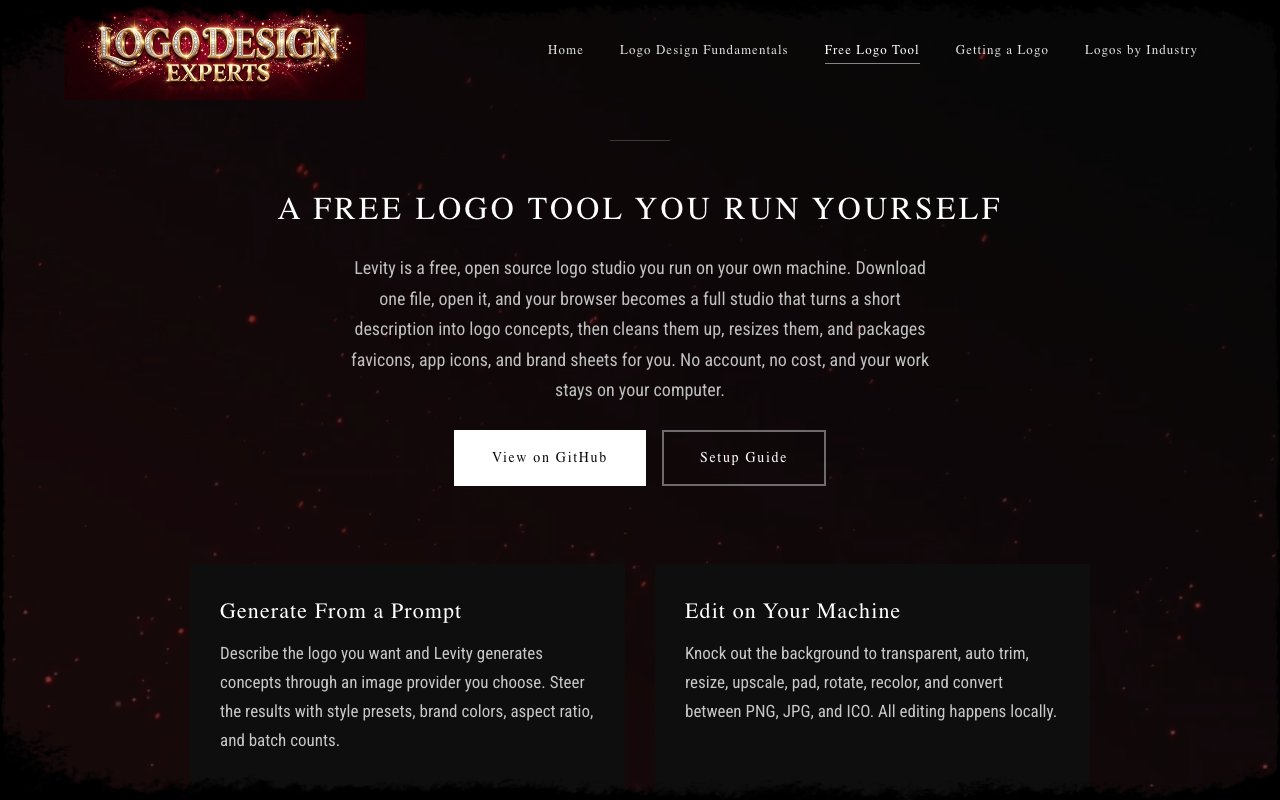
Levity is a free, open source logo design application that runs entirely on your own machine. You download a single binary for your operating system, launch it, and your browser opens into a full design studio where you can generate logo concepts from text prompts, then edit, resize, recolor, and export them without creating an account, without paying a subscription, and without sending your work to someone else's server. The actual image generation reaches an external API provider you choose and configure, but all the editing, processing, and file management happens locally using Go's standard library. Your logos stay on your computer, and the source code is public on GitHub for anyone who wants to inspect it, modify it, or build from source.
The problem it solves is a familiar one for indie developers, freelancers, and small business owners. You need a logo to launch a project, but you don't want to learn Illustrator, pay monthly for Canva Pro, or wait on a designer for a simple mark. At the same time, you're wary of browser based generators that require accounts, store your drafts on their servers, and lock exports behind paywalls. Levity sidesteps all of that by running locally and letting you bring your own image provider, which means you control both the data and the cost.
The generation workflow is straightforward. You describe what you want in a short text prompt, pick brand colors, set an aspect ratio, choose a batch size, and hit generate. Levity sends the request to whichever image API you've configured. Cloudflare Workers AI is the default because it has a free tier and runs FLUX models, so you can start without entering payment details. If you want more options, you can point it at OpenRouter and swap models by changing a single ID. Candidates come back in a few seconds, you can cycle through them, adjust the prompt, tweak settings, and regenerate until something clicks. Once you have a logo you like, the local editing suite takes over and you never have to leave the app again.
That editing suite is where Levity earns its keep for people who would otherwise jump between tools. You can knock out backgrounds to transparent, auto trim the whitespace so the logo sits tight, resize to any pixel dimension, upscale without losing sharpness, add padding or margins, rotate, flip, recolor, and fill. None of this touches the network. When you're ready to ship, the batch export feature generates favicon packages for websites, app icon sets for iOS and Android at every required size, social media dimension packs for profile pictures and banners, and custom sizes you define yourself. One click, and the folder populates with everything you need to drop into a project.
The project management layer underneath helps if you're exploring multiple directions at once. Every generated image goes into a local SQLite database you can browse, filter by favorites, search by prompt, and organize into collections. It's a small thing, but it keeps you from losing that one variant you almost picked before you went off and generated another twenty. Because the database is just a file on your machine, you can back it up, move it between computers, or start fresh whenever you want.
Levity is aimed at indie developers, side project builders, bootstrapped founders, and anyone who needs a logo quickly but doesn't want to pay ongoing fees or learn a full design suite. It's also useful for anyone cautious about uploading brand assets to cloud services, since the only network traffic is the generation call itself, and you pick where that goes. Freelancers who spin up multiple client projects can run separate instances or databases without juggling logins.
What makes it different from the crop of online logo makers is the privacy and ownership model. Tools like Looka, Brandmark, and Hatchful require accounts, store your designs on their servers, and lock high resolution exports behind payment walls. Levity flips that by putting the software on your machine and charging nothing. You pay only for the image generation API if you exceed the free tier, and even that cost is transparent because you see it in your provider's dashboard rather than in an opaque subscription bundle.
Access is completely free. The tool is open source under the MIT license, the code is on GitHub, and you can build it from source if you prefer. There is no premium tier, no watermarks on exports, and no account required. Cloudflare's free Workers AI tier is enough for moderate generation volume, so the practical cost of using Levity can be zero. For heavier use or access to different models, OpenRouter charges per image at published rates, and you bring your own key so there's no markup.
Key Features
- AI logo generation from text prompts
- Local editing with background removal and recoloring
- One click export to favicons, app icons, and social packs
- Swappable image providers including free tiers
- Project database with favorites filtering
- Single binary with browser based interface
Pros & Cons
What we like
- Completely free with no account or subscription required
- All editing happens locally so your assets never leave your machine
- Batch export handles favicons, app icons, and social media in one click
- Open source under MIT so you can read, modify, or self build
Room for improvement
- Initial generation still requires an external API (Cloudflare or OpenRouter)
- Design options limited to what the AI model produces
- No vector output, only raster images
- Newer project with a smaller user base
Frequently Asked Questions
What is Levity?
Is Levity free?
Does Levity require an account?
Can Levity export vector files?
Best For
Featured in
Alternatives to Levity
View all
Reviews (11)
Recommended without reservation
Found Levity on a Show HN thread and I am glad I clicked. Got real value out of all editing happens locally so your assets never leave your machine. Would sign up again without thinking twice.
Genuinely impressed
Hadn't planned on switching, but Levity was hard to ignore. What stands out is how it handles ai logo generation from text prompts. It fits well for generating a logo for a side project in an afternoon. Glad I made the switch.
Powerful once it clicks
Levity solves a real problem for me without making a fuss about it. Got real value out of project database with favorites filtering. It fits well for generating a logo for a side project in an afternoon. The catch is design options limited to what the ai model produces. Hard to imagine going back to my old setup.
Exactly what I needed
Picked Levity for the price, stayed for the quality. It just works, day after day, without surprises. Found it works best for avoiding cloud uploads for brand assets on sensitive projects. It earns its place in my stack.
Decent with some rough edges
Came to Levity after getting frustrated with what I had before. The defaults are sensible, so I was not fighting settings on day one. It fits well for exporting app icon and favicon sets without opening figma. The catch is no vector output, only raster images.
Worth a look
Started using Levity casually, now it is pinned in my dock. Their take on open source under mit so you can read, modify, or self build is genuinely good. It fits well for exporting app icon and favicon sets without opening figma. Hard to imagine going back to my old setup.
Genuinely impressed
Came to Levity after getting frustrated with what I had before. What stands out is how it handles batch export handles favicons, app icons, and social media in one click. Performance has been steady even when I lean on it hard. Found it works best for generating a logo for a side project in an afternoon. Glad I made the switch.
Exactly what I needed
Have been running Levity for a while, here is where I land. What stands out is how it handles all editing happens locally so your assets never leave your machine. It does what it says, which is rarer than it should be. It earns its place in my stack.
Worth a look
Found Levity on a Show HN thread and I am glad I clicked. The interface stays out of my way, which I appreciate. Hard to imagine going back to my old setup.
Worth a look
Levity has quietly become part of my daily flow. Got real value out of local editing with background removal and recoloring. Mostly using it for avoiding cloud uploads for brand assets on sensitive projects. It earns its place in my stack.
Worth a look
Tried Levity on a side project first, then rolled it out everywhere. Performance has been steady even when I lean on it hard. Easy yes for anyone weighing the same trade offs.
Badge builder
Add Levity to your website
Choose a badge style and size, preview it here, then copy the generated HTML. Badge images are self-contained SVGs and do not require an external script.

<a href="https://toolindex.net/tools/levity?ref=badge" target="_blank" rel="noopener">
  <img src="https://toolindex.net/badge/levity/medium.svg" alt="Levity - Listed on Tool Index" width="180" height="50" />
</a>How to use the badge
- 1. Pick the style, size, and theme that fit your layout.
- 2. Copy the generated HTML from the code block.
- 3. Paste it into your footer, homepage, or press page.
Standard badge available
The standard listing badge is available now. Score and circle badges are limited to tools currently ranked in the top 10 of a category.
Badge clicks return visitors to this profile with a referral tag so the source remains identifiable.
Related Tools

Apatero Studio
Creator studio for AI image, video, audio, 3D, and avatars. Every model worth using, in one workspace.

Tailwind CSS
Rapidly build custom designs without leaving your HTML

Figma
Collaborative interface design tool

Marvel
Lightweight prototyping platform for turning images and screens into clickable mobile and web prototypes.
Work on Levity? Request listing access or correction