Pacwich
Monorepo tooling for orchestrating package.json scripts across Bun, npm, and pnpm workspaces
Gallery
About Pacwich
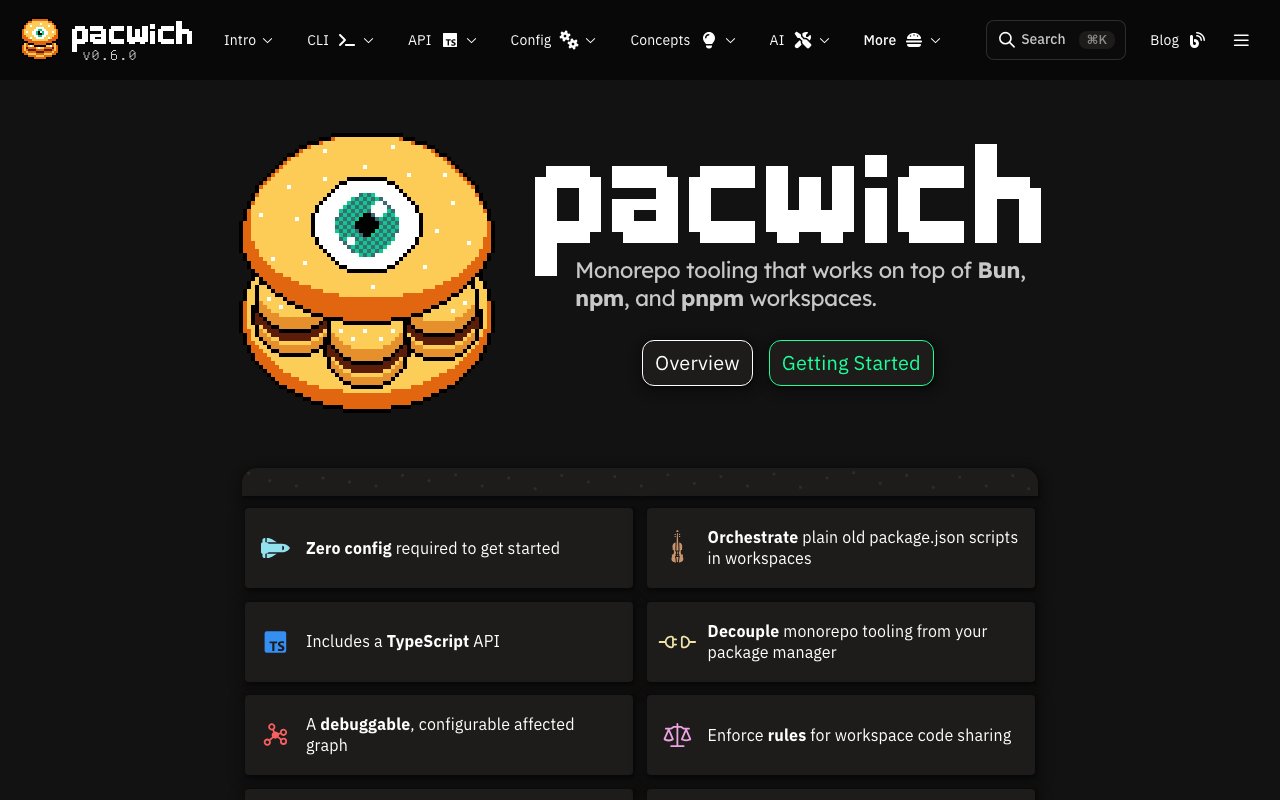
Pacwich is command-line tooling for managing monorepos built with Bun, npm, or pnpm workspaces. It orchestrates package.json scripts across multiple packages, tracks which workspaces are affected by changes, and enforces code-sharing rules without locking you into a single package manager. The goal is a lightweight alternative to full-featured monorepo frameworks when all you need is script orchestration and dependency awareness without the configuration overhead. If you have five packages and want to run tests only on the ones that changed, Pacwich does that without requiring you to adopt an entire philosophy about how to structure your repository.
The problem it addresses is familiar to anyone maintaining a multi-package JavaScript or TypeScript repository. Running builds, tests, linting, or any other script across packages requires tracking dependencies between them, ordering execution correctly, caching outputs where possible, and handling changes that ripple through the dependency graph. Heavy tools like Nx and Turborepo solve this well but come with significant configuration overhead, proprietary concepts, and opinions about how your repository should be structured. You adopt their way of thinking, learn their vocabulary, and configure their systems. For some teams that investment pays off. For others it is more weight than the problem deserves. Pacwich aims for a smaller surface area, focusing on the orchestration layer while staying out of the way on everything else.
Under the hood it provides an affected graph that identifies which workspaces changed based on git history and dependency links. When you run a command, Pacwich figures out which packages need to run it based on what files changed since a reference point, typically your main branch or the last successful CI run. You can configure what counts as a change, exclude paths that should not trigger rebuilds, and debug the graph when something looks off. This affected filtering is the core value for CI pipelines where running every package every time is wasteful. If only two packages changed, only two packages run, and your CI finishes faster without manual intervention to skip steps.
Workspace rules let you enforce policies across packages. You can require certain dependencies to be present, ensure scripts follow naming conventions, or flag packages that drift from your standards. This is useful in larger teams where consistency matters and manual code review cannot catch every deviation. Instead of relying on convention and goodwill, you encode the rules and the tool checks them automatically. Violations surface early rather than accumulating as technical debt.
Configuration lives in JSON or TypeScript files depending on your preference. The TypeScript option lets you define rules programmatically and share logic between configuration and other tooling in your repository. For simpler setups, JSON works fine and keeps the configuration declarative. Either way, the configuration is explicit and version-controlled rather than buried in UI settings or undocumented scripts.
Pacwich offers both a CLI and a TypeScript API, so you can run it from npm scripts or integrate it programmatically into custom tooling. If you have a bespoke build system or need to embed workspace awareness into a larger automation layer, the API makes that possible without shelling out to the CLI. A browser-based demo lets you try commands against a sample repository without installing anything locally, which is helpful for evaluating whether it fits your workflow before adding it to your project.
The target audience is developers building TypeScript or JavaScript monorepos who want script orchestration decoupled from their package manager choice. It fits teams who find existing monorepo tools too heavy for their needs and want something they can understand in an afternoon rather than a week. If you have a handful of packages and want to run tests only on affected workspaces without adopting an entire framework, Pacwich is sized for that use case.
Pacwich is a continuation of the deprecated bun-workspaces package, with minimal breaking changes for existing users. If you were using bun-workspaces and looking for a maintained successor, Pacwich is that path. The maintainer is Scott Morse under Smorsic Labs, and the project is open source on GitHub with active development.
The product also leans into AI integrations, supporting Skills, AGENTS.md, MCP Server, and a /llms.txt file for AI assistants. This is unusual for build tooling but signals a direction toward AI-assisted monorepo management where agents can query the dependency graph or run commands on your behalf. As AI coding tools become more common, having a build tool that understands how to expose its state to those tools becomes an advantage.
Pricing is not listed, and the distribution via npm suggests open source with no paid tier. The focus is on developer adoption rather than monetization, which means you can try it on your repository without commercial concerns or license negotiations.
Key Features
- Package manager agnostic orchestration
- Affected workspace graph tracking
- Workspace rules for policy enforcement
- CLI and TypeScript API access
- JSON or TypeScript configuration
- Browser-based web CLI demo
Pros & Cons
What we like
- Works with Bun, npm, and pnpm interchangeably
- Lighter weight than full monorepo frameworks
- Configurable affected graph for debugging
- Open source with no vendor lock-in
Room for improvement
- Smaller community than established tools
- No built-in remote caching
- Documentation still growing
- Narrow focus on script orchestration only
Frequently Asked Questions
What is Pacwich?
Is Pacwich free?
Who is Pacwich for?
How is Pacwich different from Turborepo?
Best For
Featured in
Alternatives to Pacwich
View all
1Lookup
Real-time data verification API for phone, email, IP, and domain validation to fight fraud

Kevin Gabeci
Solo developer building web apps, cozy browser games, and AI creator toolkits.

Codedex
A gamified, story-driven platform that teaches Python, web dev, and more like an RPG quest
Hack2hire
Practice real SDE interview questions from top tech companies with expert worked solutions
Reviews (11)
Solid daily driver
Came to Pacwich after getting frustrated with what I had before. What stands out is how it handles browser-based web cli demo. The output quality holds up better than I expected. It fits well for identifying affected packages from recent commits. Worth it for what I get out of it.
Decent with some rough edges
Started using Pacwich casually, now it is pinned in my dock. The browser-based web cli demo is more useful than I expected. Setup was painless and I was productive the same day. The catch is no built-in remote caching. Worth it for what I get out of it.
Recommended without reservation
Picked Pacwich for the price, stayed for the quality. Their take on affected workspace graph tracking is genuinely good. It fits well for orchestrating ci tasks across multiple packages. No regrets so far.
Exactly what I needed
Hadn't planned on switching, but Pacwich was hard to ignore. What stands out is how it handles affected workspace graph tracking. It has shaved real time off my week. Mostly using it for identifying affected packages from recent commits. No regrets so far.
Powerful once it clicks
Started using Pacwich casually, now it is pinned in my dock. The package manager agnostic orchestration is more useful than I expected. Found it works best for enforcing workspace dependency rules. One thing that bugs me is documentation still growing. Worth it for what I get out of it.
Two months in, no regrets
Hadn't planned on switching, but Pacwich was hard to ignore. The core workflow is smooth once you are set up. Support actually answered when I had a question, which surprised me. Found it works best for enforcing workspace dependency rules. Would sign up again without thinking twice.
Solid daily driver
Three months of Pacwich later, here is what holds up. Their take on works with bun, npm, and pnpm interchangeably is genuinely good. Mostly using it for enforcing workspace dependency rules. Recommending it to people in a similar spot.
Solid daily driver
Picked Pacwich for the price, stayed for the quality. Got real value out of json or typescript configuration. What stands out is how little babysitting it needs. Glad I made the switch.
Quietly excellent
Pacwich solves a real problem for me without making a fuss about it. The thing I keep coming back to is how reliable it is. It does what it says, which is rarer than it should be. Mostly using it for running builds across a typescript monorepo.
Does the job, a few gripes
Hadn't planned on switching, but Pacwich was hard to ignore. Where it really wins is package manager agnostic orchestration. One thing that bugs me is smaller community than established tools. Hard to imagine going back to my old setup.
Recommended without reservation
Tried Pacwich on a side project first, then rolled it out everywhere. Performance has been steady even when I lean on it hard. Setup was painless and I was productive the same day. It earns its place in my stack.
Badge builder
Add Pacwich to your website
Choose a badge style and size, preview it here, then copy the generated HTML. Badge images are self-contained SVGs and do not require an external script.

<a href="https://toolindex.net/tools/pacwich?ref=badge" target="_blank" rel="noopener">
  <img src="https://toolindex.net/badge/pacwich/medium.svg" alt="Pacwich - Listed on Tool Index" width="180" height="50" />
</a>How to use the badge
- 1. Pick the style, size, and theme that fit your layout.
- 2. Copy the generated HTML from the code block.
- 3. Paste it into your footer, homepage, or press page.
Standard badge available
The standard listing badge is available now. Score and circle badges are limited to tools currently ranked in the top 10 of a category.
Badge clicks return visitors to this profile with a referral tag so the source remains identifiable.
Related Tools
Kevin Gabeci
Solo developer building web apps, cozy browser games, and AI creator toolkits.

Coolify
Self-hostable, open source alternative to Heroku and Netlify

Warp
The modern terminal reimagined with AI and collaboration

Bolt.new
Prompt-to-deployed full-stack app inside the browser
Work on Pacwich? Request listing access or correction