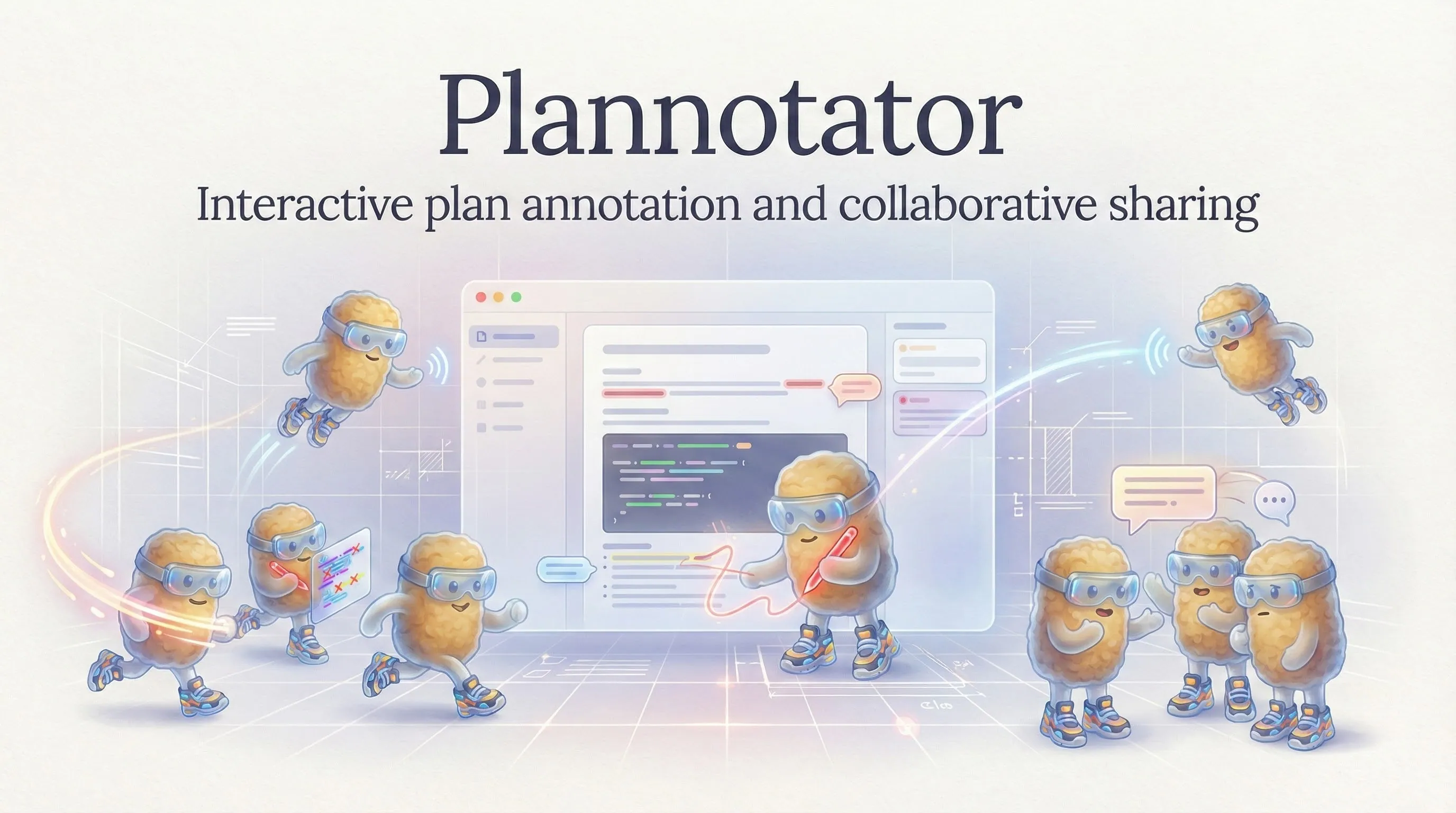
Plannotator
Review and annotate your AI coding agent's plans and diffs before they ship
Gallery
About Plannotator
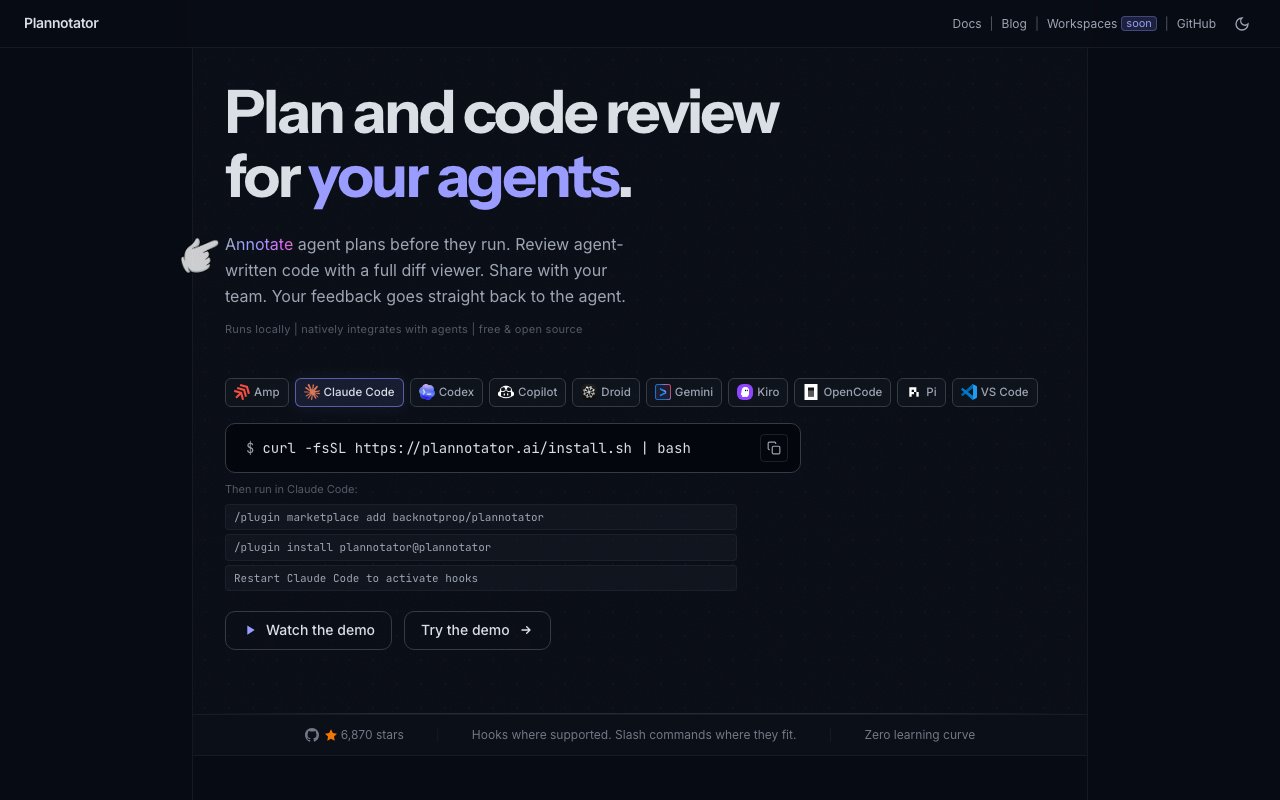
Plannotator is a local review tool that puts a human back in the loop between an AI coding agent and your codebase. It gives you two things a terminal doesn't. First, a proper interface to read and annotate the plan an agent proposes before it runs. Second, a pull-request-style diff viewer for the code that agent writes before any of it gets committed. The line the site leads with sums up the intent, shape what gets built and own what ships.
The problem is that agentic coding moves fast and the approval step is thin. An agent hands you a wall of plan text or a pile of uncommitted changes, and your only real controls are a yes or a no typed into a cramped terminal window. It's tempting to just wave it through, and that's how code you never actually read ends up in your history. Plannotator turns that rushed moment into a real review with the kind of interface you'd expect from a mature code-review tool.
On the plan side you annotate proposals inline, mark deletions, drop comments, and write replacements directly into the agent's plan. Version history tracks every revision and shows diffs between iterations, so when the agent reworks its approach you can see precisely what changed rather than rereading the whole thing. Plans can be stashed in Obsidian or Bear if you like to keep them alongside your other notes. The point is to own the plan before it becomes code, while changing direction is still cheap.
On the code side it's a diff viewer that works without a commit or a pull request. It reads your local working tree across git, jj, and Perforce, shows committed work, uncommitted edits, and untracked files in one place, and lets you leave annotations at the line, token, file, and review level, each with a suggested edit. You get side-by-side or unified diffs, a file tree to navigate large changes, and a per-commit view. When you'd rather review a real pull request or merge request, it pulls those from GitHub and GitLab with filtering, so the same interface covers both agent output and ordinary team review.
What makes this different from the usual pull-request flow is that none of it requires pushing anything first. You can catch a bad decision while the code is still just uncommitted edits in your working tree, before it becomes a commit, a branch, and a review request that three people have to unwind. Reviewing at the token and line level with suggested edits means you're not limited to leaving a comment and hoping someone acts on it, you can write the exact fix you want and hand it straight back to the agent. For anyone reviewing a steady stream of agent output, that tight loop is the difference between genuine oversight and rubber-stamping. It also keeps your entire review history on your own machine, which is what quietly feeds the custom review skills the tool learns over time.
The AI layer is where it leans into the modern workflow instead of fighting it. You can query a diff in plain language and ask what a change does or why it's there. A guided review orders the changeset by importance so you look at the risky parts first. Review agents flag issues with reasoning and a severity level, and over time Plannotator can distill custom review skills from your own annotation history, so it starts catching the specific things you always catch. Your annotations export as markdown straight back into the agent session, which closes the loop without any copy and paste, so the feedback you write becomes the agent's next set of instructions.
It's built for developers and teams who lean on AI agents but refuse to merge code they haven't actually read. It plugs into Claude Code, Codex, OpenCode, Pi, GitHub Copilot, Gemini, and VS Code, and because it also understands plain git, jj, and Perforce, it's useful even on the parts of your work that no agent touched. You invoke it as a review command from inside the agent you're already using, so it slots into your existing habits rather than asking you to adopt a separate app.
Plannotator is free and open source under MIT or Apache 2.0, and it runs entirely on your machine, so plans and code stay local, with encrypted URL-based sharing when you want a teammate to take a look. Installation is a single curl command. A paid Workspaces tier aimed at teams is in the works but currently waitlist-only, which means the tool as it stands today is free to adopt with nothing to buy. If you've ever rubber-stamped an agent's diff simply because reviewing it properly in the terminal was too painful, this is the exact gap it sets out to close.
Key Features
- Inline annotation of agent plans
- PR-style diff viewer for uncommitted changes
- Works with git, jj, and Perforce
- Natural-language diff queries
- Review agents that flag issues by severity
- Custom review skills from your annotations
Pros & Cons
What we like
- Runs locally with no cloud requirement
- Reviews plans and code before anything commits
- Integrates with most major AI coding agents
- Free and open source under permissive licenses
Room for improvement
- Requires comfort with the command line
- The team Workspaces tier is still waitlist-only
- Most useful only if you run AI coding agents
- Younger project with a smaller community
Frequently Asked Questions
What is Plannotator?
Is Plannotator free?
Which tools does Plannotator work with?
Who is Plannotator for?
Best For
Featured in
Alternatives to Plannotator

1Lookup
Real-time data verification API for phone, email, IP, and domain validation to fight fraud

Codedex
A gamified, story-driven platform that teaches Python, web dev, and more like an RPG quest
Hack2hire
Practice real SDE interview questions from top tech companies with expert worked solutions

Leafwright
A hosted PDF render API and studio, so you never run your own headless browser
Reviews (10)
Pulled its weight from week one
Plannotator has quietly become part of my daily flow. Their take on reviews plans and code before anything commits is genuinely good. Support actually answered when I had a question, which surprised me. Glad I made the switch.
Pulled its weight from week one
Have been running Plannotator for a while, here is where I land. It handles the boring parts so I can focus on the work that matters. Support actually answered when I had a question, which surprised me. Recommending it to people in a similar spot.
Genuinely impressed
Have been running Plannotator for a while, here is where I land. The natural-language diff queries is more useful than I expected. It has shaved real time off my week. Found it works best for building a personal review checklist from past feedback. It earns its place in my stack.
Genuinely impressed
Plannotator solves a real problem for me without making a fuss about it. The pr-style diff viewer for uncommitted changes is more useful than I expected. Worth it for what I get out of it.
Recommended without reservation
Plannotator solves a real problem for me without making a fuss about it. Support actually answered when I had a question, which surprised me. Found it works best for reviewing an agent's plan before it runs. Easy yes for anyone weighing the same trade offs.
Exactly what I needed
Hadn't planned on switching, but Plannotator was hard to ignore. The defaults are sensible, so I was not fighting settings on day one. The output quality holds up better than I expected. Hard to imagine going back to my old setup.
It just works
Hadn't planned on switching, but Plannotator was hard to ignore. It slotted into my routine without much fuss. It earns its place in my stack.
Pulled its weight from week one
Tried Plannotator on a side project first, then rolled it out everywhere. What stands out is how it handles custom review skills from your annotations. Setup was painless and I was productive the same day.
Genuinely impressed
Picked Plannotator for the price, stayed for the quality. The inline annotation of agent plans is more useful than I expected. The interface stays out of my way, which I appreciate. Mostly using it for reviewing an agent's plan before it runs. Easy yes for anyone weighing the same trade offs.
Solid daily driver
Have been running Plannotator for a while, here is where I land. The reviews plans and code before anything commits is more useful than I expected. Hard to imagine going back to my old setup.
Badge builder
Add Plannotator to your website
Choose a badge style and size, preview it here, then copy the generated HTML. Badge images are self-contained SVGs and do not require an external script.

<a href="https://toolindex.net/tools/plannotator?ref=badge" target="_blank" rel="noopener">
  <img src="https://toolindex.net/badge/plannotator/medium.svg" alt="Plannotator - Listed on Tool Index" width="180" height="50" />
</a>How to use the badge
- 1. Pick the style, size, and theme that fit your layout.
- 2. Copy the generated HTML from the code block.
- 3. Paste it into your footer, homepage, or press page.
Standard badge available
The standard listing badge is available now. Score and circle badges are limited to tools currently ranked in the top 10 of a category.
Badge clicks return visitors to this profile with a referral tag so the source remains identifiable.
Related Tools

Kevin Gabeci
Solo developer building web apps, cozy browser games, and AI creator toolkits.

Coolify
Self-hostable, open source alternative to Heroku and Netlify

Warp
The modern terminal reimagined with AI and collaboration

Bolt.new
Prompt-to-deployed full-stack app inside the browser
Work on Plannotator? Request listing access or correction