Reel
Forensic evidence capture for regulated Kubernetes, plus a free open-source VEX hub
Gallery
About Reel
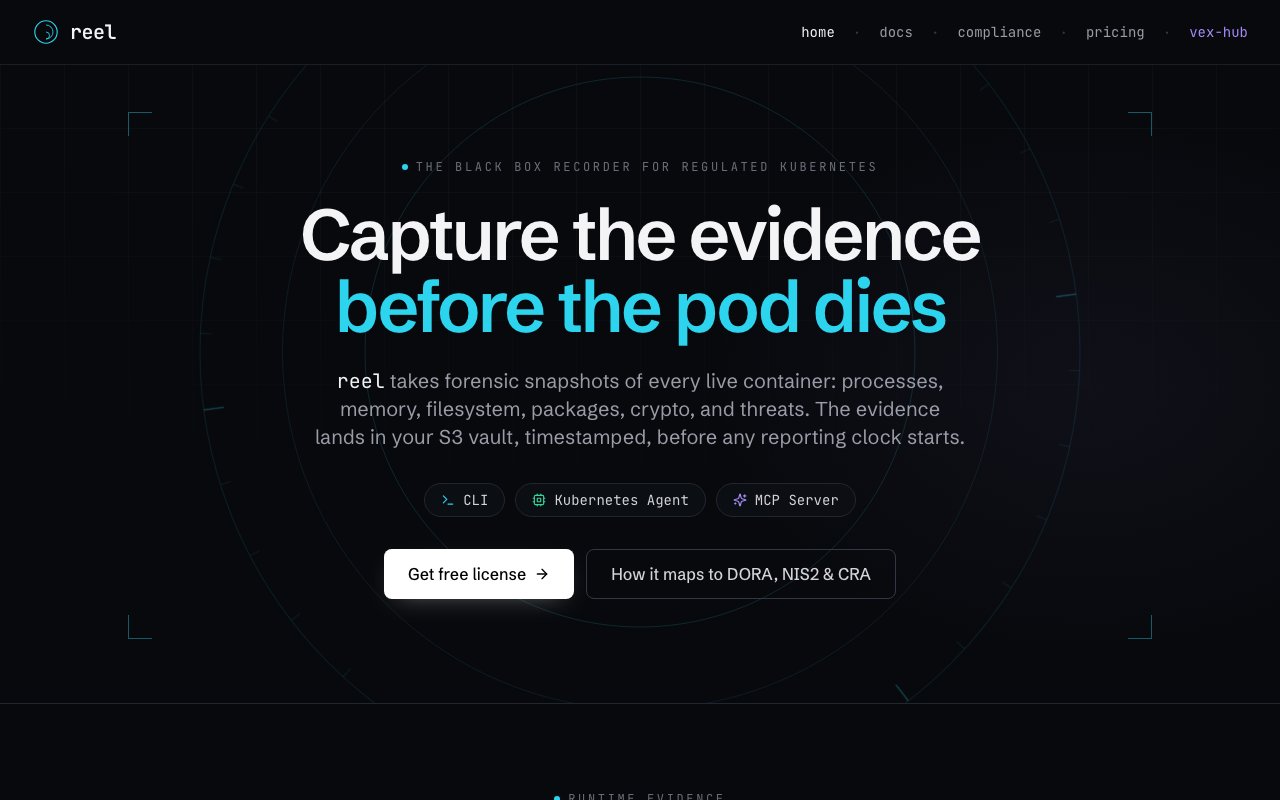
Reel calls itself the black box recorder for regulated Kubernetes, and the metaphor does most of the explaining. It takes forensic snapshots of live containers before they disappear, capturing processes, memory, filesystem, packages, cryptography, and threats, then lands that evidence in your own S3 vault with a timestamp on it.
The timing is the whole point. Pods get rescheduled, crash, and roll out constantly, so when an auditor or an incident review asks what was actually running in production last Tuesday, the container that would answer the question is long gone. Reel's framing is that evidence has to be captured before any reporting clock starts, not reconstructed afterwards from whatever logs happened to survive. The site maps this directly to DORA, NIS2, and the Cyber Resilience Act, which is the regulatory pressure most of its target buyers are already living under.
It ships in three shapes. The CLI does one-shot scans from a terminal or a CI pipeline, so a single command exports a CBOM from a live container, scans a running container for malware, or generates and stores an SBOM for an image with or without CVEs and vendor VEX attached. The Kubernetes Agent installs once through a Helm chart and then scans every pod in the cluster on a schedule you set with annotations, something like an SBOM upload every hour and a CBOM daily, pushing evidence to S3 as it goes. A single container's evidence manifest might hold a checkpoint archive, a memory dump, a layer diff, an SBOM, a CBOM, and a malware scan, and the sizes in the site's own example run from a couple of kilobytes up to a gigabyte for the memory dump.
The third surface is the interesting one. Reel runs as an MCP server, so Claude Code, Cursor, and Continue can ask it about live container state and get real answers back covering SBOMs, crypto, processes, files, and memory. The worked example on the site has an assistant asking what's actually exploitable in an nginx container and getting back a CVE count with the large majority ruled out by vendor VEX, then asking about weak crypto and turning up a couple of RSA-1024 keys, then listing what else runs on the node. That's runtime context, which is precisely what AI security scanners normally have no way to reach.
Alongside the commercial product sits vex-hub, which is free, open source under Apache 2.0, and needs no account, key, or node limit. It aggregates vendor VEX statements from Red Hat, SUSE, Ubuntu, Debian, Rancher, Alpine, Amazon Linux, AlmaLinux, and Oracle Linux across CSAF, OVAL, OpenVEX, secdb, and ALAS feeds, covering extended-support streams like RHEL EUS and Ubuntu Pro ESM rather than just the headline releases. You drop in a CycloneDX SBOM, a VEX document, or both, and get back an annotated document. Hand it an SBOM with a vulnerabilities list and it annotates each one with the vendor verdict. Hand it components only and it fills the vulnerabilities in from vendor data first. Hand it VEX alone and you get an OpenVEX document with your statements merged against the vendor's view, and where the two collide, yours wins.
The verdicts themselves are what make this useful. A vendor saying Not Affected means the CVE doesn't reach their product and you can suppress it. Fixed means a patched version is out. Under Investigation means keep watching. Affected means plan the work. Most scanners hand you a long list of CVEs and leave you to figure out which ones matter, and Reel's own copy is blunt about the payoff, most CVEs in your image don't apply. Pairing runtime evidence with vendor verdicts is how it tries to shrink the triage pile to something a human can get through in an afternoon. There's an analyze endpoint for API use and a statements endpoint with filters for vendors, statuses, source formats, and dates. A good chunk of the tooling is public on GitHub too, including the CLI, a GitHub Action, the Helm chart, the VEX resolution service, and two format-conversion libraries for OVAL and CycloneDX.
Access is freemium and priced by node. The free license covers up to nine nodes and includes the full cluster agent with continuous capture, SBOM and CBOM analysis, malware detection, and vex-hub. Pro is 180 pounds per node per year with a ten-node minimum, which puts the entry point at 1,800 pounds a year, and it lifts the node cap and adds production licensing. Enterprise is custom and brings volume discounts, air-gapped and on-premises licensing, custom retention terms, and procurement support. Billing is annual through Stripe, and the site says the CLI and vex-hub stay free forever. There's no published support address, only a contact form, though they claim to read every message and reply personally within a day.
Key Features
- Forensic snapshots of live containers
- SBOM, CBOM, and malware scanning
- Scheduled cluster-wide agent via Helm
- Evidence uploaded to your own S3 vault
- MCP server for AI security tooling
- Free open-source vex-hub aggregation
Pros & Cons
What we like
- Captures container evidence before the pod disappears
- Evidence lands in your own S3 bucket rather than a vendor cloud
- vex-hub is free and open source with no account or node limit
- MCP server gives AI assistants real runtime container context
Room for improvement
- Aimed at containers and Kubernetes, not broader infrastructure
- Paid tier starts at a ten-node minimum, so cost jumps past the free cap
- Evidence like memory dumps and checkpoints gets large fast
- No published support email, only a contact form
Frequently Asked Questions
What is Reel?
What is vex-hub?
Is Reel free?
Who is Reel for?
Best For
Featured in
Alternatives to Reel

1Password
Password and secrets manager for individuals, families, and developer teams with strong CLI and SSH agent support.
Clerk
Drop-in authentication and user management for modern apps

Tailscale
WireGuard-based mesh VPN that connects your devices, servers, and cloud resources into one private network in minutes.

BackPedal
UK bike theft protection that sends recovery agents after your stolen bike
Reviews (11)
Finally something that fits
Three months of Reel later, here is what holds up. The output quality holds up better than I expected. Performance has been steady even when I lean on it hard. Worth it for what I get out of it.
Finally something that fits
Have been running Reel for a while, here is where I land. Where it really wins is sbom, cbom, and malware scanning. Easy yes for anyone weighing the same trade offs.
Recommended without reservation
Reel solves a real problem for me without making a fuss about it. The sbom, cbom, and malware scanning is more useful than I expected. The core workflow is smooth once you are set up. Mostly using it for giving an ai assistant live container state to reason over.
Worth a look
Started using Reel casually, now it is pinned in my dock. What stands out is how it handles evidence uploaded to your own s3 vault. Found it works best for scanning images for vulnerabilities in a ci pipeline. Recommending it to people in a similar spot.
Solid daily driver
Three months of Reel later, here is what holds up. The thing I keep coming back to is how reliable it is. It earns its place in my stack.
Worth a look
Started using Reel casually, now it is pinned in my dock. Got real value out of forensic snapshots of live containers. No regrets so far.
Pulled its weight from week one
Reel has quietly become part of my daily flow. Support actually answered when I had a question, which surprised me. The defaults are sensible, so I was not fighting settings on day one. It earns its place in my stack.
Exactly what I needed
Reel has quietly become part of my daily flow. The interface stays out of my way, which I appreciate. It just works, day after day, without surprises. Would sign up again without thinking twice.
It just works
Started using Reel casually, now it is pinned in my dock. The vex-hub is free and open source with no account or node limit is more useful than I expected. It handles the boring parts so I can focus on the work that matters. It fits well for cutting a cve backlog down using vendor vex verdicts. Worth it for what I get out of it.
Quietly excellent
Picked Reel for the price, stayed for the quality. What stands out is how it handles scheduled cluster-wide agent via helm. The core workflow is smooth once you are set up. Found it works best for cutting a cve backlog down using vendor vex verdicts. Recommending it to people in a similar spot.
Pulled its weight from week one
Came to Reel after getting frustrated with what I had before. What stands out is how little babysitting it needs. Worth it for what I get out of it.
Badge builder
Add Reel to your website
Choose a badge style and size, preview it here, then copy the generated HTML. Badge images are self-contained SVGs and do not require an external script.

<a href="https://toolindex.net/tools/reel?ref=badge" target="_blank" rel="noopener">
  <img src="https://toolindex.net/badge/reel/medium.svg" alt="Reel - Listed on Tool Index" width="180" height="50" />
</a>How to use the badge
- 1. Pick the style, size, and theme that fit your layout.
- 2. Copy the generated HTML from the code block.
- 3. Paste it into your footer, homepage, or press page.
Score badge available
Reel qualifies for the score and circle badges based on its current top-10 positionin Security.
Badge clicks return visitors to this profile with a referral tag so the source remains identifiable.
Related Tools
Clerk
Drop-in authentication and user management for modern apps

DomeSOC
Autonomous SOC that grades every AI claim against evidence before it reaches an analyst

HeimWall
Menu bar app that catches secrets and PII before you paste them into AI coding tools

Clay Seal
A control plane that checks and records every action an AI agent takes
Work on Reel? Request listing access or correction