
Safepine Studio
Local simulation environment for studying market behavior through reproducible experiments
Gallery
About Safepine Studio
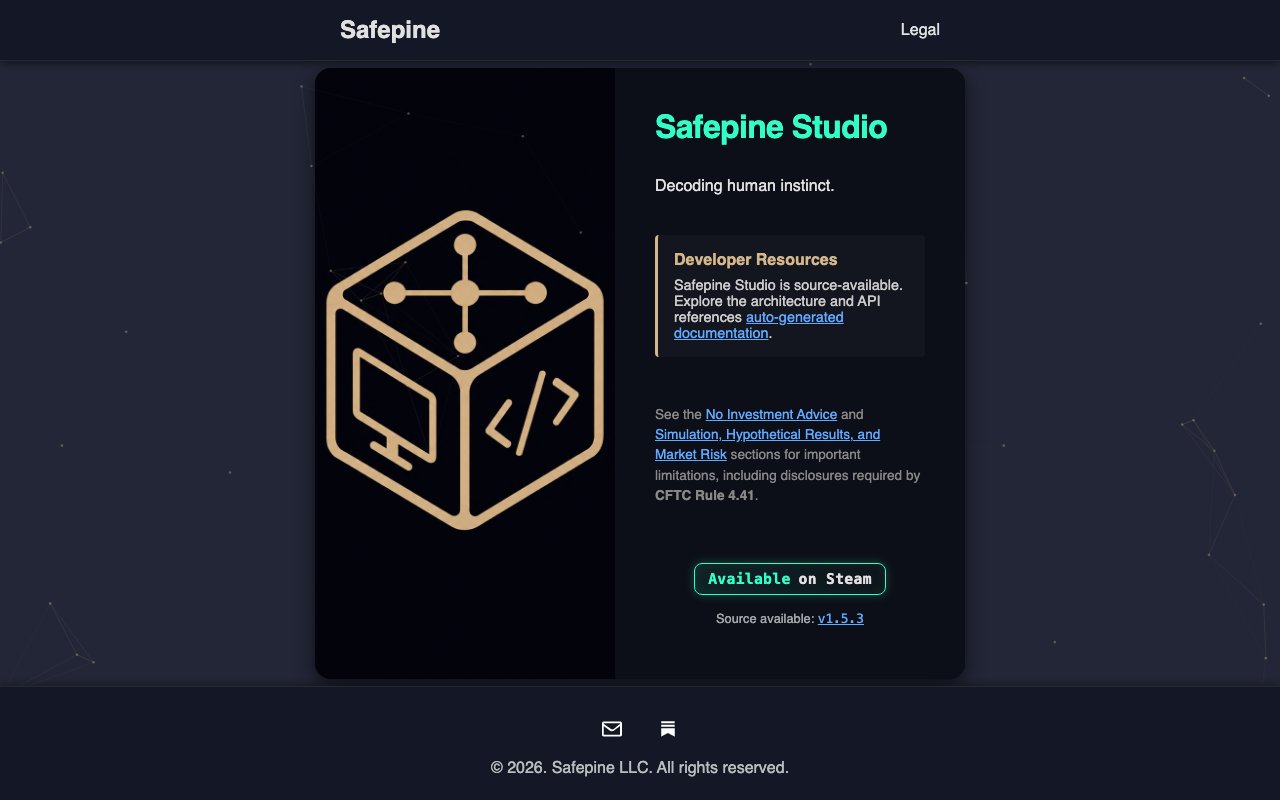
Safepine Studio is a desktop application that lets you run market simulations locally on your own machine. It provides a controlled environment for studying how markets behave under different conditions, with an emphasis on reproducibility so you can run the same experiment multiple times and compare results. The tool is built for people who want to understand market dynamics without risking real capital or relying on live data that changes every second. Everything happens on your hardware, which means you control the environment completely and can replay scenarios as many times as you need without external dependencies or API limits getting in the way. For anyone tired of cloud services that throttle access or charge per query, the local execution model is a meaningful alternative.
The core idea is that market behavior follows patterns rooted in human decision making, and those patterns can be studied through simulation rather than observation alone. Safepine Studio gives you the infrastructure to set up experiments, define market conditions, and watch how simulated participants respond. This behavioral approach differs from simple backtesting, which just replays historical prices. Here, you model how agents might act given a set of rules and conditions, which lets you explore scenarios that never happened in real markets. That capability is useful for stress testing strategies, understanding edge cases, or building intuition about dynamics that historical data alone cannot reveal. You can ask questions like what happens if volatility doubles, or what if a major player exits, and get answers through simulation rather than speculation.
The software is source-available, meaning you can inspect the codebase and understand exactly what the simulation is doing under the hood. The current version is hosted on GitLab, and the developers maintain auto-generated documentation so you can dig into the technical details if you want to extend or modify the system. This transparency matters for anyone doing serious research, since black-box simulators make it hard to trust the results or explain them to others. Having access to the source lets you verify that the simulation logic matches your assumptions and catch any quirks before they corrupt your conclusions. If you find a bug or want to add a feature, the code is there for you to read and potentially contribute to.
Distribution happens through Steam, which makes installation straightforward on Windows and macOS. Once installed, you work within a local runtime that handles simulation logic, data storage, and visualization. The Steam distribution model means updates come through the same pipeline as any other application on the platform, and you get the convenience of not managing installers or dependencies yourself. For researchers in academic settings or developers building trading algorithms, this low-friction setup removes one more obstacle between having an idea and testing it. You download, install, and start experimenting within minutes rather than spending a day configuring environments.
The target audience is quantitative researchers, finance students, and developers interested in algorithmic trading who want a sandbox to test ideas before touching real markets. It is not a trading platform and does not connect to live exchanges. The required CFTC disclosures and risk warnings in the documentation make clear that this is an educational and research tool, not a production trading system. If you are looking for something that executes real trades, this is not it. But if you want a place to experiment with market mechanics safely, Safepine Studio fills that gap. The isolation from real money removes the psychological pressure that makes real trading difficult to study objectively.
What sets it apart from spreadsheet models or simple backtesting scripts is the focus on behavioral simulation. Instead of assuming prices follow a fixed path from historical data, you define agent behaviors and watch emergent dynamics play out. This approach helps you understand why markets move, not just that they did. For students learning quantitative finance, the ability to tweak parameters and see immediate effects builds intuition faster than reading textbooks. For experienced researchers, it provides a sandbox where unconventional ideas can be tested without consequence. The simulation environment becomes a laboratory where hypotheses can be tested quickly and cheaply.
Pricing is not prominently disclosed on the website, so you will need to check Steam or contact the team directly for current terms. The source-available license is not fully open source, meaning you can read the code but may have restrictions on commercial use or redistribution. For anyone curious about the technical foundation, the application is built with a focus on local execution and reproducibility, keeping all simulation data on your machine rather than in the cloud. This design choice prioritizes privacy and control over convenience features that would require cloud infrastructure. Your experiments stay on your hardware, and you can archive or share them as you see fit without depending on a vendor to keep servers running.
Key Features
- Local market simulation runtime
- Reproducible experiment framework
- Source-available codebase on GitLab
- Auto-generated technical documentation
- Steam distribution for easy installation
- Behavioral agent modeling
Pros & Cons
What we like
- Runs entirely on your local machine with no cloud dependency
- Source-available so you can inspect simulation logic
- Reproducible experiments let you compare results across runs
- Focuses on behavioral dynamics rather than just price replay
Room for improvement
- Source-available license may restrict commercial use
- Pricing not clearly listed on the website
- Smaller community compared to established backtesting tools
- Not connected to live markets or real trading
Frequently Asked Questions
What is Safepine Studio?
Is Safepine Studio open source?
Can I use Safepine Studio for live trading?
How do I install Safepine Studio?
Best For
Featured in
Alternatives to Safepine Studio
View all


Our take
Tool Index Editorial · Oct 2026· 2.5/5
Safepine Studio is presented as locally installed, source available software for simulation, deterministic benchmarking, and runtime evaluation. We found a Steam distribution, a public version number, and Linux developer documentation for a local browser interface, SQLite backed runs, time series analysis, and algorithm evaluation. The local and reproducible design is promising for technical experiments.
The public product page is far too thin to support the broader market behavior claims in this listing. It shows no price, clear license terms, sample experiment, validation results, or detailed Studio workflow, and the documentation alternates between Studio and Safepine OS. Source available is not the same as open source. Researchers can inspect the code and disclosures, but should not assume commercial rights or scientific fitness until those gaps are resolved.
Editorial opinion from the Tool Index team, written from the public product pages. Not a user review.
Reviews (0)
Badge builder
Add Safepine Studio to your website
Choose a badge style and size, preview it here, then copy the generated HTML. Badge images are self-contained SVGs and do not require an external script.

<a href="https://toolindex.net/tools/safepine-studio?ref=badge" target="_blank" rel="noopener">
  <img src="https://toolindex.net/badge/safepine-studio/medium.svg" alt="Safepine Studio - Listed on Tool Index" width="180" height="50" />
</a>How to use the badge
- 1. Pick the style, size, and theme that fit your layout.
- 2. Copy the generated HTML from the code block.
- 3. Paste it into your footer, homepage, or press page.
Standard badge available
The standard listing badge is available now. Score and circle badges are limited to tools currently ranked in the top 10 of a category.
Badge clicks return visitors to this profile with a referral tag so the source remains identifiable.
Related Tools
Simple RMD
Calculate, aggregate, and manage your annual IRA required minimum distributions.
FreshBooks
Cloud accounting designed for service-based small businesses and freelancers
Deel
Global payroll, contractor, and EOR platform
Chargebee
Subscription billing and revenue management for B2B SaaS
Work on Safepine Studio? Request listing access or correction