
Turbo
Fast web server with a real-time visual configuration panel
Gallery
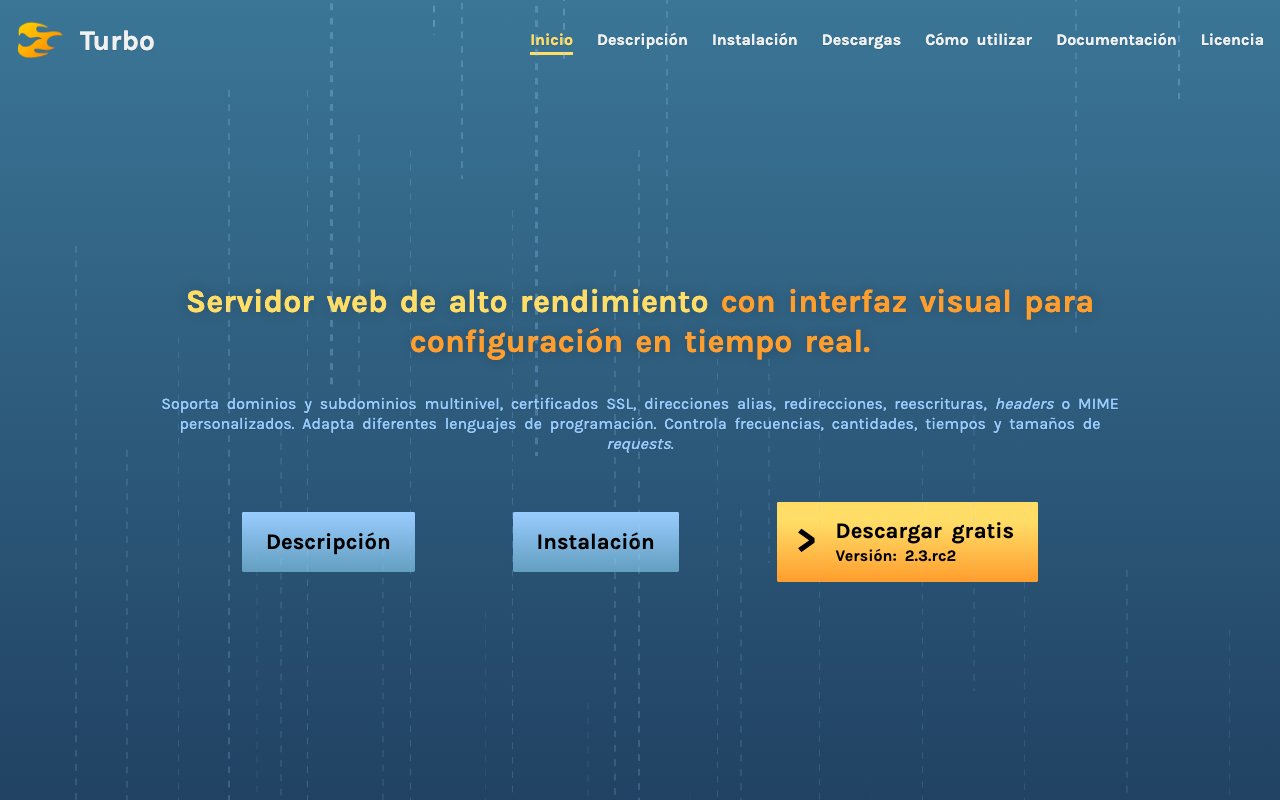
About Turbo
Turbo is a fast web server that pairs the engine with a real-time visual control panel, so you can host multiple sites and manage their configuration through a browser instead of hand-editing files. It's aimed at anyone running a VPS or bare-metal box who wants nginx-style capability without living in config syntax, and it runs on both Linux and Windows. The whole thing ships as a single self-contained binary written in Go, with no runtime to install alongside it, and the source lives at github.com/okzgn/turbo-go. There's no fixed limit on how many sites or subdomains a single instance can carry, so one box can hold as much as it has room for.
The core idea is that the things you normally tweak in a text file live in a web admin panel that applies changes live. You point a browser at /admin on your server, sign in with credentials you control, and manage domains, certificates, and routing from there. The panel is meant for real-time edits, and it closes idle sessions after a minute of inactivity as a small safety measure. Default admin credentials ship as a starting point, and you can set them along with the site directory through the TURBO_USER, TURBO_PASSWORD, and TURBO_DIR environment variables, so changing them is the first thing you'll do after install.
The panel is organized around the pieces you actually manage. General settings let you change the admin login and the site directory, request-timing controls cover how long the server spends reading headers, processing a whole request, writing a response, and holding a connection open, and a rate-limiting section caps request frequency per IP address. Size limits guard the maximum URI length, header size, and content body, each answering with the matching HTTP status when a request runs over. Site management lets you add a site as localhost, an IPv4 address, or a multilevel domain with wildcards, and each subdomain gets its own indexes, MIME types, headers, rewrites, and preprocessors, so a single server can hold sites that behave nothing alike.
On the routing and delivery side, Turbo handles multilevel domains and subdomains, alias addresses, redirects between the root and www forms, and URI rewrites that can do dynamic keyword replacement without a redirect, plus custom MIME types and HTTP headers by file extension. SSL is wired to Certbot, so you can create, manage, and delete certificates, cover wildcards, and turn on automatic HTTPS redirection, with renewals handled for you rather than left to a cron job you forget about. Multiple programming languages are supported through CGI-based preprocessors, so dynamic sites aren't limited to static files, and you can cap upload sizes or even replace a site's content by uploading files straight from the panel.
The point of all this is to keep the common web-server chores in one place. Instead of editing a config file, reloading the server, and hoping you didn't fat-finger a directive, you make a change in the panel and it takes effect, and Turbo writes the whole configuration to a file in your sites directory so it survives a restart. Optional logs record rate-limit denials and general visits in separate files, or fall back to stdout if you'd rather not keep them on disk. For someone running a handful of sites on a single box, that turns a fiddly, error-prone routine into a few clicks, without having to memorize a particular server's configuration language just to get TLS, redirects, and rewrites working.
Because it's a single self-contained binary, setup is light. On Linux it targets 64-bit x64 and ARM64 systems with systemd and expects common tools like nano and wget, and on Windows it runs on Windows 10 or Server 2016 and newer, 64-bit only, with administrator rights and PowerShell. The downloads are tiny, around 6 MB on Linux and 8 MB on Windows, published on GitHub with SHA256 checksums, and the project lists a modest 128 MB of RAM as a recommended minimum, so it's comfortable on small instances. You download the executable, set permissions or open ports 80 and 443, optionally register it as a service, on Windows through a wrapper like WinSW or NSSM, and start it, and from then on the panel does the rest.
Turbo suits developers and system administrators who manage a few sites and want SSL, redirects, and rewrites handled from one place rather than scattered across config files and cron jobs. It's less of a fit if you need the plugin ecosystem, tuning depth, and long track record of a server like nginx or Apache. The project uses a dual license, an open-source build under the GNU Affero General Public License v3 and a separate commercial license for proprietary use through the maker's contact page. It's currently at version 2.3 release candidate, so it's usable today while still stabilizing toward a final release, and the site is largely written in Spanish, which is worth knowing before you dig into the docs.
Key Features
- Real-time web admin panel
- Multilevel domains and subdomains
- Certbot SSL with auto-renewal
- Redirects, aliases, and URI rewrites
- Per-IP request rate limiting
- Single binary for Linux and Windows
Pros & Cons
What we like
- Manages sites from one visual panel
- Lightweight single binary, runs on 128 MB RAM
- Open source under AGPL v3
- Handles SSL and renewals for you
Room for improvement
- Still a release candidate, not final
- Much of the site copy is in Spanish
- Smaller ecosystem than established servers
- AGPL terms may need a commercial license
Frequently Asked Questions
What is Turbo?
Is Turbo free?
What can I configure in the panel?
Who is Turbo for?
Best For
Featured in
Alternatives to Turbo

1Lookup
Real-time data verification API for phone, email, IP, and domain validation to fight fraud

Codedex
A gamified, story-driven platform that teaches Python, web dev, and more like an RPG quest
Hack2hire
Practice real SDE interview questions from top tech companies with expert worked solutions
Cloudflare Pages
Free Jamstack hosting on Cloudflares edge with unlimited bandwidth and tight integration with Workers.
Reviews (11)
Finally something that fits
Started using Turbo casually, now it is pinned in my dock. The certbot ssl with auto-renewal is more useful than I expected. It fits well for setting up redirects and url rewrites visually. No regrets so far.
It just works
Picked Turbo for the price, stayed for the quality. Performance has been steady even when I lean on it hard. The core workflow is smooth once you are set up. Found it works best for managing ssl certificates without the command line. No regrets so far.
Does the job, a few gripes
Picked Turbo for the price, stayed for the quality. Got real value out of handles ssl and renewals for you. It handles the boring parts so I can focus on the work that matters. Mostly using it for managing ssl certificates without the command line. The catch is still a release candidate, not final. Hard to imagine going back to my old setup.
Solid daily driver
Tried Turbo on a side project first, then rolled it out everywhere. Support actually answered when I had a question, which surprised me. It has shaved real time off my week. Hard to imagine going back to my old setup.
Genuinely impressed
Came to Turbo after getting frustrated with what I had before. Got real value out of real-time web admin panel. The thing I keep coming back to is how reliable it is. It earns its place in my stack.
Pulled its weight from week one
Started using Turbo casually, now it is pinned in my dock. Their take on open source under agpl v3 is genuinely good. The output quality holds up better than I expected.
Two months in, no regrets
Turbo solves a real problem for me without making a fuss about it. What stands out is how it handles real-time web admin panel. Mostly using it for hosting multiple sites on one vps. Easy yes for anyone weighing the same trade offs.
Finally something that fits
Turbo solves a real problem for me without making a fuss about it. What stands out is how it handles handles ssl and renewals for you. Worth it for what I get out of it.
Genuinely impressed
Have been running Turbo for a while, here is where I land. What stands out is how it handles manages sites from one visual panel. It has shaved real time off my week. It fits well for setting up redirects and url rewrites visually. Easy yes for anyone weighing the same trade offs.
Exactly what I needed
Hadn't planned on switching, but Turbo was hard to ignore. What stands out is how it handles single binary for linux and windows. Recommending it to people in a similar spot.
Quietly excellent
Started using Turbo casually, now it is pinned in my dock. Where it really wins is handles ssl and renewals for you. Mostly using it for managing ssl certificates without the command line. It earns its place in my stack.
Badge builder
Add Turbo to your website
Choose a badge style and size, preview it here, then copy the generated HTML. Badge images are self-contained SVGs and do not require an external script.

<a href="https://toolindex.net/tools/turbo?ref=badge" target="_blank" rel="noopener">
  <img src="https://toolindex.net/badge/turbo/medium.svg" alt="Turbo - Listed on Tool Index" width="180" height="50" />
</a>How to use the badge
- 1. Pick the style, size, and theme that fit your layout.
- 2. Copy the generated HTML from the code block.
- 3. Paste it into your footer, homepage, or press page.
Standard badge available
The standard listing badge is available now. Score and circle badges are limited to tools currently ranked in the top 10 of a category.
Badge clicks return visitors to this profile with a referral tag so the source remains identifiable.
Related Tools

Kevin Gabeci
Solo developer building web apps, cozy browser games, and AI creator toolkits.

Coolify
Self-hostable, open source alternative to Heroku and Netlify

Warp
The modern terminal reimagined with AI and collaboration

Bolt.new
Prompt-to-deployed full-stack app inside the browser
Work on Turbo? Request listing access or correction