100KB SDK
Process and compress images and PDFs inside the browser with WebAssembly
Gallery
About 100KB SDK
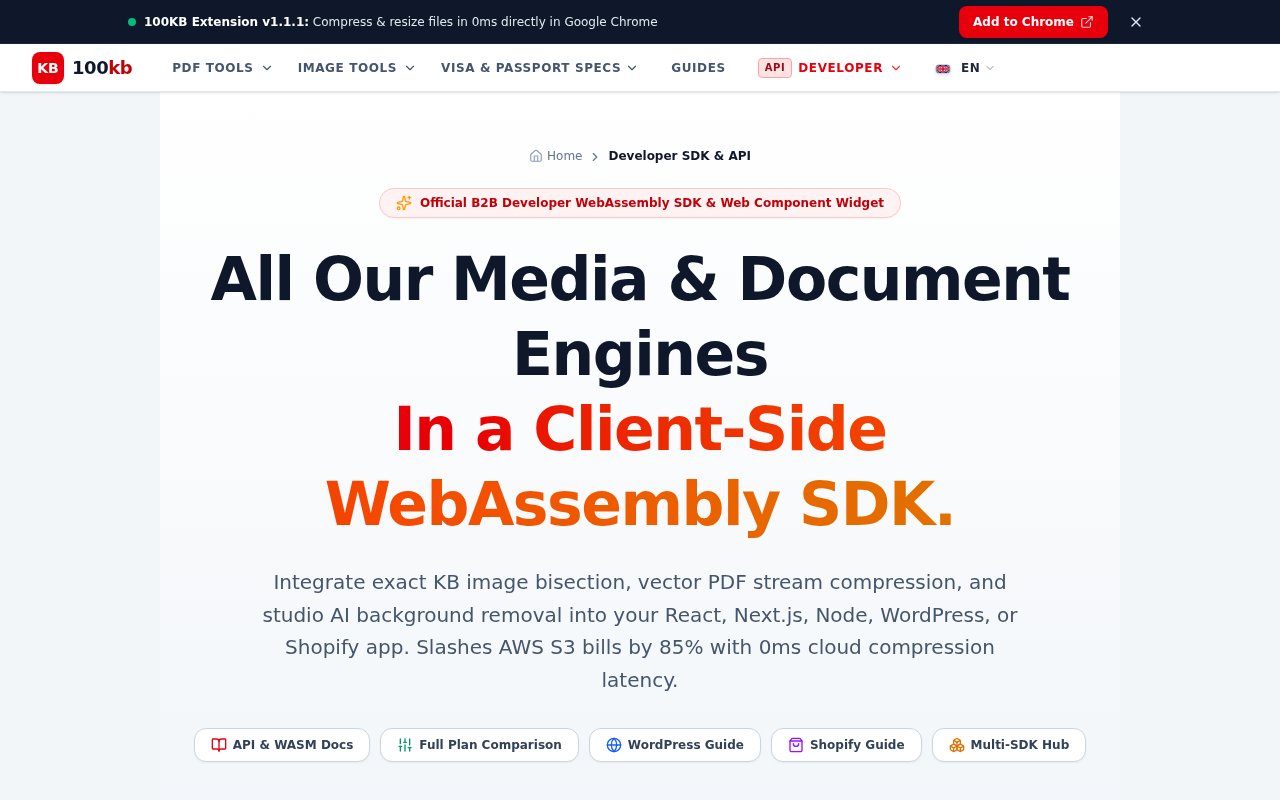
100KB SDK is a client-side WebAssembly toolkit for adding image and document processing to a web product. It handles the work in the user's browser before a file reaches application storage, which can reduce the amount of data sent to services such as Amazon S3 or Cloudflare R2. The package is aimed at developers who need more than a basic image compressor. Its documented methods cover images, PDFs, signatures, passport photos, background removal, format conversion, and other upload preparation jobs. A companion Web Component offers a lower-code path for sites that don't want to build the full interface around the npm package.
The central idea is local processing. A file stays in browser memory while WebAssembly performs compression or conversion, then the application can upload the resulting blob through its existing pipeline. That design is useful when an app handles identity documents, application forms, medical files, or customer photos and would rather not send the original file to a separate compression service. It also removes a remote compression request from the critical path. The official documentation shows a standard npm installation and direct functions such as compressImage and compressPDF, along with an initialization step. An API key is optional for the free branded mode and is used to unlock an unbranded commercial license.
The image tools go well beyond a single quality slider. Developers can set a target size in kilobytes, choose JPEG, PNG, or WebP output, cap dimensions, and use presets for common portals. Additional methods convert HEIC photos to JPEG, switch between PNG and JPEG, resize or crop images, adjust a file toward a minimum size, and run batch work through Web Workers. There are specialized flows for sharpening and compressing signatures, combining a photo with a signature, removing backgrounds, cleaning stamp or date artifacts, and creating passport photos with country presets. The PDF side can compress toward a size ceiling while preserving vector text, merge files, split selected pages, create PDFs from images, export pages as JPEGs, convert content to an editable Word file, and remove supported document restrictions.
100KB SDK fits product teams whose upload requirements are unusually strict. A recruitment portal may need signatures below 20KB. A visa service may need an image cropped to a defined head ratio and kept under a submission limit. An e-commerce store may want to shrink customer artwork before it enters cloud storage. A SaaS product may simply want one browser-side package for several media tasks instead of assembling and maintaining multiple libraries. The official integration hub provides examples for React and Next.js, Vue, Angular, Svelte, Node.js, Python, PHP, and plain Web Components. WordPress and Shopify also have dedicated integration material, so the product isn't limited to teams building a custom JavaScript frontend from scratch.
Its clearest differentiator is the combination of target-size processing and local execution. Many browser image libraries can resize a picture, but this SDK is organized around exact file-size ceilings and document workflows that appear in application forms and regulated submissions. The same package also groups image and PDF operations with more specialized jobs such as passport framing and signature preparation. That breadth can reduce integration work when a product needs several of those functions together. Still, teams should test output quality and browser performance with their own files. A target size is a constraint, and aggressive compression can involve visible tradeoffs. The broad API also means adopters need to choose carefully which capabilities belong in their user experience.
Privacy is another practical reason to consider it. Because the raw input is processed locally, an application doesn't need to forward that original file to 100KB for the documented browser workflows. This can simplify the data flow and reduce exposure to another processing server, although it doesn't replace a product's own privacy, security, or compliance work. Once processing finishes, the host application still decides where the result goes and how it is protected. Local execution also shifts compute to the user's device, so teams serving older phones or processing large batches should evaluate responsiveness under realistic conditions. The SDK includes a parallel Web Worker batch method, but device resources remain part of the experience.
Access follows a freemium licensing model. The Developer Free tier is listed at $0 forever with unlimited local operations, no API key, all documented media and document APIs, and a visible Powered by 100KB link. The Commercial License costs $19 per month or $149 per year and removes that branding. It also adds an automated domain lock, a commercial license key, and the higher precision passport cropper described in the plan comparison. Both tiers keep execution local, and the pricing page says there are no monthly operation limits. That makes the free tier useful for evaluation and community or open-source work, while production SaaS products, stores, and agencies can pay for an unbranded deployment. Enterprise inquiries and custom WebAssembly builds are available separately, but the public pages don't publish a fixed enterprise price.
Key Features
- Client-side WebAssembly processing
- Exact target-size compression
- Image and PDF toolset
- Passport and signature preparation
- Web Component upload widget
- Multi-framework integration examples
Pros & Cons
What we like
- Processes raw files locally in browser memory
- Covers both common and specialized document tasks
- Free tier allows unlimited local operations
- Works across several web frameworks and platforms
Room for improvement
- Free deployments include visible 100KB branding
- Local processing depends on the user's device
- Output quality needs testing at strict size limits
- Public enterprise pricing isn't available
Frequently Asked Questions
What is 100KB SDK?
Do files get uploaded to 100KB for processing?
Is 100KB SDK free?
Which integrations does 100KB SDK support?
Best For
Featured in
Alternatives to 100KB SDK

Kevin Gabeci
Solo developer building web apps, cozy browser games, and AI creator toolkits.

SoloDevStack
A solo developer blog built on head-to-head tool comparisons, 580+ posts deep.

Codedex
A gamified, story-driven platform that teaches Python, web dev, and more like an RPG quest

Vibe Built
Building real apps with agentic AI. What worked, what broke, what shipped.
Our take
Tool Index Editorial · Oct 2026· 3.0/5
100KB SDK is a browser-side WebAssembly toolkit for compressing and converting images and PDFs before upload. It targets product teams with strict file-size workflows, including forms, passport photos, signatures, and document portals. Developer Free costs $0 with visible 100KB branding, while the commercial license is $19 a month or $149 a year.
The useful idea is local processing combined with target-size output, and the public pages cover both an npm package and an embeddable component. The breadth is also a warning. Claims about speed, cloud savings, privacy compliance, and specialized document handling need testing in the buyer's actual browsers and files. Large jobs move compute onto the user's device, and aggressive size targets can visibly reduce quality. We would evaluate a narrow workflow before adopting the whole suite.
Editorial opinion from the Tool Index team, written from the public product pages. Not a user review.
Reviews (0)
Badge builder
Add 100KB SDK to your website
Choose a badge style and size, preview it here, then copy the generated HTML. Badge images are self-contained SVGs and do not require an external script.

<a href="https://toolindex.net/tools/100kb-sdk?ref=badge" target="_blank" rel="noopener">
  <img src="https://toolindex.net/badge/100kb-sdk/medium.svg" alt="100KB SDK - Listed on Tool Index" width="180" height="50" />
</a>How to use the badge
- 1. Pick the style, size, and theme that fit your layout.
- 2. Copy the generated HTML from the code block.
- 3. Paste it into your footer, homepage, or press page.
Standard badge available
The standard listing badge is available now. Score and circle badges are limited to tools currently ranked in the top 10 of a category.
Badge clicks return visitors to this profile with a referral tag so the source remains identifiable.
Related Tools
Kevin Gabeci
Solo developer building web apps, cozy browser games, and AI creator toolkits.

Coolify
Self-hostable, open source alternative to Heroku and Netlify

Warp
The modern terminal reimagined with AI and collaboration

Bolt.new
Prompt-to-deployed full-stack app inside the browser
Work on 100KB SDK? Request listing access or correction