BracketView
Privacy-first JSON workspace with multiple views, validation, AI fixing, and offline support
Gallery
About BracketView
BracketView is a JSON workspace that processes everything locally in your browser or on your desktop. If you work with sensitive configuration files, API responses, or internal data that shouldn't leave your machine, this tool lets you view, format, validate, and manipulate JSON without uploading anything to the cloud. The privacy angle isn't just marketing copy. Core features run entirely client side, which matters for teams handling credentials, customer data, or internal schemas they don't want passing through third party servers.
The workspace provides five different ways to look at the same JSON document. Text view gives you raw editing with syntax highlighting for quick modifications. Tree view renders the hierarchical structure with collapsible nodes so you can drill into nested objects without losing your place. Graph view visualizes relationships between elements, which helps when exploring unfamiliar structures. Node view focuses on individual elements for targeted inspection. Table view presents array data in spreadsheet format, making it easier to scan large collections of similar objects. Switching between views costs nothing in terms of re-parsing since the underlying data stays loaded.
Validation happens in real time as you type, catching syntax errors before you save or send. The formatter beautifies or minifies JSON instantly, which is useful when you're preparing payloads for documentation or compressing them for transmission. A diff tool compares two documents side by side, highlighting additions, deletions, and changes. This proves valuable when debugging API responses that should match but don't, or when comparing configuration versions across environments. JSONPath queries let you extract specific values using standard path syntax, and a jq filter playground powered by WebAssembly brings shell style transformation to the browser without requiring local installations.
Schema validation supports both JSON Schema and OpenAPI definitions. You can paste or upload a schema, then validate your document against it to catch structural problems before they become runtime errors. This is particularly useful when writing integration code against a published API spec or when enforcing internal data contracts across services. For malformed JSON that won't parse at all, an AI fixer attempts to reconstruct valid syntax from broken input. It handles common issues like trailing commas, missing quotes, and truncated structures that occur when logs get cut off or files are hand edited carelessly.
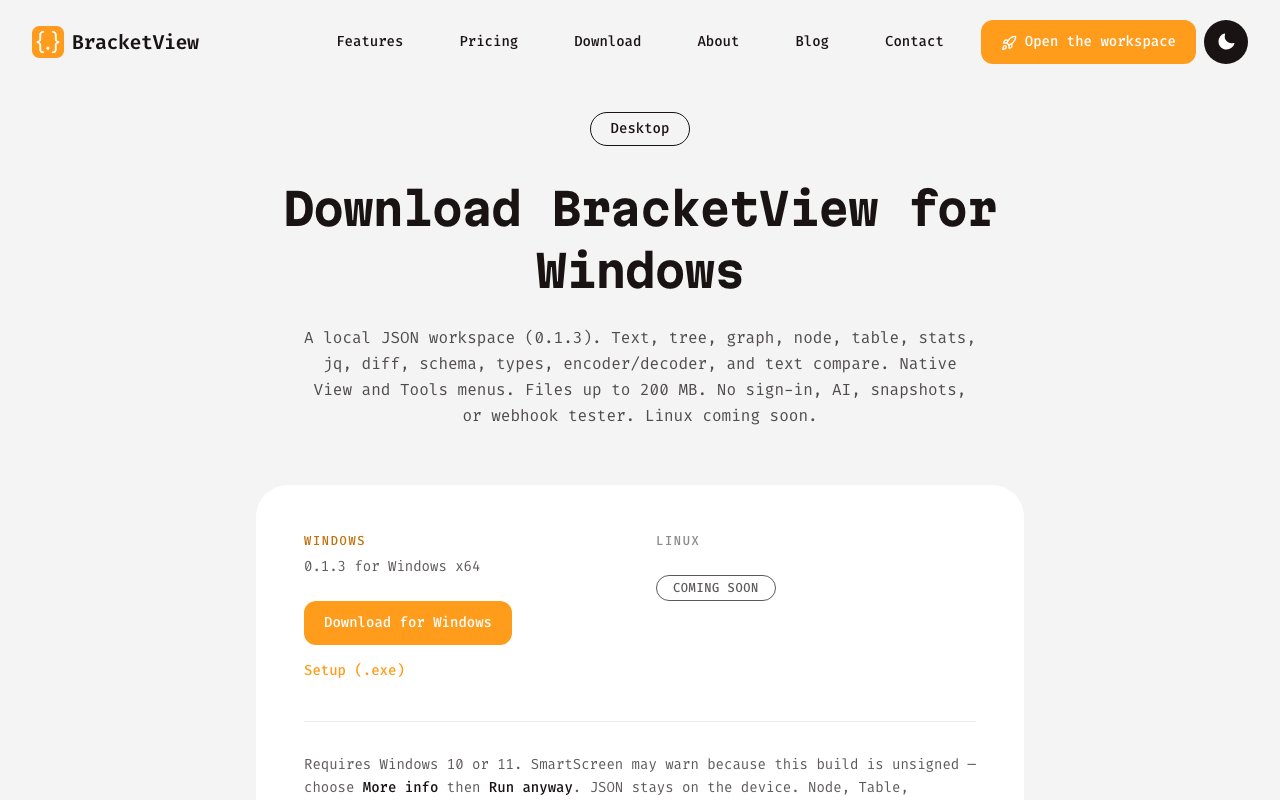
The desktop app for Windows handles files up to 200 MB, which is significantly larger than the 5 MB limit on the free web tier. It works offline after installation, requires no sign in, and doesn't use cloud storage or AI features in its default mode. This makes it suitable for air gapped environments or situations where you simply don't want network dependencies. A Linux version is listed as coming soon. The web version runs in any modern browser without installation, so you can use it on machines where you can't install software.
Additional features include a webhook tester that generates disposable URLs for capturing live HTTP requests. This helps when testing integrations without setting up a local server to receive callbacks. The encoder and decoder handle Base64, URL encoding, and other common transformations. Type generation can produce TypeScript interfaces from JSON samples, which accelerates frontend development when working with new API responses.
The interface is available in nine languages including English, Chinese, Japanese, Korean, Portuguese, Spanish, French, German, and Russian. Pricing follows a freemium model. The free tier allows 5 MB uploads, 5 snapshots per month, 20 AI actions per month, and 3 webhook endpoints. Pro runs $3 per month or $27 per year and raises limits to 50 MB uploads, unlimited snapshots with a two hour expiry, unlimited AI actions, and 25 webhook endpoints. The important distinction is that core features like viewing, formatting, validation, JSONPath, and jq run locally at any tier with no data transmitted. You only hit the paid limits if you use cloud features like AI fixing or persistent snapshots.
BracketView launched in 2025 and is built by Jameel Shaikh. For developers who spend time wrangling JSON and prefer tools that respect data privacy, it offers a more capable alternative to the generic online formatters that have dominated this space for years. The combination of multiple views, local processing, and schema validation makes it useful for both quick formatting tasks and deeper structural analysis.
Key Features
- Five JSON views, text, tree, graph, node, and table
- Real-time validation and formatting
- JSONPath queries and jq filter playground
- AI JSON fixer for malformed input
- Schema validation for JSON Schema and OpenAPI
- Webhook tester with disposable URLs
Pros & Cons
What we like
- Core tools run locally with no cloud upload
- Desktop app handles files up to 200 MB
- Multiple view modes for understanding complex structures
- Available in nine languages
Room for improvement
- Desktop app currently Windows only
- Free tier limited to 5 MB uploads
- Some advanced features require server interaction
- Newer product with smaller user base
Frequently Asked Questions
What is BracketView?
Is BracketView free?
Does BracketView upload my JSON to the cloud?
What platforms does BracketView support?
Best For
Featured in
Alternatives to BracketView
View all
Kevin Gabeci
Solo developer building web apps, cozy browser games, and AI creator toolkits.

SoloDevStack
A solo developer blog built on head-to-head tool comparisons, 580+ posts deep.

Codedex
A gamified, story-driven platform that teaches Python, web dev, and more like an RPG quest

Vibe Built
Building real apps with agentic AI. What worked, what broke, what shipped.
Our take
Tool Index Editorial · Oct 2026· 3.5/5
BracketView is a JSON workspace with text, tree, graph, node, and table views, plus jq, JSONPath, diff, schema validation, type generation, and optional AI repair. It is for developers who want more than a formatter while keeping core parsing local. Free handles web files up to 5 MB. Pro costs $3 a month or $27 a year, and desktop builds for Windows and Linux open local files up to 200 MB.
The combination of multiple views and local core tools is strong value, especially when inspecting unfamiliar payloads or working offline. Pricing is modest and the site clearly separates local desktop features from optional server-backed AI, snapshots, and webhooks. The desktop build is still version 0.1.7, and Windows users may see an unsigned-app warning, which deserves caution in a developer tool handling sensitive files. Cloud features also have different retention rules, so privacy claims should be evaluated feature by feature.
Editorial opinion from the Tool Index team, written from the public product pages. Not a user review.
Reviews (0)
Badge builder
Add BracketView to your website
Choose a badge style and size, preview it here, then copy the generated HTML. Badge images are self-contained SVGs and do not require an external script.

<a href="https://toolindex.net/tools/bracketview?ref=badge" target="_blank" rel="noopener">
  <img src="https://toolindex.net/badge/bracketview/medium.svg" alt="BracketView - Listed on Tool Index" width="180" height="50" />
</a>How to use the badge
- 1. Pick the style, size, and theme that fit your layout.
- 2. Copy the generated HTML from the code block.
- 3. Paste it into your footer, homepage, or press page.
Standard badge available
The standard listing badge is available now. Score and circle badges are limited to tools currently ranked in the top 10 of a category.
Badge clicks return visitors to this profile with a referral tag so the source remains identifiable.
Related Tools
Kevin Gabeci
Solo developer building web apps, cozy browser games, and AI creator toolkits.

Coolify
Self-hostable, open source alternative to Heroku and Netlify

Warp
The modern terminal reimagined with AI and collaboration

Bolt.new
Prompt-to-deployed full-stack app inside the browser
Work on BracketView? Request listing access or correction