
Buildkite
Hybrid CI/CD where the control plane is hosted but the build agents run on your own infrastructure.
Gallery

About Buildkite
Buildkite is a hybrid CI/CD platform that runs your pipelines on infrastructure you control. The orchestration lives in Buildkite's cloud, while the actual build agents run on your own servers, your VMs, or your kubernetes cluster. That split is the whole point.
The platform has been used by companies like Shopify, Airbnb, Pinterest, and Wayfair to run massive build fleets. Buildkite's architecture handles thousands of concurrent jobs without choking. It's a serious tool for teams that outgrew hosted runners.
What Buildkite actually does
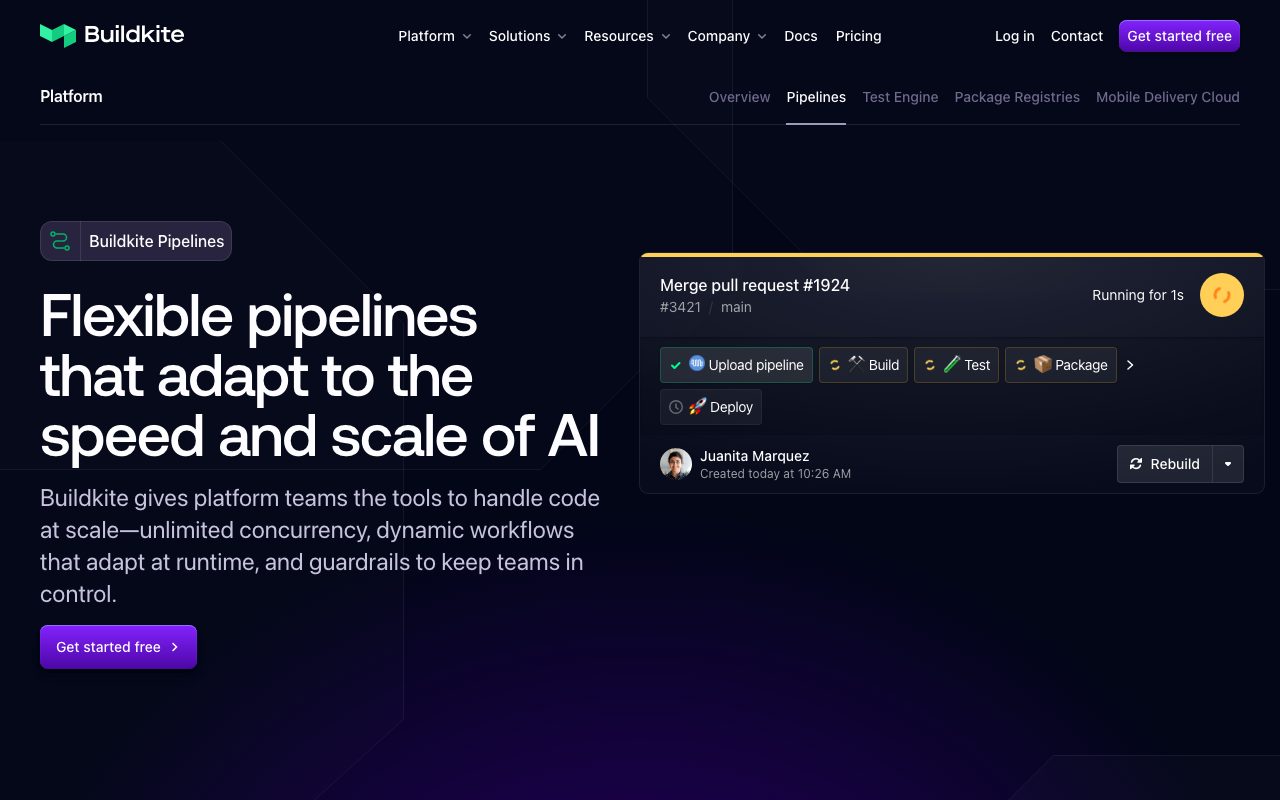
Buildkite Pipelines is the CI engine. You define steps in a YAML file, push code, and Buildkite schedules jobs onto your agents. Pipelines support fan-out, fan-in, conditional steps, dynamic generation, and parallelism that scales with the agents you bring.
The agent is a small open source binary. You run it wherever you want, point it at your account, and it picks up work. That model means your code, secrets, and artifacts never leave your network unless you choose.
Who Buildkite is built for
Buildkite is aimed at engineering teams that take CI seriously. The clearest fit is a platform team running builds for hundreds of engineers across many repos. The hybrid model also helps regulated companies that can't ship code to a third party cloud.
Solo developers and small teams usually get more value from GitHub Actions or CircleCI. Buildkite shines when your bottleneck is queue time on hosted runners.
Buildkite pricing
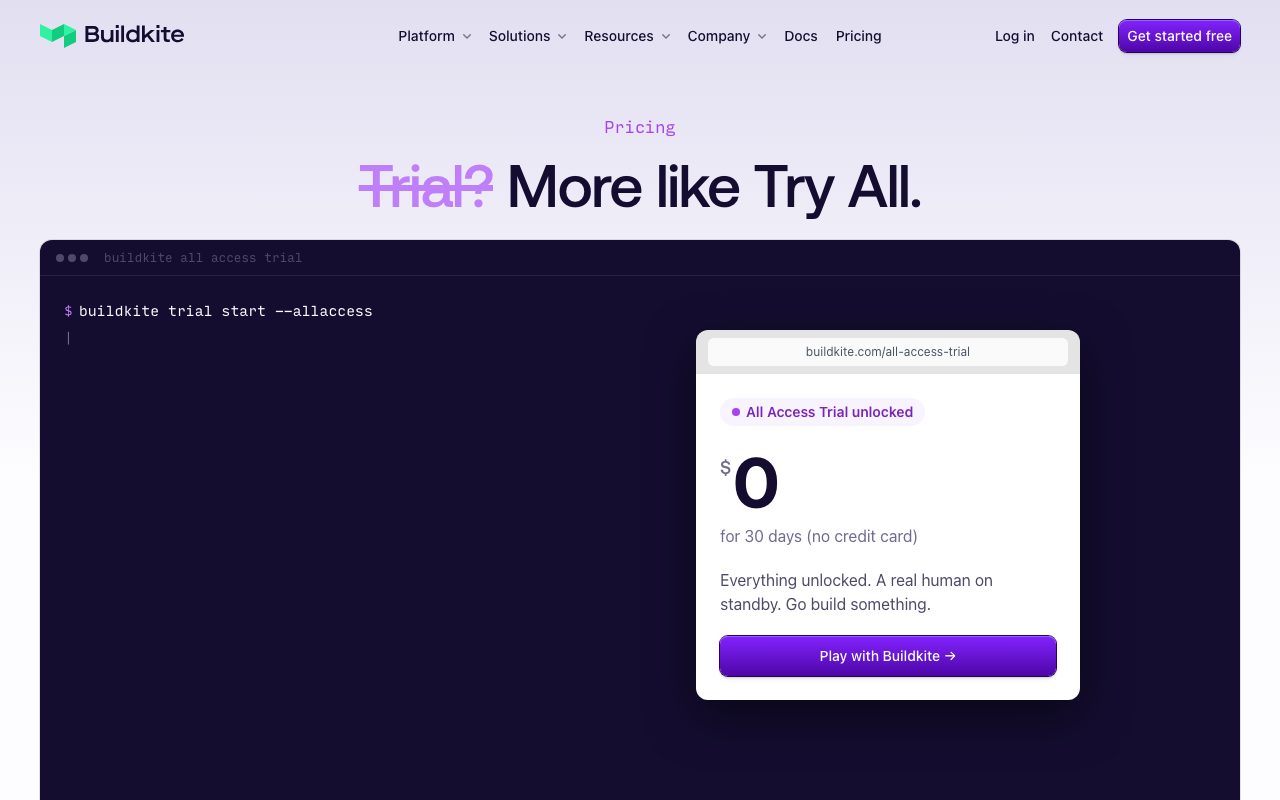
Buildkite charges per user, not per build minute. That flips the usual CI cost curve, since heavy build pipelines don't drive a runaway bill. You bring the compute, so you choose the cost ceiling.
There's a free tier for small teams and open source. Paid plans add features like Test Engine, Package Registries, and the deeper enterprise controls. Annual contracts are common at scale.
Features that define Buildkite
Dynamic pipelines let a step generate the next steps. You can read git diffs and emit only the steps that matter for the changes in this commit. Big monorepos lean on this hard.
Test Engine is a separate product that ingests test results, flags flaky tests, and shows ownership. It plugs into any CI, not just Buildkite Pipelines. Package Registries adds artifact hosting for Docker, npm, Maven, and more.
Plugins extend agents with reusable steps for things like Docker, S3 caching, secret management, and notifications. The plugin ecosystem is community-driven and open source.
If you've ever waited 20 minutes for a hosted runner queue at peak hours, Buildkite's bring-your-own-agent model starts looking very attractive.
Tradeoffs and rough edges
You operate the agents. That means provisioning, scaling, patching, and securing them. Some teams love that control, others hate it. If you don't have a platform engineer, the cost of running agents can outweigh the savings.
The UI is functional rather than flashy. Buildkite optimises for power users and engineers who live in YAML and the CLI. Newcomers sometimes find the docs dense.
Buildkite vs alternatives
The big competitors are GitHub Actions, CircleCI, and self-hosted Jenkins. GitHub Actions is the path of least resistance and ships free minutes. CircleCI is fully managed with strong caching. Jenkins is the open source workhorse you've probably already been burned by.
Buildkite splits the difference between hosted convenience and self-hosted control. You get a clean SaaS surface plus your own compute. See more in the best CI/CD tools roundup and Buildkite alternatives.
Common questions about Buildkite
Does Buildkite host runners? You can use Buildkite-hosted compute for some tiers, but the default is bring-your-own. Most heavy users prefer their own.
Is Buildkite hard to set up? The agent install is simple. The hard part is designing pipelines that take advantage of the parallelism.
Can Buildkite work with monorepos? Yes, dynamic pipelines were practically designed for monorepos.
Bottom line on Buildkite
Buildkite is the CI tool you reach for when scale and control matter more than convenience. It's not the easiest first CI, but it's often the last one a serious team needs. Browse tools for devops for adjacent picks.
If you're hitting hosted runner ceilings, run a proof of concept and see how the pipelines feel. Compare in Buildkite vs GitHub Actions.
Buildkite under the hood
The agent is a Go binary that long polls Buildkite for work. When a job arrives, the agent pulls the repo, runs the steps, and uploads logs and artifacts. The split between orchestration and execution is what makes the platform scale.
Pipelines are defined in YAML, but they can also be generated dynamically by a script. That script can read git diffs, package manifests, or any other state and emit only the steps that matter. Big monorepos rely on this pattern heavily.
Operations and security
Because agents run on your infrastructure, your secrets stay where you put them. Buildkite never sees the contents of your build, only the metadata you choose to send back. That's a real selling point for regulated industries.
Auto-scaling agents on AWS, GCP, or Kubernetes is the standard pattern. Several open source agent stack projects exist for the heavy lifting. Plan ahead for the operational layer when you adopt Buildkite.
Tutorial / Demo
Key Features
- Hosted control plane with self-hosted build agents
- Dynamic pipeline generation at runtime
- Per-user pricing with no compute markup
- Fan-out and fan-in step orchestration
- Strong audit logs and SSO for enterprise compliance
Pros & Cons
What we like
- Hybrid model is unmatched for security-sensitive teams
- Per-user pricing scales sanely as compute grows
- Pipeline DSL is genuinely powerful
Room for improvement
- You operate the agents, so that ops cost is real
Frequently Asked Questions
How much does Buildkite cost?
Buildkite vs GitHub Actions, why pay extra?
Buildkite vs CircleCI vs Jenkins?
Can Buildkite agents run in Kubernetes?
Is Buildkite overkill for a small team?
Best For
Featured in
Tags
Alternatives to Buildkite
View allTurborepo
High-performance build system for JavaScript and TypeScript monorepos
Dagger
Programmable CI/CD pipelines as code in Go, Python, TypeScript, or Java. Runs locally and on any CI provider.

Playwright
Microsofts open-source end-to-end browser testing framework for Chromium, Firefox, and WebKit with one API.
Bruno
Git-friendly, fully offline API client that stores collections as plain text files in your repository.
Our take
Tool Index Editorial · May 2026· 4.6/5
If you're evaluating Buildkite, the headline is simple: hybrid ci/cd where the control plane is hosted but the build agents run on your own infrastructure, and most teams will get value out of the box.
Worth highlighting: Hybrid model is unmatched for security-sensitive teams, Per-user pricing scales sanely as compute grows, and Pipeline DSL is genuinely powerful. What to watch for: You operate the agents, so that ops cost is real.
Recommendation: this is a strong default when you need large engineering teams with strict data residency rules. If you operate the agents, so that ops cost is real would be a dealbreaker, the alternatives section below is worth a scroll.
Editorial opinion from the Tool Index team, written from the public product pages. Not a user review.
Reviews (8)
Best decision this quarter
Found Buildkite on a Reddit thread, glad I clicked. Real selling point: pipeline DSL is genuinely powerful. Got real value out of dynamic pipeline generation at runtime. Still recommending it to people in similar setups.
Stuck the landing for our team
Buildkite has quietly become part of my daily flow. The thing I keep coming back to: hybrid model is unmatched for security-sensitive teams. Their take on fan-out and fan-in step orchestration is solid. Mostly using it for large engineering teams with strict data residency rules. Worth the price for what I get out of it.
Pros
- Pipeline DSL is genuinely powerful
Finally something that fits
Hadn't planned on switching, but Buildkite was hard to ignore. The thing I keep coming back to: hybrid model is unmatched for security-sensitive teams.
Pros
- Per-user pricing scales sanely as compute grows
- Hybrid model is unmatched for security-sensitive teams
- Pipeline DSL is genuinely powerful
Underrated honestly
First impression of Buildkite was 'huh, this is actually thought through.' Genuine strength: pipeline DSL is genuinely powerful. Their take on fan-out and fan-in step orchestration is solid. It fits well for monorepos that need dynamic, generated pipeline graphs. It would be a 5 if not for you operate the agents — that ops cost is real. Easy yes for anyone weighing the same trade-offs.
Pros
- Per-user pricing scales sanely as compute grows
- Hybrid model is unmatched for security-sensitive teams
- Pipeline DSL is genuinely powerful
Finally something that fits
Found Buildkite on a Reddit thread, glad I clicked. Real selling point: hybrid model is unmatched for security-sensitive teams. Their take on per-user pricing with no compute markup is solid. Main use case: companies that already operate large EC2 or k8s fleets. Wish they'd address how you operate the agents — that ops cost is real. Hard to imagine going back to my previous setup.
Pros
- Pipeline DSL is genuinely powerful
- Hybrid model is unmatched for security-sensitive teams
Bought it for one feature, stayed for ten
Honest take: Buildkite delivers most of what the marketing promises. Honestly impressed by how pipeline DSL is genuinely powerful. Their take on fan-out and fan-in step orchestration is solid. Found it works best for monorepos that need dynamic, generated pipeline graphs. Glad I made the switch.
Pros
- Pipeline DSL is genuinely powerful
- Hybrid model is unmatched for security-sensitive teams
- Per-user pricing scales sanely as compute grows
Worth the price of admission
Buildkite has quietly become part of my daily flow. What stands out is how pipeline DSL is genuinely powerful. It fits well for iOS shops running their own Mac build farm.
Pros
- Hybrid model is unmatched for security-sensitive teams
- Per-user pricing scales sanely as compute grows
- Pipeline DSL is genuinely powerful
Glad I tried it, not sure I'd renew
Have been using Buildkite for a while, here's where I land. Genuine strength: per-user pricing scales sanely as compute grows. Per-user pricing with no compute markup works the way you'd hope. It would be a 5 if not for you operate the agents — that ops cost is real. Solid pick for my use case, your mileage may vary.
Pros
- Hybrid model is unmatched for security-sensitive teams
Cons
- You operate the agents — that ops cost is real
Badge builder
Add Buildkite to your website
Choose a badge style and size, preview it here, then copy the generated HTML. Badge images are self-contained SVGs and do not require an external script.

<a href="https://toolindex.net/tools/buildkite?ref=badge" target="_blank" rel="noopener">
  <img src="https://toolindex.net/badge/buildkite/medium.svg" alt="Buildkite - Listed on Tool Index" width="180" height="50" />
</a>How to use the badge
- 1. Pick the style, size, and theme that fit your layout.
- 2. Copy the generated HTML from the code block.
- 3. Paste it into your footer, homepage, or press page.
Score badge available
Buildkite qualifies for the score and circle badges based on its current top-10 positionin Testing.
Badge clicks return visitors to this profile with a referral tag so the source remains identifiable.
Related Tools

Kevin Gabeci
Solo developer building web apps, cozy browser games, and AI creator toolkits.

Coolify
Self-hostable, open source alternative to Heroku and Netlify

Warp
The modern terminal reimagined with AI and collaboration

Bolt.new
Prompt-to-deployed full-stack app inside the browser
Work on Buildkite? Request listing access or correction