
Buttondown
Minimalist newsletter tool built for writers who prefer Markdown, plain text, and quietly powerful tooling under the hood.
Gallery
About Buttondown
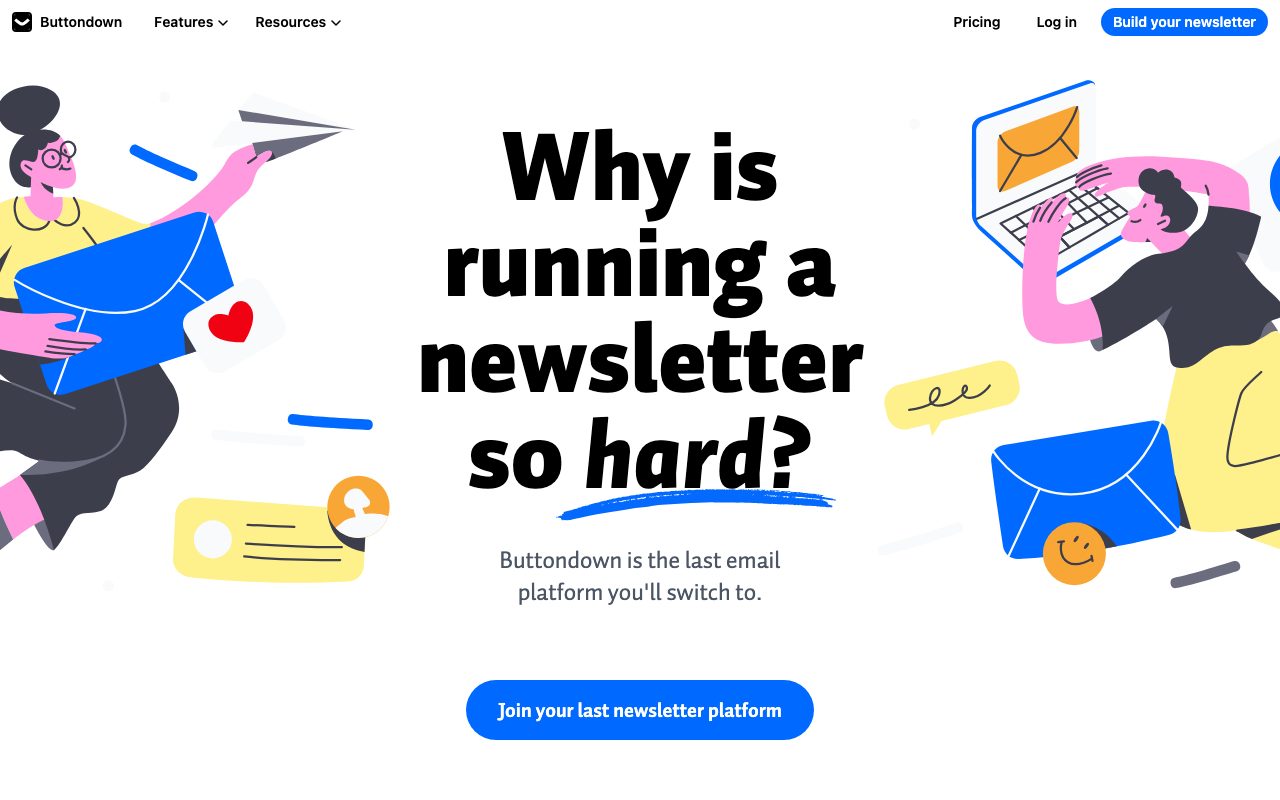
Buttondown is the small, well-built newsletter platform for writers who want markdown, automation, and a clean UI without the bloat. Justin Duke built it solo for years, and it shows in the polish. It's the tool indie writers keep recommending to each other.
The pitch is simple. Write your newsletter in markdown. Schedule it. Manage subscribers without spammy segmenting nonsense. Buttondown handles the boring parts of newsletters without trying to become a CRM, an LMS, or a media company.
If Substack feels too closed and Mailchimp feels too corporate, Buttondown is the middle ground. It's also one of the few platforms that respects your subscriber list as something you own, not something the platform monetizes.
What Buttondown actually does
Buttondown is email newsletter software. You write posts in markdown, optionally include code blocks or images, and send them to your subscribers. There's a hosted archive page, RSS, custom domains, and the standard scheduling and analytics.
The differentiator is taste. Buttondown's UI is fast and uncluttered. The default email styling is clean. The setup takes minutes. Compare that to setting up ConvertKit or Beehiiv and you'll feel the difference immediately.
Markdown-first writing
You write in markdown, period. Code blocks render with syntax highlighting. Images embed cleanly. Footnotes work. The HTML output is hand-tuned, so emails look good in Gmail, Apple Mail, and Outlook without you fiddling.
For technical writers and developers, this is the killer feature. No drag-and-drop builders. No proprietary block system. Just markdown that turns into pretty email.
Automation and segmentation
Buttondown has tags, drip campaigns, and conditional content. You can run a welcome sequence, segment subscribers by interest, or send a paid-only update to your premium tier. None of it is buried under marketing-speak.
Who Buttondown is for
Solo writers, indie newsletter authors, technical bloggers, and small teams running a content arm. Anyone who finds Substack restrictive and Mailchimp overwhelming. Buttondown lands right in the middle.
It's also a good fit for newsletters monetizing via Stripe-powered paid subscriptions. The integration is straightforward. You don't pay Substack's 10% take.
Buttondown pricing
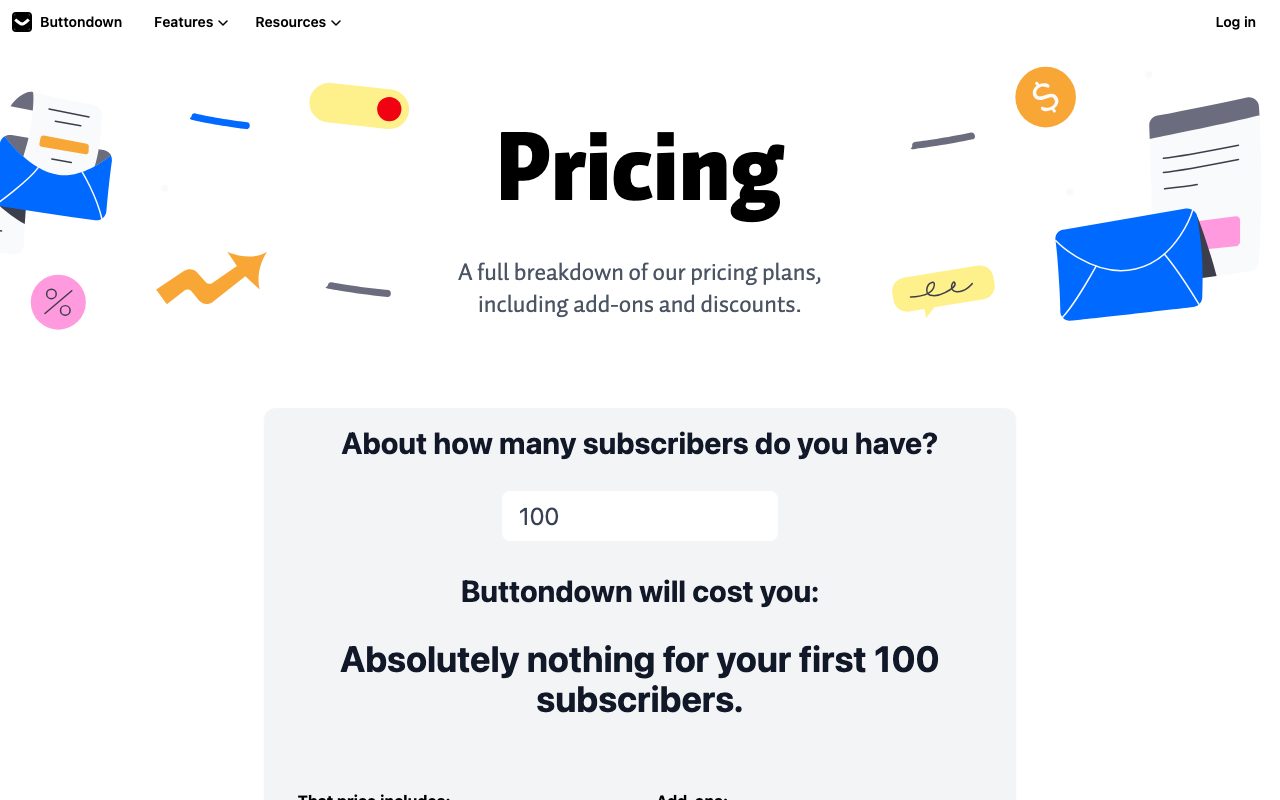
The free plan covers up to 100 subscribers. Hobby starts at $9 a month for 1,000 subscribers. Standard at $29 a month for 5,000. Pricing scales with list size, which is normal for the category.
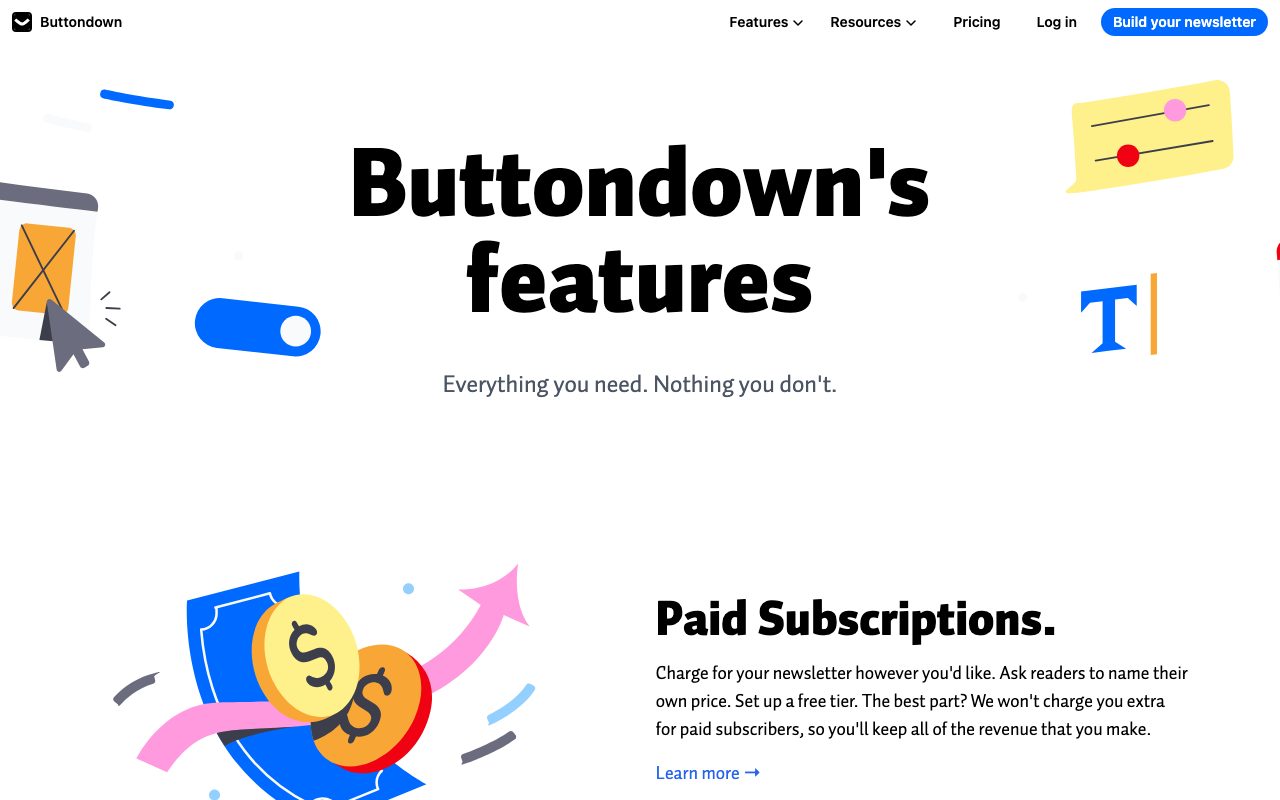
Paid newsletter features are included on Standard and up. There's no extra cut on top of Stripe fees. That's better than Substack's flat 10%, especially if you're crossing five figures of revenue.
Features worth knowing
Markdown editor with previews
The editor shows your post and a live email preview side by side. You see exactly what subscribers see. The preview matches Gmail and Apple Mail rendering closely.
Custom domains and branding
Send from your own domain, host the archive on your domain, and skip the Buttondown branding on paid plans. Your subscribers won't know what platform you use unless you tell them.
API and integrations
The API is well-documented and actually useful. You can sync subscribers from your app, trigger sends from a CMS, or pull analytics into your dashboard. Zapier and Make integrations exist for the no-code crowd.
Paid subscriptions via Stripe
Connect a Stripe account and run a paid tier. Subscribers pay through Stripe, content gates work automatically, and Buttondown stays out of the money flow. You keep what you earn minus Stripe fees.
The tradeoffs
Buttondown is small. The team is tiny. Features ship steadily but not at the pace of Beehiiv or ConvertKit. If you want recommendation networks, fancy referral programs, or a dedicated mobile app, Buttondown isn't your tool.
The deliverability is solid but not enterprise-grade. For most small newsletters that's fine. If you're sending to a million subscribers, you'd run a dedicated ESP like Mailgun anyway.
Buttondown vs alternatives
The honest comparisons are Buttondown vs Substack, Buttondown vs Beehiiv, and Buttondown vs ConvertKit. Substack owns discoverability and network effects. Beehiiv has flashier monetization. ConvertKit goes deep on creator commerce.
Buttondown wins on simplicity, taste, and respect for the writer. See Buttondown alternatives or browse the best newsletter platforms.
Bottom line on Buttondown
Buttondown is the newsletter platform that gets out of your way. It's not the biggest, the cheapest, or the most feature-rich. It's the most pleasant to use if you write in markdown and value calm tooling.
For solo writers and small publications, Buttondown is the sleeper pick that keeps showing up on best-of lists for a reason. The polish compounds the longer you use it.
Common Buttondown questions
Can Buttondown replace Substack? For most indie writers, yes. The features overlap on writing, sending, and paid subscriptions. Substack wins on built-in audience network and recommendations. Buttondown wins on platform independence, lower fees, and writer-respecting policies.
Can I migrate from Mailchimp to Buttondown? Yes. CSV import handles subscribers. The team has a migration guide. Most users finish in an afternoon. The bigger lift is recreating any complex automations, but most newsletters don't have those anyway.
Does Buttondown handle sponsorships and ads? It does, in a low-key way. You write your sponsor section in markdown, it ships in your post. There's no marketplace or matchmaking. If you want a sponsorship marketplace, Beehiiv is built around that.
How is deliverability?
Buttondown uses AWS SES under the hood. Deliverability is solid for normal newsletters. Custom DKIM/SPF setup is supported. For huge newsletters with deliverability concerns, you'd run a dedicated ESP, but for under 100,000 subscribers Buttondown is fine.
What about RSS-to-email?
Buttondown can send RSS-to-email automatically. Useful if your newsletter doubles as a blog distribution. Works on a schedule with templates. Not as flashy as a custom-built newsletter but reliable.
Workflow tips for Buttondown
Set up a custom domain on day one. It builds sender reputation and makes your archive feel native. The setup is DNS-level and well-documented.
Use the API for automated growth. Sync new app users into Buttondown subscribers. Tag them on signup. Trigger a welcome series. The API is clean enough that this is a half-day project.
Embed sign-up forms on your site. The default forms are minimal. Style to match your brand. Most growth comes from your own properties, not the Buttondown directory.
Test deliverability quarterly. Send to seed inboxes (Gmail, Outlook, Yahoo) and check spam folder placement. Catch issues before subscribers complain. Browse tools for creators for more.
Real-world Buttondown scenarios
An indie developer runs a weekly newsletter on web dev trends. They write in markdown, embed code blocks, send Sundays. Buttondown handles 8,000 subscribers, paid tier monetizes. Total time spent on infrastructure: zero. The platform stays out of the way.
A small SaaS team uses Buttondown for their company changelog. New features get a post. Subscribers get notified. The archive lives on a custom subdomain. Marketing stops being chaos. The setup took an afternoon.
A freelance writer uses Buttondown to grow an audience around a niche. Paid tier sells premium issues at $5/month. Stripe integration handles billing. Buttondown takes Stripe's fee, no extra cut. The economics work better than Substack at small scale.
Things to set up day one
Custom domain, DKIM/SPF records, sign-up form on your site, automated welcome email. These four cover the foundation. Skip them and you'll regret it later when reputation issues bite or growth stalls.
Tag subscribers as they sign up if you have multiple sources. Sign-ups from your blog get one tag, from a podcast another, from a paid ad another. Lets you analyze what drives engaged subscribers.
Send a regular cadence. Weekly is the most common. Subscribers expect predictability. The platform handles scheduling cleanly. Use it.
For solo writers and small teams, Buttondown's simplicity is the feature. You can run a real publication on it without learning a complicated tool. Browse the Buttondown page for community reviews.
Why Buttondown wins on values
Buttondown is small and stays small. The team is tiny. Features ship steadily. The product respects writers in ways larger platforms can't afford to. Substack pivots to AI and recommendations and chat. Buttondown ships better email.
For writers who care about owning their list and their words, Buttondown is the platform that doesn't try to lock them in. Export your subscribers in CSV. Move to another platform if you want. Buttondown won't penalize you. That's a different mindset than most platforms.
The pricing reflects this. Per-subscriber pricing is honest. No hidden fees on paid tiers. No revenue share on Stripe transactions beyond Stripe's own fee. You pay for the tool, not for the privilege of monetizing.
For indie writers, technical bloggers, and small publications, Buttondown is the platform that aligns with their interests. Bigger players might be louder. Buttondown stays focused, and the writers who try it tend to stay.
Setting expectations with Buttondown
Buttondown is a tool, not a growth strategy. It won't get you subscribers. It will treat the subscribers you have well. The discovery layer that Substack offers doesn't exist. You bring your own audience or you build it through your own channels. Some writers find that limiting. Others find it freeing.
For most independent writers, the tradeoff is worth it. Substack's built-in audience comes with platform risk: rule changes, algorithm shifts, content policy enforcement. Buttondown removes that risk. Your list is yours. The price is doing your own promotion.
For technical newsletters, where the audience is found through GitHub, Hacker News, and developer Twitter, Buttondown's lack of discovery isn't a real downside. The audience comes from the work, not the platform. Buttondown handles the email part competently and gets out of the way.
Tutorial / Demo
Key Features
- Markdown-first writing and editing
- Paid subscriptions and tipping via Stripe
- RSS-to-newsletter and scheduled drafts
- Automations, surveys, and threaded discussions
- API and webhooks for power users
- Imports from major newsletter tools
Pros & Cons
What we like
- Distraction-free writing experience
- Surprisingly deep features under a minimal UI
- Independent, well-priced, indie-friendly
Room for improvement
- Not aimed at heavy marketing or ecommerce senders
- Visual customization is intentionally limited
Frequently Asked Questions
Does Buttondown have a free tier?
Buttondown vs Substack, which is better?
Buttondown vs Beehiiv vs ConvertKit?
Does Buttondown support paid subscriptions?
Can I import from Substack or Mailchimp?
Best For
Featured in
Tags
Alternatives to Buttondown
Brevo
Marketing platform combining email, SMS, WhatsApp, transactional sending, and a basic CRM under volume-based pricing.

Customer.io
Event-driven messaging platform for product teams that want to send email, push, SMS, and in-app messages from real user behavior.

Substack
Hosted newsletter and publication platform with built-in payments, recommendations, and an audience network for writers.

Buffer
Social media scheduling tool with a clean queue, multi-channel posting, and analytics for small teams and creators.
Our take
Tool Index Editorial · May 2026· 4.6/5
What Buttondown is really selling — beyond the marketing copy — is minimalist newsletter tool built for writers who prefer markdown, plain text, and quietly powerful tooling under the hood.
The standout points: Distraction-free writing experience, Surprisingly deep features under a minimal UI, and Independent, well-priced, indie-friendly. The friction points: Not aimed at heavy marketing or ecommerce senders and Visual customization is intentionally limited.
In short: Buttondown is a strong pick when you need personal and indie newsletters with paid tiers, and a harder sell if not aimed at heavy marketing or ecommerce senders would be a dealbreaker.
Editorial opinion from the Tool Index team, written from the public product pages. Not a user review.
Reviews (3)
Onboarded the team in a day
Buttondown isn't perfect but it's the best I've used in this category. Real selling point: surprisingly deep features under a minimal UI. Mostly using it for personal and indie newsletters with paid tiers.
Pros
- Distraction-free writing experience
- Independent, well-priced, indie-friendly
Bought it for one feature, stayed for ten
Buttondown has quietly become part of my daily flow. Where it really wins is independent, well-priced, indie-friendly. The API and webhooks for power users is more useful than I expected.
Two months in, no regrets
Buttondown is one of those tools you stop noticing because it just works. Where it really wins is independent, well-priced, indie-friendly. Worth calling out the markdown-first writing and editing too. Main use case: RSS-driven newsletters from blogs.
Pros
- Distraction-free writing experience
- Surprisingly deep features under a minimal UI
Badge builder
Add Buttondown to your website
Choose a badge style and size, preview it here, then copy the generated HTML. Badge images are self-contained SVGs and do not require an external script.

<a href="https://toolindex.net/tools/buttondown?ref=badge" target="_blank" rel="noopener">
  <img src="https://toolindex.net/badge/buttondown/medium.svg" alt="Buttondown - Listed on Tool Index" width="180" height="50" />
</a>How to use the badge
- 1. Pick the style, size, and theme that fit your layout.
- 2. Copy the generated HTML from the code block.
- 3. Paste it into your footer, homepage, or press page.
Standard badge available
The standard listing badge is available now. Score and circle badges are limited to tools currently ranked in the top 10 of a category.
Badge clicks return visitors to this profile with a referral tag so the source remains identifiable.
Related Tools

Apatero AI
The creator studio for AI image, video, audio, 3D, and avatars, now at apatero.ai.
SEObot
Autonomous AI SEO agent that runs your blog and link building on autopilot
Substack
Hosted newsletter and publication platform with built-in payments, recommendations, and an audience network for writers.
MailerLite
Friendly, affordable email marketing tool with newsletters, automations, landing pages, and a growing creator toolkit.
Work on Buttondown? Request listing access or correction