
Cortex
Monitor Mac apps, Apple Silicon resources, and local AI workloads from one private dashboard
Gallery
About Cortex
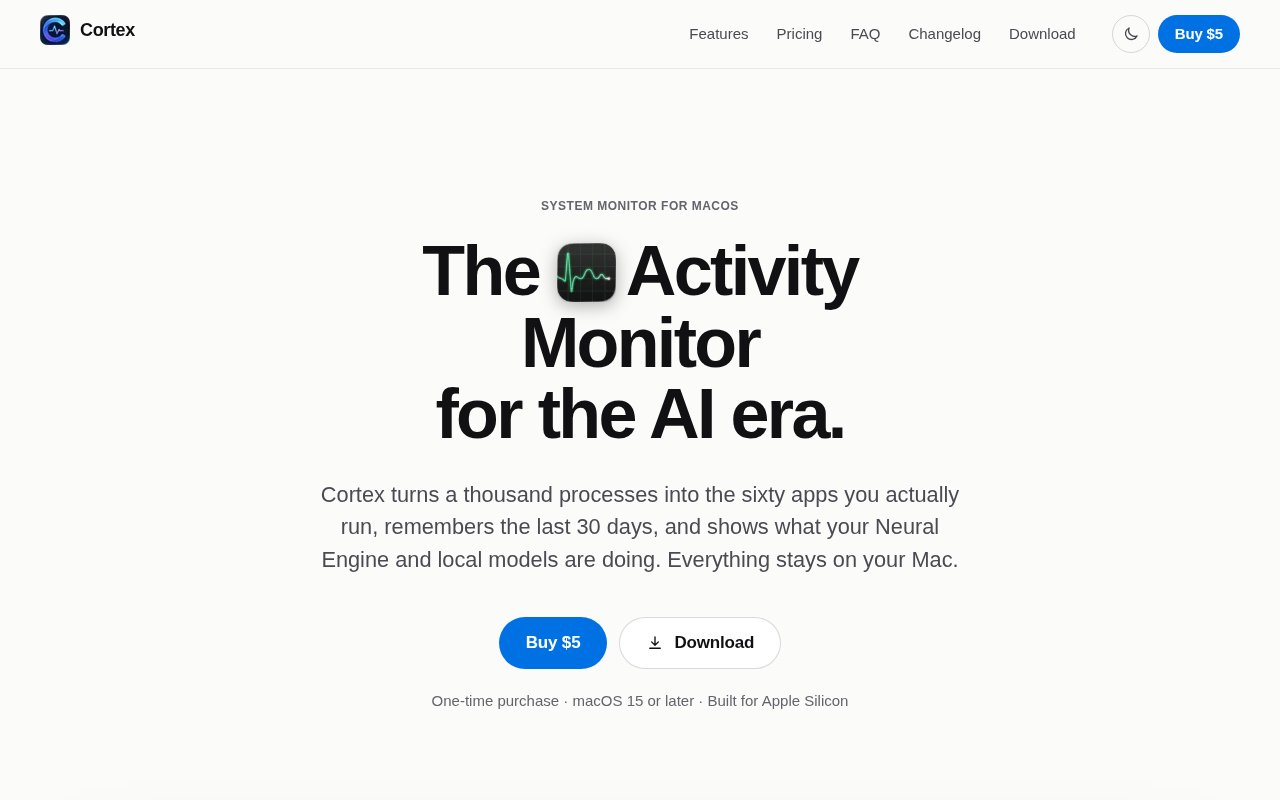
Cortex is a native macOS system monitor that organizes resource usage around the apps a person recognizes instead of the many helper processes macOS exposes. It groups related renderers, agents, daemons, and background processes under their parent applications, then shows CPU, memory, energy, disk, network, GPU, and other activity in a more approachable view. It keeps 30 days of history for each app and metric, which fills a major gap in Activity Monitor when a slowdown or battery drain happened earlier. Cortex lives in the menu bar as well as a full window, so it can show current strain at a glance and provide detail when something needs investigation.
The monitoring goes beyond a simple process list. Cortex separates performance and efficiency core activity, explains memory pressure and swap, tracks network and disk use by app, and shows battery health, cycle count, temperatures, fan speeds, and power draw. Smart alerts learn what is normal for each app at different hours of the week and flag unusual behavior. A daily digest summarizes the Mac's day, while a Projects view finds development servers listening on local ports and groups them by project. A short Silicon Probe benchmark measures the CPU, GPU, and Neural Engine and keeps previous results so changes can be compared on the same machine.
The menu bar view can be shown as an icon, a CPU figure, a miniature graph, or stacked CPU, memory, GPU, and Neural Engine figures. When the machine is under strain, the icon changes into a warning instead of requiring the user to keep the full window open. Clicking it reveals current CPU activity across performance and efficiency cores, Neural Engine use, memory pressure, GPU load, network traffic, battery power, temperature, fan speed, and the busiest apps. The full app view lets a user expand an application group back into its individual helpers when process-level detail is needed, preserving the depth of Activity Monitor without making the raw process list the starting point.
Apple Silicon and local AI workloads are a particular focus. Cortex shows estimated Neural Engine load and power alongside CPU, GPU, and DRAM activity, and identifies applications holding Neural Engine memory. It detects models loaded through Ollama, LM Studio, llama.cpp server, ComfyUI, and MLX or PyTorch processes, including their memory and power use. The Model Fit Advisor compares a proposed model size, quantization, and context length with currently free unified memory and the GPU memory limit. When a model nearly fits, it can identify an app to close before downloading or loading the weights.
Ask Cortex provides a conversational way to investigate the same local measurements. A user can ask why the Mac is slow, what drained the battery, whether a model will fit, or which development servers appear idle. On macOS 26 with Apple Intelligence, answers use Apple's on-device models. On other supported Macs, a built-in rule-based assistant answers instead. Either path runs locally. The core application requires macOS 15 Sequoia or later and supports both Apple Silicon and Intel, but Intel Macs lack Neural Engine and power data, so the richest views are reserved for newer Apple hardware.
Privacy is unusually explicit for a monitor that can see almost everything running on a computer. Metrics, 30-day history, alerts, loaded model details, project information, benchmark results, and Ask Cortex conversations stay on the Mac. The app has no account, analytics, telemetry, or cloud AI processing. It makes an update check and a license check, with the latter sending the license key, Mac name, and an anonymous device identifier. Cortex is distributed directly rather than through the Mac App Store because the App Store sandbox would prevent it from reading other applications' processes. The download is signed and notarized by Apple.
Cortex is sold as a one-time license with no subscription and no trial. The launch offer lists the first 100 licenses at $5 each, after which a single license is $19. One license activates one Mac at a time, can be moved to another Mac, and continues working offline after activation. Moving it normally means deactivating the old Mac in settings and entering the same key on the new machine. If the old computer is lost or dead, support can free the license. Buyers can also select packs for two, five, ten, or twenty Macs, with each license covering one Mac at a time. Every future update is included, including major versions. Unused license keys can be refunded within 14 days, while activated keys cannot. It is a focused choice for developers, local AI users, and technically curious Mac owners who want historical context and app-level explanations, but its macOS 15 requirement and reduced Intel metrics limit who can use the complete feature set.
Key Features
- App-grouped resource monitoring
- Thirty-day metric history
- Local AI workload detection
- Model memory fit advisor
- On-device diagnostic assistant
- Smart baselines and alerts
Pros & Cons
What we like
- Groups noisy helper processes under familiar apps
- Keeps monitoring history entirely on the Mac
- Covers Neural Engine and loaded model activity
- Uses a one-time license with lifetime updates
Room for improvement
- Requires macOS 15 Sequoia or later
- Intel Macs receive fewer hardware metrics
- Full Ask Cortex AI needs macOS 26
- Activated license keys are not refundable
Frequently Asked Questions
What is Cortex for Mac?
Does Cortex upload monitoring data?
Which Macs can run Cortex?
How much does Cortex cost?
Best For
Featured in
Alternatives to Cortex

Kevin Gabeci
Solo developer building web apps, cozy browser games, and AI creator toolkits.

SoloDevStack
A solo developer blog built on head-to-head tool comparisons, 580+ posts deep.

Codedex
A gamified, story-driven platform that teaches Python, web dev, and more like an RPG quest

Vibe Built
Building real apps with agentic AI. What worked, what broke, what shipped.
Reviews (0)
Badge builder
Add Cortex to your website
Choose a badge style and size, preview it here, then copy the generated HTML. Badge images are self-contained SVGs and do not require an external script.

<a href="https://toolindex.net/tools/cortex?ref=badge" target="_blank" rel="noopener">
  <img src="https://toolindex.net/badge/cortex/medium.svg" alt="Cortex - Listed on Tool Index" width="180" height="50" />
</a>How to use the badge
- 1. Pick the style, size, and theme that fit your layout.
- 2. Copy the generated HTML from the code block.
- 3. Paste it into your footer, homepage, or press page.
Standard badge available
The standard listing badge is available now. Score and circle badges are limited to tools currently ranked in the top 10 of a category.
Badge clicks return visitors to this profile with a referral tag so the source remains identifiable.
Related Tools
Kevin Gabeci
Solo developer building web apps, cozy browser games, and AI creator toolkits.

Coolify
Self-hostable, open source alternative to Heroku and Netlify

Warp
The modern terminal reimagined with AI and collaboration

Bolt.new
Prompt-to-deployed full-stack app inside the browser
Work on Cortex? Request listing access or correction