CPE TPMS
Screen TPMS lattice designs for metal 3D printing from a plain-English part description
Gallery
About CPE TPMS
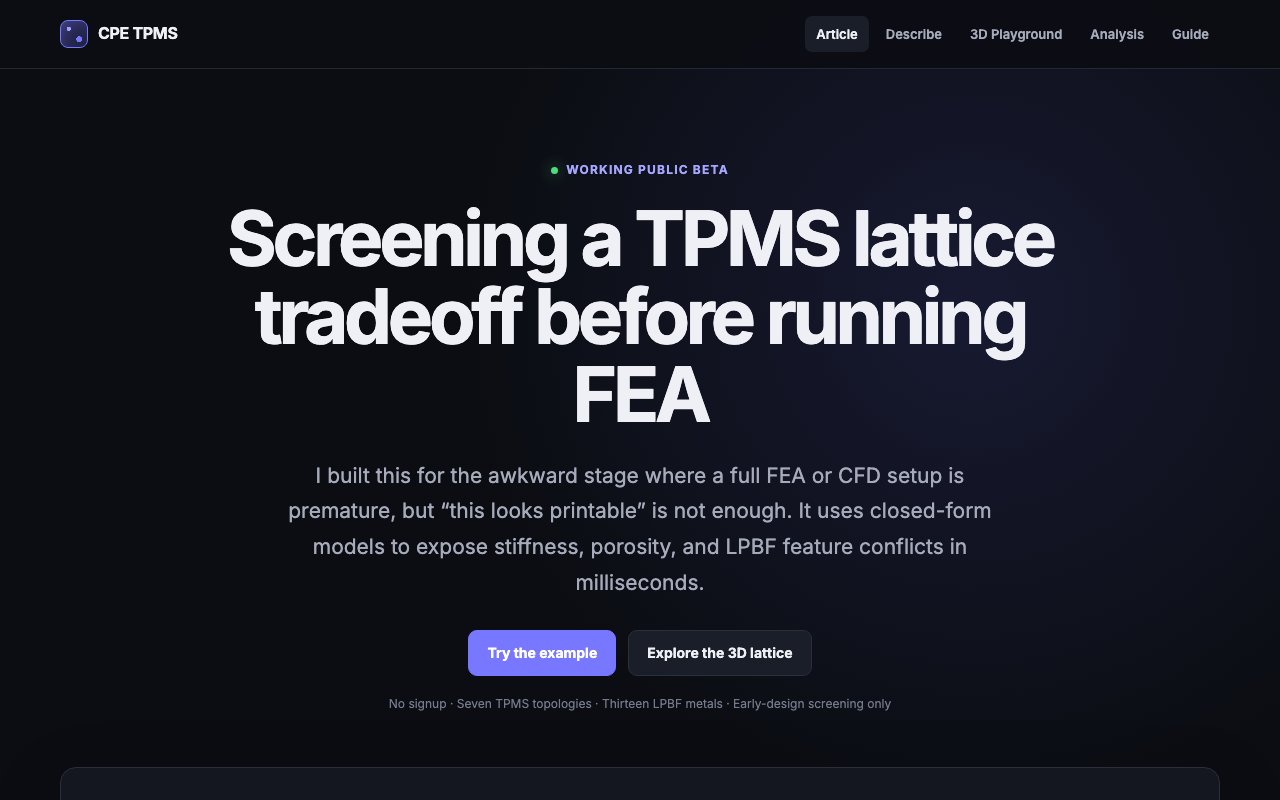
CPE TPMS is a browser-based screening tool for metal additive manufacturing that helps engineers weigh triply periodic minimal surface lattice designs before they commit to a full simulation. TPMS lattices are the smooth, repeating internal structures used to make parts lighter, more porous, or tuned to a target stiffness, and choosing the right one usually means slow FEA or CFD runs. This tool sits earlier in the process, giving a fast first read on which lattice and material combinations are even worth modeling in detail. The goal is to spend simulation time only on candidates that already look plausible, rather than meshing and solving every idea an engineer might sketch.
The starting point is a plain-language description of the part. An engineer might type something like a titanium cylinder 50 millimeters across and 100 long that needs at least 70 percent porosity and 5 percent of the bulk material's stiffness, and the tool turns that sentence into geometry and screening parameters. The parsing is done by a deterministic phrase parser rather than a large language model, and it shows exactly how it read the request before returning anything, so there's no guessing about what assumptions went into the numbers. That transparency is a deliberate design choice for engineers who need to trust a result.
From that input it ranks seven lattice families, namely Gyroid, Schwarz-P, Schwarz-D, Diamond, IWP, Lidinoid, and Neovius, against the target. It works across thirteen laser powder bed fusion metals, checking each candidate's cell size and wall thickness against the feature limits of the chosen material so a suggested design is actually printable rather than just mathematically valid. The scoring returns in milliseconds because it leans on closed-form math instead of meshing and solving a model for every option. Each family behaves differently under load, so ranking them side by side is more useful than picking a favorite out of habit.
The estimates come from Gibson-Ashby power-law relations, the standard closed-form way to link a lattice's relative density to its effective stiffness. The tool uses those relations to work out how much solid material a target stiffness would need, then reports solid volume percentage, porosity, and rough cell size and wall thickness. When a request can't physically be satisfied, for instance very high stiffness paired with very high porosity, it says a tradeoff is required instead of handing back a false green light, which is the kind of honesty that early-stage screening actually needs. Reporting the tradeoff plainly means an engineer learns early that two targets are fighting each other, instead of discovering it after a long solve.
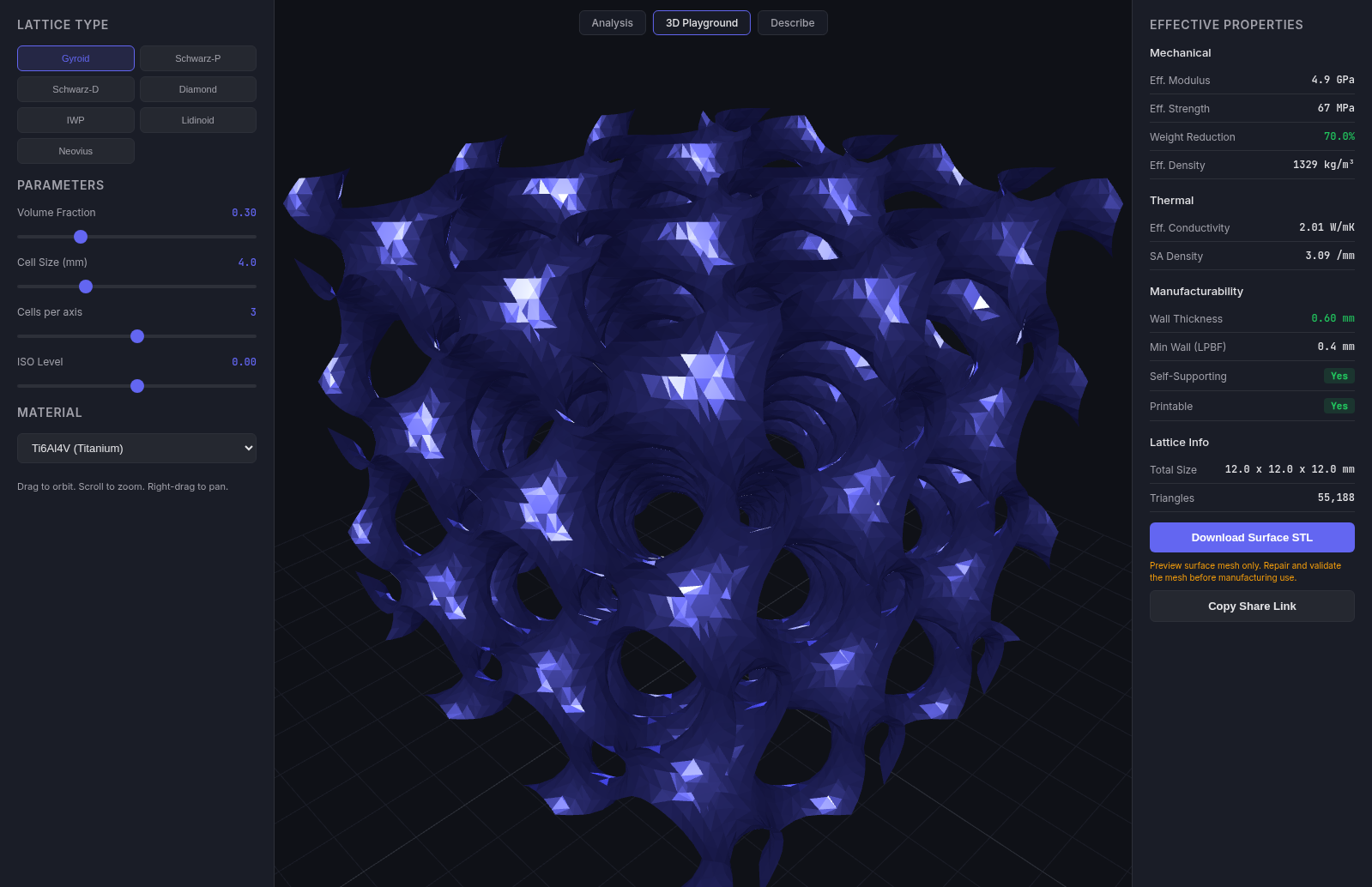
There are three ways to work with it. A describe-your-part tab handles the plain-language queries, a 3D playground lets you push topology, density, and material around and watch the estimated properties update live, and an analysis tab exposes direct JSON input for finer control along with API access. The audience is mechanical and additive-manufacturing engineers doing early concept work, the stage where you're narrowing a field of candidates rather than validating a final design that's already close to production. The JSON and API surface also makes it possible to script a batch of screenings rather than running each one by hand in the interface.
The team is clear about what the tool is not. It doesn't replace final verification for safety-critical parts, and it explicitly says it doesn't capture as-built defects, anisotropy, residual stress, fatigue, fracture, contact, complex heat flow, or resolved fluid flow. What it does well is triage. It compares early candidates quickly, catches incompatible targets before they waste hours of simulation, and produces a reproducible starting point that a full FEA study can pick up from later. Treated that way, it narrows the field so the expensive tools only run on designs that are worth the compute.
Access is a free public beta with no signup, running fully in the browser as a hosted app. The team describes it as a working beta rather than a finished product, so the sensible way to treat it is as a fast screening and sanity-check layer that sits in front of the heavier simulation tools, not as a replacement for them. For engineers who spend real time setting up FEA studies, a millisecond first pass that rules out the impossible combinations can save a lot of wasted modeling before the serious analysis even begins. The lack of a signup wall makes it easy to try a few queries and see whether the screening lines up with your own intuition before relying on it.
Key Features
- Plain-English part description parser
- Ranks seven TPMS lattice topologies
- Thirteen LPBF metal library
- Gibson-Ashby closed-form estimates
- Interactive 3D lattice playground
- JSON analysis input and API
Pros & Cons
What we like
- Screens lattice candidates in milliseconds before FEA
- Deterministic parser, not a black-box language model
- Flags conflicting targets instead of false approvals
- Free public beta with no signup
Room for improvement
- Screening estimates, not a substitute for full FEA or CFD
- Limited to thirteen LPBF metals
- Not meant for safety-critical final verification
- Still a working public beta
Frequently Asked Questions
What is CPE TPMS?
How does the plain-English input work?
Is CPE TPMS free?
What are its limits?
Best For
Featured in
Alternatives to CPE TPMS

Framer
Visual website builder that lets designers ship production-grade marketing sites with real CMS, SEO controls, and code components.

Apatero Studio
Creator studio for AI image, video, audio, 3D, and avatars. Every model worth using, in one workspace.

Pixel Painters
Unlimited graphic design subscriptions built only for churches and ministries
Reviews (11)
Genuinely impressed
Started using CPE TPMS casually, now it is pinned in my dock. It slotted into my routine without much fuss. The output quality holds up better than I expected. No regrets so far.
Exactly what I needed
Tried CPE TPMS on a side project first, then rolled it out everywhere. Got real value out of ranks seven tpms lattice topologies.
Finally something that fits
Found CPE TPMS on a Show HN thread and I am glad I clicked. What stands out is how it handles deterministic parser, not a black-box language model. It does what it says, which is rarer than it should be. It fits well for comparing early lattice candidates for a part.
Two months in, no regrets
CPE TPMS has quietly become part of my daily flow. Got real value out of screens lattice candidates in milliseconds before fea. Setup was painless and I was productive the same day. Found it works best for creating a reproducible starting point for validation. No regrets so far.
Powerful once it clicks
Tried CPE TPMS on a side project first, then rolled it out everywhere. Support actually answered when I had a question, which surprised me. It fits well for checking whether stiffness and porosity targets conflict. My only gripe is limited to thirteen lpbf metals. No regrets so far.
Recommended without reservation
Tried CPE TPMS on a side project first, then rolled it out everywhere. What stands out is how it handles ranks seven tpms lattice topologies. Recommending it to people in a similar spot.
It just works
Hadn't planned on switching, but CPE TPMS was hard to ignore. The interactive 3d lattice playground is more useful than I expected. Mostly using it for creating a reproducible starting point for validation.
Exactly what I needed
Tried CPE TPMS on a side project first, then rolled it out everywhere. Got real value out of interactive 3d lattice playground. Would sign up again without thinking twice.
Solid daily driver
Picked CPE TPMS for the price, stayed for the quality. The core workflow is smooth once you are set up. Mostly using it for comparing early lattice candidates for a part. Recommending it to people in a similar spot.
Recommended without reservation
Came to CPE TPMS after getting frustrated with what I had before. Got real value out of gibson-ashby closed-form estimates. The core workflow is smooth once you are set up.
Two months in, no regrets
Three months of CPE TPMS later, here is what holds up. Got real value out of ranks seven tpms lattice topologies. It fits well for creating a reproducible starting point for validation. Would sign up again without thinking twice.
Badge builder
Add CPE TPMS to your website
Choose a badge style and size, preview it here, then copy the generated HTML. Badge images are self-contained SVGs and do not require an external script.

<a href="https://toolindex.net/tools/cpe-tpms?ref=badge" target="_blank" rel="noopener">
  <img src="https://toolindex.net/badge/cpe-tpms/medium.svg" alt="CPE TPMS - Listed on Tool Index" width="180" height="50" />
</a>How to use the badge
- 1. Pick the style, size, and theme that fit your layout.
- 2. Copy the generated HTML from the code block.
- 3. Paste it into your footer, homepage, or press page.
Standard badge available
The standard listing badge is available now. Score and circle badges are limited to tools currently ranked in the top 10 of a category.
Badge clicks return visitors to this profile with a referral tag so the source remains identifiable.
Related Tools
Apatero Studio
Creator studio for AI image, video, audio, 3D, and avatars. Every model worth using, in one workspace.

Tailwind CSS
Rapidly build custom designs without leaving your HTML

Figma
Collaborative interface design tool

Marvel
Lightweight prototyping platform for turning images and screens into clickable mobile and web prototypes.
Work on CPE TPMS? Request listing access or correction