
Discord
Voice, video and text chat that started in gaming and now hosts every kind of community
Gallery
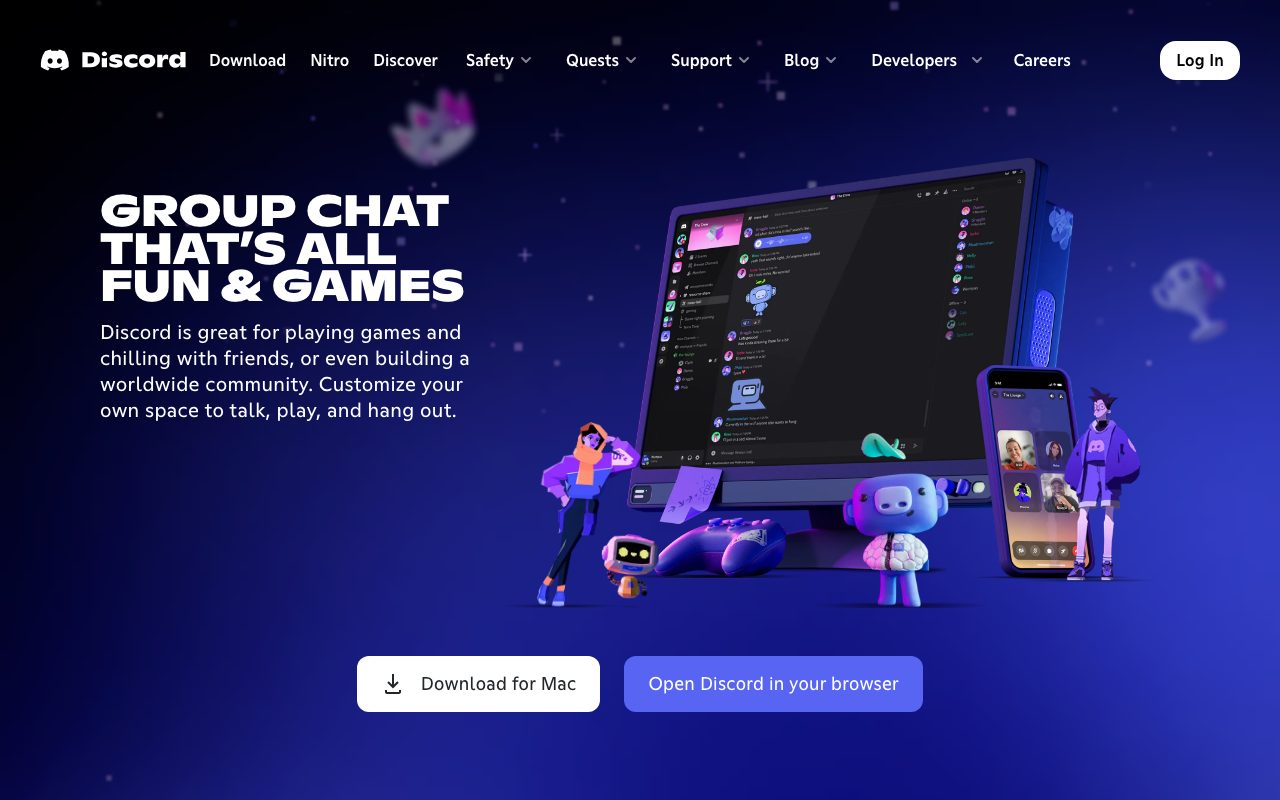
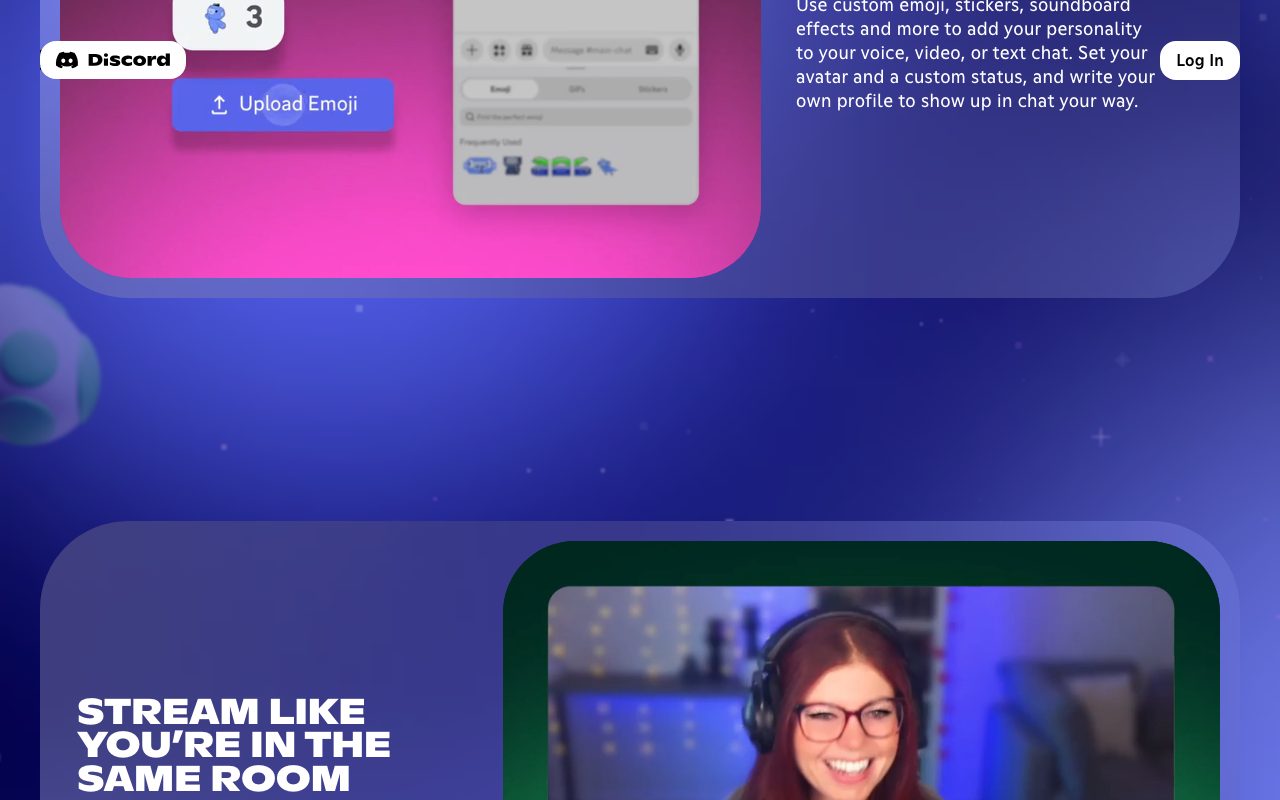
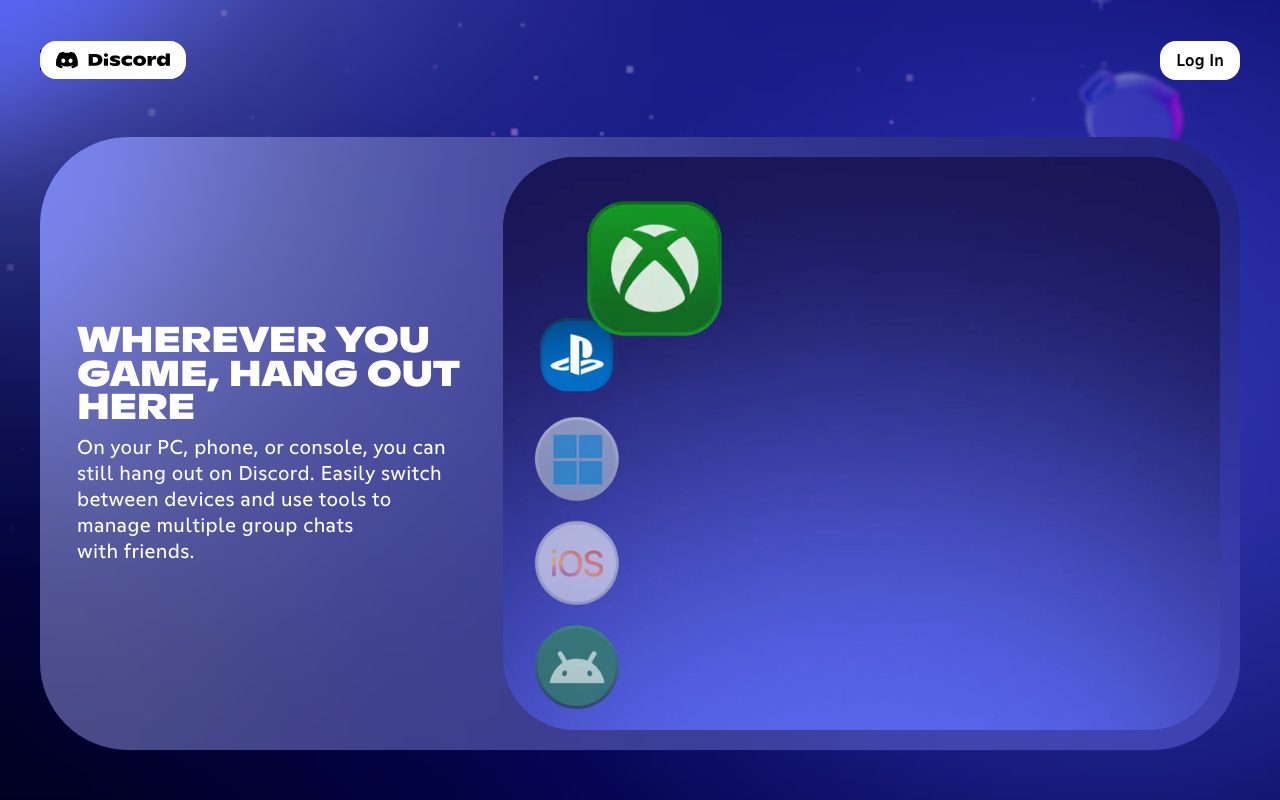
About Discord
Discord started as a voice-chat tool for gamers and quietly became the default community platform of the internet. Indie SaaS communities, course cohorts, open-source projects, crypto DAOs, K-pop fan clubs. If a group exists online and isn't on Slack, the odds are excellent it's on Discord.
The product is free for almost every use case, the voice quality is excellent, and the bot ecosystem is enormous. That combination is hard to beat at the price point of zero.
It's not perfect. The notification model gets overwhelming, the line between social and professional blurs, and enterprise compliance is a non-feature. None of that has stopped the growth.
What Discord actually does
Servers are containers for communities. Each server has channels, which can be text, voice, video, or forum-style threaded discussions. Stages let you run live audio events with raised hands and speakers.
Voice is the killer feature. Persistent voice rooms that anyone can drop into, with quality that humbles every other tool. Screen sharing, video, and the "hangout while we work" pattern are native to how Discord users behave.
Bots and slash commands extend the platform. Moderation, leveling, music, role assignment, integrations with everything. The bot ecosystem is one of the richest on the internet.
Who Discord is for
Indie founders running customer communities. Course creators building cohort-based learning. Open-source projects providing real-time support. Creators monetizing through paid Discord servers and exclusive channels.
Small companies use Discord as a Slack alternative for the price tag. It works. The cultural mismatch (Discord feels casual, Slack feels professional) is real but not always a dealbreaker.
Gaming communities, of course. Discord's original niche is still its largest single user segment.
Pricing breakdown
The free tier covers nearly every use case. Servers, channels, voice, bots, basic file sharing, all free.
Discord Nitro is a personal subscription at about $9.99 per month. Higher upload limits, animated avatars, custom emoji across servers, better video quality. Optional, mostly cosmetic.
Server boosts let community members upgrade their server's quality tier. They unlock better audio bitrate, more emoji slots, and vanity URLs. Communities sometimes hit Tier 3 organically.
Standout features in Discord
Voice quality and reliability. Voice rooms have near-zero setup friction. Drop in, talk, drop out. The persistent room model maps to how informal collaboration actually happens.
Forum channels structure long-running topics in a way text channels can't. Open-source projects use them as Q and A boards. Threading is good enough that side conversations don't pollute the main flow.
Roles and permissions go deep. Discord has a Linux-feeling permission model with bitwise flags, role hierarchies, and channel-level overrides. Power users love it. Casual admins find it complex.
Bots and integrations
The bot ecosystem deserves its own essay. MEE6 for moderation, Carl-bot for reaction roles, Statbot for analytics, custom bots for everything. If a workflow exists, a Discord bot probably does it.
Honest tradeoffs
Notifications get out of hand quickly in active communities. Discord's mute, suppress, and notification scoping are powerful but invisible to new users.
Search is functional but not great. Finding a 6-month-old conversation is harder than it should be. Forum channels help here. Free-text search in active servers still feels lossy.
Enterprise compliance is essentially absent. SOC 2, HIPAA, data residency, audit logs at the level enterprise IT expects. Discord isn't designed for the regulated workplace.
Discord is the best free community platform that exists. It's also a chaos engine when used as a workplace tool. Pick the right context.
Discord vs alternatives
Versus Slack, Discord wins on price and voice. Slack wins on workplace polish and integrations with business tools. See the comparison.
Versus Circle and Mighty Networks, Discord is real-time and free. Circle is asynchronous and structured for paid communities. Different tools for different community shapes.
Versus Telegram, Discord wins on community structure (channels, roles, forums). Telegram wins on private messaging and channel broadcasting.
For more options, see the best community platforms and the Discord alternatives page.
Bottom line
If you're building any kind of internet-native community, Discord is the default starting point. Free, fast, voice-capable, and stuffed with bots. The downsides are real but mostly manageable with good moderation.
Treat it as a community tool, not a workplace tool. For paying customers and serious B2B, look elsewhere. For everything else, Discord is one of the best free products on the internet.
Setting up a Discord community well
The first 50 members shape the culture. Spend disproportionate time on the early users, set norms early, and write rules that reflect the community you want, not the one you fear.
Channel structure matters more than people realize. Too few channels and conversations collide. Too many and the server feels empty. Start lean, add channels only when an existing one consistently overflows.
Onboarding rules that lock new members until they accept community rules cut spam dramatically. Use a verification bot or Discord's built-in onboarding flow.
Bots worth installing day one
MEE6 or Carl-bot for moderation. Welcome messages, anti-raid, role assignment, and basic logging. Pick one; running both creates conflicts.
Statbot or similar for analytics. Knowing your active member count, top channels, and engagement curves helps you make better moderation calls.
A custom bot for any business logic you need. Discord bot frameworks like discord.py and discord.js make this approachable for engineers.
Discord for paid communities
Many creators run paid Discord servers for course cohorts and exclusive content. The model works, but Discord doesn't natively handle payments. Tools like Whop, Memberful, and Patreon bridge the gap.
Set clear access rules and automate role assignment based on payment status. Manual role management at any scale is a recipe for missed accesses and support tickets.
Quality of community matters more than size. A 50-member paid Discord with engaged members beats a 5,000-member free one with zero engagement.
Common Discord questions
Can Discord be used for business? Yes, but be deliberate about it. Customer chat, internal team chat, and community chat should ideally be separate servers.
Is Discord secure? Reasonably so for personal use. Not designed for enterprise security or compliance. Don't use Discord for regulated workplace data.
How big can a Discord server get? The technical limit is 500,000 members. Practical management challenges show up much earlier; healthy communities tend to plateau or split well below that.
Browse more at tools for communities.
Discord for product founders
A Discord server attached to your SaaS or indie product creates a high-bandwidth user feedback channel. Customers post feature requests, ask questions, and share success stories.
Watch the moderation overhead. Even small communities require active management. Plan a few hours weekly per 1,000 active members.
Don't gate everything behind paid tiers immediately. Free public channels build the broader audience; paid channels reward the most engaged subset.
Discord for course cohorts
Cohort-based courses run beautifully in Discord. Voice channels for office hours, text channels for async discussion, forum channels for assignments and Q and A.
Live workshops in Stages create energy that asynchronous courses can't replicate. Schedule them, record them, post recordings to a dedicated channel.
Graduation deserves a moment. Mark cohort completions with announcements and roles. Alumni often become your strongest referrers.
Discord moderation that works
Write clear rules in plain language. List the behaviors you want, not the violations you fear.
Empower trusted members as moderators. Volunteer moderation scales better than paid moderation in most communities.
Use slow mode in active channels during high-traffic moments. The friction reduces noise without silencing anyone.
Final thoughts on Discord
Discord became the default community platform for a reason. The product fits the shape of how internet-native communities actually want to talk. Free, voice-capable, bot-rich, and infinitely customizable.
The downsides are mostly downstream of its open nature. The same flexibility that makes Discord great for communities makes it chaotic for workplaces. Pick your context.
Browse other community options at the best community software and tools for online communities.
Quick recap
Discord fits internet-native communities, course cohorts, indie product audiences, and any group whose conversations are real-time and free-form. The platform owns this space convincingly.
It struggles in workplace contexts that need compliance, audit logs, or strong separation between personal and professional. Slack remains the right call there.
Free for nearly every meaningful use case. The Nitro upgrade is mostly cosmetic. Server boosts are community-funded vanity. The core product earns its dominance honestly.
Browse more options at the best community tools, the group chat category, and Discord alternatives.
Discord closing notes
The platform's openness is both its superpower and its compliance limitation. Communities thrive on the openness; regulated workplaces can't tolerate it. Pick the right context.
For creators monetizing through paid Discord servers, the model works but requires bridging tools for payment management. Whop, Memberful, and Patreon all integrate cleanly.
The bot ecosystem keeps maturing. AI-powered moderation, custom workflow bots, and integration bots make Discord more of a platform than a chat app for serious community runners.
Browse more options at the best community platforms and the broader online events category.
Tutorial / Demo
Key Features
- Text channels, threads and forum channels
- Persistent voice and video rooms
- Stages for live talks and AMAs
- Bots and slash commands
- Roles and permissions
- Mobile, desktop and web clients
Pros & Cons
What we like
- Free for the vast majority of use cases
- Great voice quality with minimal setup
- Huge ecosystem of bots and integrations
- Communities can self-organize easily
Room for improvement
- Not built around enterprise compliance
- Notification model can be overwhelming
- Mixing customer chat and team chat gets messy
Frequently Asked Questions
Is Discord free?
Discord vs Slack for a startup community?
Can I moderate a large server?
Does Discord have an API?
What are the privacy concerns?
Best For
Featured in
Tags
Alternatives to Discord
View all

Our take
Tool Index Editorial · May 2026· 4.8/5
What Discord is really selling — beyond the marketing copy — is voice, video and text chat that started in gaming and now hosts every kind of community.
The standout points: Free for the vast majority of use cases, Great voice quality with minimal setup, and Huge ecosystem of bots and integrations. Where it stumbles: Not built around enterprise compliance and Notification model can be overwhelming.
In short: Discord is a strong pick when you need indie communities and Discord-based products, and a harder sell if not built around enterprise compliance would be a dealbreaker.
Editorial opinion from the Tool Index team, written from the public product pages. Not a user review.
Reviews (10)
Best decision this quarter
Been using Discord for the past sprint cycle now. Real selling point: communities can self-organize easily. Hard to imagine going back to my previous setup.
Pros
- Free for the vast majority of use cases
- Communities can self-organize easily
- Huge ecosystem of bots and integrations
Pulled its weight from week one
Hadn't planned on switching, but Discord was hard to ignore. What stands out is how huge ecosystem of bots and integrations. Mostly using it for course cohorts and creator communities. Would buy again without thinking twice.
Pros
- Great voice quality with minimal setup
- Communities can self-organize easily
Surprised how much we use this
Came to Discord after frustration with what I had before. Where it really wins is great voice quality with minimal setup. It fits well for small companies running async voice chat. Worth the price for what I get out of it.
Pros
- Great voice quality with minimal setup
Pulled its weight from week one
Tried Discord on a side project first. What stands out is how communities can self-organize easily. Their take on persistent voice and video rooms is solid. Found it works best for small companies running async voice chat. Wish they'd address how not built around enterprise compliance. Sticking with Discord.
Pros
- Huge ecosystem of bots and integrations
- Communities can self-organize easily
Cons
- Notification model can be overwhelming
- Mixing customer chat and team chat gets messy
Worth the price of admission
Tried Discord on a side project first. The biggest win has been great voice quality with minimal setup. Main use case: small companies running async voice chat. Honest gripe: notification model can be overwhelming. Glad I made the switch.
Finally something that fits
Have been using Discord for a while, here's where I land. The biggest win has been great voice quality with minimal setup. The roles and permissions is more useful than I expected. It fits well for developer ecosystems and open-source projects. Easy yes for anyone weighing the same trade-offs.
Pros
- Communities can self-organize easily
Honest take after six months
Six months of using Discord, here's what holds up. The thing I keep coming back to: huge ecosystem of bots and integrations. It fits well for small companies running async voice chat. Hard to imagine going back to my previous setup.
Underrated honestly
Discord solves a real problem for me, but it's not magic. Genuine strength: communities can self-organize easily. Their take on mobile, desktop and web clients is solid.
Pros
- Free for the vast majority of use cases
- Communities can self-organize easily
Trade offs worth knowing about
Discord isn't perfect but it's the best I've used in this category. Genuine strength: communities can self-organize easily. Honest gripe: mixing customer chat and team chat gets messy.
Cons
- Not built around enterprise compliance
- Notification model can be overwhelming
Almost perfect, almost
Discord is one of those tools you stop noticing because it just works. Genuine strength: great voice quality with minimal setup. Got real value out of stages for live talks and AMAs. That said, not built around enterprise compliance is a real gripe.
Pros
- Great voice quality with minimal setup
- Communities can self-organize easily
Cons
- Notification model can be overwhelming
- Mixing customer chat and team chat gets messy
Badge builder
Add Discord to your website
Choose a badge style and size, preview it here, then copy the generated HTML. Badge images are self-contained SVGs and do not require an external script.

<a href="https://toolindex.net/tools/discord?ref=badge" target="_blank" rel="noopener">
  <img src="https://toolindex.net/badge/discord/medium.svg" alt="Discord - Listed on Tool Index" width="180" height="50" />
</a>How to use the badge
- 1. Pick the style, size, and theme that fit your layout.
- 2. Copy the generated HTML from the code block.
- 3. Paste it into your footer, homepage, or press page.
Score badge available
Discord qualifies for the score and circle badges based on its current top-10 positionin Communication.
Badge clicks return visitors to this profile with a referral tag so the source remains identifiable.
Related Tools

Substack
Hosted newsletter and publication platform with built-in payments, recommendations, and an audience network for writers.
MailerLite
Friendly, affordable email marketing tool with newsletters, automations, landing pages, and a growing creator toolkit.

Twist
Calmer team messaging where threads replace the firehose of channels

Zulip
Threaded team chat that treats topics as a first-class concept
Work on Discord? Request listing access or correction