DocuPipe
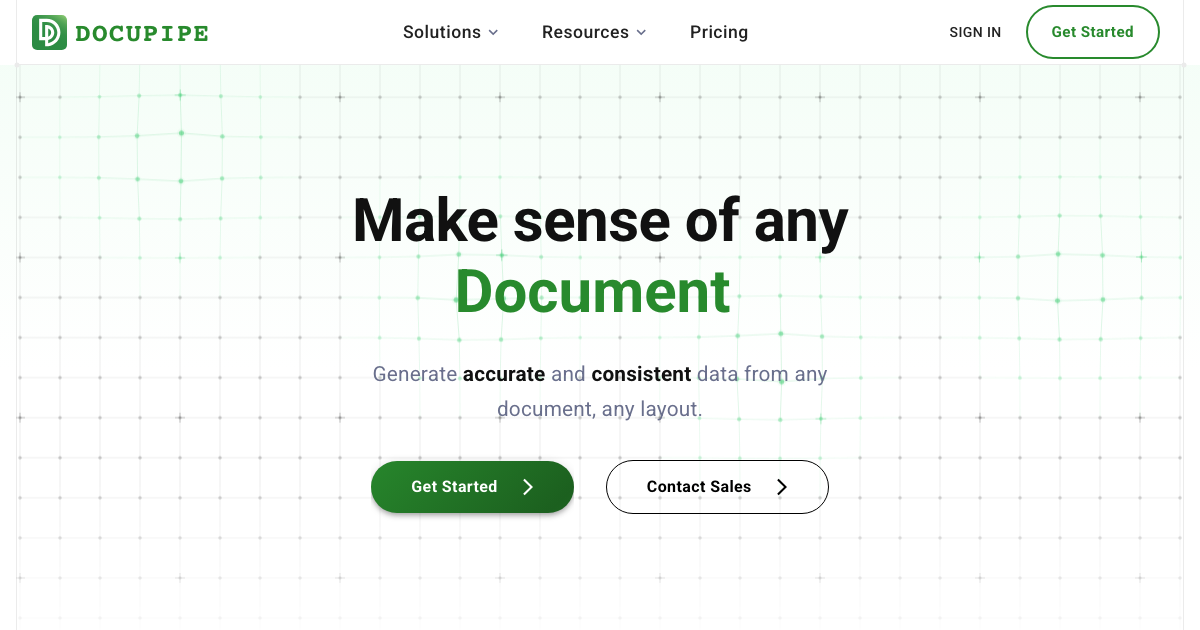
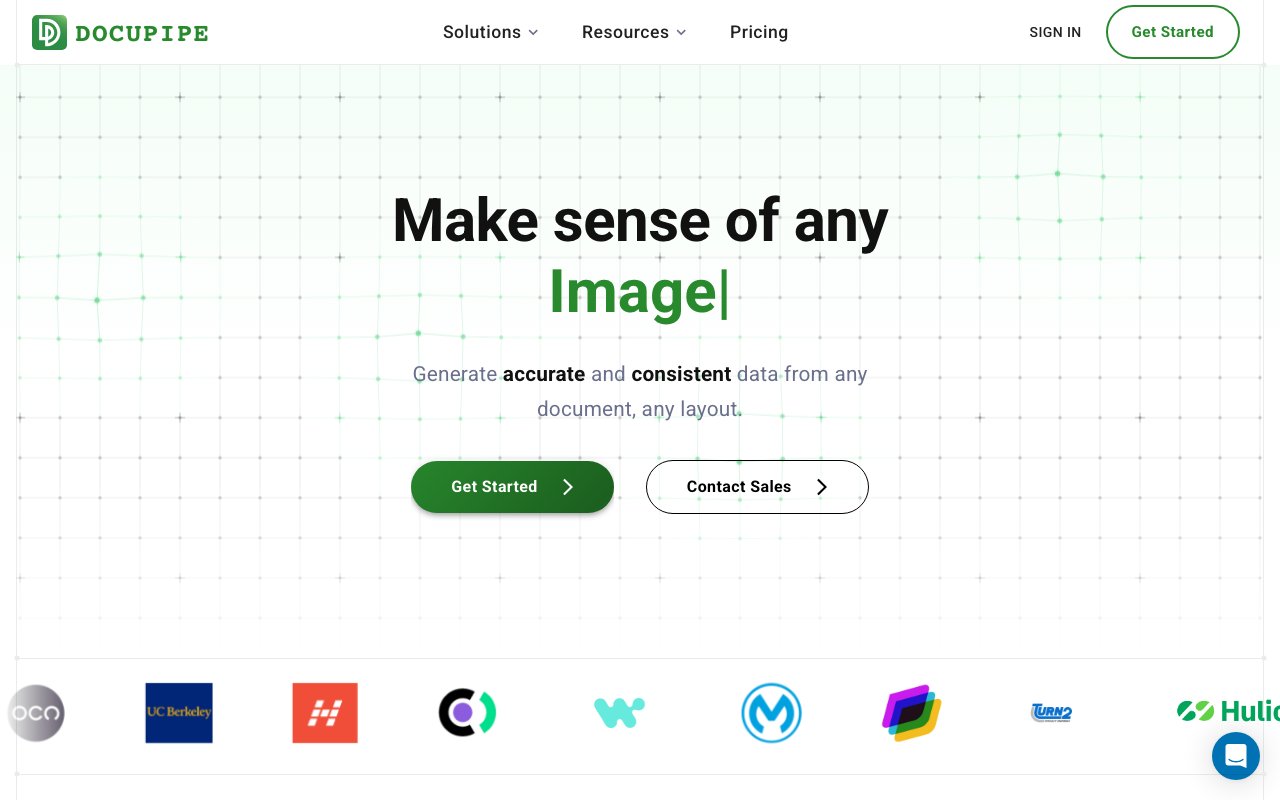
Turn any document into reliable, consistently structured data with AI
Gallery
About DocuPipe
DocuPipe is a document intelligence platform that turns messy files into clean, structured data your software can actually use. You point it at invoices, contracts, medical records, receipts, leases, loan applications, purchase orders, or bank statements, and it hands back a consistent JSON object for every one of them. The promise is reliability. Instead of scraping text and hoping the layout holds, it produces the same shape of output every time, so the app or workflow reading that output downstream doesn't break the moment a document looks a little different.
The problem it goes after is one every operations and engineering team knows. Real documents are ugly. They arrive as scans, phone photos, and PDFs, full of handwriting, tables, checkboxes, stamps, signatures, and multi-column layouts that shift from one vendor to the next. Off-the-shelf OCR reads the characters but loses the meaning, and a hand-built parser snaps the day a supplier changes a template. DocuPipe reads a document more like a person would. It understands a field from the context around it rather than matching a fixed position on the page, which is what lets it survive layouts it has never seen before.
Under the hood you define custom extraction rules that describe exactly which fields you want captured, and the platform fills them in from whatever you feed it. It handles handwriting, complex nested tables, and checkboxes, works across many languages including right-to-left scripts, and standardizes the result into a machine-readable object with a stable schema. Because that output stays consistent even when the input varies wildly, you can wire it straight into an app, a database, or an automated pipeline without writing and maintaining a fresh parser for every new document type that lands in your inbox.
The workflow around it is straightforward. You classify a document, run it through your extraction rules, and get back structured fields you can validate and route automatically, which is what makes it practical for high-volume pipelines rather than one-off lookups. Because the schema stays stable, the same downstream code keeps working as new document formats arrive, and you spend your time reviewing the odd edge case instead of rewriting parsers. That shift, from constant parser maintenance to occasional exception handling, is really the value on offer here, and it's the reason a platform like this beats stitching together OCR and regex on your own.
There's a free PDF redaction tool on the site that doubles as a taste of the wider platform. It works in three steps. AI finds the sensitive text, you review every proposed redaction box on the actual page, then the download is burned in, so the masked pixels are permanent and the underlying text layer is stripped out entirely. That avoids the classic and dangerous mistake where a black rectangle simply sits on top of text anyone can still copy out. The detection is context-aware rather than pure pattern matching, it ships with presets for healthcare release of information, FOIA and public records, and privacy teams, and you can add plain-language instructions such as redact all vehicle plate numbers.
It's built for teams in finance, healthcare, logistics, real estate, and any global operation drowning in paperwork. In finance that means invoices, receipts, and bank statements. In healthcare it's medical records and insurance claims. In logistics it's shipping documents, and in real estate it's leases and loan applications. Typical jobs include processing variable-layout documents at scale, matching purchase orders against invoices, and pulling clean line items out of statements. If your team currently keys this data in by hand or babysits a script that quietly mangles one file in twenty, that's the work DocuPipe is trying to take off your plate.
Where it stands apart is the focus on consistency and trust rather than raw text capture. The company reports processing more than a billion pages and holds a 4.9 out of 5 rating on G2 with badges for support quality, high performance, and ease of doing business. On the compliance side it carries SOC 2 Type 2 and ISO 27001 certifications along with GDPR and HIPAA compliance, documents are encrypted in transit and at rest and are not shared for outside purposes, and enterprise customers can run a private deployment where files never leave their own cloud infrastructure.
Access is freemium. You can get started free and try the extraction and redaction tools right away, and creating a free account raises the limits noticeably. From there a Contact Sales path covers higher volume and private deployment, and an API lets you build the whole thing into your own product rather than working only through the interface. Pricing tiers aren't spelled out on the homepage, so the exact numbers come through that sales conversation, but the free entry point means you can prove it works on your own documents before you talk to anyone.
Key Features
- Custom field extraction rules
- Structured JSON output
- Handwriting, table, and checkbox reading
- Multilingual and right-to-left support
- Free AI PDF redaction tool
- Private cloud deployment option
Pros & Cons
What we like
- Consistent structured output that apps can rely on
- Reads handwriting, tables, and complex layouts
- Strong compliance posture with SOC 2, ISO 27001, and HIPAA
- Free tools and an API make it easy to start and scale
Room for improvement
- Public pricing isn't listed on the site
- Higher volume routes through a sales conversation
- The free redaction tool caps at the first 10 pages
- Best value needs some technical setup to integrate
Frequently Asked Questions
What is DocuPipe?
Is DocuPipe free?
Who is DocuPipe for?
How is DocuPipe different?
Best For
Featured in
Alternatives to DocuPipe

Reviews (11)
Two months in, no regrets
Picked DocuPipe for the price, stayed for the quality. Where it really wins is private cloud deployment option. It fits well for extracting line items from bank statements. No regrets so far.
Recommended without reservation
Came to DocuPipe after getting frustrated with what I had before. What stands out is how it handles custom field extraction rules. Hard to imagine going back to my old setup.
Exactly what I needed
Came to DocuPipe after getting frustrated with what I had before. It has shaved real time off my week. It does what it says, which is rarer than it should be. It fits well for matching purchase orders against invoices. Worth it for what I get out of it.
Recommended without reservation
Started using DocuPipe casually, now it is pinned in my dock. It does what it says, which is rarer than it should be. The output quality holds up better than I expected. Found it works best for matching purchase orders against invoices. No regrets so far.
Exactly what I needed
Started using DocuPipe casually, now it is pinned in my dock. The free tools and an api make it easy to start and scale is more useful than I expected. Recommending it to people in a similar spot.
Worth a look
Came to DocuPipe after getting frustrated with what I had before. The thing I keep coming back to is how reliable it is. It has shaved real time off my week. Recommending it to people in a similar spot.
It just works
Found DocuPipe on a Show HN thread and I am glad I clicked. What stands out is how it handles handwriting, table, and checkbox reading. Found it works best for matching purchase orders against invoices. Recommending it to people in a similar spot.
Pulled its weight from week one
Hadn't planned on switching, but DocuPipe was hard to ignore. The output quality holds up better than I expected. Setup was painless and I was productive the same day. Found it works best for redacting sensitive data before sharing files. Glad I made the switch.
Exactly what I needed
Have been running DocuPipe for a while, here is where I land. The core workflow is smooth once you are set up. Would sign up again without thinking twice.
Pulled its weight from week one
Tried DocuPipe on a side project first, then rolled it out everywhere. What stands out is how it handles free ai pdf redaction tool. No regrets so far.
Solid daily driver
DocuPipe solves a real problem for me without making a fuss about it. Got real value out of reads handwriting, tables, and complex layouts. Performance has been steady even when I lean on it hard. It fits well for matching purchase orders against invoices. No regrets so far.
Badge builder
Add DocuPipe to your website
Choose a badge style and size, preview it here, then copy the generated HTML. Badge images are self-contained SVGs and do not require an external script.

<a href="https://toolindex.net/tools/docupipe?ref=badge" target="_blank" rel="noopener">
  <img src="https://toolindex.net/badge/docupipe/medium.svg" alt="DocuPipe - Listed on Tool Index" width="180" height="50" />
</a>How to use the badge
- 1. Pick the style, size, and theme that fit your layout.
- 2. Copy the generated HTML from the code block.
- 3. Paste it into your footer, homepage, or press page.
Standard badge available
The standard listing badge is available now. Score and circle badges are limited to tools currently ranked in the top 10 of a category.
Badge clicks return visitors to this profile with a referral tag so the source remains identifiable.
Related Tools

Apatero AI
The creator studio for AI image, video, audio, 3D, and avatars, now at apatero.ai.
Kevin Gabeci Toolkits
Seven AI toolkits for writing books, making music, cutting video, and building agents.

Warp
The modern terminal reimagined with AI and collaboration

Bolt.new
Prompt-to-deployed full-stack app inside the browser
Work on DocuPipe? Request listing access or correction