
Fly.io
Run full-stack apps and Postgres close to your users by deploying Firecracker microVMs to dozens of regions.
Gallery
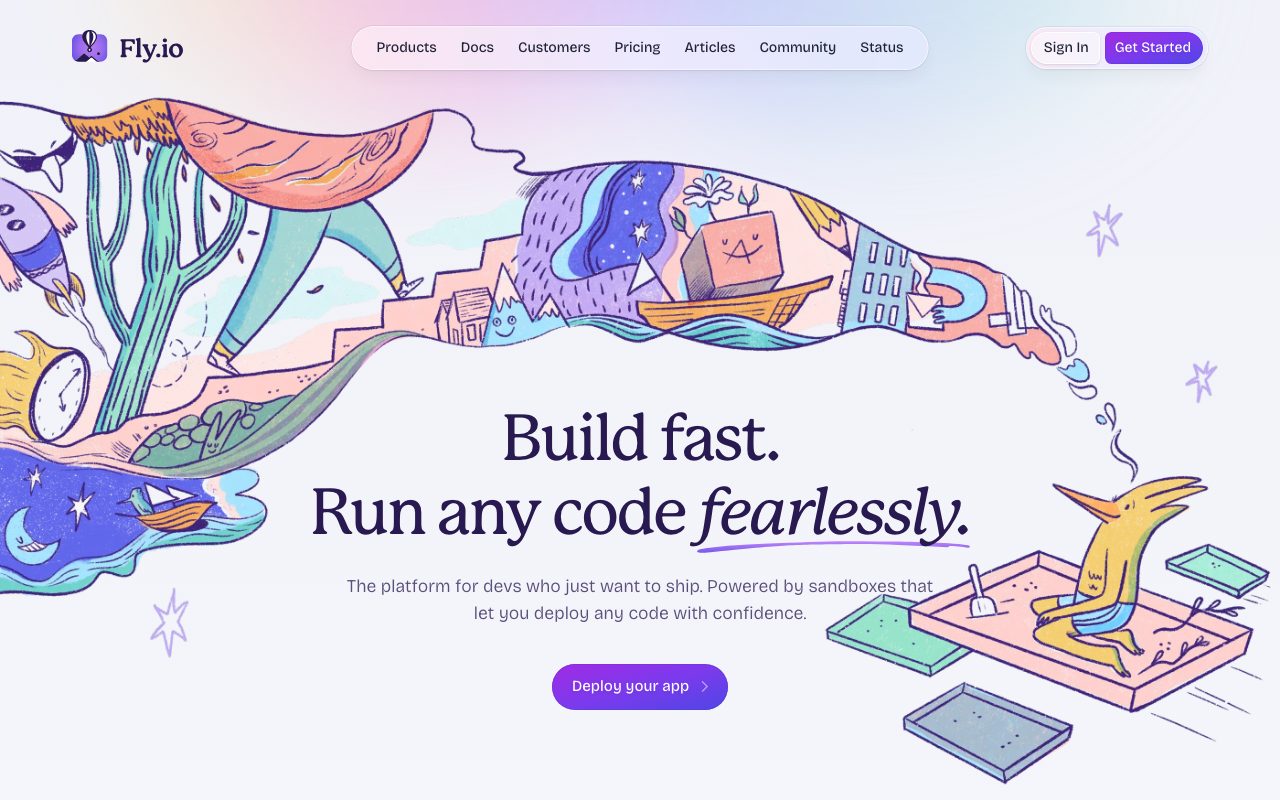

About Fly.io
Fly.io runs your app on tiny virtual machines distributed across the planet. You push code. Fly.io builds a container, slots it into Firecracker microVMs in 35 plus regions, and routes user traffic to the nearest one. It's the cloud you wish AWS would let you have.
The pitch is global by default. Most clouds make you fight for regional deployments. Fly.io starts there. Your app gets users in Singapore, your machine boots up in Singapore. The latency math just works.
It's not perfect. Outages happen. The free tier is gone. But Fly.io is still one of the best places to run a real app without learning Kubernetes.
What Fly.io does
You write a fly.toml. You run fly launch. The CLI builds a container from your Dockerfile (or a builder if you don't have one), pushes it to the Fly.io registry, and starts it on a microVM in a region you pick.
You can scale to multiple regions with one command. fly scale count 3 launches three more machines. Traffic gets routed to the nearest healthy instance. You don't run a load balancer. Fly.io's anycast does it.
The platform supports Postgres clusters, Redis, persistent volumes, secrets, autoscaling, and a custom networking layer that's surprisingly capable. You can run anything that runs in a container.
Who Fly.io is for
Indie devs and bootstrapped SaaS teams running real production workloads. The pricing is fair for low traffic apps. The CLI is friendly. The deploy time is fast.
Companies with global users care about Fly.io most. If your customers span North America, Europe, and Asia, Fly.io's edge model saves you 200ms of latency on every request.
Game servers, voice apps, real time multiplayer, and AI inference workloads all benefit from microVMs that can boot in under a second and run anywhere.
Pricing
Pay as you go. Per second billing on the machines you run. A small shared CPU machine with 256MB RAM costs roughly $2 per month if it runs continuously.
The free tier ended in late 2024. Now everything is metered. New accounts get a small credit to try things out.
Postgres is billed by the size of the cluster you provision. Volumes are billed by GB month. Bandwidth is included in most plans up to a generous limit. Past that you pay per GB.
Features that pull weight
Auto stop and auto start machines run on demand. Your app boots when a request arrives, runs the response, and goes back to sleep. You pay for the seconds you ran. This is closer to serverless without the cold start drama.
The Postgres offering is good. Multi region clusters with read replicas in faraway regions. The CLI handles the topology. Backups are automatic.
The CLI is one of the best in the cloud space. fly logs, fly ssh console, fly status, fly deploy. You can manage a real production app from terminal alone. SREs love this.
Where Fly.io has stumbled
Reliability incidents have hurt the brand. Multi hour outages happened in 2023 and 2024. The team has been transparent about postmortems but the trust hit lingers.
The Postgres setup needs supervision. They're moving toward managed Postgres but historically you owned the cluster lifecycle. Read the docs before betting on it.
The dashboard is sparse. Most operations happen via CLI. If you want a polished web UI like Render or Railway, Fly.io will feel rough.
Fly.io vs the alternatives
Render is the closest competitor for usability. Hosted, friendly UI, less global. We compare them in Fly.io vs Render.
Railway is the other contender. Great UI, simpler deploys, less control. Browse best Heroku alternatives for context.
AWS App Runner and Google Cloud Run cover similar ground at hyperscaler scale. More config, more capability, more expensive. See Fly.io alternatives for the full lineup.
If your users are scattered globally and your app is a single Docker container, Fly.io will feel like cheating. One fly deploy puts your app in 35 regions. AWS would charge you a consultant for the same outcome.
Common Fly.io questions
Does Fly.io support stateful workloads? Yes. Volumes attach to machines. Postgres runs as managed clusters. Browse cloud hosting tools for similar options.
Can I run Fly.io with my own Dockerfile? Yes, that's the default path. fly launch detects your Dockerfile and uses it.
How does Fly.io compare to Cloud Run? Both run containers globally. Cloud Run is hyperscaler reliability with a steeper learning curve. Fly.io is friendlier with more rough edges. Trade off.
The bottom line on Fly.io
Fly.io is the best place to run a global app without becoming a Kubernetes admin. The model is sharp. The CLI is clean. The pricing is honest if not free.
If you've outgrown a single region Render or Railway deployment, Fly.io is the obvious next step. Real production workloads run there every day.
The reliability story has improved through 2025 and into 2026. The platform has matured. If you tried Fly.io two years ago and got burned, it's worth another look. Browse the toolindex catalog for the surrounding cloud ecosystem.
Fly.io app patterns
The simple pattern is one fly.toml, one Dockerfile, one deployed app. fly launch reads your repo and proposes a config. You tweak. You deploy.
For services with state, mount a volume. Fly.io volumes are NVMe SSD attached to a single VM. Useful for SQLite, file caches, or stateful sidecars.
For multi region apps with shared state, you need a distributed database (Fly Postgres, Turso, or Neon). The compute scales easily. The data layer is where the architecture decisions live.
Fly.io scaling controls
fly scale count sets the machine count per region. fly scale memory and fly scale vm change machine size. The CLI is the primary interface.
Auto stop machines is the cost saver. Set it once. Machines that aren't getting traffic stop. They wake up on the next request. Latency hit on cold start but real cost savings.
For high traffic apps, keep machines warm with a minimum count of two per region. The auto stop logic preserves your warm pool while still scaling down idle regions.
Networking on Fly.io
Fly.io's network is anycast. Each app gets a single IP that resolves to the nearest healthy machine. No load balancer config required.
Internal DNS lets your app reach other Fly.io apps over a private network. Useful for service to service traffic without going through the public internet.
Sticky sessions for stateful workloads work via the fly-replay header. The platform routes follow up requests to the same machine. Good for WebSocket apps.
Fly.io for AI workloads
The GPU machines support Llama, Stable Diffusion, and custom models. Spin up GPU machines on demand. Serve inference. Spin them down.
The pay per second billing fits inference workloads well. You don't pay for idle GPU time the way you would with always on managed services.
The catch is GPU availability. The bigger GPUs (A100, H100) are not always available in every region. Plan capacity for production workloads.
Fly.io secrets and config
fly secrets set stores values encrypted. They get injected into your machines as environment variables at boot.
For non sensitive config, use the env section in fly.toml. Versioned with your code. Easier to track changes.
Rotating secrets requires a redeploy. The platform doesn't push secret changes to running machines without restart. Plan for the brief downtime.
Fly.io observability
fly logs streams logs from your machines. Useful for live debugging.
For real production, integrate with a logging service. Fly.io has integrations with Logtail, Datadog, and others. Don't rely on fly logs for compliance retention.
Metrics get exposed via Prometheus endpoints. Grafana Cloud, Datadog, or self hosted Prometheus can scrape them. The platform gives you the basics for free in the dashboard.
Fly.io for AI and ML inference
The GPU machines support inference workloads. Llama, Stable Diffusion, custom models. Spin up. Serve. Spin down.
The pay per second billing fits inference. You pay for the GPU only while it's processing. Compare to always on managed services.
For batch inference, queue jobs and process them in regional bursts. Fly.io scales to many machines fast. The model loading time matters.
Fly.io community and ecosystem
The Fly.io community forum is active. The team participates. Issues get triaged in hours, not weeks.
The blog is genuinely good. Deep technical posts on networking, machines, and architecture. Worth subscribing for the engineering reading alone.
Open source projects often have Fly.io deploy guides as a default. The platform has earned developer mindshare in the indie and OSS scenes.
Fly.io for indie developers
Indie projects love Fly.io for the global reach without complexity. Deploy once, serve users everywhere, pay only for actual usage.
The free tier ending hurt some indie projects. The paid tier is still affordable for hobby projects but the psychological barrier matters.
The community has rallied around the platform. Many open source guides, deploy templates, and patterns are Fly.io first.
Fly.io for production teams
Companies running real workloads on Fly.io span e commerce, AI inference, real time apps, and SaaS products with global users.
The reliability has improved through 2025. The 2023 incidents are no longer the recent narrative.
For mission critical workloads, run multi region by default. Two regions with health checks beat one region with hope.
Tutorial / Demo
Key Features
- Firecracker microVMs deployed across 30+ regions
- Anycast load balancing for global routing
- Persistent volumes and WireGuard private networking
- Per-second VM billing with scale-to-zero
- First-class Docker and Dockerfile workflow
Pros & Cons
What we like
- Genuinely global edge, not just a CDN in front of one region
- flyctl is one of the best deploy CLIs around
- Per-second billing rewards bursty workloads
Room for improvement
- Fly Postgres is self-managed in disguise; expect to babysit it
Frequently Asked Questions
Does Fly.io have a free tier?
Fly.io vs Render vs Railway, which one?
Can I run Postgres on Fly?
Does Fly.io support multi-region deploys?
What's the catch?
Best For
Featured in
Tags
Alternatives to Fly.io
Hetzner
High-performance European cloud hosting at unbeatable prices

Coolify
Self-hostable, open source alternative to Heroku and Netlify

Railway
Deploy apps to production infrastructure in seconds
Cloudflare Pages
Free Jamstack hosting on Cloudflares edge with unlimited bandwidth and tight integration with Workers.
Our take
Tool Index Editorial · May 2026· 4.4/5
Fly.io is the kind of tool you adopt when you want run full-stack apps and postgres close to your users by deploying firecracker microvms to dozens of regions.
The standout points: Genuinely global edge, not just a CDN in front of one region, flyctl is one of the best deploy CLIs around, and Per-second billing rewards bursty workloads. The friction points: Fly Postgres is self-managed in disguise; expect to babysit it.
In short: Fly.io is a solid pick when you need phoenix LiveView and real-time multiplayer apps, and a harder sell if fly Postgres is self-managed in disguise; expect to babysit it would be a dealbreaker.
Editorial opinion from the Tool Index team, written from the public product pages. Not a user review.
Reviews (6)
Stuck the landing for our team
Found Fly.io on a Reddit thread, glad I clicked. Honestly impressed by how flyctl is one of the best deploy CLIs around. Got real value out of anycast load balancing for global routing. Mostly using it for indie devs who want VMs without an AWS bill. Sticking with Fly.io.
Pros
- Genuinely global edge — not just a CDN in front of one region
- flyctl is one of the best deploy CLIs around
- Per-second billing rewards bursty workloads
Pulled its weight from week one
Hadn't planned on switching, but Fly.io was hard to ignore. What stands out is how per-second billing rewards bursty workloads. Anycast load balancing for global routing works the way you'd hope. Mostly using it for regional read replicas for read-heavy services.
Did exactly what I needed
First impression of Fly.io was 'huh, this is actually thought through.' Genuine strength: flyctl is one of the best deploy CLIs around. Would buy again without thinking twice.
Pros
- flyctl is one of the best deploy CLIs around
- Genuinely global edge — not just a CDN in front of one region
- Per-second billing rewards bursty workloads
Best decision this quarter
Found Fly.io on a Reddit thread, glad I clicked. Honestly impressed by how genuinely global edge — not just a CDN in front of one region. Their take on anycast load balancing for global routing is solid. Sticking with Fly.io.
Pros
- flyctl is one of the best deploy CLIs around
- Per-second billing rewards bursty workloads
Fly.io, better than expected
First impression of Fly.io was 'huh, this is actually thought through.' Genuine strength: genuinely global edge — not just a CDN in front of one region. The first-class Docker and Dockerfile workflow is more useful than I expected. Main use case: indie devs who want VMs without an AWS bill. Glad I made the switch.
Pros
- Per-second billing rewards bursty workloads
- Genuinely global edge — not just a CDN in front of one region
Recommended without reservation
Fly.io is one of those tools you stop noticing because it just works. The biggest win has been per-second billing rewards bursty workloads. Easy yes for anyone weighing the same trade-offs.
Pros
- Per-second billing rewards bursty workloads
- flyctl is one of the best deploy CLIs around
Cons
- Fly Postgres is self-managed in disguise; expect to babysit it
Badge builder
Add Fly.io to your website
Choose a badge style and size, preview it here, then copy the generated HTML. Badge images are self-contained SVGs and do not require an external script.

<a href="https://toolindex.net/tools/fly-io?ref=badge" target="_blank" rel="noopener">
  <img src="https://toolindex.net/badge/fly-io/medium.svg" alt="Fly.io - Listed on Tool Index" width="180" height="50" />
</a>How to use the badge
- 1. Pick the style, size, and theme that fit your layout.
- 2. Copy the generated HTML from the code block.
- 3. Paste it into your footer, homepage, or press page.
Score badge available
Fly.io qualifies for the score and circle badges based on its current top-10 positionin Cloud.
Badge clicks return visitors to this profile with a referral tag so the source remains identifiable.
Related Tools

Kevin Gabeci
Solo developer building web apps, cozy browser games, and AI creator toolkits.
Coolify
Self-hostable, open source alternative to Heroku and Netlify
Hetzner
High-performance European cloud hosting at unbeatable prices

Warp
The modern terminal reimagined with AI and collaboration
Work on Fly.io? Request listing access or correction