
HealthAPI
A hosted REST API over Apple Health so your own apps and AI assistants can query your metrics
Gallery
About HealthAPI
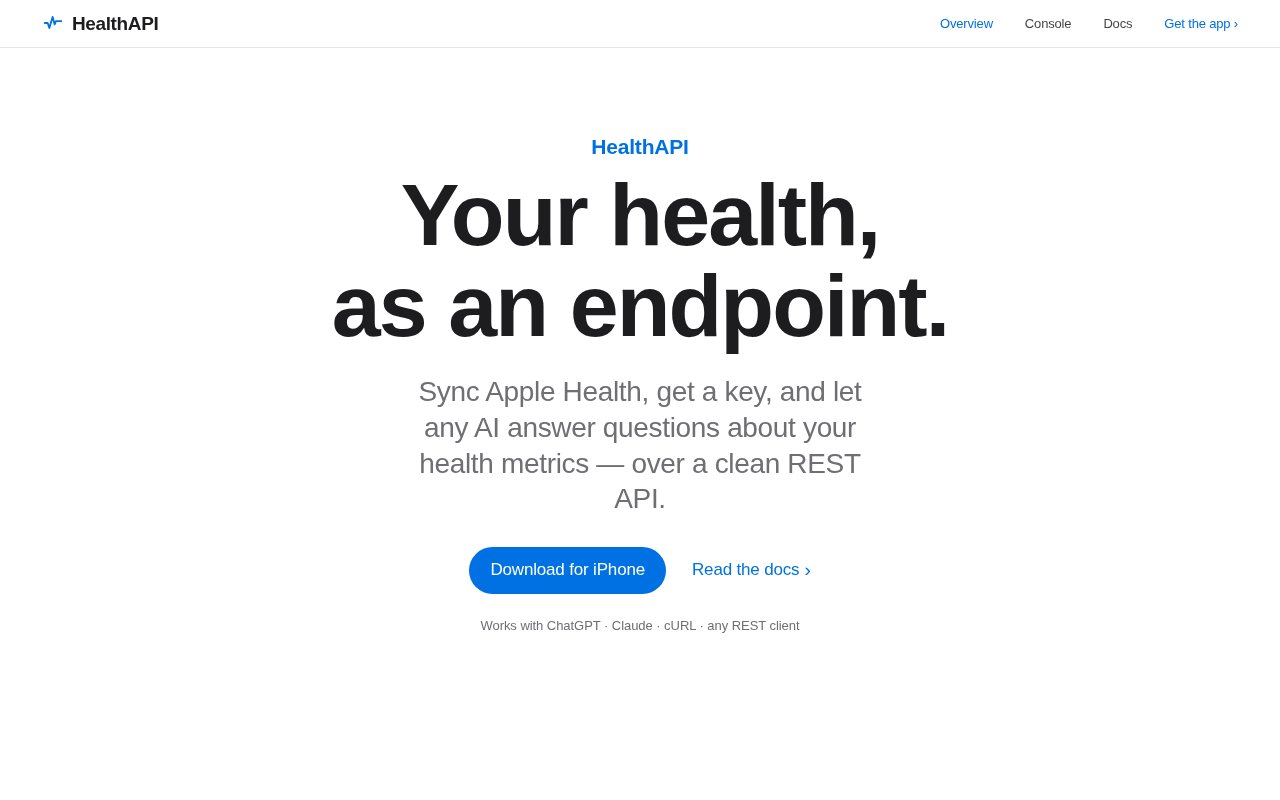
HealthAPI turns the data locked inside Apple Health into a hosted REST API. You install the iPhone app, grant it access to Apple Health, and it hands you an API key. From then on your steps, heart rate, sleep, workouts and history are reachable from any HTTP client, which means a script, a dashboard, or an AI assistant like ChatGPT or Claude can answer questions about your health without you exporting a file first.
The problem is that Apple Health is a rich store with no door for outside software. The data lives on the phone, and anything that wants to reason over your history has to be an iOS app itself or work from a manual export. If you've ever wanted to ask an assistant how your sleep compared across two months, or plot your resting heart rate against training load, the extraction step is the part that kills the idea.
The mechanics are straightforward. The app syncs your Apple Health data to the service, and the API serves pre-aggregated summaries so you're not reconstructing days from raw samples. Endpoints cover a daily summary of activity, energy, sleep and workouts, a weekly summary across ISO calendar weeks, per-day trends over anything from one to 365 days, workouts with type, duration, distance and energy, the latest reading for each metric, and raw samples with filters when you do want the underlying points. Metrics include steps, heart rate, heart rate variability, blood oxygen, respiratory rate, active and basal energy, distance, flights climbed, exercise time, sleep and workouts. Authentication is a bearer token, and keys can be rotated from the console.
Endpoints come in two families. The query endpoints are shaped for questions, a daily summary of steps, heart rate and workouts for a single day, and trends that return per-day statistics over a chosen window. The health endpoints are the fuller rollups and the raw material, complete daily and weekly summaries, workouts, samples and the latest reading per metric. A usage endpoint reports your plan tier and how much of the day's quota you've used, which is handy when an assistant is making calls on your behalf and you can't see them.
It's for people who want programmatic access to their own health data, whether that's a developer building a personal dashboard or someone wiring an assistant up to answer questions. The site frames it explicitly as a way for AI agents to work with health history, and the pre-aggregated daily and weekly endpoints are shaped for that kind of question and answer use rather than for bulk analytics. The obvious use is a conversational one. Connect the API to an assistant and ask how last week's sleep compared to the week before, or whether your resting heart rate has drifted since you started running. Because the summaries are already aggregated, the answers come from a handful of calls rather than thousands of samples, which matters when you're on a 100 request a day plan.
What sets it apart is that it's a hosted service rather than a library. There's nothing to run, no server to maintain, and the aggregation is done for you. It also takes data handling seriously in a visible way. There's a GDPR export endpoint that returns your account and health data as JSON, and an account deletion endpoint with a 30 day recovery window. The site is clear that HealthAPI is not a medical device and offers no medical advice.
Getting started takes a few minutes. Install the app from the App Store, sign in, grant it access to the Apple Health categories you want to share, and copy the key it issues. The console on the site shows usage and lets you regenerate the key, and the docs include a quickstart, an API reference and a rate limits page. Everything is served under a versioned API path.
The limits are real. It's Apple Health only, so Android and Google Fit users are out. Rate limits are modest, 100 requests a day on Pro and 1,000 a day on Developer, resetting at midnight UTC, and exceeding them returns a 429. App uploads don't count against the quota. The service is also a younger product with a small footprint, so anyone building something they'll depend on daily should read the docs and privacy policy carefully first.
Access is paid, with a seven day free trial that runs at the Pro limit of 100 requests a day. Pro is $4.99 a month and Developer is $9.99 a month for 1,000 requests a day, with an annual discount available in the app. There's no permanent free tier. The console, API reference, quickstart and rate limit pages are on the site, and questions go through the contact form.
Key Features
- iPhone app that syncs Apple Health
- Daily and weekly summary endpoints
- Trends over one to 365 days
- Raw samples and workouts with filters
- Bearer token keys with console rotation
- GDPR export and account deletion endpoints
Pros & Cons
What we like
- Hosted, so nothing to run or maintain
- Pre-aggregated summaries suit assistant style questions
- Broad metric coverage including HRV and sleep
- Clear export and deletion endpoints
Room for improvement
- Apple Health only, no Android
- No permanent free tier, trial only
- Daily request limits are modest
- Younger product with a small footprint
Frequently Asked Questions
What is HealthAPI?
Is HealthAPI free?
Does it work with Android or Google Fit?
Can I delete my data?
Best For
Featured in
Alternatives to HealthAPI
View all
Kevin Gabeci
Solo developer building web apps, cozy browser games, and AI creator toolkits.

SoloDevStack
A solo developer blog built on head-to-head tool comparisons, 580+ posts deep.

Codedex
A gamified, story-driven platform that teaches Python, web dev, and more like an RPG quest

Vibe Built
Building real apps with agentic AI. What worked, what broke, what shipped.
Our take
Tool Index Editorial · Sep 2026· 3.5/5
HealthAPI turns Apple Health data into a hosted REST API for scripts, dashboards, and AI assistants. It is for iPhone users who want programmatic access to steps, sleep, heart metrics, workouts, and longer trends without building an iOS data pipeline. After a 7 day trial, Pro is $4.99 a month for 100 requests a day and Developer is $9.99 a month for 1,000. There is no permanent free tier.
We found the API unusually concrete, with versioned endpoints, bearer authentication, daily and weekly aggregates, raw samples, usage reporting, key rotation, export, and deletion. Precomputed summaries should keep routine questions efficient. The obvious limitation is Apple Health only. More importantly, the service uploads sensitive health history to a hosted system and the API key represents the identity, so key handling and the service's privacy terms deserve a careful review before connecting an assistant.
Editorial opinion from the Tool Index team, written from the public product pages. Not a user review.
Reviews (0)
Badge builder
Add HealthAPI to your website
Choose a badge style and size, preview it here, then copy the generated HTML. Badge images are self-contained SVGs and do not require an external script.

<a href="https://toolindex.net/tools/healthapi?ref=badge" target="_blank" rel="noopener">
  <img src="https://toolindex.net/badge/healthapi/medium.svg" alt="HealthAPI - Listed on Tool Index" width="180" height="50" />
</a>How to use the badge
- 1. Pick the style, size, and theme that fit your layout.
- 2. Copy the generated HTML from the code block.
- 3. Paste it into your footer, homepage, or press page.
Standard badge available
The standard listing badge is available now. Score and circle badges are limited to tools currently ranked in the top 10 of a category.
Badge clicks return visitors to this profile with a referral tag so the source remains identifiable.
Related Tools
Kevin Gabeci
Solo developer building web apps, cozy browser games, and AI creator toolkits.

Coolify
Self-hostable, open source alternative to Heroku and Netlify

Warp
The modern terminal reimagined with AI and collaboration

Bolt.new
Prompt-to-deployed full-stack app inside the browser
Work on HealthAPI? Request listing access or correction