Markdown Buddy
Native macOS Markdown editor with live preview, Finder QuickLook, and Xcode integration
Gallery
About Markdown Buddy
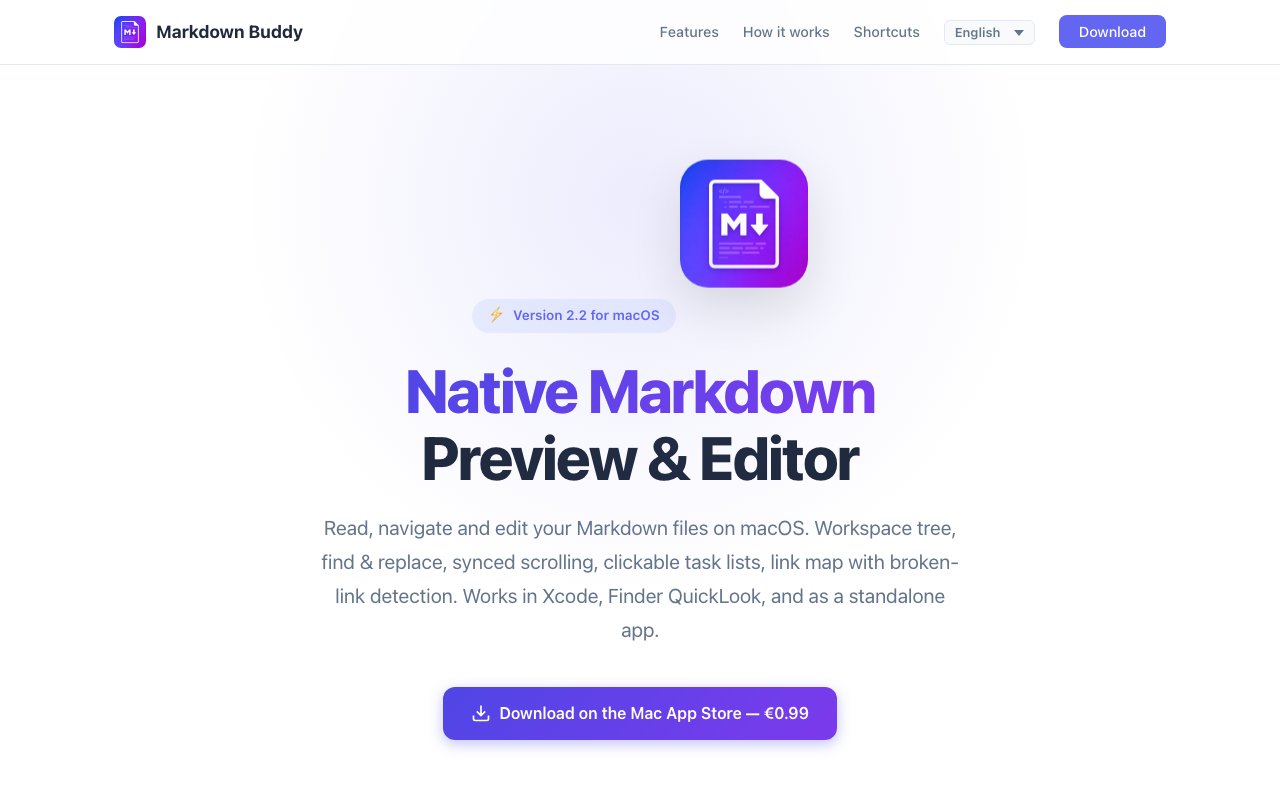
Markdown Buddy is a native macOS application built for reading, editing, and managing Markdown files with a live preview that updates as you type. It runs on macOS 14 and later, supports both Apple Silicon and Intel processors, and integrates directly with Finder QuickLook and Xcode. The goal is to provide a unified Markdown experience across multiple contexts rather than forcing users to bounce between different apps for writing, previewing, and navigating documentation. For anyone who writes READMEs, documentation, or personal notes in Markdown, this offers a focused alternative to both heavyweight editors and browser based tools.
The core editing experience uses a split view where source and rendered output sit side by side. Synchronized scrolling keeps the preview aligned with your cursor position, so you always see what the final output will look like without manually scrolling both panes. The source side gets full syntax highlighting, with different colors for headings, links, code blocks, and emphasis markers, making the raw Markdown easier to scan. The live preview uses a fading marker style where formatting symbols become less prominent as you type, except in the paragraph you are actively editing. For users who prefer a different layout, keyboard shortcuts toggle between source only, preview only, and the combined side by side view.
Finding and replacing text works within a single file or across an entire folder using the cross folder search feature. Regex mode is available for pattern matching, and search results include snippets so you can evaluate matches before jumping to them. The workspace tree in the sidebar lets you browse folders of Markdown files as a project, with tab support and session restoration so you can pick up exactly where you left off after closing the app. This project oriented approach works well for documentation sets, personal wikis, or any collection of related Markdown files that you want to navigate and edit together.
One of the more distinctive features is the link map visualization. It scans your documents for internal links and renders them as a graph, highlighting any broken references so you can fix them before publishing. For documentation projects or personal wikis where files reference each other frequently, this catches dead links that would otherwise slip through until a reader clicks one. Link autocompletion also suggests files from your workspace as you type, reducing typos in internal references. The visual graph makes it easier to understand how your documents connect, which is useful when reorganizing a large set of notes.
YAML front matter is supported with collapsible panels that keep metadata visible without cluttering the editing area. Tag filtering pulls tags from front matter blocks and displays per tag counts, which is useful for organizing notes in systems like static site generators or Obsidian style vaults. Task lists are interactive, so you can check items off directly in the preview rather than editing the source. For more advanced content, Mermaid diagrams and KaTeX math formulas render inline, letting you preview flowcharts and equations alongside regular prose. Tables, blockquotes, horizontal rules, and strikethrough are all rendered faithfully.
Beyond the standalone editor, Markdown Buddy includes two system integrations that extend its reach. The Finder QuickLook extension lets you preview any Markdown file directly in the Finder by pressing the spacebar, with thumbnail generation in icon, column, and gallery views. This is particularly handy when browsing a folder of Markdown files and you want a quick look at contents without opening each one. The Xcode extension adds Markdown preview to the Xcode editor menu, so developers writing documentation alongside code can preview without leaving their IDE. Both integrations use the same rendering engine as the main app, keeping the output consistent across contexts.
The status bar tracks character, word, and line counts in real time, which is handy for hitting length requirements or spotting bloated sections. Print and PDF export round out the output options, using native macOS rendering for clean results. Keyboard shortcuts cover all the common formatting actions, including bold, italic, and link insertion, for users who prefer not to reach for the mouse. The interface is localized into eight languages, including English, French, German, Spanish, Italian, Japanese, Korean, and Simplified Chinese.
Privacy is straightforward. The app runs in a sandboxed environment with hardened runtime and makes no network requests at all. It collects nothing, sends nothing, and stores nothing off your device. Auto save keeps your work safe without cloud sync, and native undo and redo work as expected. Pricing is a one time purchase at 0.99 euros through the Mac App Store, with no subscription, no in app purchases, and all future updates included. For anyone on macOS who works with Markdown regularly and wants something more integrated than a web based editor or more affordable than the premium options, this covers the fundamentals well at minimal cost.
Key Features
- Live side-by-side preview with sync scrolling
- Finder QuickLook extension for Markdown files
- Native Xcode extension for documentation
- Link map with broken link detection
- Cross-folder search with regex support
- YAML front matter and task list support
Pros & Cons
What we like
- Native macOS app with QuickLook and Xcode integration
- One-time purchase with no subscription or in-app buys
- Fully sandboxed with no network requests or data collection
- Link map catches broken references across documents
Room for improvement
- macOS only, no Windows or Linux versions
- Requires macOS 14.0 or later
- Simpler feature set than advanced editors like Obsidian
- Less suited for large-scale knowledge management
Frequently Asked Questions
What is Markdown Buddy?
How much does Markdown Buddy cost?
Does Markdown Buddy collect any data?
What macOS versions are supported?
Best For
Featured in
Alternatives to Markdown Buddy

SoloDevStack
A solo developer blog built on head-to-head tool comparisons, 580+ posts deep.

Confluence
Atlassian's long-running team wiki that anchors many enterprise knowledge stacks

Lunchbreak AI
Run text through six AI detectors at once, then humanize whatever gets flagged

Postdex
An exclusive marketplace for finished, human-made articles. Every piece sells once.
Reviews (0)
Badge builder
Add Markdown Buddy to your website
Choose a badge style and size, preview it here, then copy the generated HTML. Badge images are self-contained SVGs and do not require an external script.

<a href="https://toolindex.net/tools/markdown-buddy?ref=badge" target="_blank" rel="noopener">
  <img src="https://toolindex.net/badge/markdown-buddy/medium.svg" alt="Markdown Buddy - Listed on Tool Index" width="180" height="50" />
</a>How to use the badge
- 1. Pick the style, size, and theme that fit your layout.
- 2. Copy the generated HTML from the code block.
- 3. Paste it into your footer, homepage, or press page.
Standard badge available
The standard listing badge is available now. Score and circle badges are limited to tools currently ranked in the top 10 of a category.
Badge clicks return visitors to this profile with a referral tag so the source remains identifiable.
Related Tools
Confluence
Atlassian's long-running team wiki that anchors many enterprise knowledge stacks
SoloDevStack
A solo developer blog built on head-to-head tool comparisons, 580+ posts deep.

Logseq
An open-source outliner notes app where every bullet is a first-class block

Bear
A beautiful Markdown notes app for Apple devices that doubles as a writing tool
Work on Markdown Buddy? Request listing access or correction