MonsterWriter
Academic writing platform that handles citations, cross references, and formatting so you can focus on content
Gallery
About MonsterWriter
MonsterWriter is an academic writing platform built from the ground up for students and researchers who spend their days producing theses, dissertations, journal articles, and conference papers. The tool addresses a problem that anyone who has written a long academic document understands: the formatting, citation management, and cross referencing work that surrounds the actual writing tends to consume as much time as the intellectual work itself. Microsoft Word can handle citations with plugins, but it was never designed around them. Raw LaTeX gives you complete control but requires learning a markup language that has nothing to do with your research. MonsterWriter occupies the space in between, providing a clean writing environment where the academic machinery happens automatically in the background while you focus on what you actually want to say.
The platform offers two distinct document modes depending on your relationship with LaTeX. Documents mode is for researchers who do not know LaTeX or simply do not want to deal with it. You write in a distraction free WYSIWYM editor, and MonsterWriter handles all the formatting decisions behind the scenes. Headings, figures, and tables are auto numbered live as you work, which means inserting a new section in the middle of your document does not break every subsequent reference. Cross references update dynamically. When your document is finished, you can export to PDF, DOCX, LaTeX source, or Markdown, giving you flexibility regardless of what your institution or journal requires. The LaTeX Workspace mode targets experienced LaTeX users who want a full code editor with syntax highlighting, autocomplete, and real time PDF preview. The key differentiator here is unlimited compilation time. Overleaf and similar cloud LaTeX services cap how long your document can compile before timing out, which becomes a genuine problem when you are working on a dissertation with hundreds of pages, dozens of figures, and a bibliography that runs into the thousands of entries. MonsterWriter removes that ceiling entirely.
Citation management is woven throughout both modes. You can pull reference metadata automatically from DOIs, ISBNs, arXiv IDs, PubMed IDs, or plain URLs, which eliminates the manual entry that eats hours during literature reviews. Once your references are in the system, switching between citation styles takes two clicks. Need to reformat from APA to IEEE because you are submitting to a different journal? That is a style dropdown, not a weekend project. The platform supports all the major academic formats including APA, Harvard, MLA, IEEE, and Chicago, with the formatting logic built in rather than requiring external packages or plugins.
Collaboration happens in real time with no per seat fees. You can invite unlimited contributors to work on a document simultaneously, which matters for research teams and for students working closely with advisors who want to leave inline comments and edits. There is a tagging system for organizing sections across long documents and inline to do items that let you flag passages that need more work without leaving the writing environment. The platform auto saves continuously, so there is no risk of losing hours of work to a browser crash or network hiccup. These features are designed around the reality that academic documents often take months to complete and involve multiple people with different roles.
The pricing model stands out against competitors. MonsterWriter offers a free tier with 50 MB of storage and access to all core features including collaboration and citation management. The Pro plan costs sixteen dollars per year, which is notably per year rather than per month. That comes out to roughly a dollar thirty per month and provides 500 MB of storage. For comparison, Overleaf charges around fifteen euros per month for its premium tier, which adds up to roughly one hundred eighty euros per year. Institutional plans are available for universities that need custom deployments or higher storage allocations. No credit card is required to start using the free tier, and if you downgrade from Pro later, your documents remain accessible with all features intact. Only the storage limit changes.
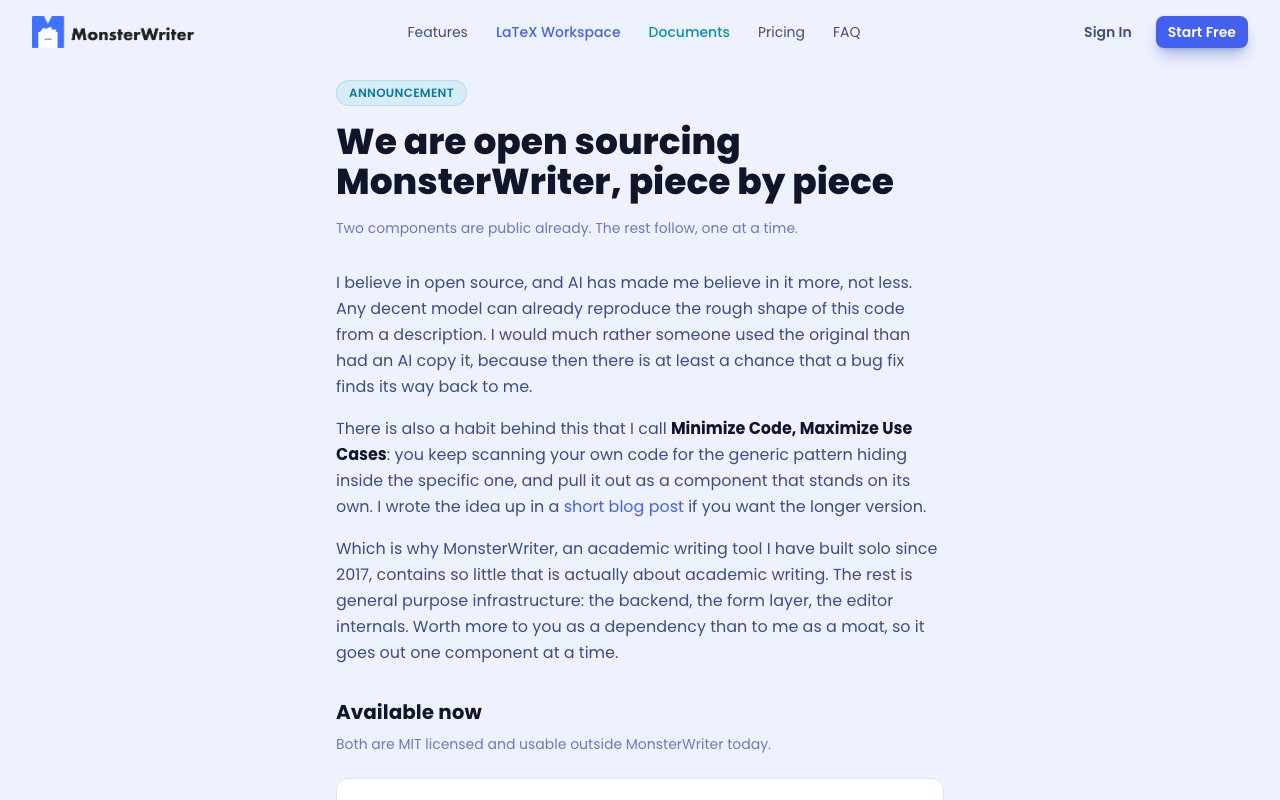
The development team has been building MonsterWriter since 2017 and has taken an unusual approach to the codebase. Infrastructure components are being progressively open sourced under MIT licenses as they mature. LinkedRecords, the backend infrastructure layer that handles real time collaboration and authorization, is already available publicly. Declarative Forms, a form system the team built for handling complex user inputs, is likewise open. The roadmap includes open sourcing additional components like the block based editor and LaTeX template system. There is also a Bring Your Own Backend option for institutions that have data sovereignty requirements and want to self host rather than store documents on external servers.
MonsterWriter is not attempting to be a general purpose writing tool, a note taking app, or a project management system. It is purpose built for a narrow use case that happens to be extremely common in universities and research institutions worldwide. For anyone who has lost an afternoon to broken cross references, spent a week reformatting citations for a new submission, or watched Overleaf time out on a complex compilation, the platform directly targets those pain points without the feature bloat that makes general purpose tools frustrating for academic work.
Key Features
- Auto numbering for headings, figures, and tables
- One click citation style switching
- Real time collaboration with unlimited contributors
- LaTeX workspace with unlimited compile time
- Export to PDF, DOCX, LaTeX, and Markdown
- Citation lookup via DOI, ISBN, URL, and arXiv ID
Pros & Cons
What we like
- Purpose built for academic writing with real citation management
- Extremely affordable at sixteen dollars per year for Pro
- Both LaTeX and non LaTeX modes in one platform
- Unlimited compile time beats Overleaf on large documents
Room for improvement
- Storage limits on the free tier are tight for large projects
- Less flexible than a general purpose writing tool for non academic work
- Smaller user community than established tools like Overleaf
- Some advanced features require learning the platform's workflow
Frequently Asked Questions
What is MonsterWriter?
Is MonsterWriter free?
How does MonsterWriter compare to Overleaf?
Who is MonsterWriter for?
Best For
Featured in
Alternatives to MonsterWriter

SoloDevStack
A solo developer blog built on head-to-head tool comparisons, 580+ posts deep.

Confluence
Atlassian's long-running team wiki that anchors many enterprise knowledge stacks

Lunchbreak AI
Run text through six AI detectors at once, then humanize whatever gets flagged

Postdex
An exclusive marketplace for finished, human-made articles. Every piece sells once.
Our take
Tool Index Editorial · Oct 2026· 4.0/5
MonsterWriter is an academic writing environment with a visual document mode and a separate LaTeX workspace. We found strong support for citations, automatic numbering, cross references, multiple export formats, real time collaboration, and unlimited LaTeX compile time. The free plan includes 50 MB, while Pro is an unusually low $16 a year for 500 MB.
Its focus is an advantage for theses and papers, especially when a supervisor needs to collaborate without learning a new markup workflow. Storage is tight for figure heavy projects, and the smaller ecosystem will not match the templates, integrations, and institutional familiarity of established rivals. Only selected infrastructure components are open source today, not the whole product. Even so, the feature set and pricing make MonsterWriter one of the more credible alternatives for academic authors who find both Word and raw LaTeX cumbersome.
Editorial opinion from the Tool Index team, written from the public product pages. Not a user review.
Reviews (0)
Badge builder
Add MonsterWriter to your website
Choose a badge style and size, preview it here, then copy the generated HTML. Badge images are self-contained SVGs and do not require an external script.

<a href="https://toolindex.net/tools/monsterwriter?ref=badge" target="_blank" rel="noopener">
  <img src="https://toolindex.net/badge/monsterwriter/medium.svg" alt="MonsterWriter - Listed on Tool Index" width="180" height="50" />
</a>How to use the badge
- 1. Pick the style, size, and theme that fit your layout.
- 2. Copy the generated HTML from the code block.
- 3. Paste it into your footer, homepage, or press page.
Standard badge available
The standard listing badge is available now. Score and circle badges are limited to tools currently ranked in the top 10 of a category.
Badge clicks return visitors to this profile with a referral tag so the source remains identifiable.
Related Tools
Confluence
Atlassian's long-running team wiki that anchors many enterprise knowledge stacks
SoloDevStack
A solo developer blog built on head-to-head tool comparisons, 580+ posts deep.

Logseq
An open-source outliner notes app where every bullet is a first-class block

Bear
A beautiful Markdown notes app for Apple devices that doubles as a writing tool
Work on MonsterWriter? Request listing access or correction