
Ocean
Centralizes AI coding sessions from Claude Code, Cursor, Codex, and 11 more tools into one shared drive
Gallery
About Ocean
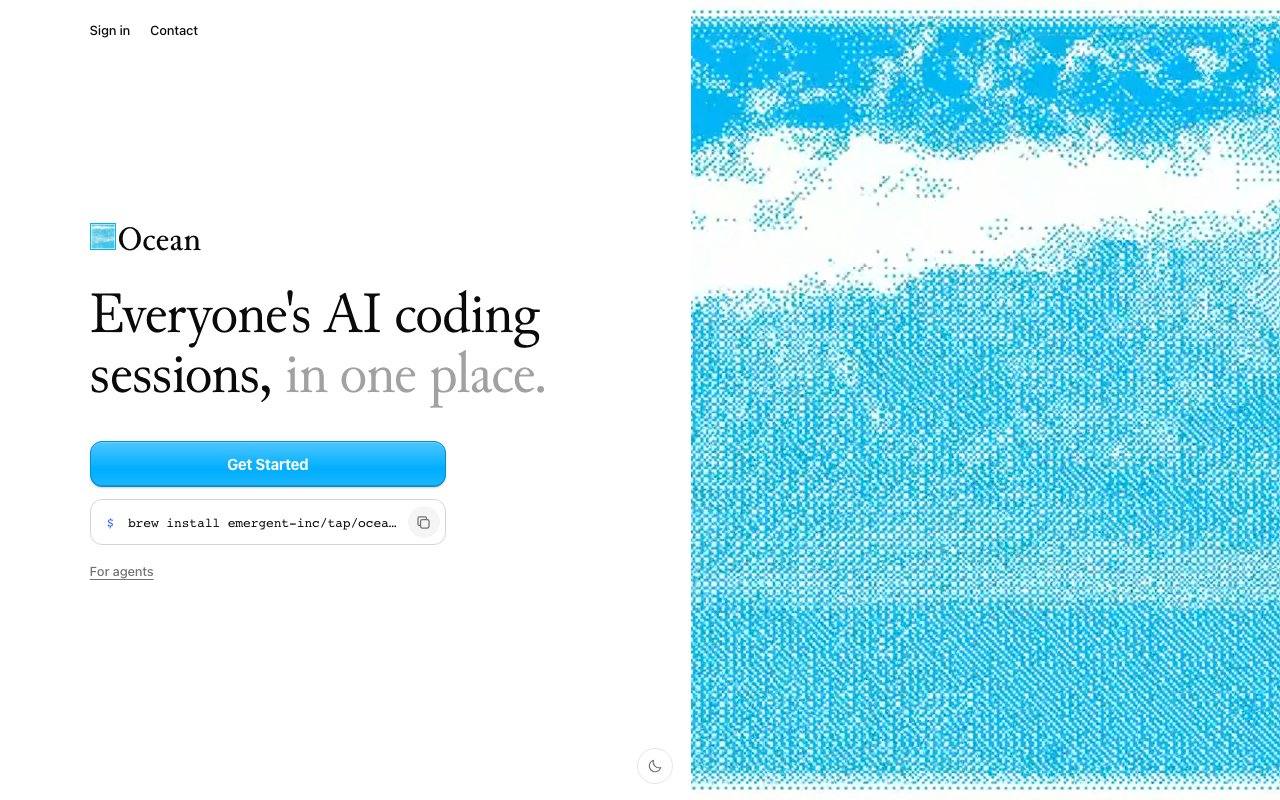
Ocean is a platform that aggregates AI coding sessions from multiple tools into a single shared location. If your team uses Claude Code, Codex, Cursor, or any of the other AI coding assistants that have become standard in engineering workflows, Ocean pulls all of those sessions together so everyone can see what was built, what was asked, and what code came out of each interaction. It turns scattered conversations with different AI tools into a searchable, browsable archive that the whole team can access. The pitch is simple: every AI coding session your team generates, visible in one read-only drive.
The problem it addresses is organizational knowledge loss. AI coding assistants are increasingly part of the daily workflow for engineering teams, but the sessions themselves tend to be ephemeral. Someone works with Claude Code to build a feature, and the transcript lives on their machine or in a personal account. A colleague uses Cursor and generates a different session. A third person spins up Codex for a quick refactor. These conversations contain context, reasoning, and working code that might be valuable to others, but there's no natural place for them to live together. When someone leaves the company or switches machines, that knowledge disappears. When two engineers solve the same problem independently because neither knew the other had already done it, that's wasted effort. Ocean creates a shared repository where all of this becomes visible.
The platform works as a read-only drive. Sessions flow in from whatever tools your team uses, and Ocean stores them centrally. You can browse by user, by tool, by date, or by search. The read-only model means the original sessions stay intact and the archive is a reference rather than an editing surface. It's designed for review and knowledge sharing, not for continuing conversations. This makes it useful for onboarding new engineers who want to see how problems were solved before they joined, for code reviews where understanding the AI's reasoning matters, and for post-mortems where you need to trace how a piece of code evolved through multiple AI interactions.
Installation uses Homebrew on macOS. You run a quick install command and Ocean sets up the hooks needed to capture sessions from supported tools. The specific command is straightforward: brew install emergent-inc/tap/ocean followed by ocean install. After that, the local agent runs in the background and syncs sessions automatically without requiring manual export or upload. There's a web dashboard where you sign in to access the shared archive, with support for light and dark themes and an onboarding flow that walks you through the initial setup. The company claims compatibility with fourteen AI coding assistants, though the homepage only names Claude Code, Codex, and Cursor explicitly. The remaining eleven aren't listed by name, which suggests they may include other popular tools like GitHub Copilot, Aider, or Cline, though that's unconfirmed.
Teams that would get the most value are those large enough to have multiple people using AI coding tools independently. A solo developer might not need a shared archive since everything already lives on their machine. But a team of five or ten engineers can end up with dozens of sessions a week, and without centralization those sessions become invisible knowledge. Ocean makes them findable. It's particularly useful in environments where different engineers have different tool preferences, since the shared archive normalizes across tools rather than fragmenting by vendor.
The product is early. Pricing isn't published on the landing page, and the documentation is sparse. It looks like an invite or early-access model for now, which means availability may be limited. The contact email is published, so teams interested in trying it can reach out directly. Given the team-focused positioning and the operational overhead of running a centralized session store, paid plans seem likely once the product matures out of beta.
Where Ocean stands apart is the breadth of tool support. Plenty of AI coding assistants have their own session history, but none of them talk to each other. Ocean acts as the connective tissue, creating a unified view regardless of which tool generated the session. For teams that have standardized on one assistant, this matters less. For teams where different engineers prefer different tools, or where tool choice is evolving rapidly, it fills a real gap. The read-only posture is also notable since it keeps the archive clean and prevents accidental edits to historical sessions, making it suitable as a compliance or audit record if needed.
Key Features
- Aggregates sessions from 14 AI coding assistants
- Shared read-only session archive
- Searchable session history by user and tool
- Homebrew-based installation
- Automatic session sync without manual export
- Supports Claude Code, Cursor, and Codex
Pros & Cons
What we like
- Centralizes scattered AI coding sessions in one place
- Read-only model preserves original session integrity
- Broad tool support across major AI coding assistants
- Simple installation via Homebrew
Room for improvement
- Pricing not publicly disclosed
- Documentation is minimal at this stage
- Younger product with limited public track record
- Read-only archive, no session editing or continuation
Frequently Asked Questions
What is Ocean?
Which AI coding tools does Ocean support?
How do I install Ocean?
Is Ocean free?
Best For
Featured in
Alternatives to Ocean
View all
Kevin Gabeci
Solo developer building web apps, cozy browser games, and AI creator toolkits.

SoloDevStack
A solo developer blog built on head-to-head tool comparisons, 580+ posts deep.

Codedex
A gamified, story-driven platform that teaches Python, web dev, and more like an RPG quest

Vibe Built
Building real apps with agentic AI. What worked, what broke, what shipped.
Reviews (0)
Badge builder
Add Ocean to your website
Choose a badge style and size, preview it here, then copy the generated HTML. Badge images are self-contained SVGs and do not require an external script.

<a href="https://toolindex.net/tools/ocean-mosaic?ref=badge" target="_blank" rel="noopener">
  <img src="https://toolindex.net/badge/ocean-mosaic/medium.svg" alt="Ocean - Listed on Tool Index" width="180" height="50" />
</a>How to use the badge
- 1. Pick the style, size, and theme that fit your layout.
- 2. Copy the generated HTML from the code block.
- 3. Paste it into your footer, homepage, or press page.
Standard badge available
The standard listing badge is available now. Score and circle badges are limited to tools currently ranked in the top 10 of a category.
Badge clicks return visitors to this profile with a referral tag so the source remains identifiable.
Related Tools
Kevin Gabeci
Solo developer building web apps, cozy browser games, and AI creator toolkits.

Coolify
Self-hostable, open source alternative to Heroku and Netlify

Warp
The modern terminal reimagined with AI and collaboration

Bolt.new
Prompt-to-deployed full-stack app inside the browser
Work on Ocean? Request listing access or correction