Oynix
Memory layer that gives AI coding agents a live knowledge graph of your codebase
Gallery
About Oynix
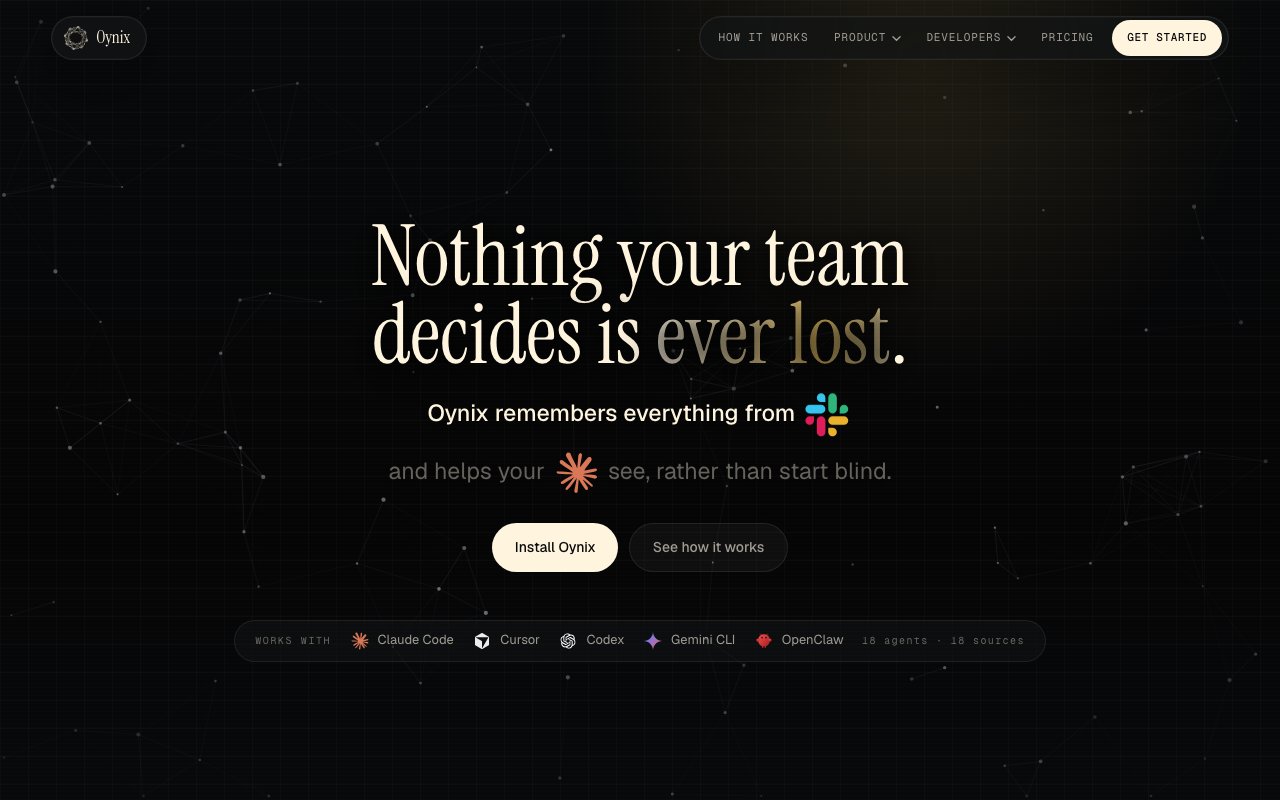
Oynix is a memory layer for AI coding agents. It builds a knowledge graph across a team's code, tickets, documentation, and discussion threads, keeps it live, and exposes it to agents over the Model Context Protocol. The goal is to stop agents from starting every session cold, since the usual pattern is an agent that can read files perfectly well but has no idea who owns them, why a decision was made, or what depends on the thing it's about to change. Live is the load-bearing word there, because a graph reflecting last month's repository becomes a new source of confidently wrong answers.
That gap is the real problem here. An agent handed a repository can parse the code, but institutional knowledge lives in commit history, in a closed ticket from eight months ago, and in a thread where someone explained why the retry logic looks strange. Without that, the agent either asks for more context or guesses. Oynix turns those scattered sources into a graph so the agent can query them itself rather than waiting for a human to paste the missing piece into a prompt. The failure is quiet rather than loud, since an agent missing context doesn't error out, it just produces a confident change that ignores a constraint nobody wrote down in the code.
The site frames what the graph answers in four buckets. Ownership tells an agent who owns a file and who touched it recently. Source gives it the actual code along with call and import relationship edges, so structure comes through rather than just text. Context covers why code exists, what decisions shaped it, and the known risks. Impact answers what breaks if a change lands, including the blast radius across the codebase. Those are the questions a careful engineer asks before editing unfamiliar code, and they're exactly the ones an agent skips. Impact analysis is the one that pays for itself fastest, since a wrong assumption about the reach of a change is expensive whether a human or an agent made it.
The architecture is deliberately local-first. Oynix runs on your infrastructure and writes to your database, and code and graph data never route through Oynix servers. The docs describe a bring your own database option along with bring your own key, a CLI for install and operation, and a connectors layer for hooking up sources. Agents talk to it over MCP rather than a REST API, which matters because MCP is what modern coding agents already speak. There's also no model on the retrieval path, so what comes back is raw graph facts and the agent applies its own reasoning instead of inheriting someone else's summarization. The docs cover a CLI for install and operation, a connectors section for wiring up sources, and the database and key choices, so the setup is a command line exercise rather than a signup flow.
It's worth being clear about what Oynix isn't, because that shapes where it fits. It doesn't write code, it doesn't run an agent, and it doesn't ship its own model. It's a retrieval layer that sits behind whichever agent you already use, which means it composes with a stack rather than replacing part of one. The upside is that switching agents later doesn't cost you the graph. The tradeoff is that the value depends entirely on how good the agent on the other side is at asking useful questions, and on how much of your team's actual reasoning ever made it into a ticket or a thread in the first place. Teams working in a single large repository are the clearest fit, since that's where per-file or per-commit pricing hurts most and where an agent is most likely to miss the connection between two distant parts of the system.
It's aimed at teams that have already put coding agents to work and hit the ceiling where the agent is fast but uninformed. The pricing model reflects that focus, since billing scales with the number of people and not with files, functions, repositories, or commits, and retrieval doesn't carry token charges because the agents run on their own AI keys. For a large monorepo, that distinction is the difference between a predictable line item and a bill that grows with the codebase.
Access is freemium. The local version is free forever, starts with one command, runs on a single machine, and needs no account or API key to query the graph, which makes evaluating it cheap. Adding the server side moves you into paid plans, with Solo at $15 a month for one key, Team at $99 a month for ten keys or $459 a month for fifty, and custom enterprise pricing above that. Documentation covers the CLI, connectors, MCP integration, and the database and key options. Worth flagging that no public source repository or license appears on the site, so despite the local-first, self-run posture this reads as a commercial product rather than an open source one. A free tier that's genuinely usable rather than a countdown trial says something about how the product expects to spread, one developer first and a team afterward.
Key Features
- Knowledge graph over code and tickets
- MCP endpoint for coding agents
- Runs on your own infrastructure
- Bring your own database storage
- Ownership and blast-radius queries
- Free local single-machine mode
Pros & Cons
What we like
- Code and graph data stay on your own infrastructure
- Local mode is free and needs no account or API key
- Billing scales by people, not by repository size
- No model on the retrieval path, so agents keep their own reasoning
Room for improvement
- No public source repository or license listed
- Requires MCP-capable agents rather than a REST API
- Team pricing climbs quickly at fifty keys
- Setup expects comfort with a CLI and a database
Frequently Asked Questions
What is Oynix?
Is Oynix free?
Where does my code go?
How do agents connect to it?
Best For
Featured in
Alternatives to Oynix
View all
Kevin Gabeci
Solo developer building web apps, cozy browser games, and AI creator toolkits.

SoloDevStack
A solo developer blog built on head-to-head tool comparisons, 580+ posts deep.

Codedex
A gamified, story-driven platform that teaches Python, web dev, and more like an RPG quest

Vibe Built
Building real apps with agentic AI. What worked, what broke, what shipped.
Our take
Tool Index Editorial · Oct 2026· 3.5/5
Oynix builds a local knowledge graph from code, tickets, documents, and team discussions, then serves graph facts to coding agents through MCP. It is aimed at development teams whose agents can read a repository but miss ownership, rationale, and change impact. The complete single-machine edition is free with no account, server, token, file, or repository charges. Shared team memory moves to a paid server product, although the captured pricing excerpt did not show its prices.
We found the local setup unusually well documented, including the install flow, connectors, storage location, and supported agent clients. Keeping code and graph data on the user's infrastructure also makes the architecture easier to evaluate. The hard question is retrieval quality, and the site provides product claims rather than independent evidence that its ownership and blast-radius answers stay accurate as sources change. Setup still requires a local binary, connectors, and an MCP-capable agent. The free local edition makes that uncertainty cheap to test before a team commits.
Editorial opinion from the Tool Index team, written from the public product pages. Not a user review.
Reviews (0)
Badge builder
Add Oynix to your website
Choose a badge style and size, preview it here, then copy the generated HTML. Badge images are self-contained SVGs and do not require an external script.

<a href="https://toolindex.net/tools/oynix?ref=badge" target="_blank" rel="noopener">
  <img src="https://toolindex.net/badge/oynix/medium.svg" alt="Oynix - Listed on Tool Index" width="180" height="50" />
</a>How to use the badge
- 1. Pick the style, size, and theme that fit your layout.
- 2. Copy the generated HTML from the code block.
- 3. Paste it into your footer, homepage, or press page.
Standard badge available
The standard listing badge is available now. Score and circle badges are limited to tools currently ranked in the top 10 of a category.
Badge clicks return visitors to this profile with a referral tag so the source remains identifiable.
Related Tools
Kevin Gabeci
Solo developer building web apps, cozy browser games, and AI creator toolkits.

Coolify
Self-hostable, open source alternative to Heroku and Netlify

Warp
The modern terminal reimagined with AI and collaboration

Bolt.new
Prompt-to-deployed full-stack app inside the browser
Work on Oynix? Request listing access or correction