
Playwright
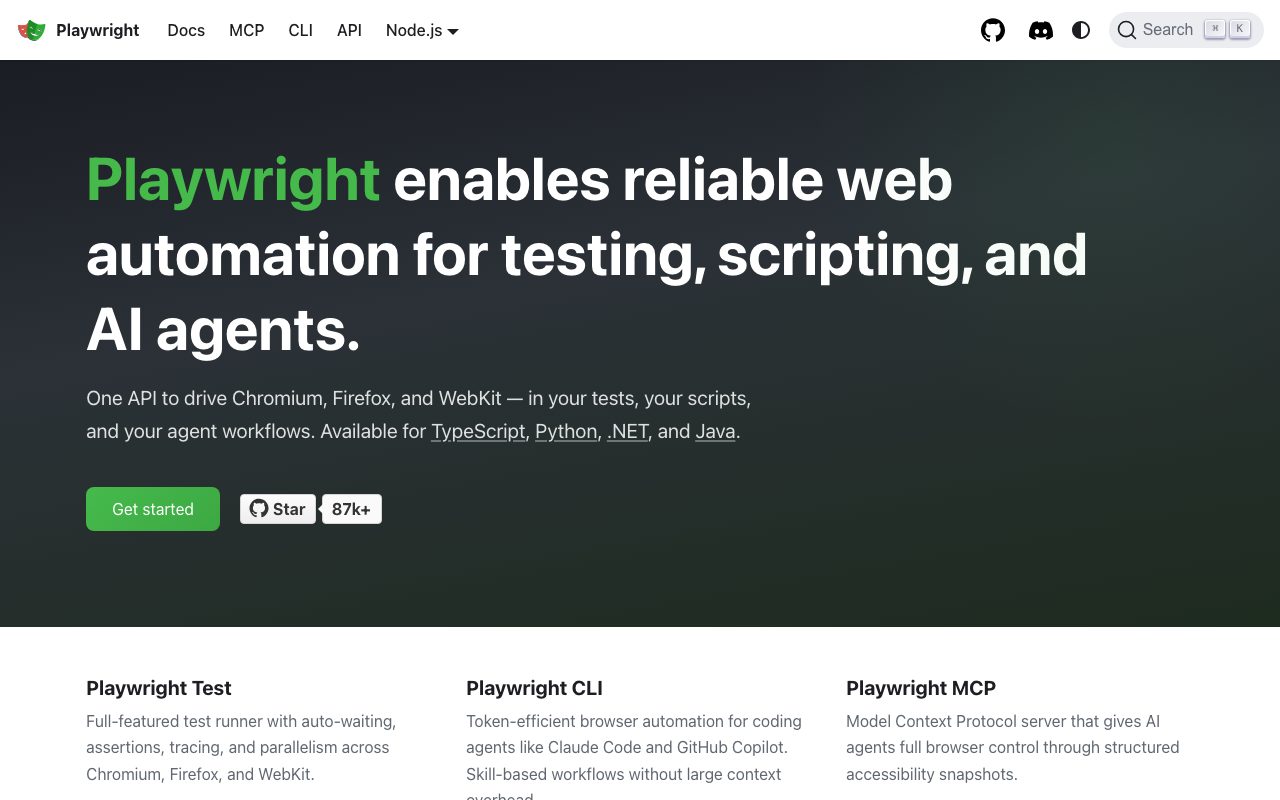
Microsofts open-source end-to-end browser testing framework for Chromium, Firefox, and WebKit with one API.
Gallery
About Playwright
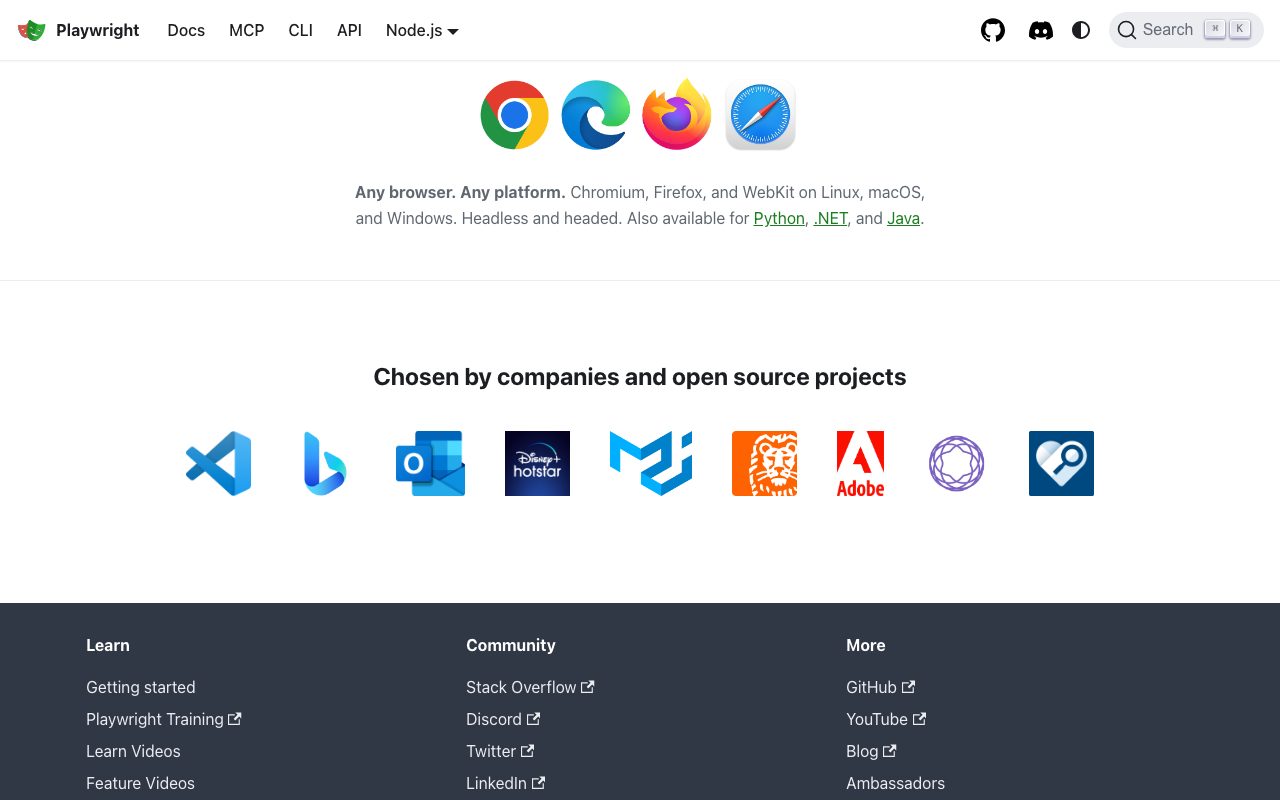
Playwright is the open-source end-to-end testing framework from Microsoft. It tests web apps across Chromium, Firefox, and WebKit with one API. Many of the original Puppeteer authors built it.
You write tests in TypeScript, JavaScript, Python, Java, or C# and run them headless or headed. Playwright drives real browsers, captures traces, screenshots, and videos. Debugging is genuinely pleasant.
Playwright has overtaken Cypress as the modern E2E default for new projects. Microsoft, GitHub, Adobe, Disney, and tens of thousands of indie projects use it.
What Playwright actually does
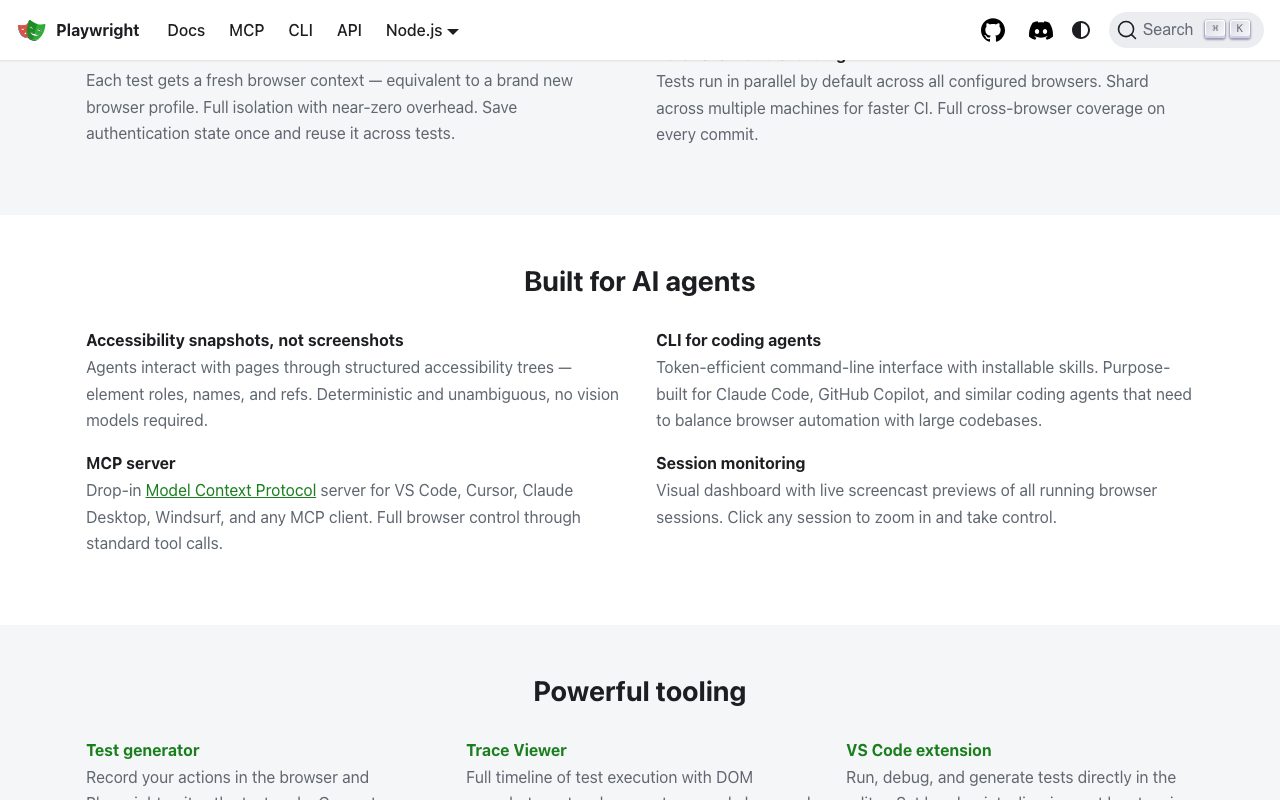
Playwright launches real browsers, navigates pages, fills forms, and asserts UI behavior. Its auto-wait mechanism eliminates most flakiness from timing issues. Tests just feel more reliable.
It supports parallel test runners, sharding, multiple browsers in the same suite, and visual snapshot testing. The Trace Viewer is a step-by-step replay of failed runs that makes debugging trivial.
Playwright also handles network interception, geolocation, mobile emulation, and authentication state reuse. Component testing and API testing modes ship in the same package.
Who Playwright is for
Frontend and full-stack engineers writing E2E tests are the core audience. Modern Next.js, Remix, and SvelteKit projects increasingly default to Playwright over Cypress.
QA engineers love it because the cross-browser story is real. Run the same test in Chromium, Firefox, and WebKit without rewriting selectors.
If you're testing a legacy IE-style app or you only need component-level testing, Vitest or Jest plus Testing Library may serve you better. Playwright is overkill for unit tests.
Pricing breakdown
Playwright is fully open source under Apache 2.0. There are zero usage costs.
You only pay for CI minutes when running tests in cloud pipelines. Microsoft also offers Microsoft Playwright Testing, a managed cloud service that scales runs across many browsers and shards.
The cloud service has usage-based pricing for parallel browsers. For most teams, GitHub Actions or self-hosted runners are enough.
Standout features
The Trace Viewer is unmatched. After a test fails, you replay the entire run as a timeline of DOM snapshots, network calls, and console logs. Debugging is fast.
Codegen records your manual interactions and generates Playwright code. New users get from zero to working tests in minutes.
Auto-waiting handles 95% of the flakiness Cypress used to fight. You write `await page.click('button')` and Playwright waits for the element to be ready. No `cy.wait(2000)` hacks.
Honest tradeoffs
The learning curve isn't zero. Fixtures, projects, and configuration take a half-day to internalize for engineers new to E2E.
The local Test runner UI is solid but not as polished as Cypress's iconic GUI. Many teams use the VS Code extension for that experience.
Component testing is newer than Cypress's. The DX is improving fast but Cypress component tests are still smoother for some React teams.
Playwright fixed enough of E2E's worst pain points that I stopped dreading writing browser tests. That's a high bar.
Playwright vs Cypress vs Selenium
Cypress has the friendliest GUI but only first-class Chromium support and a heavier paid cloud play. Selenium is the OG cross-browser tool, mature but slower and creakier. Playwright is the modern default for new projects.
See best E2E testing tools, Cypress alternatives, and the Playwright vs Cypress guide.
Other Playwright alternatives: WebdriverIO, TestCafe, and Puppeteer (lower-level but Chromium only). Each one fits a slightly different testing posture.
Bottom line on Playwright
Playwright is the E2E framework that finally made browser testing feel like writing modern application code. It's fast, cross-browser, and free.
Browse tools for QA engineers and the Cypress profile. New project? Default to Playwright. Existing Cypress suite? You don't need to migrate. Both are good.
Install it, run codegen, ship your first test in 20 minutes. That speed is the real selling point.
Playwright in monorepo CI pipelines
Playwright shards beautifully across CI runners. Split your suite into N shards, run them in parallel, and the test runner aggregates results automatically.
For monorepos, you can run Playwright against multiple apps in the same workflow. Each app gets its own project config, shared base config covers common settings.
The HTML reporter ships nice artifacts on failure: traces, videos, screenshots, network logs. Plug it into GitHub Actions artifacts and reviewers see everything they need from the PR check page.
Playwright for API testing
Playwright's request fixture is great for API tests. You can mix UI and API tests in the same suite, share authentication, and run them as part of one quality gate.
For teams that historically ran Postman or Newman for API tests, consolidating into Playwright simplifies tooling. Same syntax, same runner, same reports.
You won't get every feature of dedicated API testing platforms (extensive contract testing, mock servers), but for typical CRUD validation, Playwright covers it.
Component testing and the future
Playwright Component Testing renders React, Vue, or Svelte components in real browsers and runs assertions against them. It's a middle ground between unit tests (Jest) and full E2E.
The DX is improving steadily. For new projects, it's worth evaluating against Vitest browser mode and Cypress component testing. Each one suits a different team preference.
Microsoft and the Playwright team ship updates frequently. Expect the component testing story to mature significantly over the next year.
Final word on Playwright
Playwright is the modern E2E framework. It's free, fast, cross-browser, and well-supported. Default to it for new projects in 2026.
If you maintain Cypress suites that work, you don't need to migrate. Both are good. Pick one and ship.
Playwright with Microsoft Playwright Testing cloud
Microsoft Playwright Testing is the managed cloud service that runs Playwright tests across browsers at scale. You push your tests, the cloud spins up parallel runners.
For teams whose CI runners are bottlenecked, the cloud service slashes total test runtime. Hundreds of tests across three browsers can finish in minutes instead of an hour.
Pricing is per browser-minute. Teams running heavy E2E suites can compare cloud costs against the hidden cost of slow CI on developer productivity.
The cloud service is optional. Most teams run Playwright on GitHub Actions, GitLab CI, or self-hosted runners. The OSS framework is fully featured without the cloud.
Playwright also ships an excellent VS Code extension. You can run, debug, and step through tests inside the editor with the trace viewer attached.
The Playwright team's release cadence is steady. New features (component testing, network interception improvements, new browser support) ship every few weeks.
For more E2E options, see best E2E testing tools and our Cypress profile.
Playwright FAQ
Is Playwright better than Cypress? Different strengths. Cypress has a friendlier GUI for local development. Playwright has stronger cross-browser support, parallel execution, and is generally faster. New projects in 2026 default to Playwright.
Can I migrate from Cypress to Playwright? Yes, but it's manual work. The APIs differ significantly. Most migrations happen test-by-test rather than in one big sweep. Plan for several weeks for a substantial suite.
What languages does Playwright support? TypeScript, JavaScript, Python, Java, and C# all have first-class support. The TypeScript and JavaScript runners are the most actively developed.
How is Playwright's mobile testing? Playwright supports mobile viewport emulation and mobile browser engines (Mobile Safari via WebKit). For real device testing, pair with cloud services like BrowserStack or Sauce Labs.
Does Playwright support visual regression testing? Yes, via the toHaveScreenshot assertion and built-in image comparison. For richer visual testing workflows, pair with Chromatic or Percy.
Playwright has earned its place as the modern E2E framework. The cross-browser support, parallel execution, and excellent debugging tools make it the right choice for new projects and gradual migrations.
Playwright best practices
Use page object models for complex apps. Encapsulating page interactions in classes keeps tests maintainable as your UI evolves.
Lean on auto-waiting. Avoid arbitrary timeouts. Playwright's auto-waiting handles most timing issues correctly. Trust it.
Use parallel projects for cross-browser testing. Configure separate projects for Chromium, Firefox, and WebKit. The test runner handles parallelism.
Capture traces only on failure. Always-on tracing slows runs. Conditional tracing keeps CI fast while preserving debug context for failures.
Mock external services consistently. Network interception lets you mock APIs at the browser level. Tests run faster and more reliably than against staging environments.
Set up the VS Code extension. The integrated debugger and trace viewer are dramatically better than command-line debugging.
For more E2E tools, see our best E2E testing tools and Cypress and WebdriverIO profiles.
Closing thoughts on Playwright in 2026
Playwright has firmly established itself as the modern E2E framework. New projects default to it. Existing Cypress suites are migrating gradually. The pattern is the same we saw with React replacing earlier frameworks years ago.
The cross-browser story keeps getting better. Chromium, Firefox, and WebKit all stay in sync with the Playwright runner. Mobile viewport emulation handles most modern device matrices.
Microsoft Playwright Testing (the cloud service) gives teams an easy escape valve for CI scaling. Run hundreds of tests in parallel without managing your own infrastructure.
The community ecosystem (plugins, integrations, third-party assertion libraries) has grown significantly. The third-party reporting tools, Playwright Report viewers, and CI integrations are all mature.
For teams choosing E2E infrastructure today, Playwright is the safe pick. Free, fast, cross-browser, and well-maintained by a major company. The risk profile is excellent.
Browse our best E2E testing tools roundup, our Playwright alternatives page, and the Playwright vs Cypress guide.
Try Playwright on a fresh project. Run codegen for your first test, watch the trace viewer, and decide for yourself. The week-one experience is the easiest sell in the testing tools category.
Tutorial / Demo
Key Features
- Drives Chromium, Firefox, and WebKit with one API
- Auto-waiting assertions reduce flaky tests
- Trace viewer with full timeline of actions and network
- Codegen records user interactions into test code
- Bindings for TypeScript, Python, .NET, and Java
Pros & Cons
What we like
- Cross-browser coverage is genuinely unmatched
- Auto-waiting eliminates a whole class of flake
- Free, open source, actively maintained by Microsoft
Room for improvement
- Steeper learning curve than Cypress for first-timers
Frequently Asked Questions
Playwright vs Cypress, which should I use?
Is Playwright really free?
Does Playwright work with TypeScript and Python?
Can Playwright test mobile apps?
What's the learning curve compared to Selenium?
Best For
Featured in
Tags
Alternatives to Playwright
View all
DeviceKit
Free Screen & Device Tests Online | Private Browser Diagnostics
Dagger
Programmable CI/CD pipelines as code in Go, Python, TypeScript, or Java. Runs locally and on any CI provider.
Bruno
Git-friendly, fully offline API client that stores collections as plain text files in your repository.

Buildkite
Hybrid CI/CD where the control plane is hosted but the build agents run on your own infrastructure.
Our take
Tool Index Editorial · May 2026· 4.6/5
Playwright sits in a crowded category, differentiating itself as microsofts open-source end-to-end browser testing framework for chromium, firefox, and webkit with one api.
The standout points: Cross-browser coverage is genuinely unmatched, Auto-waiting eliminates a whole class of flake, and Free, open source, actively maintained by Microsoft. The friction points: Steeper learning curve than Cypress for first-timers.
Recommendation: this is a strong default when you need qA teams running cross-browser regression suites. If steeper learning curve than Cypress for first-timers would be a dealbreaker, the alternatives section below is worth a scroll.
Editorial opinion from the Tool Index team, written from the public product pages. Not a user review.
Reviews (6)
The kind of tool you forget you're paying for
Started using Playwright casually, now it's pinned in my dock. Where it really wins is cross-browser coverage is genuinely unmatched. Got real value out of codegen records user interactions into test code. It fits well for QA teams running cross-browser regression suites. Still recommending it to people in similar setups.
Two months in, no regrets
Tried Playwright on a side project first. Honestly impressed by how cross-browser coverage is genuinely unmatched.
Hit the Playwright sweet spot
Tried half a dozen options before landing on Playwright. Real selling point: cross-browser coverage is genuinely unmatched. Their take on drives Chromium, Firefox, and WebKit with one API is solid. Hard to imagine going back to my previous setup.
Stuck the landing for our team
Started using Playwright casually, now it's pinned in my dock. Where it really wins is free, open source, actively maintained by Microsoft. Drives chromium, firefox, and webkit with one api works the way you'd hope. It fits well for visual regression testing with screenshot assertions. Easy yes for anyone weighing the same trade-offs.
Bought it for one feature, stayed for ten
Honest take: Playwright delivers most of what the marketing promises. What stands out is how auto-waiting eliminates a whole class of flake. Mostly using it for frontend teams replacing Cypress with WebKit support.
Pros
- Free, open source, actively maintained by Microsoft
- Auto-waiting eliminates a whole class of flake
- Cross-browser coverage is genuinely unmatched
It just works
Playwright solves a real problem for me, but it's not magic. Genuine strength: free, open source, actively maintained by Microsoft. Their take on drives Chromium, Firefox, and WebKit with one API is solid. Hard to imagine going back to my previous setup.
Badge builder
Add Playwright to your website
Choose a badge style and size, preview it here, then copy the generated HTML. Badge images are self-contained SVGs and do not require an external script.

<a href="https://toolindex.net/tools/playwright?ref=badge" target="_blank" rel="noopener">
  <img src="https://toolindex.net/badge/playwright/medium.svg" alt="Playwright - Listed on Tool Index" width="180" height="50" />
</a>How to use the badge
- 1. Pick the style, size, and theme that fit your layout.
- 2. Copy the generated HTML from the code block.
- 3. Paste it into your footer, homepage, or press page.
Score badge available
Playwright qualifies for the score and circle badges based on its current top-10 positionin Testing.
Badge clicks return visitors to this profile with a referral tag so the source remains identifiable.
Related Tools

Kevin Gabeci
Solo developer building web apps, cozy browser games, and AI creator toolkits.

Coolify
Self-hostable, open source alternative to Heroku and Netlify

Warp
The modern terminal reimagined with AI and collaboration

Bolt.new
Prompt-to-deployed full-stack app inside the browser
Work on Playwright? Request listing access or correction