QIP
Run small, composable WebAssembly components with explicit input and zero host access
Gallery
About QIP
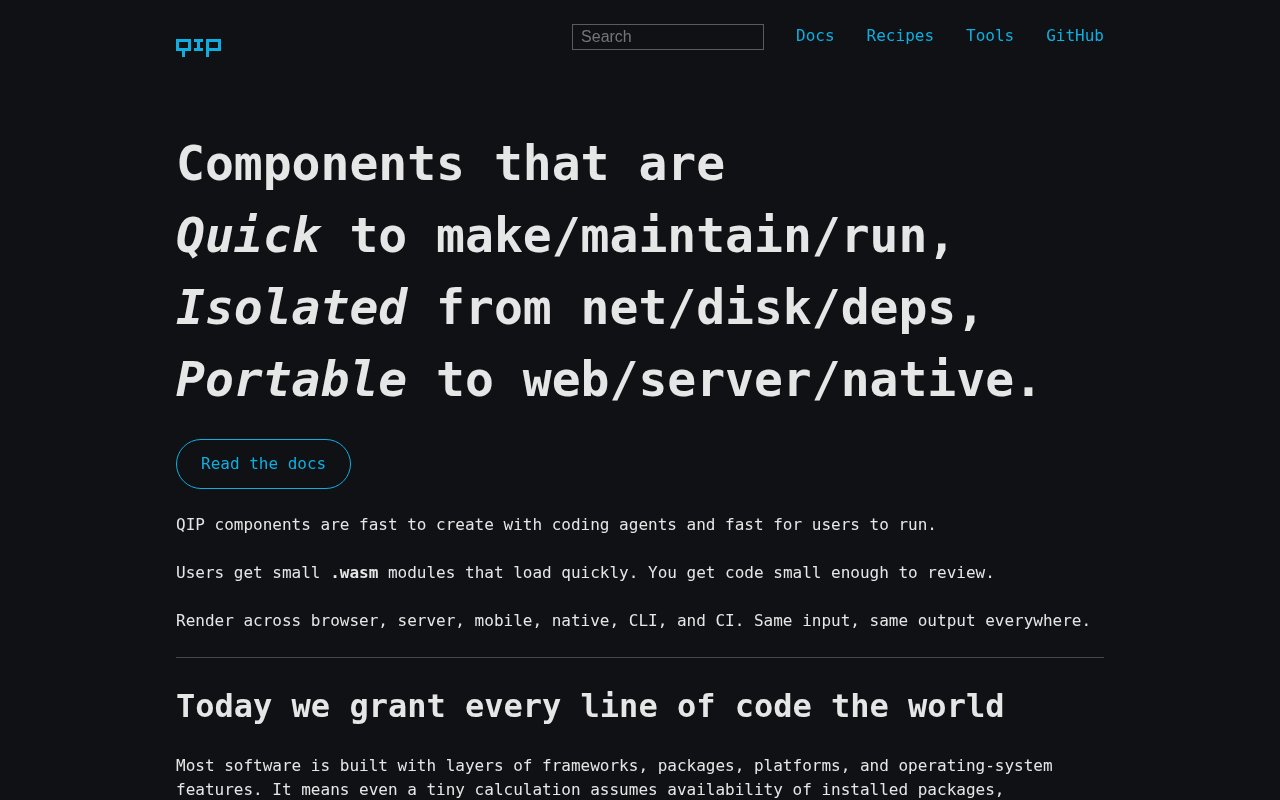
QIP is an open-source standard and toolset for running small WebAssembly components as predictable input-to-output programs. A component receives explicit bytes, performs one focused job, and returns explicit bytes. Components can render Markdown, transform HTML, convert images, inspect archives, validate content, or power an interactive interface without inheriting a large application runtime. The central idea is that a small function shouldn't need broad access to the machine around it. QIP puts that function behind a narrow contract that hosts can implement in a browser, command line, server, mobile app, or native application.
The project addresses two problems that often arrive together. Software dependencies keep changing, and code produced quickly by people or coding agents can be difficult to trust. A normal package may read files, inspect environment variables, make network requests, or depend on a deep package graph. A normal QIP component has no host imports and gets no filesystem, network, clock, locale, environment, or dependency access unless an application deliberately passes relevant data in. Its memory capacities and exported operations are visible. That gives reviewers a much smaller boundary to understand and helps the same compiled module behave consistently across machines.
QIP's Content contract is the usual starting point. The host writes an input into the component's declared memory buffer, calls its render function, and reads the returned output. Components can declare input and output MIME types, which lets a host check whether pipeline stages fit together. One component's result can feed the next from left to right, much like a Unix pipeline, while each stage remains a self-contained Wasm file. Optional numeric uniforms provide explicit configuration. The strict shape is intentionally smaller than WASI or WIT, and a component doesn't get general operating-system capabilities as part of the bargain.
The standard covers more than finite text transforms. Content and Interactive contracts are described as mostly stable. Interactive components keep state between events and can produce framebuffer output for games, simulations, or persistent interfaces. Tile components process bounded image regions, while Form components collect a sequence of values. QIP is clear that Tile and Form are still evolving, so teams adopting those paths should expect interface changes. That candor is useful for technical evaluation because it separates mature parts of the contract from areas that are usable but not yet long-term compatibility promises.
Several hosts make the components practical. The qip command-line host runs pipelines, validates plans without executing them, benchmarks components, checks compliance, scores Wasm structure, processes images, and serves content through the router. The qipx package offers a focused Node.js host for Content components and requires Node.js 22 or newer. Browser elements such as qip-edit and qip-play connect the same components to editable inputs or persistent interactive canvases. Documentation also covers using QIP from JavaScript, React, Swift, Java, Python, Go, .NET, and Ruby, so an application isn't tied to one language wrapper.
The submitted syntax highlighting comparison shows what this model looks like in a real tool. QIP ships language-specific highlighters as small Wasm components, combines them with an HTML escaper and stylesheet component, and produces self-contained highlighted HTML. The highlighters use Highlight.js class names, retain context for declarations and nested constructs, and preserve malformed code as escaped text instead of pretending to validate it. The page also publishes component sizes and benchmark methodology. More broadly, the repository includes compliance oracles and benchmarking commands so developers can test contract behavior, compare byte-identical output, inspect memory use, and measure performance without treating speed as a substitute for correctness.
QIP fits developers building compact transforms, deterministic pipelines, embedded tools, static-site workflows, and constrained execution for generated code. It asks teams to think carefully about formats, memory limits, and host boundaries, which is more technical work than installing an unrestricted library. The benefit is portability and a smaller review surface, not a promise that every kind of application belongs in Wasm. The source and component collection are public on GitHub, and the core offering is open source rather than a hosted subscription. Teams can start with the documented components and qipx, then implement another host against the same contracts when their application needs a different runtime.
Key Features
- Strict WebAssembly component contracts
- Composable content pipelines
- Command-line and browser hosts
- Deterministic cross-platform execution
- Compliance and benchmarking tools
- Router and static-site workflows
Pros & Cons
What we like
- Components receive zero host access by default
- The same modules run across several environments
- Small components reduce dependency overhead
- MIME-aware stages combine into checked pipelines
Room for improvement
- Content and Interactive contracts are only mostly stable
- Tile and Form contracts are still evolving
- Component authoring favors low-level compiled languages
- The qipx host requires Node.js 22 or newer
Frequently Asked Questions
What is QIP?
Is QIP free and open source?
How is QIP different from WASI?
Who is QIP for?
Best For
Featured in
Alternatives to QIP
View all
Kevin Gabeci
Solo developer building web apps, cozy browser games, and AI creator toolkits.

SoloDevStack
A solo developer blog built on head-to-head tool comparisons, 580+ posts deep.

Codedex
A gamified, story-driven platform that teaches Python, web dev, and more like an RPG quest

Vibe Built
Building real apps with agentic AI. What worked, what broke, what shipped.
Our take
Tool Index Editorial · Sep 2026· 4.0/5
QIP defines small WebAssembly components with explicit byte input, output, memory, and no ambient host access. We found a thoughtful standard rather than a thin wrapper, with MIME-aware pipelines, CLI and browser hosts, compliance checks, benchmarks, and integration guidance across several languages. The project is open source and no hosted paid plan is presented.
The design is compelling for deterministic transforms and generated code that should not inherit filesystem, network, or environment access. It is also a specialized engineering choice. Teams must accept Wasm tooling, explicit memory and format contracts, and a smaller ecosystem than ordinary packages. Content and Interactive are only mostly stable, while Tile and Form are still evolving, so early adopters should pin versions and expect some contract movement.
Editorial opinion from the Tool Index team, written from the public product pages. Not a user review.
Reviews (0)
Badge builder
Add QIP to your website
Choose a badge style and size, preview it here, then copy the generated HTML. Badge images are self-contained SVGs and do not require an external script.

<a href="https://toolindex.net/tools/qip?ref=badge" target="_blank" rel="noopener">
  <img src="https://toolindex.net/badge/qip/medium.svg" alt="QIP - Listed on Tool Index" width="180" height="50" />
</a>How to use the badge
- 1. Pick the style, size, and theme that fit your layout.
- 2. Copy the generated HTML from the code block.
- 3. Paste it into your footer, homepage, or press page.
Standard badge available
The standard listing badge is available now. Score and circle badges are limited to tools currently ranked in the top 10 of a category.
Badge clicks return visitors to this profile with a referral tag so the source remains identifiable.
Related Tools
Kevin Gabeci
Solo developer building web apps, cozy browser games, and AI creator toolkits.

Coolify
Self-hostable, open source alternative to Heroku and Netlify

Warp
The modern terminal reimagined with AI and collaboration

Bolt.new
Prompt-to-deployed full-stack app inside the browser
Work on QIP? Request listing access or correction