
Rippling
Workforce platform unifying HR, IT, and finance
Gallery
About Rippling
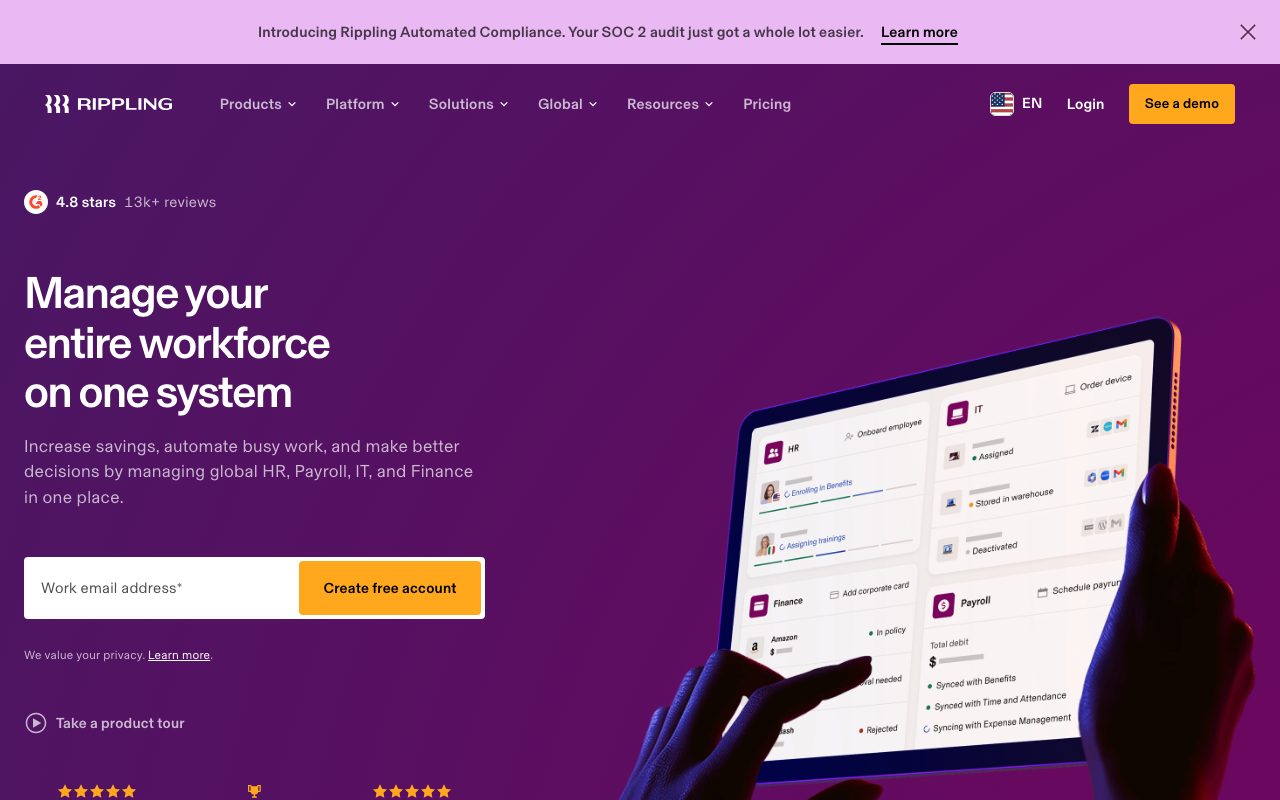
Rippling is the platform that runs HR, IT, and finance from one employee record. The promise is real: hire someone in Rippling, and payroll, benefits, laptop, software accounts, and corporate card all spin up in 90 seconds. Offboard them, and everything reverses just as fast.
For companies tired of stitching Gusto plus Okta plus Brex plus Asana onboarding tasks, Rippling is the consolidation play. The product covers the full lifecycle of an employee from offer letter to final paycheck, and increasingly the contractor and global hire too.
What Rippling actually is
Rippling has three product clouds that share an identity layer. HR Cloud handles payroll, benefits, time tracking, performance, learning, and recruiting. IT Cloud manages device provisioning, software access, identity, and security. Finance Cloud runs corporate cards, expense reports, and bill pay.
The unifying piece is the employee graph. Every product knows who works at the company, what role they have, and what they should have access to. Workflows fire across products. A promotion can trigger a salary change, new software access, and a card limit increase automatically.
Workflow Studio
Workflow Studio is Rippling's visual automation builder. You define triggers like "when a contractor's contract ends" and actions across the platform like "deactivate accounts, recover laptop, calculate final invoice." Mid-size companies use this to replace dozens of manual checklists.
Who Rippling is for
Rippling fits growing companies past about 30 employees. Below that, the platform is over-engineered and the cost is hard to justify. Above that, the consolidation savings start compounding because every new hire takes hours of ops work.
Rippling targets companies hiring globally, since the global payroll and contractor product is mature. Tech, professional services, and modern operations-heavy businesses are the core base. Manufacturing and retail with hourly workforces use Rippling but with more setup work.
Rippling pricing
Rippling starts at $8 per user per month for the base platform plus per-product fees. The actual all-in cost depends on which clouds you turn on. Most companies running HR plus IT pay $25 to $40 per user per month. Adding Finance Cloud pushes it higher.
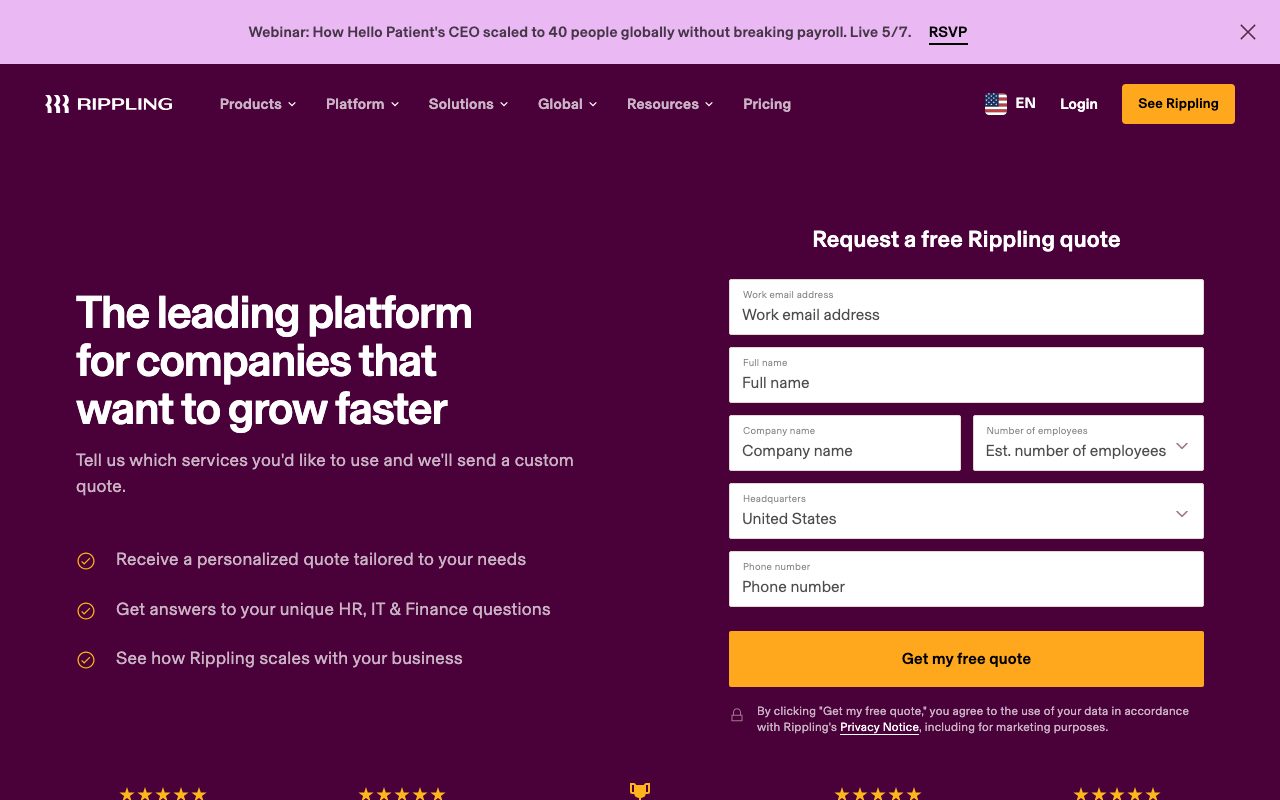
Pricing isn't fully public; you go through sales for an actual quote. The platform fee structure is opaque enough that companies often don't know what they'd pay until they're in a demo. Once you commit, multi-year contracts unlock meaningful discounts.
Rippling features that matter
Global payroll runs in 50-plus countries with localized compliance, tax filing, and benefits. The contractor management product is one of the cleanest on the market. Device management uses Rippling's MDM agent to provision Macs and PCs out of the box.
The single sign-on layer competes with Okta directly and is included in IT Cloud. SCIM provisioning to most major SaaS tools means access changes when roles change. The corporate card product is competitive with Brex on rewards and policy controls.
Reporting and analytics
Rippling's reporting pulls from every product simultaneously. You can build a dashboard showing headcount cost, software spend, and benefits utilization in one view. That cross-product visibility is what finance and HR teams genuinely value once they have it.
Tradeoffs
Rippling is expensive at the all-in price. Smaller teams often realize that Gusto plus Okta plus Brex separately costs less per seat. The consolidation story works only when the time savings on operations outweigh the higher per-seat fee.
The platform also locks you in. Migrating off Rippling is painful because the data, workflows, and integrations all run through one identity layer. That's the same reason it works so well; it's also the reason switching costs are real. Plan accordingly.
Rippling pays off when your ops team is drowning in onboarding tickets. It's overkill before you have an ops team.
Rippling vs alternatives
Compared to Gusto, Rippling is broader on IT and finance while Gusto is narrower and friendlier on payroll alone. Gusto wins for small companies; Rippling wins past 50 people. Compared to BambooHR, Rippling is more technical and integrated; BambooHR is simpler and HR-focused.
Compared to Deel, Deel wins on global hiring and contractor focus while Rippling wins on US payroll and IT consolidation. Many companies use both. See our best HR platforms guide and Gusto alternatives roundup.
Bottom line on Rippling
Rippling is the right pick for fast-growing companies past about 50 people that are spending real time on operations across HR, IT, and finance. The consolidation pays off in saved hours and fewer dropped balls. The price is high but defensible at scale.
For smaller companies, Gusto plus Okta plus a card product is usually cheaper and simpler. The Rippling answer becomes obvious when your ops manager starts saying "we need a system" twice a week. That's the inflection point.
Rippling rollout patterns
Most Rippling rollouts follow the same shape. Phase one: HR Cloud with payroll, benefits, and basic time tracking. Phase two: IT Cloud with device management, SSO, and SaaS provisioning. Phase three: Finance Cloud with cards and bill pay. Each phase takes four to six weeks for a 100-person company.
The mistake teams make is trying to roll all three clouds simultaneously. The change management load overwhelms the ops team and employees lose trust in the platform after a few setbacks. Sequential rollout with each phase fully working before adding the next produces better outcomes.
Workflow Studio in real terms
Workflow Studio is the feature that turns Rippling from "a bunch of HR tools in one place" into a genuinely consolidating platform. Common workflows worth building first: full onboarding (provision laptop, create accounts, send welcome email, schedule training); offboarding (deactivate accounts, recover laptop, calculate final pay, archive data); promotion (update title, change comp, adjust card limits, notify manager).
Each of these workflows replaces a checklist that used to live in someone's head or in a Google Doc. The automation handles the steps consistently and produces an audit trail. For ops teams that have lost time to "did we remember to deactivate her Slack account?" type questions, Workflow Studio pays back fast.
Rippling for global hiring
The global hiring product covers payroll in 50-plus countries through a mix of Rippling-owned entities and partner employers of record. Compared to Deel or Remote, Rippling's coverage is solid in major markets and weaker in some smaller jurisdictions. The advantage of Rippling is the same identity layer covers global and US employees, so workflows can be consistent.
The contractor management is a separate product line. Onboarding international contractors, generating compliant contracts, processing payments in local currency, handling tax forms by country. Most companies running large contractor populations use Deel or Rippling for this; the choice usually comes down to which platform their main payroll runs on.
Common Rippling questions
How honest is the 90-second onboarding claim? Partially. The data flow from offer letter accepted to laptop ordered to accounts created can technically run in 90 seconds. The reality is people aren't ready in 90 seconds; new hires need shipping addresses, equipment selection, and start date coordination. The 90-second figure is the system runtime, not the human runtime.
Is Rippling worth it under 50 employees? Usually no. The all-in cost outweighs the consolidation savings at smaller scale. Below 30 employees, Gusto plus Okta plus Brex is cheaper and simpler. Between 30 and 50, the math depends on growth trajectory. Above 50, Rippling typically wins on time savings.
How is Rippling support? Decent at the lower tiers, dedicated at enterprise. Response times measured in hours not minutes. Documentation is solid. The complexity of the platform means support tickets can require deep platform knowledge to resolve, and not every support agent has that depth.
Rippling lock-in considerations
Rippling's strength is its weakness: deep integration across HR, IT, and finance creates real switching costs. Once payroll, benefits, IT provisioning, and bill pay all run through Rippling, migrating to separate tools requires reconstructing connections everywhere. The platform's value comes from this integration; so does the lock-in.
The realistic path for most companies is to commit to Rippling once they're past 50 people and stay on it through the growth phase. Switching usually only makes sense after major events like acquisition or significant pivots. For companies that value optionality above operational efficiency, the looser stack of separate tools may be preferable. Most growth-stage companies prioritize efficiency.
Final take on Rippling
Rippling has executed on its promise of consolidating HR, IT, and finance into one platform. The product depth across all three clouds is genuine, not just a marketing claim. The Workflow Studio enables operational automation that would otherwise require multiple specialized tools and the integrations between them. For growing companies past 50 employees, the consolidation savings are real.
The pricing remains the main consideration. Rippling all-in costs more than running separate best-of-breed tools per category. The justification is the operational time savings: fewer onboarding tickets, automated offboarding, cross-product reporting, single-source-of-truth employee data. Whether that justification holds depends on how much your ops team currently spends on cross-tool coordination.
For companies in the 50 to 1000 employee range, Rippling is among the strongest unified platforms available in 2026. The lock-in is real but matched by the operational consolidation value. For smaller companies, simpler stacks of Gusto plus Okta plus Brex still make economic sense. For larger enterprises, dedicated category leaders may serve specific needs better. The sweet spot for Rippling is broad and growing as the product expands its capabilities.
Tutorial / Demo
Key Features
- Unified HRIS, payroll, and benefits
- IT device management and app provisioning
- Spend management with corporate cards and bill pay
- Global payroll and EOR options
- Custom workflows across HR, IT, and finance
- Reporting on employee data, spend, and access
Pros & Cons
What we like
- Genuinely consolidates many systems
- Onboarding and offboarding flows save hours
- Modular: pick the products you need
Room for improvement
- Pricing is custom and bundles can get expensive
- Implementation effort grows with scope
- Some modules are stronger than others
Frequently Asked Questions
Rippling vs Gusto vs Deel?
How much does Rippling cost?
Does Rippling handle global payroll?
Is Rippling overkill for a 5-person team?
Can Rippling provision software and laptops?
Best For
Featured in
Alternatives to Rippling
View all


Our take
Tool Index Editorial · May 2026· 4.6/5
Rippling is the kind of tool you adopt when you want workforce platform unifying hr, it, and finance.
Worth highlighting: Genuinely consolidates many systems, Onboarding and offboarding flows save hours, and Modular: pick the products you need. What to watch for: Pricing is custom and bundles can get expensive and Implementation effort grows with scope.
Recommendation: this is a strong default when you need mid-sized companies consolidating HR + IT + finance. If pricing is custom and bundles can get expensive would be a dealbreaker, the alternatives section below is worth a scroll.
Editorial opinion from the Tool Index team, written from the public product pages. Not a user review.
Reviews (3)
Glad I tried it, not sure I'd renew
The pitch for Rippling sounded too good to be true. Mostly true. The thing I keep coming back to: genuinely consolidates many systems. Reporting on employee data, spend, and access works the way you'd hope. It fits well for fast-growing teams that hate doing the same hire in five tools. That said, pricing is custom and bundles can get expensive is a real gripe.
Hit the Rippling sweet spot
Took a few weeks for Rippling to click, then it stuck. Genuine strength: genuinely consolidates many systems. Found it works best for operations leaders building automated onboarding. Glad I made the switch.
Pros
- Genuinely consolidates many systems
- Modular: pick the products you need
- Onboarding and offboarding flows save hours
Glad I tried it, not sure I'd renew
First impression of Rippling was 'huh, this is actually thought through.' Genuine strength: genuinely consolidates many systems. The global payroll and EOR options is more useful than I expected. Main use case: mid-sized companies consolidating HR + IT + finance.
Pros
- Modular: pick the products you need
Cons
- Some modules are stronger than others
- Implementation effort grows with scope
Badge builder
Add Rippling to your website
Choose a badge style and size, preview it here, then copy the generated HTML. Badge images are self-contained SVGs and do not require an external script.

<a href="https://toolindex.net/tools/rippling?ref=badge" target="_blank" rel="noopener">
  <img src="https://toolindex.net/badge/rippling/medium.svg" alt="Rippling - Listed on Tool Index" width="180" height="50" />
</a>How to use the badge
- 1. Pick the style, size, and theme that fit your layout.
- 2. Copy the generated HTML from the code block.
- 3. Paste it into your footer, homepage, or press page.
Score badge available
Rippling qualifies for the score and circle badges based on its current top-10 positionin HR & Recruiting.
Badge clicks return visitors to this profile with a referral tag so the source remains identifiable.
Related Tools
Simple RMD
Calculate, aggregate, and manage your annual IRA required minimum distributions.
FreshBooks
Cloud accounting designed for service-based small businesses and freelancers
Deel
Global payroll, contractor, and EOR platform
Chargebee
Subscription billing and revenue management for B2B SaaS
Work on Rippling? Request listing access or correction