Gallery
About Sangria
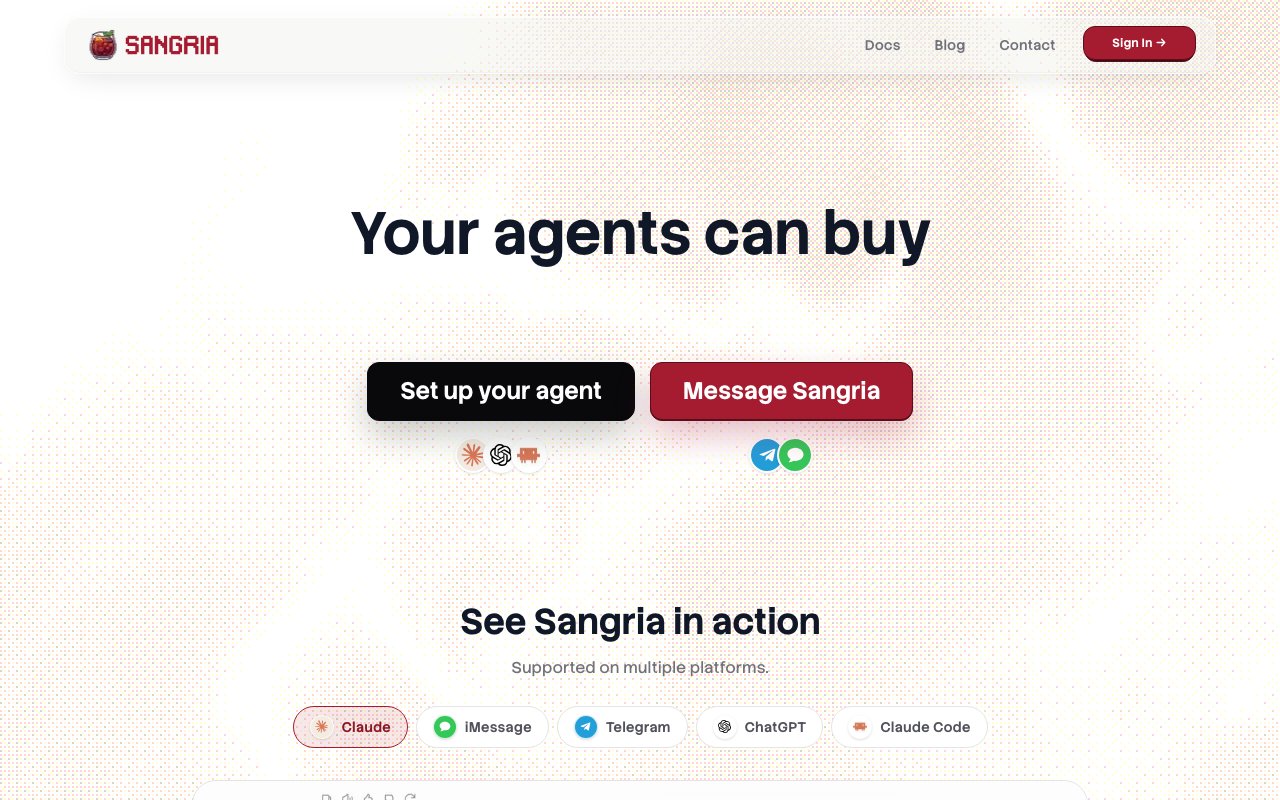
Sangria is a platform that gives AI agents the ability to actually buy things on your behalf. You fund a credit balance, set rules about spending limits and preferences, and connect an agent like Claude, ChatGPT, or Claude Code through a CLI or MCP server. The agent then handles the entire shopping process, browsing products, narrowing options based on your criteria, getting quotes, and completing purchases that ship to your address. You never hand over your credit card number to an AI model. The card stays with Sangria, and the agent only spends from the balance you've deposited. This creates a clean separation between the AI that does the shopping and the payment infrastructure that actually moves money.
The problem Sangria addresses is the gap between what AI agents can theoretically do and what they can actually execute. Modern agents are good at research, comparison, and recommendation. They can find the best rated product in a category, compare prices across stores, and summarize reviews. But when it comes to actually purchasing something, they hit a wall. They can't enter payment info, can't confirm shipping addresses, can't complete checkout flows. Every shopping agent eventually hands off to a human for the final step, which defeats the point of automation. Sangria bridges that gap by providing a commerce layer that agents can plug into. The agent does the thinking, Sangria does the buying. When the agent decides what to purchase, it calls Sangria to complete the transaction, and the product ships without any human intervention at all.
Integration works through multiple channels depending on how technical you are. Developers can use the CLI or connect via MCP server, which makes Sangria available to any agent that supports the Model Context Protocol. If you're running Claude Code or building workflows with OpenAI assistants, you can wire Sangria in as a tool the agent calls when it needs to make a purchase. The MCP integration means Sangria becomes just another tool in the agent's toolkit, callable the same way it might call a web search or file read. For non developers, there's a simpler path through Telegram or iMessage. You text what you want, the agent figures out what to buy, sends back options for confirmation, and completes the order if you approve. No API keys, no setup, no command line, just messaging the same way you'd ask a friend to pick something up.
The safety model is explicit and central to how Sangria works. You never give an AI direct access to your payment method. Instead, you deposit funds into a credit balance, and that balance is the hard ceiling on what any agent can spend. Beyond the total balance, you set per purchase limits, require approval above certain thresholds, and configure preferences around budget, brand, size, or other constraints. An agent working within Sangria can only spend within those guardrails. If you've configured a twenty dollar limit per item and require approval for anything over five dollars, the agent can't exceed those bounds regardless of what it recommends or how good a deal it claims to have found. The credit balance model also means you're not worried about runaway charges. The worst case is the agent spends your balance down to zero, not that it racks up an unlimited bill.
Product discovery is handled by the agent, which evaluates options based on your stated preferences. Sangria describes this as filtering from over a hundred possibilities down to five or fewer picks that match your criteria. The agent handles the comparison work, reading reviews, checking prices, evaluating specs against your requirements. You either approve the final selection or refine your preferences and let it try again. For routine purchases where you trust the guardrails, you can skip the approval step entirely and let the agent buy autonomously. For higher stakes or unfamiliar categories, you stay in the loop until you're confident the agent is making good choices. Over time, as you train the agent on what you like, the approval step becomes less necessary.
The use cases range from routine restocking to one off purchases you don't want to spend time researching yourself. Household supplies that run out predictably are an obvious fit. You tell the agent what you need, set a budget, and let it find and order replacements without your involvement. Gift buying is another angle. You describe the recipient, set a price range, and let the agent handle the browsing and purchasing while you do something else. Developers building agentic systems can use Sangria to add real commerce capabilities to their workflows, which opens up automation possibilities that aren't possible when agents can only recommend but not execute. If you're building a personal assistant that should handle errands autonomously, Sangria is the piece that lets shopping actually happen.
Current availability is limited to the US and Singapore, so if you're outside those regions, you won't be able to use Sangria yet. Pricing details aren't published on the site. The homepage mentions topping up a balance and spending from it, but specifics on fees, commissions, or markup structures aren't visible from the public pages. You'd need to sign up and explore the platform to understand the full cost of using it beyond the balance you deposit. The service appears to be actively maintained and accepting new users, but the limited geographic availability suggests they're still scaling up infrastructure.
Key Features
- Credit balance system with no card exposure
- Configurable spending limits and approval thresholds
- CLI and MCP server integration
- Telegram and iMessage messaging interface
- Product filtering by budget, brand, and size
- Delivery address and preference configuration
Pros & Cons
What we like
- Agents shop without ever accessing your payment card
- Works with Claude, OpenAI, and Claude Code out of the box
- Non-technical users can interact via Telegram or iMessage
- Spending rules prevent runaway purchases
Room for improvement
- Only available in US and Singapore currently
- Pricing and fee structure not published
- Requires funding a balance before agents can buy
- Product catalog and store coverage unclear
Frequently Asked Questions
What is Sangria?
Is Sangria free?
What agents work with Sangria?
Where is Sangria available?
Best For
Featured in
Alternatives to Sangria
Rememori
Embedded memory engine for AI agents in TypeScript with zero dependencies

Almanac
A hosted, source-cited wiki that turns your files into context your AI agents can use

Demi AI
Demi helps busy professionals eliminate repetitive admin work across their favorite tools.

Chariot
Elastic cloud infrastructure for deploying and scaling AI agent fleets with persistent storage
Reviews (0)
Badge builder
Add Sangria to your website
Choose a badge style and size, preview it here, then copy the generated HTML. Badge images are self-contained SVGs and do not require an external script.

<a href="https://toolindex.net/tools/sangria?ref=badge" target="_blank" rel="noopener">
  <img src="https://toolindex.net/badge/sangria/medium.svg" alt="Sangria - Listed on Tool Index" width="180" height="50" />
</a>How to use the badge
- 1. Pick the style, size, and theme that fit your layout.
- 2. Copy the generated HTML from the code block.
- 3. Paste it into your footer, homepage, or press page.
Standard badge available
The standard listing badge is available now. Score and circle badges are limited to tools currently ranked in the top 10 of a category.
Badge clicks return visitors to this profile with a referral tag so the source remains identifiable.
Related Tools

OpenBenchmarks
Public, externally validated benchmarks that help agents pick SaaS APIs
Almanac
A hosted, source-cited wiki that turns your files into context your AI agents can use

Wizard
Self-extending Rust terminal AI agent that works with any model
Chariot
Elastic cloud infrastructure for deploying and scaling AI agent fleets with persistent storage
Work on Sangria? Request listing access or correction