SimpleW
Lightweight open-source C# web server for .NET, standalone or embedded, with optional addons
Gallery
About SimpleW
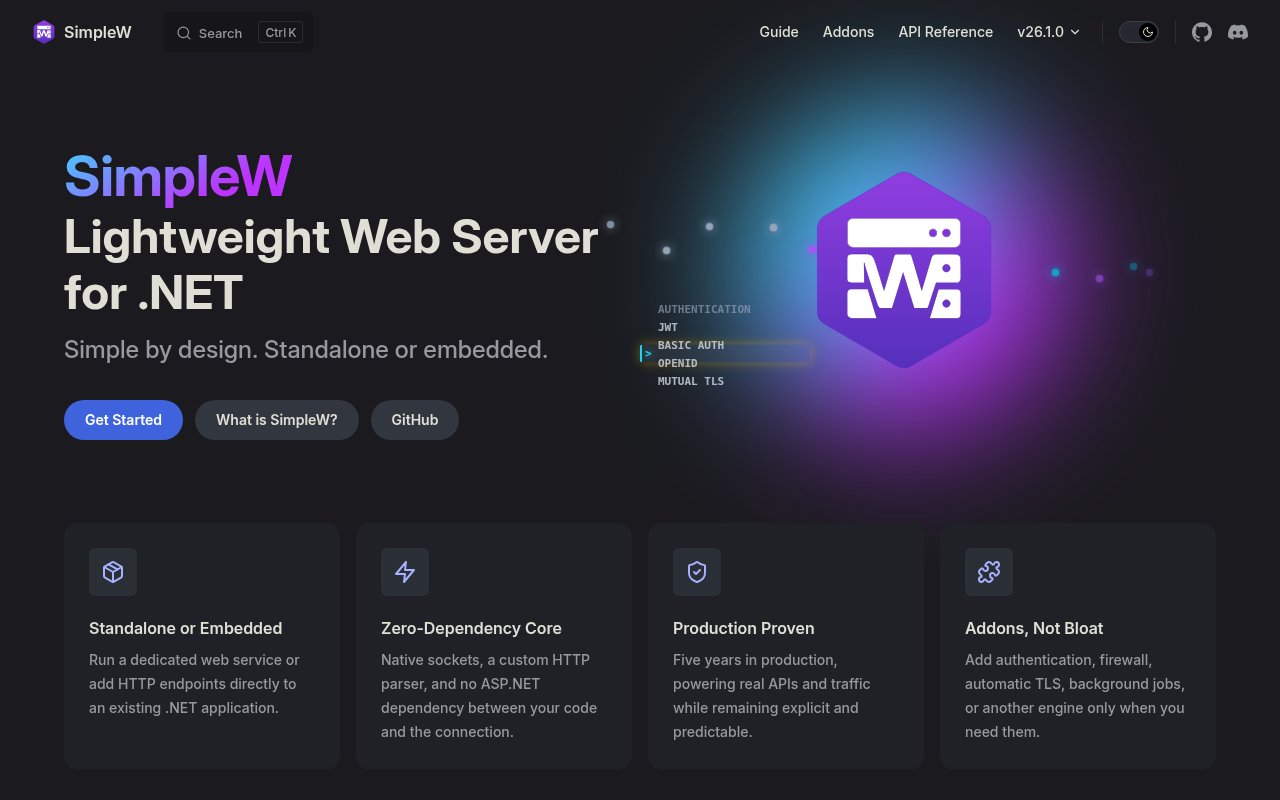
SimpleW is a lightweight web server framework for .NET that runs as a standalone service or embedded inside an application you already have. It ships its own native HTTP implementation with a custom parser and has no dependency on ASP.NET. The site's line is simple by design, standalone or embedded, and the problem it addresses is one most .NET developers have met. You want to add a small HTTP endpoint to a desktop app, a Windows service or a background worker, and the standard answer pulls in the whole ASP.NET stack to serve three routes.
You add the SimpleW package from NuGet, create a server and map routes. The README example maps a GET on /api/test to a lambda that returns an anonymous object with a message, and that's a working endpoint. Alongside REST over HTTP and HTTPS it handles WebSockets, including running a WebSocket server, server-sent events, static file serving and observability through a dedicated logging namespace. Because it's an ordinary library rather than a hosting model, it runs wherever .NET runs, and the project builds and tests on Linux, macOS and Windows.
The embedded mode is where it earns its keep. Instead of running a separate web process next to your application and wiring the two together, you start a SimpleW server inside the process, map a few routes onto the objects you already hold, and expose them. For a long-running service that means a health check and a status page without a second deployable. For a desktop tool it means a local API that a browser page or a script can talk to. The same routing and addons apply either way, so a project that starts embedded can move to standalone without rewriting the handlers.
The core stays small and the extras are optional. The addon list covers authentication with JWT, Basic Auth, OpenID and mutual TLS, a firewall for filtering requests, automatic TLS certificates through Let's Encrypt, background jobs, and Swagger and OpenAPI documentation for the routes you've mapped. You take what the deployment needs and leave the rest out, which keeps the footprint of a minimal service minimal.
The pieces that come in the box rather than as addons are the ones a service needs on day one. Server-sent events give you a push channel when a one way stream is enough, the WebSocket server covers the two way case, static file serving means the admin page can live next to the API, and the observability namespace gives you logging that's part of the framework rather than something you bolt on later. Together they cover most of what a small internal service actually does.
It's for .NET developers who want explicit, predictable HTTP behaviour without a large framework doing things on their behalf. That includes people embedding an admin, metrics or health endpoint in a service, edge and appliance deployments where footprint and startup time matter, internal tools that need an API and a few static pages, and anyone who has found ASP.NET more than they needed for a small API and wanted to see the whole request path in one place.
Two things set it apart. It owns the HTTP layer end to end rather than wrapping Kestrel, so the behaviour you get is the behaviour it documents. And it isn't new. The author, Christophe Chateau, cites five years of production use, and the repository has more than 900 commits with recent builds across all three desktop platforms, which for a single maintainer project says a lot about how it's been looked after. The standalone or embedded split is real too, the same code serves a service in a container or a listener inside an existing application. Because the parser is its own, it doesn't inherit ASP.NET's release cadence or breaking changes, and the migration guides in the docs show that the project handles its own versioning deliberately.
The trade-offs follow from the design. A custom HTTP implementation means you're trusting one maintainer's parser rather than the ASP.NET team's, so it deserves a look before facing the public internet. The community is small, around a hundred GitHub stars and a Discord server, so answers come from the docs, the FAQ and the author. It's a framework for services and APIs, not a full MVC stack with views and Razor pages, and teams already deep in ASP.NET middleware will find fewer drop-in pieces.
SimpleW is open source under the MIT license, distributed on NuGet, with the source on GitHub. The official docs cover a getting started guide, an API reference, a changelog, migration guides and an FAQ, so upgrades between versions are documented rather than guessed. There's no paid tier and no company behind it. No contact email is published, and the Discord and the GitHub issue tracker are the routes in.
Key Features
- Native HTTP server, no ASP.NET dependency
- Standalone or embedded in any .NET app
- REST, WebSockets and server-sent events
- Static files and observability built in
- Addons for JWT, OpenID, mutual TLS and firewall
- Let's Encrypt, background jobs and OpenAPI addons
Pros & Cons
What we like
- Small footprint for small services
- Five years of production use behind it
- Optional addons keep the core lean
- MIT licensed and on NuGet
Room for improvement
- Custom HTTP parser from a single maintainer
- Small community, around a hundred stars
- No MVC views or Razor pages
- Fewer drop-in pieces than the ASP.NET ecosystem
Frequently Asked Questions
What is SimpleW?
Is SimpleW free?
Does SimpleW depend on ASP.NET?
Who is SimpleW for?
Best For
Featured in
Alternatives to SimpleW
View all
Kevin Gabeci
Solo developer building web apps, cozy browser games, and AI creator toolkits.

SoloDevStack
A solo developer blog built on head-to-head tool comparisons, 580+ posts deep.

Codedex
A gamified, story-driven platform that teaches Python, web dev, and more like an RPG quest

Vibe Built
Building real apps with agentic AI. What worked, what broke, what shipped.
Our take
Tool Index Editorial · Sep 2026· 3.5/5
SimpleW is a lightweight C# web server that can run alone or inside an existing .NET application without ASP.NET. We found the documentation direct, with complete examples for routing, static files, WebSockets, server-sent events, logging, and optional security or operations addons. It is MIT licensed, available through NuGet, and the current guide requires .NET 8 or later.
The embedded model is appealing for health endpoints, appliance interfaces, and small internal APIs that do not need a full framework. The main risk is also the defining choice. SimpleW owns a custom HTTP parser maintained by one developer, so a public internet deployment deserves careful security review and testing. The project also promises no long-term support or backports, and its smaller ecosystem cannot match ASP.NET middleware or MVC breadth.
Editorial opinion from the Tool Index team, written from the public product pages. Not a user review.
Reviews (0)
Badge builder
Add SimpleW to your website
Choose a badge style and size, preview it here, then copy the generated HTML. Badge images are self-contained SVGs and do not require an external script.

<a href="https://toolindex.net/tools/simplew?ref=badge" target="_blank" rel="noopener">
  <img src="https://toolindex.net/badge/simplew/medium.svg" alt="SimpleW - Listed on Tool Index" width="180" height="50" />
</a>How to use the badge
- 1. Pick the style, size, and theme that fit your layout.
- 2. Copy the generated HTML from the code block.
- 3. Paste it into your footer, homepage, or press page.
Standard badge available
The standard listing badge is available now. Score and circle badges are limited to tools currently ranked in the top 10 of a category.
Badge clicks return visitors to this profile with a referral tag so the source remains identifiable.
Related Tools
Kevin Gabeci
Solo developer building web apps, cozy browser games, and AI creator toolkits.

Coolify
Self-hostable, open source alternative to Heroku and Netlify

Warp
The modern terminal reimagined with AI and collaboration

Bolt.new
Prompt-to-deployed full-stack app inside the browser
Work on SimpleW? Request listing access or correction