
Things To Do API
Find current local events through plain language REST and MCP searches
Gallery
About Things To Do API
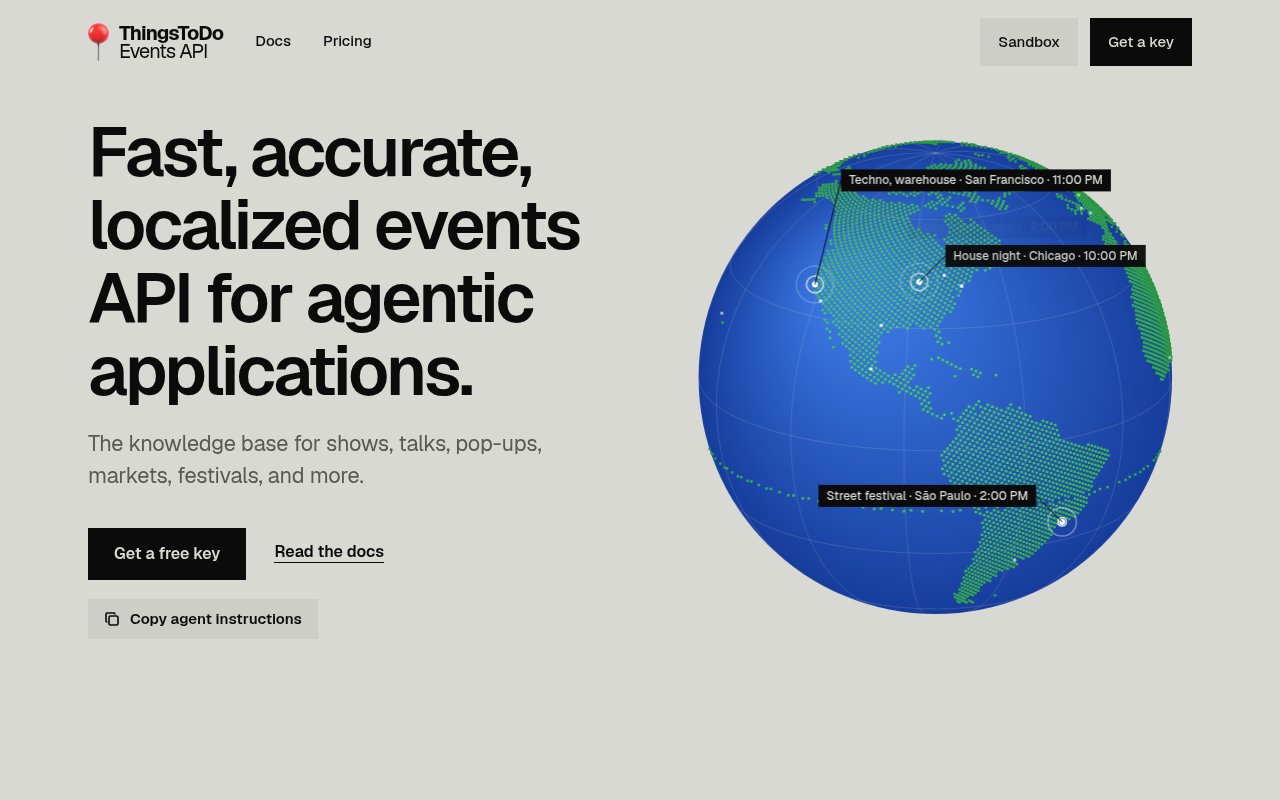
Things To Do API is a local events service built for applications and AI agents that need structured answers about what is happening nearby. It covers shows, concerts, talks, markets, festivals, classes, exhibitions, pop-ups, sports, and other events, then returns matching entries as JSON. Instead of making a developer collect venue calendars and ticket pages, it provides one search surface for questions that combine an activity, a place, and a time. The live region is currently the San Francisco Bay Area, including San Francisco, Oakland, Berkeley, Alameda, and nearby communities. New York City and Los Angeles are listed as coming next, so the service is useful today but geographically narrow.
The main search endpoint accepts a plain language query such as a request for jazz in Oakland this weekend. That query can carry not only the subject but also who the outing is for or the sort of setting they prefer. Developers who want more control can pass dates, a city or neighborhood, latitude and longitude with a radius, a category, and pagination fields separately. The available category filter covers music, arts, social events, festivals, markets, pop-ups, supper clubs, exhibitions, classes, and sports. Searches return up to 50 results per page and include an offset for fetching the next page. If a request names a place outside current coverage, the API returns no events and a message that explains what is covered rather than quietly substituting a different location.
Each event record carries the practical fields an app needs to present a useful result. Those include an identifier, title, category, UTC start and end times, local date, local time and timezone, venue details, coordinates, a summary, tags, price information, and links to tickets and the original announcement. Match data indicates the score and what matched the request, which gives an agent or interface more context than a bare list of titles. A separate endpoint retrieves one event by its identifier. The service reads its sources throughout the day and updates the search index every ten minutes. Every event links back to where it was announced or sold, giving the reader somewhere to confirm details before making plans.
Developers can use the service over ordinary REST or connect it to an MCP compatible client. The MCP server exposes tools for searching events, retrieving a particular event, and listing coverage. That makes it a practical data source for assistants that need to answer follow-up questions or place local events alongside other planning information. A REST integration uses bearer authentication once a key is created, while the OpenAPI description gives conventional applications a machine readable contract. There is also a sandbox style path for trying the search before committing to an integration. Requests without a key are allowed within a smaller daily and per minute allowance, so a developer can inspect live responses before creating an account.
The best fit is a developer building a city guide, weekend planner, concierge, calendar assistant, or local discovery feature. It can also serve an AI agent that needs fresh, source linked suggestions rather than general knowledge about famous venues. The combination of natural language and explicit filters works well when an interface starts conversationally but still needs precise date, distance, or category controls. It is less suitable for products that require broad national coverage today. A team also needs to handle the usual API concerns, including authentication, pagination, rate limit responses, and the possibility that an event has an unknown time. The documented response makes that uncertainty explicit by allowing the local time to be null.
What distinguishes Things To Do API is its focus on live local happenings and agent friendly access. Generic place databases usually describe businesses and landmarks, while general web search leaves an application to interpret pages with inconsistent dates and venue details. This service normalizes event information, keeps both UTC and local time representations, and preserves the source and ticket links. Its MCP interface means an agent can call named event tools without a custom wrapper, while REST remains available for a conventional backend. The tradeoff is scope. The Bay Area is the only live region shown on the site, and enterprise access is the path offered for every city, bulk delivery, an SLA, or a custom request rate.
Access is freemium. Anyone can make up to 50 queries a day without a key, at a limit of 10 calls a minute. A free account raises that to 1,000 calls each month and 60 calls a minute. Pay as you go usage starts at $5 per 1,000 calls, with the first 1,000 monthly calls still free and lower unit prices after 100,000 and one million calls. Paid access allows 300 calls a minute, and the console can show usage, create and revoke keys, accept a payment card, and set a monthly spending cap. Enterprise terms are custom. This pricing makes small prototypes inexpensive while leaving teams a clear path to higher volume.
Key Features
- Plain language event search
- REST and MCP access
- Structured venue and time data
- Source and ticket links
- Location and category filters
- Ten minute index updates
Pros & Cons
What we like
- Works with conventional apps and MCP clients
- Returns normalized event details with source links
- Allows useful testing without an API key
- Combines conversational queries with precise filters
Room for improvement
- Live coverage is currently limited to the Bay Area
- Free keyed usage is capped at 1,000 monthly calls
- Some events can have an unknown local time
- Higher rate limits require paid usage
Frequently Asked Questions
What is Things To Do API?
Where does Things To Do API work?
Is Things To Do API free?
Can an AI agent use Things To Do API directly?
Best For
Featured in
Alternatives to Things To Do API
View all
Kevin Gabeci
Solo developer building web apps, cozy browser games, and AI creator toolkits.

SoloDevStack
A solo developer blog built on head-to-head tool comparisons, 580+ posts deep.

Codedex
A gamified, story-driven platform that teaches Python, web dev, and more like an RPG quest

Vibe Built
Building real apps with agentic AI. What worked, what broke, what shipped.
Our take
Tool Index Editorial · Oct 2026· 3.5/5
Things To Do API turns plain language requests into structured local event results over REST or MCP. We found practical documentation, source and ticket links, explicit handling for unknown times, and a useful no-key allowance of 50 queries a day. A free key includes 1,000 calls a month, while paid use starts at $5 per 1,000 calls.
The catch is reach. Only the San Francisco Bay Area is live, with New York and Los Angeles still marked as coming soon. That makes it a credible building block for Bay Area guides and agents, but not yet a dependable choice for a multi-city product. Its normalized records and clear limits hold up better than its geographic footprint.
Editorial opinion from the Tool Index team, written from the public product pages. Not a user review.
Reviews (0)
No reviews yet
Be the first to share your experience with Things To Do API
Sign in to write a reviewBadge builder
Add Things To Do API to your website
Choose a badge style and size, preview it here, then copy the generated HTML. Badge images are self-contained SVGs and do not require an external script.

<a href="https://toolindex.net/tools/things-to-do-api?ref=badge" target="_blank" rel="noopener">
  <img src="https://toolindex.net/badge/things-to-do-api/medium.svg" alt="Things To Do API - Listed on Tool Index" width="180" height="50" />
</a>How to use the badge
- 1. Pick the style, size, and theme that fit your layout.
- 2. Copy the generated HTML from the code block.
- 3. Paste it into your footer, homepage, or press page.
Standard badge available
The standard listing badge is available now. Score and circle badges are limited to tools currently ranked in the top 10 of a category.
Badge clicks return visitors to this profile with a referral tag so the source remains identifiable.
Related Tools
Kevin Gabeci
Solo developer building web apps, cozy browser games, and AI creator toolkits.

Coolify
Self-hostable, open source alternative to Heroku and Netlify

Warp
The modern terminal reimagined with AI and collaboration

Bolt.new
Prompt-to-deployed full-stack app inside the browser
Work on Things To Do API? Request listing access or correction