3DBAE
Build, render, and publish interactive 3D product experiences in a browser
Gallery
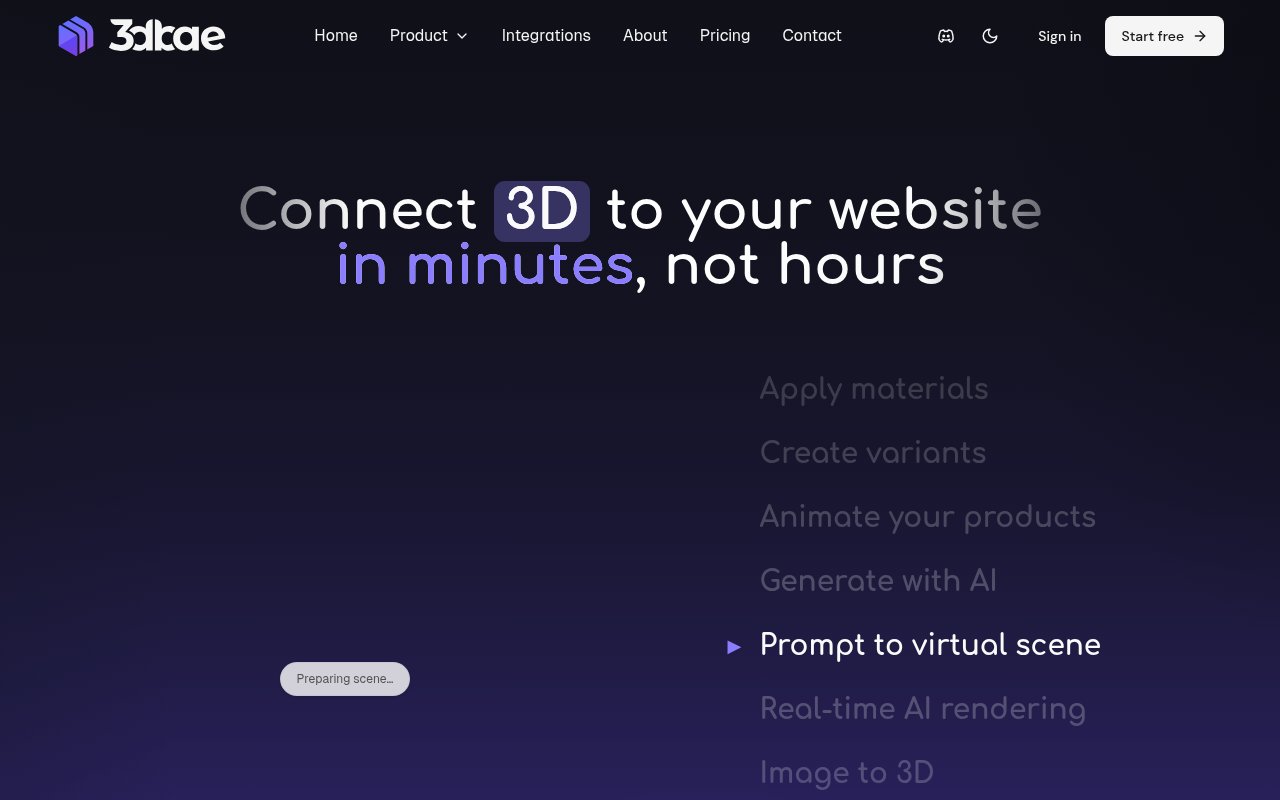
About 3DBAE
3DBAE is a browser workspace for turning 3D assets into interactive product experiences and publishable product media. It brings model import, visual finishing, interaction design, AI generation, and web publishing into the same environment. A team can bring in an existing model, prepare it for the web, give visitors control over materials or configurations, and place the result on a site without building a custom viewer from scratch. The platform is aimed at the gap between making a 3D asset and giving customers something useful to explore. Static renders can show a product from selected angles, but they can't let a shopper spin it, try a finish, inspect a hotspot, or open it at real-world scale in mobile AR. 3DBAE packages those presentation tasks into a no-code workflow while leaving room for developers to connect the viewer to a larger storefront or application.
The core 3D Configurator starts with imported or generated assets. The site lists common model, mesh, point cloud, and splat formats such as GLB, glTF, FBX, OBJ, USDZ, STL, PLY, SPLAT, SPZ, and SOG. It creates a web-oriented copy without changing the source file, so optimization and presentation work don't have to alter the original. Inside the browser editor, creators can arrange cameras and lights, apply physically based materials, choose HDRI environments, add ground shadows and visual effects, and work with animation clips, keyframes, bones, skins, or morph targets. The interaction layer covers material and model variants, hotspots, measurements, on-screen controls, variables, formulas, CSV data, actions, and conditions. That range supports anything from a simple rotating viewer to a product selector with logic and multiple option sets.
Publishing is part of the same flow. A project can be shared by link or embedded in another site with an iframe, and a published scene can hand off to AR on a compatible iPhone or Android device. Viewer events and variables let the host page respond to selections, coordinate interface state, or connect analytics. Developers who need more control can use the documented Model API, REST endpoints, and OAuth support, while teams working in Autodesk 3ds Max can use Live Link to sync scenes and convert supported materials. The platform also exposes an MCP integration for automating workspace tasks from compatible AI clients. These options mean the no-code editor isn't a closed end point. It can serve as the authoring layer while a developer controls how the finished experience behaves inside a product page.
Canvas handles a related but broader media workflow. It lets a creator connect prompts, reference images, generated media, assistants, and 3D operations on a visual board, then reuse the arrangement rather than reconstructing the process for every campaign asset. Depending on the plan and available credits, its generation tools cover image creation and editing, video, virtual scenes, upscaling, background removal, and image-to-3D models from several providers. The assistant can help create and connect nodes in Canvas, and it can inspect a live configurator scene before applying an undoable set of changes. The product keeps control visible by quoting the credit cost before a generation runs. It also separates the repeatable workflow from the output, which is useful when a marketing team needs a consistent family of product shots instead of a single experiment.
3DBAE fits e-commerce teams that want a richer product page, manufacturers that need to show finishes or components, 3D artists sharing interactive reviews, and agencies delivering configurable experiences to clients. Marketing teams can also use it for campaign imagery, while developers can wire an embedded viewer into storefront behavior. Its distinguishing quality is the breadth of the route from asset to audience. Many products focus on either generating a model, rendering a still image, or displaying a finished file. This one combines those stages with interaction logic and publication. That breadth is helpful when several roles touch the same asset, though it also means the workspace has more concepts to learn than a basic model viewer. Teams still need to judge the quality and accuracy of generated or imported assets before putting them in front of customers.
Access is freemium. The Hobby plan is free forever with no credit card, one project, 100 MB of storage, up to two models and two environment assets, basic viewer controls, and GLB export. It doesn't include monthly AI credits. Paid plans add unlimited projects, more storage, expanded export formats, AI credits, richer generation options, and professional configurator tools. Creator AI and Studio AI add higher credit allowances and more production capacity, while collaboration requires an eligible plan and paid seats for additional people. AI operations consume credits at different rates, so teams doing frequent image, video, or 3D generation should check the current model ledger before choosing a tier. The free plan gives a practical way to test the editor and publish a small project before paying, while serious catalogs and team workflows will need a paid plan.
Key Features
- Browser-based 3D configurator
- Visual AI workflow canvas
- Model variants and interaction logic
- Iframe publishing and mobile AR
- 3ds Max Live Link
- Model API and viewer events
Pros & Cons
What we like
- Combines 3D preparation, interaction, and publishing
- Supports many common 3D and splat formats
- Published viewers can connect to host pages
- Free plan supports a real starter project
Room for improvement
- Free plan is limited to one project
- AI generation requires paid credits
- Team collaboration needs higher plans and seats
- Broader workspace takes time to learn
Frequently Asked Questions
What is 3DBAE?
Can 3DBAE publish a configurator on another website?
Is 3DBAE free?
Who is 3DBAE for?
Best For
Featured in
Alternatives to 3DBAE
View all
Framer
Visual website builder that lets designers ship production-grade marketing sites with real CMS, SEO controls, and code components.

Tailwind CSS
Rapidly build custom designs without leaving your HTML

Apatero Studio
Creator studio for AI image, video, audio, 3D, and avatars. Every model worth using, in one workspace.

Pixel Painters
Unlimited graphic design subscriptions built only for churches and ministries
Our take
Tool Index Editorial · Sep 2026· 4.0/5
3DBAE combines browser-based 3D preparation, interactive product configuration, AI media workflows, and embeddable publishing. It fits product brands, 3D studios, agencies, and developers that need a configurable model on a web page rather than a static render. Pricing starts with one free project, then rises to $12, $24, or $59 per month, with different AI credits, storage, models, and throughput.
The breadth is convincing. It accepts existing assets, publishes a viewer, supports mobile AR, and exposes REST, OpenAPI, MCP, and an in-viewer JavaScript API. That can replace several handoffs for a small team. It also makes the workspace heavier to learn, AI generation is metered by credits, and collaboration adds seat costs on higher plans. Teams should test model quality and viewer performance on their own products before committing.
Editorial opinion from the Tool Index team, written from the public product pages. Not a user review.
Reviews (0)
Badge builder
Add 3DBAE to your website
Choose a badge style and size, preview it here, then copy the generated HTML. Badge images are self-contained SVGs and do not require an external script.

<a href="https://toolindex.net/tools/3dbae?ref=badge" target="_blank" rel="noopener">
  <img src="https://toolindex.net/badge/3dbae/medium.svg" alt="3DBAE - Listed on Tool Index" width="180" height="50" />
</a>How to use the badge
- 1. Pick the style, size, and theme that fit your layout.
- 2. Copy the generated HTML from the code block.
- 3. Paste it into your footer, homepage, or press page.
Standard badge available
The standard listing badge is available now. Score and circle badges are limited to tools currently ranked in the top 10 of a category.
Badge clicks return visitors to this profile with a referral tag so the source remains identifiable.
Related Tools
Apatero Studio
Creator studio for AI image, video, audio, 3D, and avatars. Every model worth using, in one workspace.
Tailwind CSS
Rapidly build custom designs without leaving your HTML

Figma
Collaborative interface design tool

Marvel
Lightweight prototyping platform for turning images and screens into clickable mobile and web prototypes.
Work on 3DBAE? Request listing access or correction