
Anjadhe
Privacy-first AI assistant that runs entirely on your Mac with no account required
Gallery
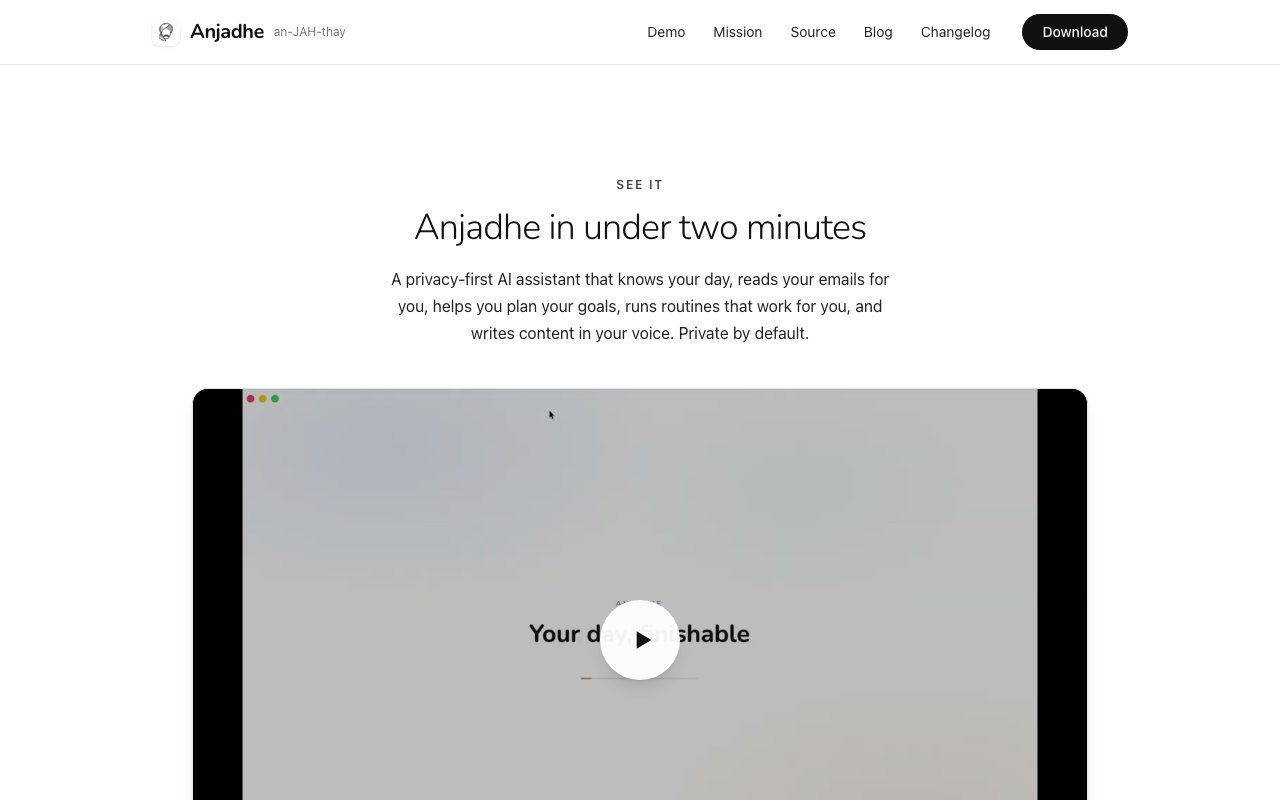
About Anjadhe
Anjadhe is a personal AI assistant for macOS that consolidates email, calendar, tasks, notes, journal entries, and portfolio management into a single workspace while keeping everything local to your machine. The entire AI layer runs on open-weight models processed on device, and your data never leaves your computer unless you explicitly configure an external connection. There is no account to create, no server storing your information, and no profile of you accumulating on someone else's infrastructure. For users who have watched the steady erosion of privacy in productivity software, this architecture represents a fundamentally different starting point.
The product positions itself as a champion rather than a chatbot. Instead of sitting idle until prompted, it actively helps you work toward goals you set. It pulls in your Gmail directly from Google to your Mac, not through any intermediary server, and extracts actionable items like bills, receipts, travel confirmations, and deadlines. You can ask it questions grounded in your actual data, such as how much you spent on travel last quarter, and it retrieves the answer from real receipts rather than inventing numbers. Task creation works through natural language, so saying something like call the electrician Thursday at two results in a scheduled entry without any manual form-filling. The assistant treats your accumulated personal data as context for answering questions and making suggestions, which means the longer you use it, the more useful it becomes.
Routines let you build automated workflows that run on a schedule. You might configure a morning routine that delivers a news summary and a rundown of the day's meetings, or a weekly review that checks progress against goals you defined at the start of the month. Once set, these routines execute without further intervention. The assistant aggregates context from your email, calendar, and notes to make these summaries relevant rather than generic. If you have a journal habit, it can pull from that too, giving you a personal dashboard that actually reflects your life. The portfolio feature lets you track projects, investments, or any other collection of items you want to monitor over time, all integrated into the same local workspace.
What makes Anjadhe distinctive is the seriousness with which it treats local-first architecture. Many products claim privacy but phone home for telemetry or route traffic through their servers for convenience. Anjadhe's Gmail integration connects your Mac directly to Google with no middleman. The AI model runs on your hardware by default, not as a fallback when cloud services are unavailable. If you want to add an external API, point to your own server, or subscribe to Anjadhe Cloud, you can, but nothing goes anywhere unless you turn it on. The source code is publicly available under a noncommercial license so you can verify every claim rather than taking marketing copy on faith. All AI function calls are logged inside the app, giving you a transparent audit trail of what the model did and why. You can see exactly which function the model called, what data it accessed, and what output it produced, which addresses one of the central anxieties around letting AI touch personal information.
The audience here is people who want the productivity benefits of an AI assistant without handing their inbox, schedule, and personal notes to another company. It fits users who have grown weary of the implicit tradeoff where every tool quietly builds a profile on them. Privacy-conscious professionals, solo workers managing complex personal logistics, freelancers juggling multiple clients, and anyone who has been burned by a data breach will recognize the value proposition immediately. The product also appeals to users who simply want to own their data in a literal sense, stored on their own hardware, exportable at any time, and not subject to a vendor's changing terms of service.
Because Anjadhe runs locally, performance depends on your hardware. Modern Macs with Apple Silicon handle the open-weight models comfortably, processing requests on the neural engine without noticeable delay. Older Intel Macs may work but with slower response times. The application is currently macOS only with no Windows or Linux version announced, which limits the audience to users who have committed to the Apple ecosystem.
Anjadhe is currently free and in alpha. The download is available directly from the website, and the GitHub organization hosts the source code for anyone who wants to audit it. The feature set spans email intelligence, calendar and task management, note-taking, journaling, portfolio tracking, and routine automation, all unified under a local-first architecture that treats your data as yours. As an alpha product, expect rough edges and evolving features, but for users who have decided that privacy is a requirement rather than a feature, it occupies a distinctive spot in the assistant landscape that few competitors can match.
Key Features
- Local AI processing with no cloud dependency
- Automatic email extraction of bills and deadlines
- Natural language task and calendar management
- Customizable automated routines
- Transparent logging of all AI operations
- Source-available codebase for verification
Pros & Cons
What we like
- All data stays on your Mac unless you explicitly send it elsewhere
- No account or signup required to start using it
- Open-weight models mean no vendor lock-in
- Every AI action is logged so you can audit what it did
Room for improvement
- Currently macOS only with no Windows or Linux support
- Still in alpha so features may change or have rough edges
- Performance depends on local hardware capabilities
- Smaller community compared to mainstream AI assistants
Frequently Asked Questions
What is Anjadhe?
Is Anjadhe free?
Does Anjadhe work on Windows or Linux?
How does Anjadhe protect my privacy?
Best For
Featured in
Alternatives to Anjadhe
View all
CalendHub
Smart scheduling and calendar management for teams
Kevin Gabeci Toolkits
Seven AI toolkits for writing books, making music, cutting video, and building agents.

Eased Into AI
Learn AI from zero. No jargon, no hype, just steps that work.

Fix It Gently
Calm, plain-English fixes for everyday tech problems.
Reviews (0)
Badge builder
Add Anjadhe to your website
Choose a badge style and size, preview it here, then copy the generated HTML. Badge images are self-contained SVGs and do not require an external script.

<a href="https://toolindex.net/tools/anjadhe?ref=badge" target="_blank" rel="noopener">
  <img src="https://toolindex.net/badge/anjadhe/medium.svg" alt="Anjadhe - Listed on Tool Index" width="180" height="50" />
</a>How to use the badge
- 1. Pick the style, size, and theme that fit your layout.
- 2. Copy the generated HTML from the code block.
- 3. Paste it into your footer, homepage, or press page.
Standard badge available
The standard listing badge is available now. Score and circle badges are limited to tools currently ranked in the top 10 of a category.
Badge clicks return visitors to this profile with a referral tag so the source remains identifiable.
Related Tools

Confluence
Atlassian's long-running team wiki that anchors many enterprise knowledge stacks
Asana
Project management for teams that live in projects, tasks and dependencies
Kevin Gabeci Toolkits
Seven AI toolkits for writing books, making music, cutting video, and building agents.

Logseq
An open-source outliner notes app where every bullet is a first-class block
Work on Anjadhe? Request listing access or correction