AutoShade
Develop RAW photographs with editable AI-proposed recipes
Gallery
About AutoShade
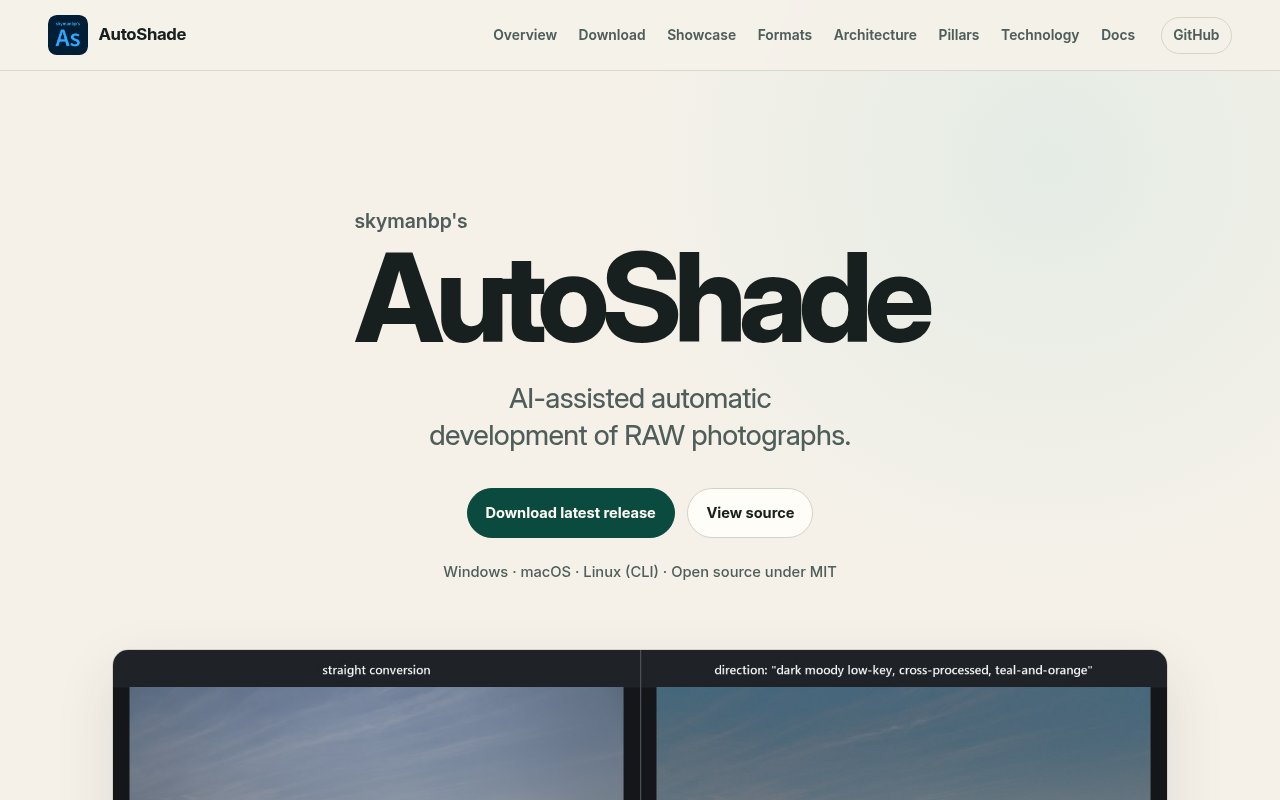
AutoShade is an open-source RAW photo development application that uses AI to propose edits while a deterministic image engine performs the actual render. It gives photographers a desktop interface, a scriptable command line, and a local web interface built on one Rust library. The normal development path adjusts a photograph through an editable recipe rather than replacing the source with generated pixels. Exposure, white balance, curves, HSL, color grading, texture, clarity, dehaze, detail, crop, lens-aware adjustments, and local masks all live in that recipe. The original file remains untouched, and exports are written as new images.
The AI-assisted workflow is deliberately bounded. The analyze and auto commands examine image statistics, propose a recipe, validate it, render a result, and permit one constrained visual-review revision. Guidance text can steer the result toward goals such as natural color or protected highlights. AutoShade can also build a personal reference index from Lightroom RAW and XMP edit pairs and from a library of finished photographs. It compares a new photo with that history using measured image features and optional local vision models, then moves the initial proposal toward the photographer's established choices without copying pixels from the references. The result remains a normal set of development controls that can be inspected and changed.
Local editing includes linear, radial, brush, luminance-range, and color-range masks, plus subject, sky, and point-prompted object selection. The engine combines those with global tone and color controls in a full-resolution render. Lightroom and Adobe Camera Raw interoperability is handled through XMP sidecars. AutoShade reads and writes the part of the format it models, while conservative merges retain fields it doesn't understand. This makes it possible to round-trip edits instead of trapping work inside a separate database. Ordinary developments, generated targets, and reverse-fitted looks are stored as distinct variants, which helps users keep track of how each result was produced.
AutoShade draws a visible boundary between photo development and generative operations. Its ordinary develop path doesn't invent scene content. Denoise, reimagine, retouch, and heal are opt-in exceptions and are marked as generated. The reimagine workflow can ask an image model for a target, then reverse-fit an editable recipe that approximates the target's global tone, saturation, and guarded color casts on the original RAW. The fitted render doesn't copy target pixels, and the site openly notes that the process can't recover local masks, generated detail, or every hue transformation. That approach is useful for exploring a look while preserving an auditable, adjustable development result.
Format support is broad but clearly documented. The release page lists 24 camera RAW extensions, including common Sony, Canon, Nikon, Fujifilm, Olympus, Panasonic, Pentax, and DNG files, backed by a decoder database covering hundreds of camera models. It also accepts common baked raster formats such as JPEG, PNG, TIFF, WebP, BMP, and GIF. ICC profiles are converted when present. Monochrome and four-color sensor arrays are refused rather than interpreted incorrectly, and Fujifilm X-Trans support is described as approximate. Those disclosures make it easier to decide whether a particular camera and workflow fit before committing to a batch of edits.
Current releases provide a Windows installer and portable tools, a universal macOS app plus command-line package, and a Linux command-line archive. The macOS application is ad hoc signed rather than notarized, so its first launch requires using the operating system's Open Anyway path. Linux doesn't currently receive the desktop GUI in the listed release. Desktop users can open or drag in a photo, compare changes with the neutral conversion, move through versions, and export a copy. Command-line users can decode a preview, apply a saved recipe, or run automatic development with textual guidance once an image or vision role has been configured.
AutoShade is free software under the MIT license, with source, release assets, checksums, architecture notes, a user manual, and a detailed showcase published publicly. There isn't a paid tier on the product site. Some AI roles may call a configured external service, while supported local models can handle parts of the analysis workflow, so actual privacy and running cost depend on which optional providers the user enables. It fits photographers and imaging developers who want AI assistance without reducing the editing process to an opaque final image. The tradeoff is a more technical product with explicit model setup, platform differences, and carefully stated limits, but those same details make its behavior easier to audit and reproduce.
Key Features
- Editable AI development recipes
- Deterministic RAW rendering engine
- Local and range masks
- Lightroom XMP round-tripping
- Desktop, CLI, and web interfaces
- Personal style reference matching
Pros & Cons
What we like
- Keeps ordinary development edits fully adjustable
- Leaves original photographs untouched
- Publishes source, checksums, tests, and measurements
- Supports many RAW and raster formats
Room for improvement
- Linux releases are command line only
- The macOS app isn't notarized
- Fujifilm X-Trans support is approximate
- AI workflows require model or provider configuration
Frequently Asked Questions
What is AutoShade?
Does AutoShade replace the original photo with generated pixels?
Can AutoShade work with Lightroom edits?
Is AutoShade free?
Best For
Featured in
Alternatives to AutoShade
View all
Framer
Visual website builder that lets designers ship production-grade marketing sites with real CMS, SEO controls, and code components.

Tailwind CSS
Rapidly build custom designs without leaving your HTML

Apatero Studio
Creator studio for AI image, video, audio, 3D, and avatars. Every model worth using, in one workspace.

Pixel Painters
Unlimited graphic design subscriptions built only for churches and ministries
Our take
Tool Index Editorial · Sep 2026· 4.0/5
AutoShade develops RAW photographs through editable recipes proposed by AI and rendered by a deterministic Rust engine. We found the boundary between ordinary development and generated operations refreshingly explicit. Local masks, XMP round-tripping, variants, CLI automation, and a broad format list make it credible for photographers who want to inspect and revise the result. It is free and open source.
The tradeoff is setup and platform unevenness. Linux currently gets command-line tools rather than the desktop GUI, the macOS app is not notarized, Fujifilm X-Trans support is approximate, and AI features require configuring local models or outside providers. It is more technical than a conventional photo editor, but that complexity buys an auditable workflow instead of an opaque final render.
Editorial opinion from the Tool Index team, written from the public product pages. Not a user review.
Reviews (0)
Badge builder
Add AutoShade to your website
Choose a badge style and size, preview it here, then copy the generated HTML. Badge images are self-contained SVGs and do not require an external script.

<a href="https://toolindex.net/tools/autoshade?ref=badge" target="_blank" rel="noopener">
  <img src="https://toolindex.net/badge/autoshade/medium.svg" alt="AutoShade - Listed on Tool Index" width="180" height="50" />
</a>How to use the badge
- 1. Pick the style, size, and theme that fit your layout.
- 2. Copy the generated HTML from the code block.
- 3. Paste it into your footer, homepage, or press page.
Standard badge available
The standard listing badge is available now. Score and circle badges are limited to tools currently ranked in the top 10 of a category.
Badge clicks return visitors to this profile with a referral tag so the source remains identifiable.
Related Tools
Apatero Studio
Creator studio for AI image, video, audio, 3D, and avatars. Every model worth using, in one workspace.
Tailwind CSS
Rapidly build custom designs without leaving your HTML

Figma
Collaborative interface design tool

Marvel
Lightweight prototyping platform for turning images and screens into clickable mobile and web prototypes.
Work on AutoShade? Request listing access or correction