Boba
An AI assistant that plans, reminds, researches, and follows through in chats
Gallery
About Boba
Boba is an AI personal assistant that lives in text messages, group chats, and a web interface. It is meant to handle the loose ends of everyday life instead of waiting for isolated questions. A person can ask it to set reminders, research travel, keep a shared list, arrange a recurring plan, or help move a goal forward over several weeks. There is no separate app to install. It works through iMessage, RCS, or SMS on a phone, and the same assistant is available in a browser. That makes the starting point familiar, especially for people who already coordinate plans with friends or family in a message thread.
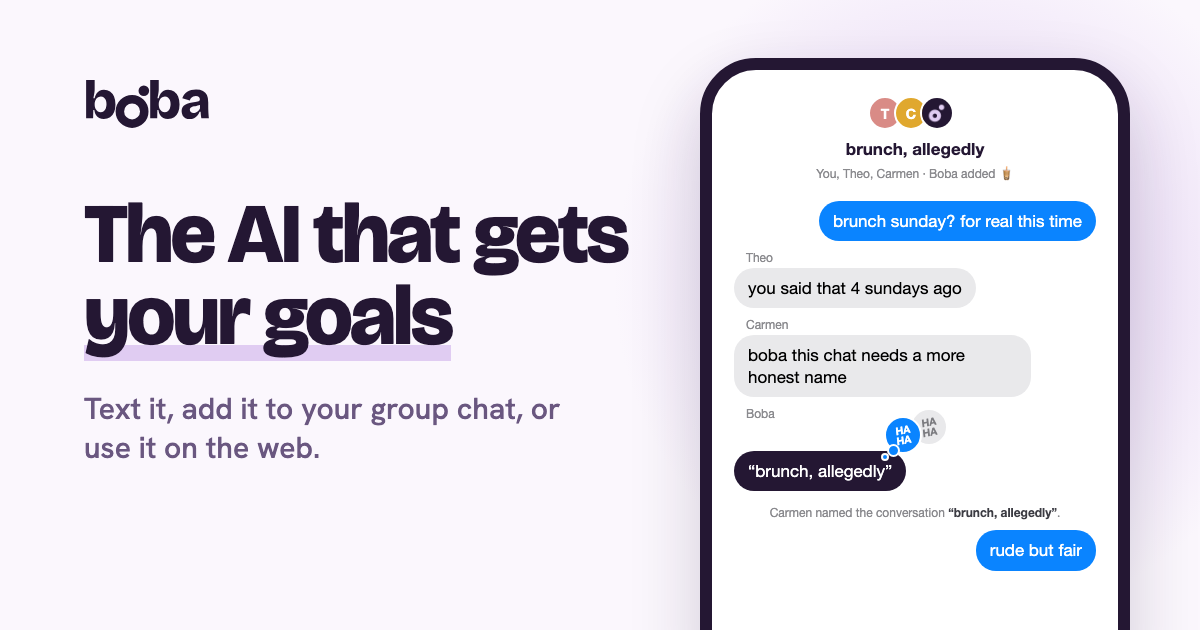
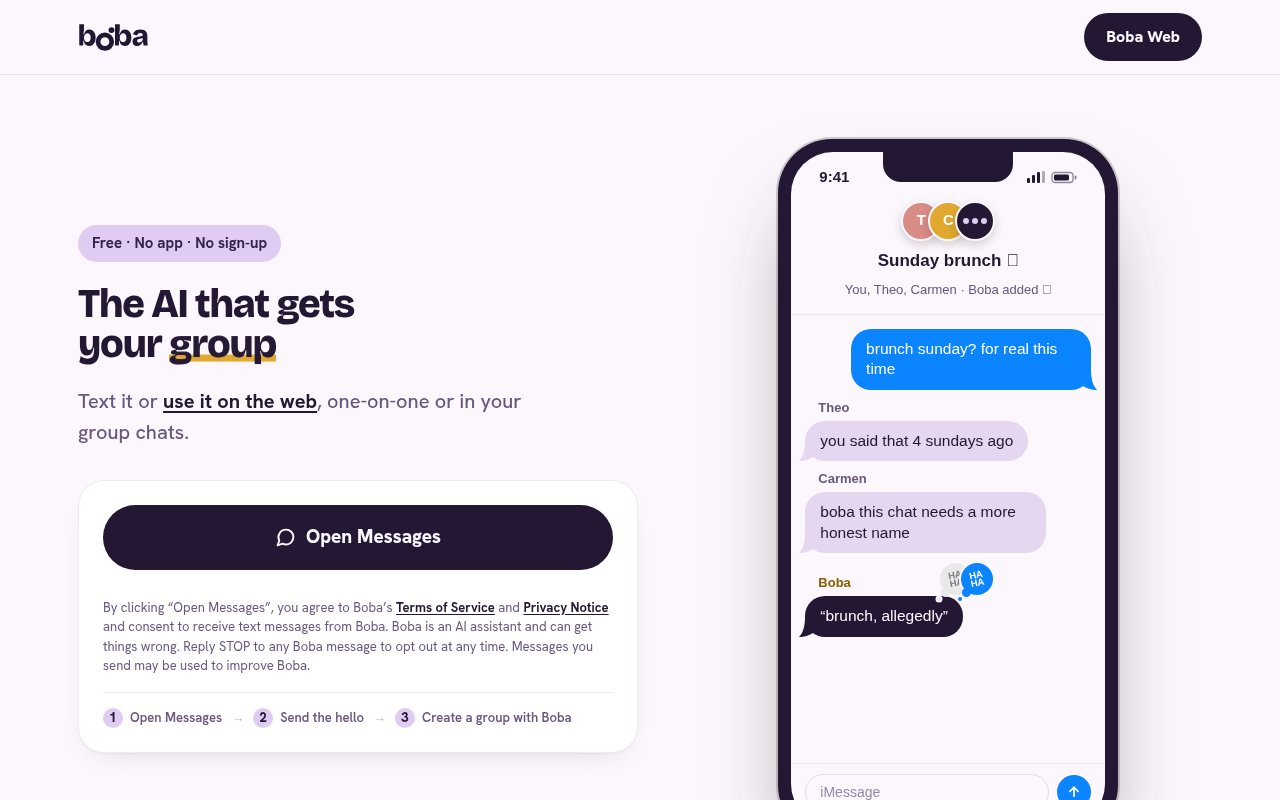
The assistant does more than return an answer and disappear. Boba remembers plans, preferences, and the people involved, then uses that context when the conversation continues. It can follow up on a medication reminder, check how a training plan is going, or notice that an upcoming flight may be affected by weather. In a group chat, it is designed to stay out of ordinary chatter until it has something useful to add. It can research cabins or transport, compare costs, track who has agreed to a plan, remember a grocery list, and send a reminder before an event. Groups can remove it whenever they no longer want it in the thread.
Boba also connects the conversation to practical services. Users can connect Gmail or Outlook so it can identify messages that need attention and prepare replies for the user to review and send. It can place plans on a calendar and send reminders or invitations. The product page also describes an alpha capability that works through websites for tasks such as completing forms and making bookings, with a request for confirmation before an important action. If a restaurant has a suitable table, for example, Boba can move from finding the option to booking it after the user agrees. The service can also make or edit images and write songs inside a conversation, although its central value is coordination rather than media generation.
It fits individuals who want a conversational assistant for personal administration, as well as families and friend groups whose plans are scattered across messages. Shared memory is particularly useful when several people need to remember school pickups, appointments, travel choices, or a standing weekly activity. The assistant can gather availability and suggest a time that works for the group, which saves one person from acting as the permanent organizer. It also suits someone working toward a longer goal who wants light accountability over time. Boba can retain the plan and check in, rather than making the user restate the whole situation every day.
The distinguishing idea is follow-through. Many chat assistants are good at producing a single answer, but Boba is built around goals, people, and actions that continue beyond one exchange. It can speak up before the user asks when it sees something relevant, such as weather that could disrupt a trip. It also works inside mixed iPhone and Android group chats, with RCS providing a richer Android experience and standard SMS available as a fallback. A user starts by texting Boba once, then adds its number to a group in the same way they would add another contact. The browser option is useful for anyone who would rather type from a computer.
That convenience comes with responsibilities worth understanding. Boba is an AI system and its own site warns that it can get things wrong. Messages are stored so the assistant can remember the conversation, and the company says messages and other inputs may be used to improve its services and train its models. Connecting email, calendars, or third-party services gives the assistant access to more useful context, but it also means more personal data is involved. Users should review drafts, bookings, and other consequential actions before approving them. The terms limit use to adults who are at least 18 and say the service should not replace human judgment in medical, legal, financial, employment, or safety decisions.
Boba is currently free, with no subscription, advertisements, or payment card required. The terms say the company does not currently charge fees, while leaving open the possibility that fees could be introduced later. Access is unusually light because users can begin from the Messages app they already have or open the web version. That makes it easy to test on a real reminder or a small group plan before connecting an inbox or trusting it with a booking. Its strongest fit is everyday coordination where memory and timely follow-up matter, provided the user is comfortable with a young AI service storing conversation history and keeps a person in control of important actions.
Key Features
- Persistent plans and conversation memory
- Individual and group chat support
- Reminders and calendar invitations
- Gmail and Outlook connections
- Web research and comparisons
- Confirmed bookings and online actions
Pros & Cons
What we like
- Works through familiar messaging apps and the web
- Keeps context across longer goals and shared plans
- Can move from research to a confirmed action
- Currently free with no card or subscription
Room for improvement
- Stored messages may be used to improve models
- Online action capability is still labeled alpha
- Important outputs and bookings need human review
- Use is limited to adults aged 18 or older
Frequently Asked Questions
What is Boba?
Is Boba free?
Does Boba work on Android and iPhone?
What data does Boba keep?
Best For
Featured in
Alternatives to Boba
View all
Almanac
A hosted, source-cited wiki that turns your files into context your AI agents can use

Demi AI
Demi helps busy professionals eliminate repetitive admin work across their favorite tools.

Lindy
No-code AI agents that handle email, meetings, and recurring workflows
Vapi
Build voice AI agents that take and place phone calls
Reviews (0)
Badge builder
Add Boba to your website
Choose a badge style and size, preview it here, then copy the generated HTML. Badge images are self-contained SVGs and do not require an external script.

<a href="https://toolindex.net/tools/boba?ref=badge" target="_blank" rel="noopener">
  <img src="https://toolindex.net/badge/boba/medium.svg" alt="Boba - Listed on Tool Index" width="180" height="50" />
</a>How to use the badge
- 1. Pick the style, size, and theme that fit your layout.
- 2. Copy the generated HTML from the code block.
- 3. Paste it into your footer, homepage, or press page.
Standard badge available
The standard listing badge is available now. Score and circle badges are limited to tools currently ranked in the top 10 of a category.
Badge clicks return visitors to this profile with a referral tag so the source remains identifiable.
Related Tools

OpenBenchmarks
Public, externally validated benchmarks that help agents pick SaaS APIs
Almanac
A hosted, source-cited wiki that turns your files into context your AI agents can use

Wizard
Self-extending Rust terminal AI agent that works with any model

Chariot
Elastic cloud infrastructure for deploying and scaling AI agent fleets with persistent storage
Work on Boba? Request listing access or correction