
Brainstorm
Local-first desktop operating system for knowledge management with unified apps and AI governance
Gallery
About Brainstorm
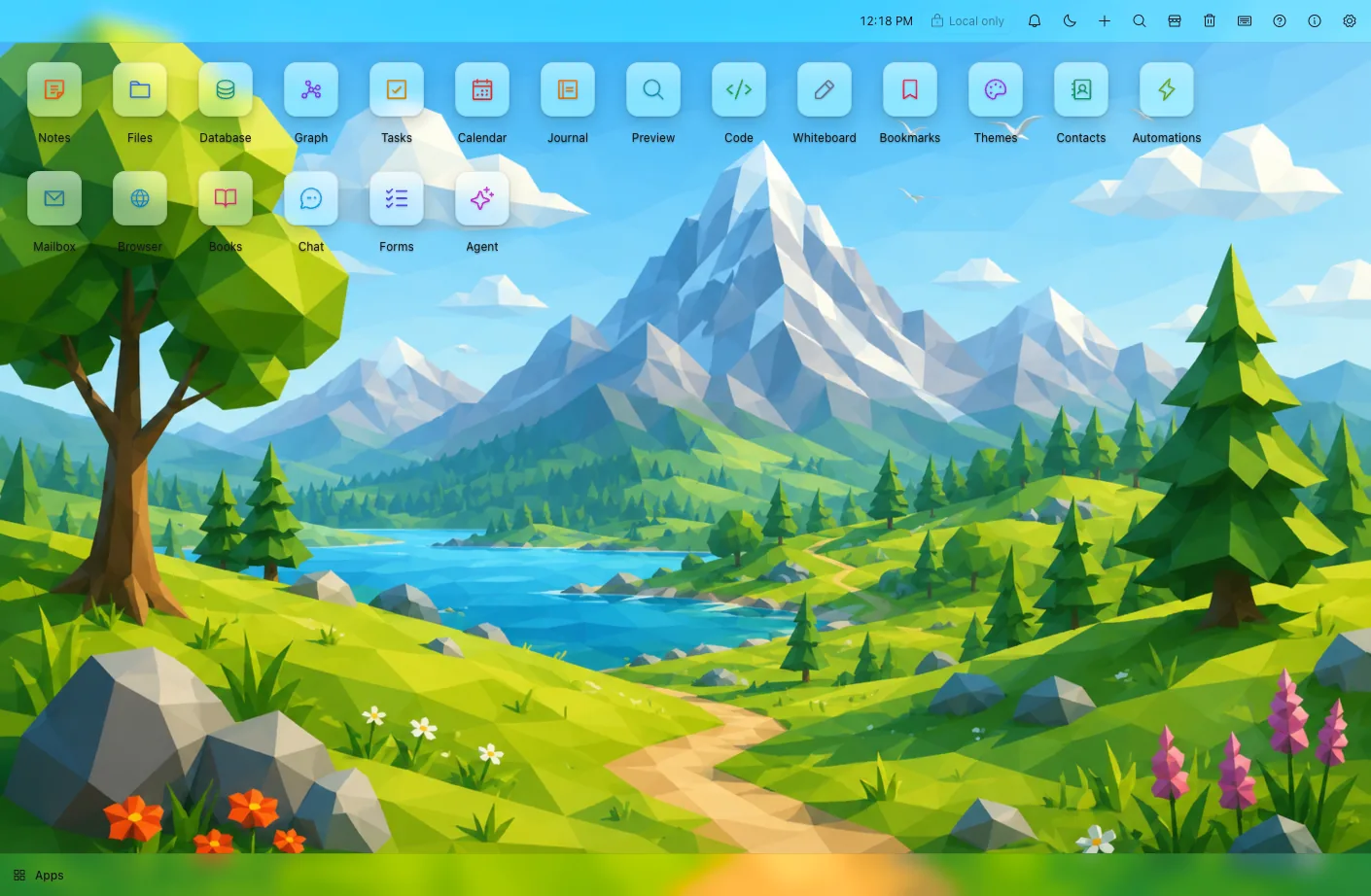
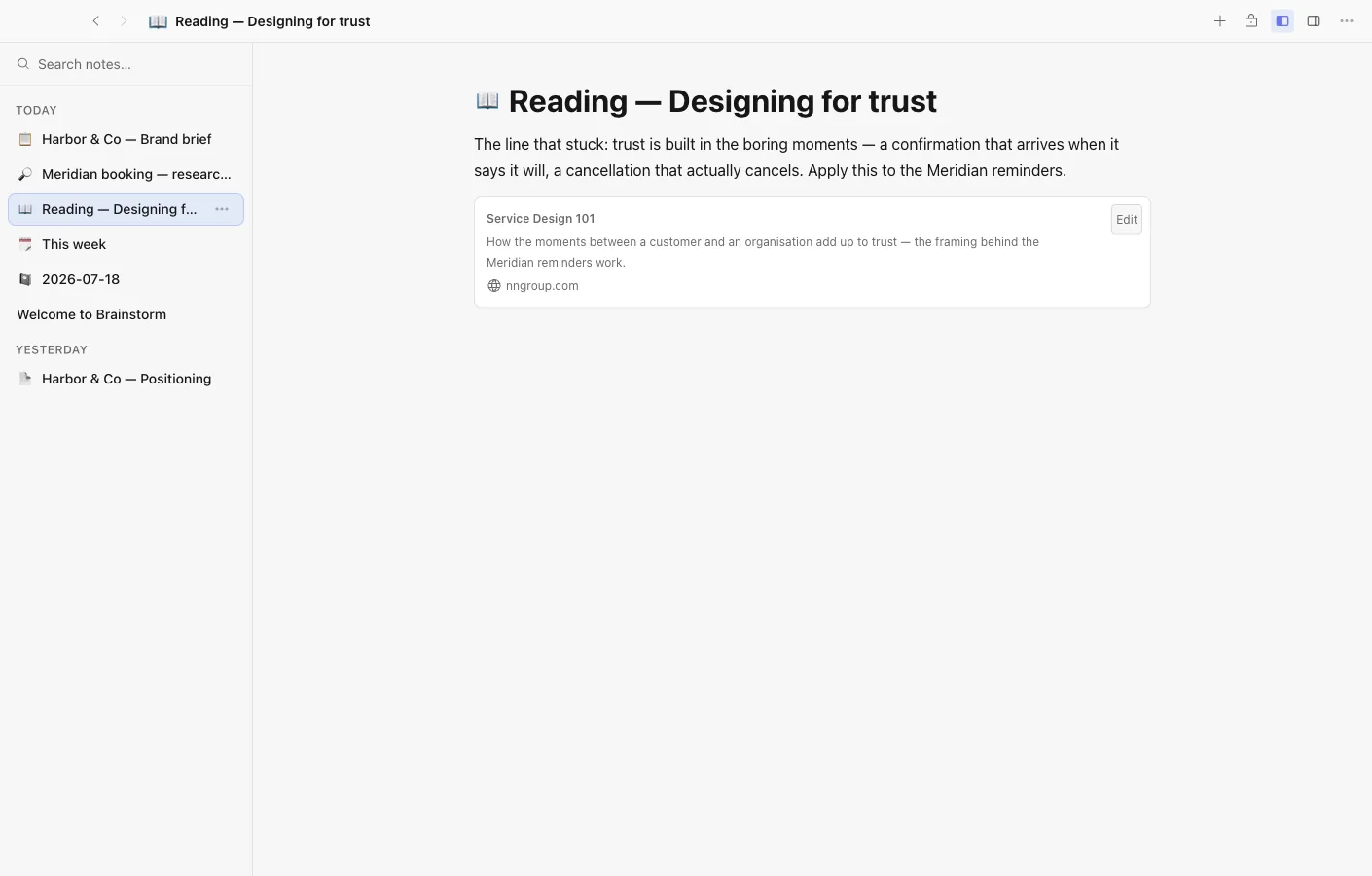
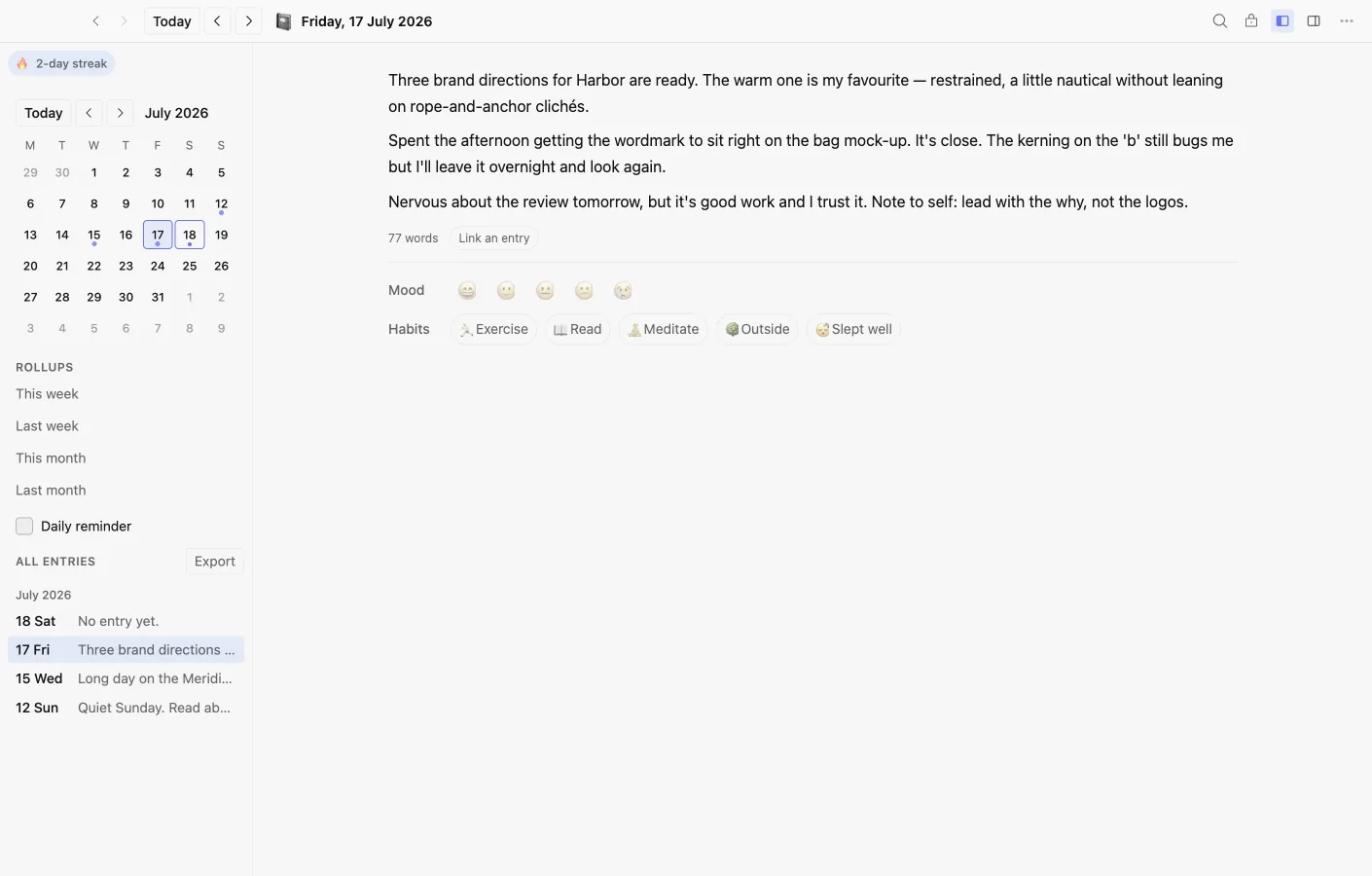
Brainstorm is a local first, AI native operating system for knowledge management that runs entirely on personal computers rather than in the cloud. It functions as a complete desktop environment with over 20 bundled applications including Notes, Database, Files, Graph visualization, Calendar, Tasks, Contacts, Whiteboard for visual thinking, Bookmarks, Journal for daily entries, a Code editor, and an AI Agent system. All these applications share a unified data vault, meaning a single note simultaneously exists as a database row, a node in the knowledge graph, and a calendar entry without any manual exporting or duplicating between tools. This unified architecture eliminates the fragmentation that typically happens when knowledge spreads across multiple disconnected applications.
The core architecture prioritizes data ownership and privacy above all else. Documents are stored as plain files on the user's disk in formats they control, not locked inside proprietary databases or synced automatically to third party servers without consent. This means users can browse, backup, move, and manipulate their data using standard file system tools without depending on Brainstorm's continued existence or access. Files belong to the user in a meaningful way, not just in marketing language. For users who want multi device access, optional end to end encrypted sync keeps data portable across machines while maintaining the privacy guarantees that come with local first design. The encryption happens client side before anything leaves the device.
AI integration takes a distinctive approach through what the platform calls an AI broker system. Rather than giving AI unrestricted access to all user data as most AI enabled tools do, the broker controls exactly what information AI agents can access on a per application basis with explicit user permissions. Users bring their own API keys from providers like OpenAI, Anthropic, or other services, or run local models entirely offline without any external network calls. The system manages per app budgets to prevent runaway API costs and maintains detailed access logs showing exactly what data AI touched and when. Sandboxed applications operate with capability gated permissions, preventing any single app from overreaching its intended scope or accessing data from other applications without explicit authorization.
No account signup is required to use Brainstorm, which is increasingly rare in modern software. Users download the application and start working immediately with full access to local features from the first launch. The platform stores everything on disk from the first moment, avoiding the common pattern where free tiers lock users into cloud sync they might not want or need. Self hosted sync options exist for those who want device synchronization without trusting external relay servers, using infrastructure they control completely. This approach appeals to privacy conscious professionals, security researchers, journalists working with sensitive sources, lawyers handling confidential client matters, and anyone working with information they can't risk exposing through cloud services.
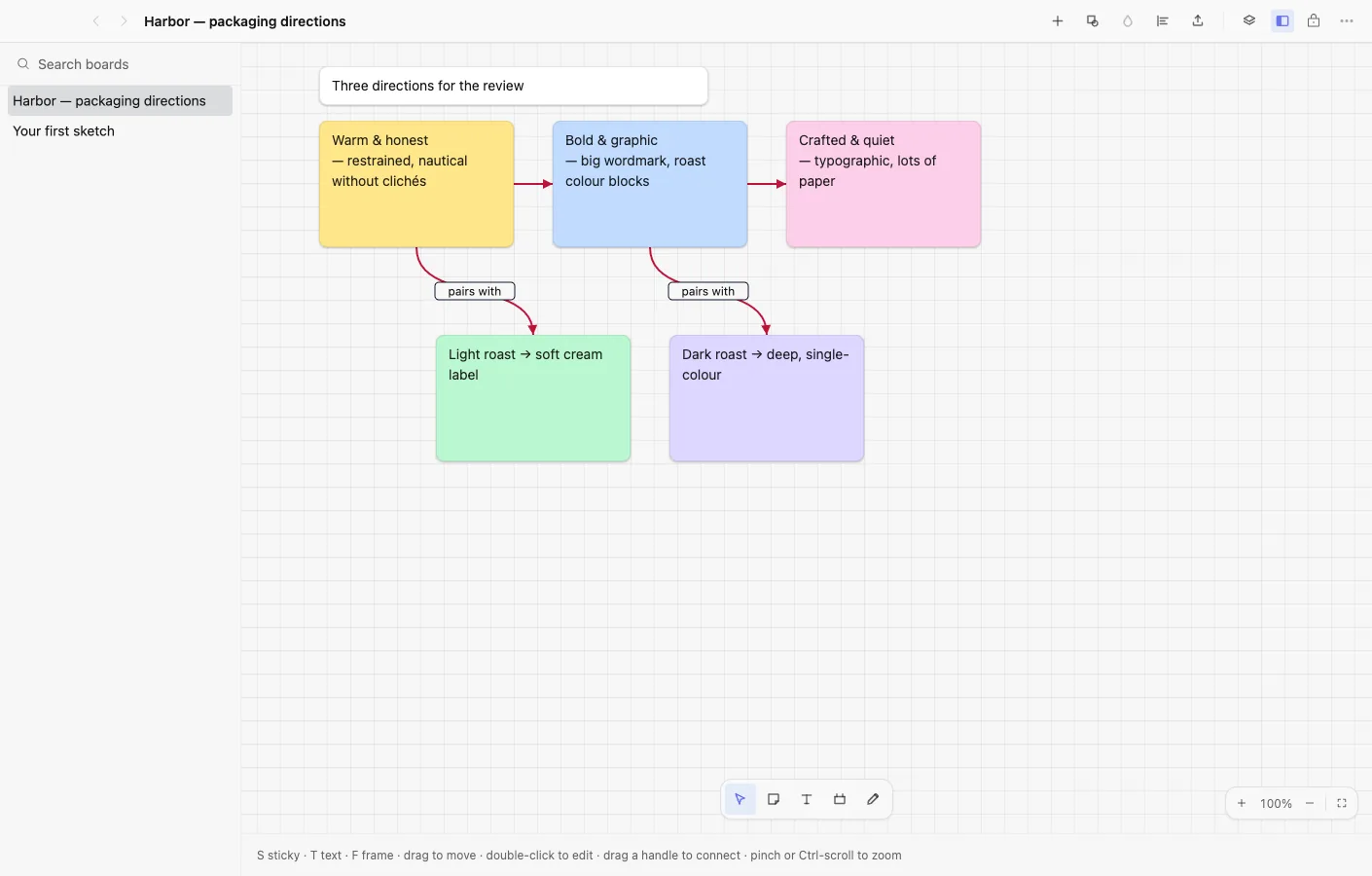
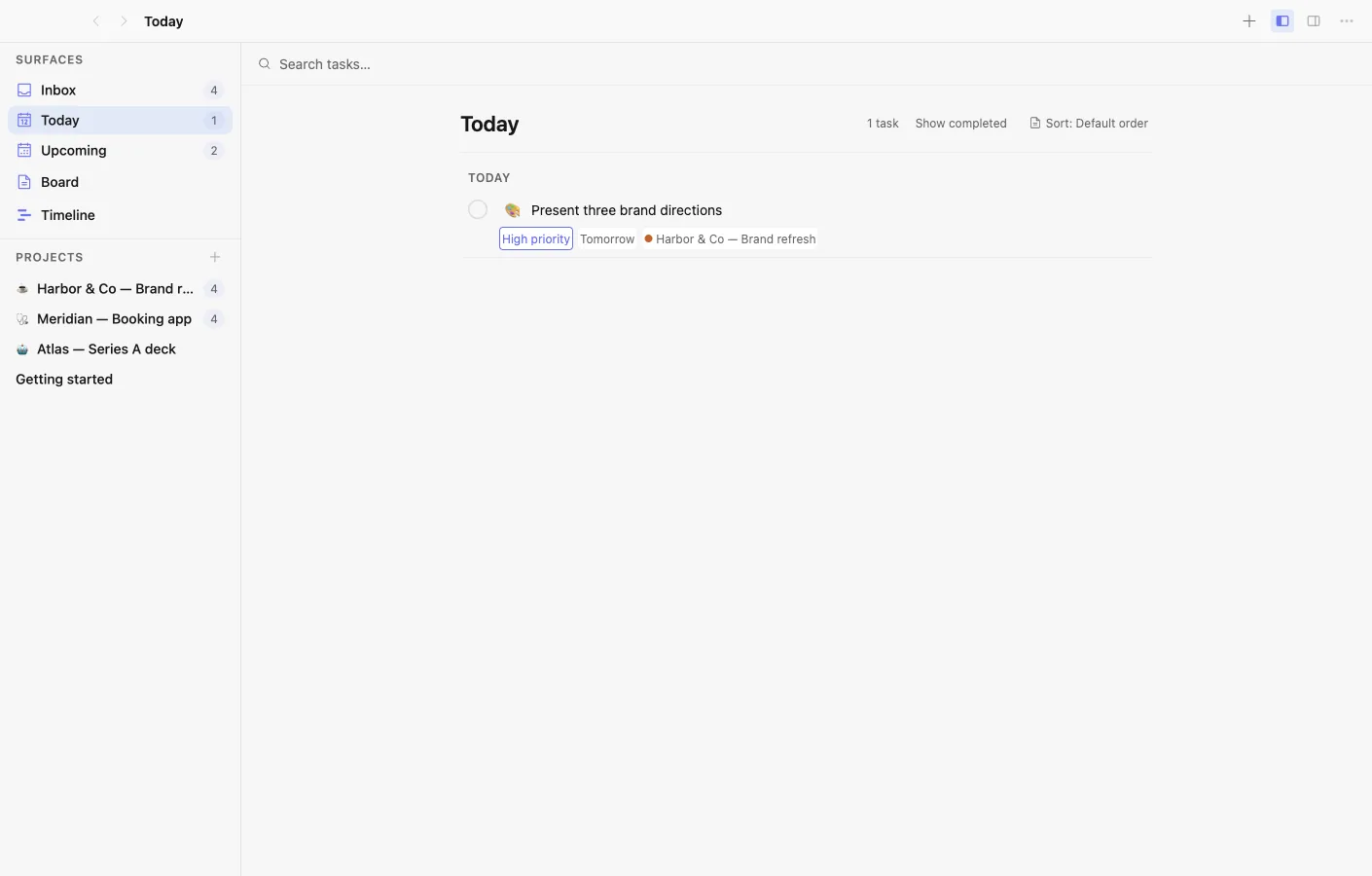
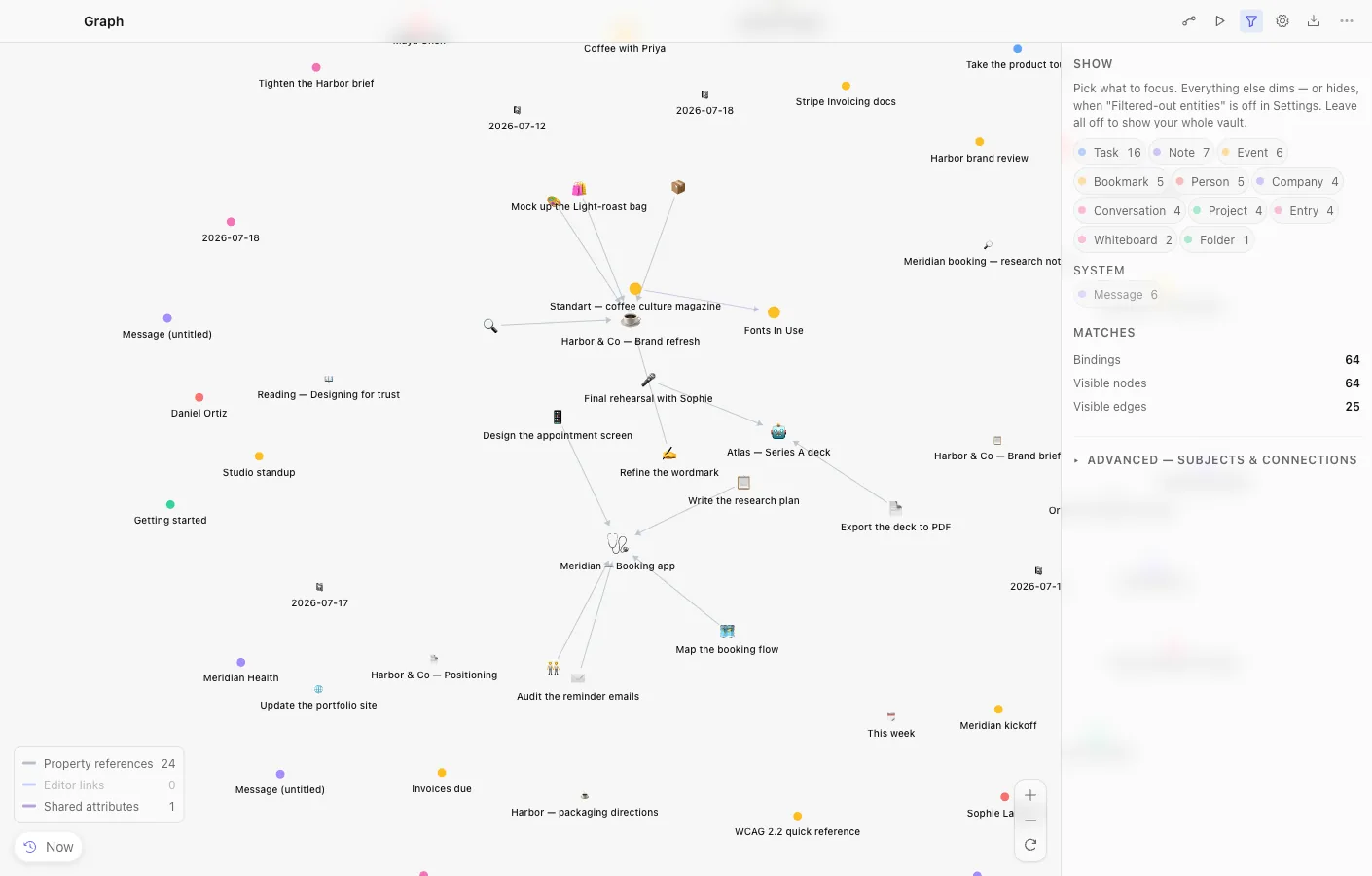
The application suite covers workflows that typically require juggling multiple separate tools, each with its own data silo and export limitations. The Graph application visualizes connections between notes and database entries, surfacing relationships that might otherwise go unnoticed in hierarchical folder structures. The Whiteboard provides spatial canvas for brainstorming sessions and visual planning. The Code editor handles programming tasks without leaving the environment. Tasks and Calendar integrate bidirectionally with notes so project planning connects directly to reference materials and working documents. The unified data model means searching once surfaces results across all these contexts simultaneously, finding relevant information regardless of which application originally created it.
Pricing follows a genuinely generous model with a permanent free tier that includes all local features, self hosted sync, and self managed AI integration without artificial limitations designed to pressure upgrades. Paid tiers starting around $5 to $19 per month will eventually offer hosted relay servers for simpler sync setup without running your own infrastructure, and cloud storage options for users who prefer managed services over self hosting. These plans remain optional upgrades rather than requirements for core functionality. The free tier isn't artificially crippled to push users toward payment, it's genuinely complete for anyone willing to manage their own sync and AI keys rather than pay for convenience.
Brainstorm targets knowledge workers, academic researchers, writers, developers, and teams who want the power of AI assistance without surrendering data to cloud providers or accepting the privacy tradeoffs that typically accompany AI features. Unlike note taking apps that bolt AI features onto existing architectures as an afterthought, Brainstorm built AI collaboration into its foundation from the beginning while maintaining user control over what gets shared and processed. The result is a workspace where humans and AI agents operate from the same knowledge base with transparent permission boundaries, making it practical to leverage AI capabilities for real work without the privacy compromises that most competing tools require as a condition of use.
Key Features
- Unified data vault across all apps
- Local-first plain file storage
- AI broker with per-app budgets
- End-to-end encrypted CRDT sync
- Sandboxed apps with capability permissions
- No account required for local use
Pros & Cons
What we like
- All productivity apps share the same underlying data
- Files stay as plain formats in folders you own
- AI usage is logged and budget-controlled
- Free tier includes everything except hosted sync and cloud storage
Room for improvement
- Still in public beta with ongoing development
- Requires learning a new desktop environment
- Mobile companion apps not yet available
- AGPL license may complicate some commercial integrations
Frequently Asked Questions
What is Brainstorm?
Is Brainstorm free?
How does Brainstorm handle AI?
Is Brainstorm open source?
Best For
Featured in
Alternatives to Brainstorm
View all
CalendHub
Smart scheduling and calendar management for teams
Kevin Gabeci Toolkits
Seven AI toolkits for writing books, making music, cutting video, and building agents.

Eased Into AI
Learn AI from zero. No jargon, no hype, just steps that work.

Fix It Gently
Calm, plain-English fixes for everyday tech problems.
Our take
Tool Index Editorial · Oct 2026· 3.5/5
Brainstorm is a free, open source desktop environment that puts notes, files, databases, graphs, calendars, code, and agents on one local vault. We found its shared object model more interesting than the familiar desktop metaphor. A note can appear as a row or graph node without being copied, while plain files, optional encrypted sync, bring your own model keys, and explicit agent permissions keep control visible.
The project is in public beta and its ambition is also its main risk. Twenty apps, sync, an SDK, and governed agents create a much larger surface than a focused notes tool, and the mobile companion remains on the roadmap. It is promising for technical users who want to own the whole workspace, but too young for anyone who values polish and predictable support over flexibility.
Editorial opinion from the Tool Index team, written from the public product pages. Not a user review.
Reviews (0)
Badge builder
Add Brainstorm to your website
Choose a badge style and size, preview it here, then copy the generated HTML. Badge images are self-contained SVGs and do not require an external script.

<a href="https://toolindex.net/tools/brainstorm?ref=badge" target="_blank" rel="noopener">
  <img src="https://toolindex.net/badge/brainstorm/medium.svg" alt="Brainstorm - Listed on Tool Index" width="180" height="50" />
</a>How to use the badge
- 1. Pick the style, size, and theme that fit your layout.
- 2. Copy the generated HTML from the code block.
- 3. Paste it into your footer, homepage, or press page.
Standard badge available
The standard listing badge is available now. Score and circle badges are limited to tools currently ranked in the top 10 of a category.
Badge clicks return visitors to this profile with a referral tag so the source remains identifiable.
Related Tools

Confluence
Atlassian's long-running team wiki that anchors many enterprise knowledge stacks
Asana
Project management for teams that live in projects, tasks and dependencies
Kevin Gabeci Toolkits
Seven AI toolkits for writing books, making music, cutting video, and building agents.

Logseq
An open-source outliner notes app where every bullet is a first-class block
Work on Brainstorm? Request a listing correction