
Bubble
Full-stack no-code platform for building real web applications with visual programming, a database, and a workflow engine.
Gallery
About Bubble
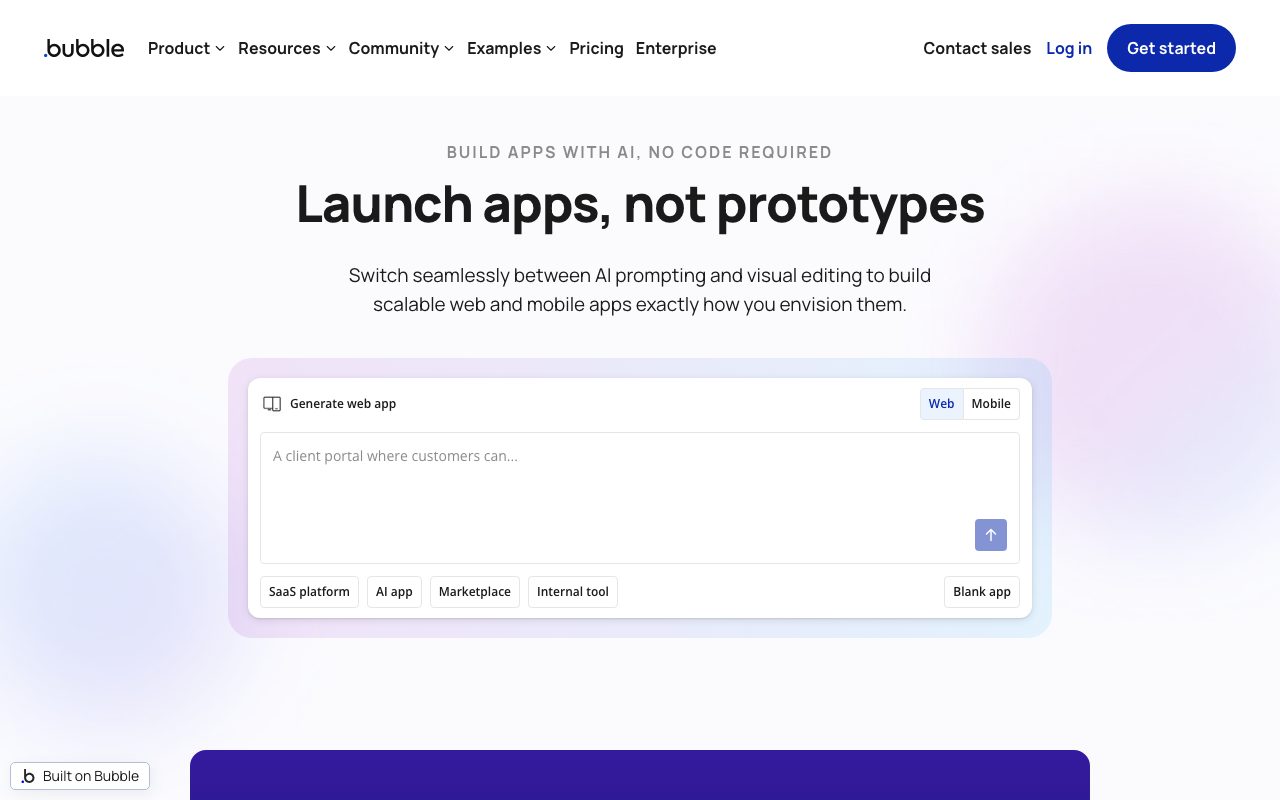
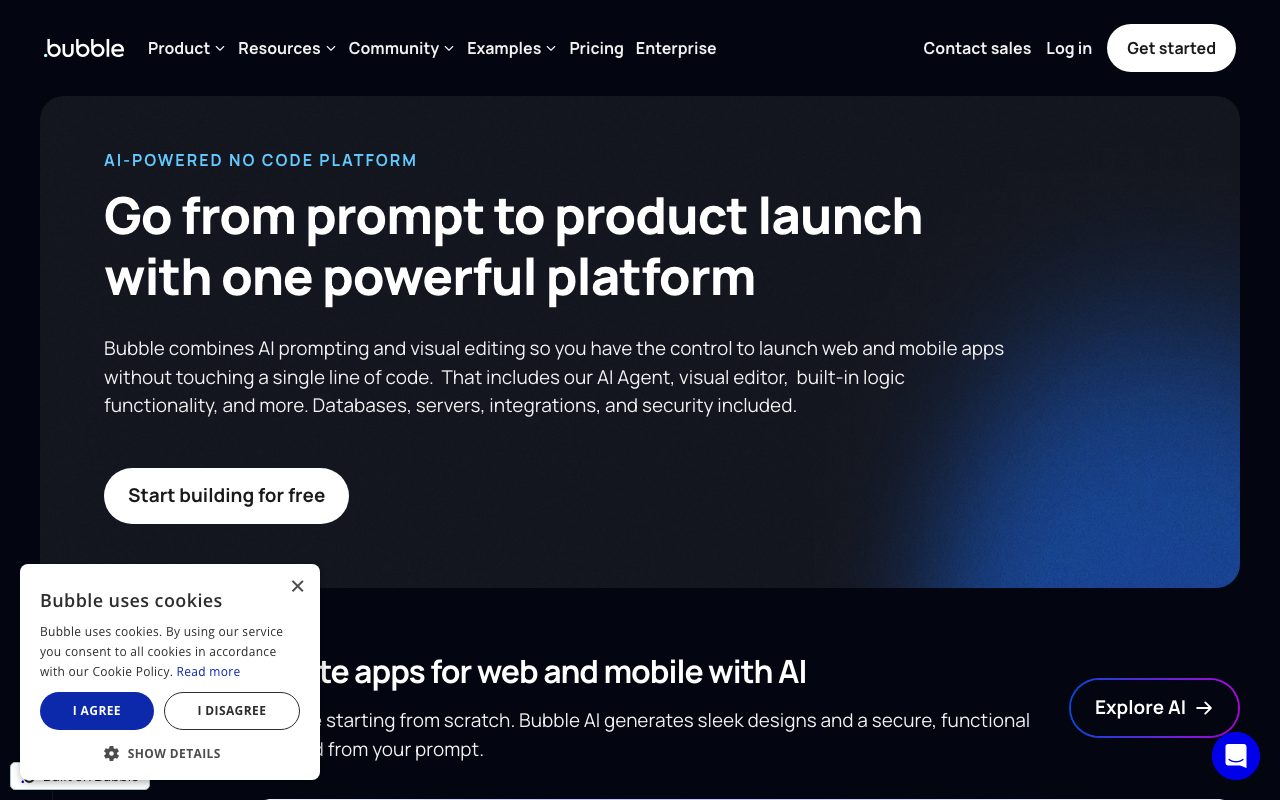
Bubble is the visual web app builder that lets you ship full SaaS products without writing JavaScript. It's the heavyweight of the no-code platform world.
You design pages, model your database, and build workflows visually. Bubble compiles all of it into a hosted web app you can launch the same day.
Founders have built marketplaces, social networks, internal tools, and even YC-backed startups on Bubble. It's not a toy. It's also not a fit for every project.
What Bubble actually does
Bubble gives you three big surfaces: a page editor, a data tab for your tables, and a workflow editor. You drag elements onto a responsive canvas, define data types like User and Project, and connect actions to button clicks.
It includes hosting, auth, file uploads, payments via Stripe, and an API connector for everything else. You can plug in third-party services through the plugin marketplace.
Bubble apps run on a managed Bubble cloud. You don't touch servers, deploys, or scaling configs. The platform handles all of that.
Who Bubble is for
Non-technical founders are the obvious audience. Bubble lets them prototype and ship without hiring a dev. Plenty of solo founders have hit six-figure ARR on a pure Bubble app.
Agencies and freelance Bubble developers also live here. The platform is complex enough to support a whole consulting niche.
If you're a senior engineer who already writes Next.js fluently, Bubble probably feels slow. The visual ceiling can frustrate you when you know exactly what you'd write in code.
Pricing breakdown
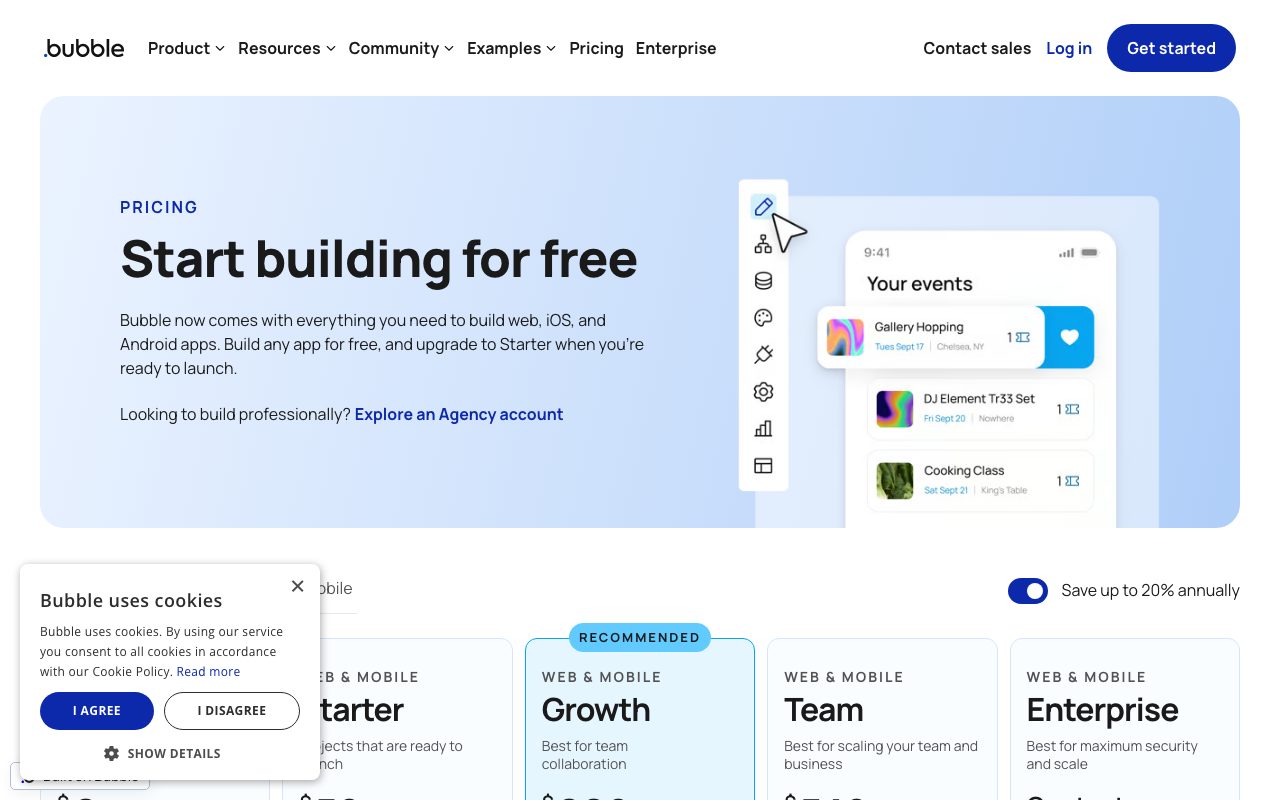
Bubble has a free plan with the Bubble subdomain and a hard usage limit. Paid plans start around $32/month (Starter), then $134/month (Growth), and $399/month (Team) when billed annually.
Pricing is built around "workload units," which represent compute usage. Heavy apps with lots of background workflows can outgrow plans fast.
That workload model is controversial. Some users love the predictability. Others get surprise overage fees and migrate off Bubble entirely.
Standout features
The visual database with relational fields is the magic. You can model real apps without writing SQL or fiddling with migrations.
Workflows are powerful. You chain actions, branches, and API calls into anything from a checkout flow to a complex onboarding wizard.
The plugin marketplace covers Stripe, OpenAI, Twilio, calendars, and hundreds more. There's also a native mobile wrapper for iOS and Android.
Honest tradeoffs
Performance scaling is real. Bubble apps with lots of dynamic data can feel sluggish without careful optimization. Workload units add cost pressure on top.
You're locked into Bubble. There's no clean export to Next.js or Rails when you outgrow it. Migration is rebuild-from-scratch territory.
Version control is functional but not git-native. Source-control-loving devs will groan.
Bubble can take you from idea to paying customers without writing code. Whether you should stay on Bubble at $1M ARR is a different question.
Bubble vs Webflow vs Softr
Webflow is best for marketing sites and content-heavy pages. Softr sits on top of Airtable for client portals and simple internal tools. Bubble is the only one designed for full custom logic and complex data models.
See our best no-code platforms roundup for context. Compare in our Bubble vs Webflow guide. Or browse Bubble alternatives if you're shopping around.
Other Bubble alternatives include Glide, FlutterFlow, Adalo, and WeWeb. Each suits a different shape of app.
Bottom line on Bubble
Bubble is the most powerful no-code platform for building real web apps. It's also the steepest no-code learning curve. Worth it for founders without engineers.
Browse our tools for non-technical founders for related picks. Check the Softr page if your needs are simpler.
You'll either love Bubble or replace it with code in two years. Both outcomes mean you shipped something, which beats not shipping at all.
Building a real SaaS on Bubble
Plenty of Bubble apps have crossed $1M ARR. Founders ship MVPs in weeks, validate with paying users, then make the call about whether to stay on Bubble or rebuild on a code stack.
The stay-or-rebuild decision is loaded. Rebuild costs are real. So is the long-term workload-unit cost on Bubble. There's no clean answer that fits every business.
Heavy data apps (think: real-time collaboration, complex search, performance-critical dashboards) tend to hit Bubble's ceiling sooner. CRUD-heavy apps with moderate traffic stay happy on Bubble for years.
Bubble plugins and the marketplace
The plugin marketplace is one of Bubble's strongest moats. Stripe, OpenAI, Twilio, SendGrid, Mux, Algolia, and hundreds more have official or community plugins.
You can build your own plugins for proprietary services. The plugin builder isn't trivial, but it's accessible to a competent JavaScript developer. Agencies often build private plugins for clients.
Quality varies. Read reviews before committing to a plugin. Abandoned plugins are a real risk in any large marketplace.
Bubble for native mobile apps
Bubble native mobile (in beta) lets you ship iOS and Android apps from a Bubble project. It's the most ambitious recent addition to the platform.
Performance on native mobile is improving but isn't yet at the level of FlutterFlow or Adalo for hardware-heavy apps. For form-and-data mobile experiences, it's already viable.
The shared editor between web and mobile is an advantage. You build once, ship to both channels, and avoid maintaining two codebases.
Final word on Bubble
Bubble is the deepest no-code platform you can pick today. The depth comes with complexity. Plan for a few weeks of learning before you ship anything serious.
Try the free tier on a small idea first. If you like the workflow, the paid plans become an obvious upgrade once you onboard real users.
Bubble app templates and the marketplace
The Bubble template marketplace sells starter apps in dozens of categories. Marketplace clones, SaaS dashboards, dating apps, project management tools, and AI wrappers all have polished templates.
Buying a template can save weeks of build time. The downside is that you inherit someone else's design choices and architecture decisions. Pick templates from authors with strong reviews.
Bubble agencies build custom templates for repeat client work. If your business niche is well-represented, finding a starter template is faster than starting from scratch.
The Bubble forum is one of the most active no-code communities online. Stuck on a workflow? The forum has answered your question already, probably with a video walkthrough.
Bubble's CEO Josh Haas posts regularly about the company's roadmap. Workload pricing has been the most controversial recent change, and Bubble has iterated on it based on community pushback.
For non-technical founders evaluating Bubble, our tools for non-technical founders page covers the broader landscape. Bubble shines when you need real custom logic. Other no-code tools win for simpler use cases.
You'll learn Bubble fastest by building something real. The first week is rough. By week three, you'll be shipping features at a pace that surprises you.
Bubble FAQ
Can you build a real SaaS on Bubble? Absolutely. Many founders have crossed seven figures on pure Bubble apps. The ceiling depends on your product's data complexity and traffic patterns.
What about scaling concerns? Bubble's workload-units model can get expensive at high traffic. Plan for it. Some apps eventually rebuild on traditional code stacks. Others stay on Bubble forever and remain profitable.
Is Bubble a good first job for a non-coder? It's one of the best ways to learn product thinking. You'll touch databases, workflows, and UI design without compiler errors getting in the way. Many Bubble freelancers earn six figures from agency work.
Does Bubble have AI features built in? Bubble integrates with OpenAI and other AI APIs through plugins. You can build AI features into your app without writing code. Native AI assistance for editing the Bubble app itself is improving steadily.
What about white-labeling? Bubble apps can use custom domains, custom branding, and removed Bubble references on paid plans. Your app can look fully professional and standalone.
The decision between Bubble and code comes down to your skills, your timeline, and your scaling expectations. For early-stage validation, Bubble is hard to beat. The graduation path is real for some founders and unnecessary for others.
Pro tips for shipping faster on Bubble
Plan your data structure before building screens. Sloppy data modeling early creates pain forever. Spend an hour sketching tables and fields before placing any element.
Use reusable elements aggressively. Headers, footers, modal dialogs, and shared components belong in reusable elements, not duplicated across pages.
Keep workflows shallow. Long workflow chains hurt performance and complicate debugging. Break complex logic into smaller workflows that call each other.
Cache expensive data with custom states. Querying the database on every page render is slow. Custom states give you in-memory caches that update only when you say so.
Use the database privacy rules from day one. Locking down rows by user is much easier in early development than retrofitting later. Privacy rules are also a security best practice you can't skip.
Test with realistic data. Bubble apps that work fine with 50 records sometimes choke on 50,000. Generate realistic test data and validate performance before launch.
Bubble's depth rewards engineers who treat it like a real platform. The first month is rough. The next year of shipped products is delightful.
Tutorial / Demo
Key Features
- Visual page designer with responsive engine
- Backend workflows with conditions, loops, and scheduling
- Built-in database with row-level privacy rules
- Plugin ecosystem and API connector
- User accounts, roles, and permissions out of the box
- Hosted infrastructure with optional dedicated clusters
Pros & Cons
What we like
- Genuinely full-stack, with pages, data, and logic in one tool
- Strong plugin and API connector ecosystem
- Faster path to a working product than learning to code
Room for improvement
- Performance tuning under heavy load is non-trivial
- Migrating off Bubble later effectively means a rewrite
Frequently Asked Questions
Does Bubble have a free tier?
Bubble vs Webflow, which to pick?
Bubble vs FlutterFlow vs Adalo?
Can I export my Bubble app's code?
Is Bubble good for production apps?
Best For
Featured in
Tags
Alternatives to Bubble
View all
Airtable
Spreadsheet-database hybrid with linked records, multiple views, automations, and an interface designer for internal apps.
Softr
No-code platform that turns Airtable, Google Sheets, and HubSpot bases into client portals, internal tools, and member apps.

Webflow
Visual website builder that produces clean, semantic HTML and CSS, with a CMS, e-commerce, and a Webflow-hosted CDN.

MarsX
AI-powered dev tool for building web and mobile apps out of micro-apps combining no-code and code interfaces.
Our take
Tool Index Editorial · May 2026· 4.6/5
If you're evaluating Bubble, the headline is simple: full-stack no-code platform for building real web applications with visual programming, a database, and a workflow engine, and most teams will get value out of the box.
Where it wins: Genuinely full-stack, with pages, data, and logic in one tool, Strong plugin and API connector ecosystem, and Faster path to a working product than learning to code. Honest gripes: Performance tuning under heavy load is non-trivial and Migrating off Bubble later effectively means a rewrite.
In short: Bubble is a strong pick when you need non-technical founders shipping a SaaS MVP, and a harder sell if performance tuning under heavy load is non-trivial would be a dealbreaker.
Editorial opinion from the Tool Index team, written from the public product pages. Not a user review.
Reviews (5)
Hit the Bubble sweet spot
Got Bubble on the recommendation of someone I trust. Real selling point: faster path to a working product than learning to code. Built-in database with row-level privacy rules works the way you'd hope. Mostly using it for non-technical founders shipping a SaaS MVP. It would be a 5 if not for performance tuning under heavy load is non-trivial. Worth the price for what I get out of it.
Pros
- Strong plugin and API connector ecosystem
- Genuinely full-stack — pages, data, and logic in one tool
- Faster path to a working product than learning to code
Promising but rough around the edges
Started using Bubble casually, now it's pinned in my dock. The biggest win has been faster path to a working product than learning to code. Hosted infrastructure with optional dedicated clusters works the way you'd hope. Wish they'd address how performance tuning under heavy load is non-trivial. Probably better for someone with different needs.
Solid product, even better support
Adopted Bubble for one project, ended up using it for more. Where it really wins is genuinely full-stack — pages, data, and logic in one tool. User accounts, roles, and permissions out of the box works the way you'd hope. Easy yes for anyone weighing the same trade-offs.
Pros
- Faster path to a working product than learning to code
Promising but rough around the edges
Bubble has quietly become part of my daily flow. Honestly impressed by how genuinely full-stack — pages, data, and logic in one tool. Mostly using it for internal tools and admin dashboards. It would be a 5 if not for migrating off Bubble later effectively means a rewrite. Decent product, just not the right fit for me.
Pros
- Faster path to a working product than learning to code
- Strong plugin and API connector ecosystem
Cons
- Performance tuning under heavy load is non-trivial
- Migrating off Bubble later effectively means a rewrite
Pulled its weight from week one
Picked Bubble for the lower price, stayed for the actual quality. Real selling point: genuinely full-stack — pages, data, and logic in one tool. Worth calling out the user accounts, roles, and permissions out of the box too. Main use case: internal tools and admin dashboards. Would buy again without thinking twice.
Pros
- Faster path to a working product than learning to code
Badge builder
Add Bubble to your website
Choose a badge style and size, preview it here, then copy the generated HTML. Badge images are self-contained SVGs and do not require an external script.

<a href="https://toolindex.net/tools/bubble?ref=badge" target="_blank" rel="noopener">
  <img src="https://toolindex.net/badge/bubble/medium.svg" alt="Bubble - Listed on Tool Index" width="180" height="50" />
</a>How to use the badge
- 1. Pick the style, size, and theme that fit your layout.
- 2. Copy the generated HTML from the code block.
- 3. Paste it into your footer, homepage, or press page.
Standard badge available
The standard listing badge is available now. Score and circle badges are limited to tools currently ranked in the top 10 of a category.
Badge clicks return visitors to this profile with a referral tag so the source remains identifiable.
Related Tools

Sanity
Composable content platform with a customizable studio, real-time collaboration, and a queryable structured content backend.

Tally
Form builder with a Notion-like editor, conditional logic, payments, and a generous free tier with unlimited submissions.

Glide
No-code platform that turns spreadsheets and databases into mobile and web apps, with computed columns and AI actions.
n8n
Fair-code workflow automation with 400+ integrations
Work on Bubble? Request listing access or correction