
Chickadee Bandit
A private household hub for calendars, chores, lists, documents, and custom apps
Gallery
About Chickadee Bandit
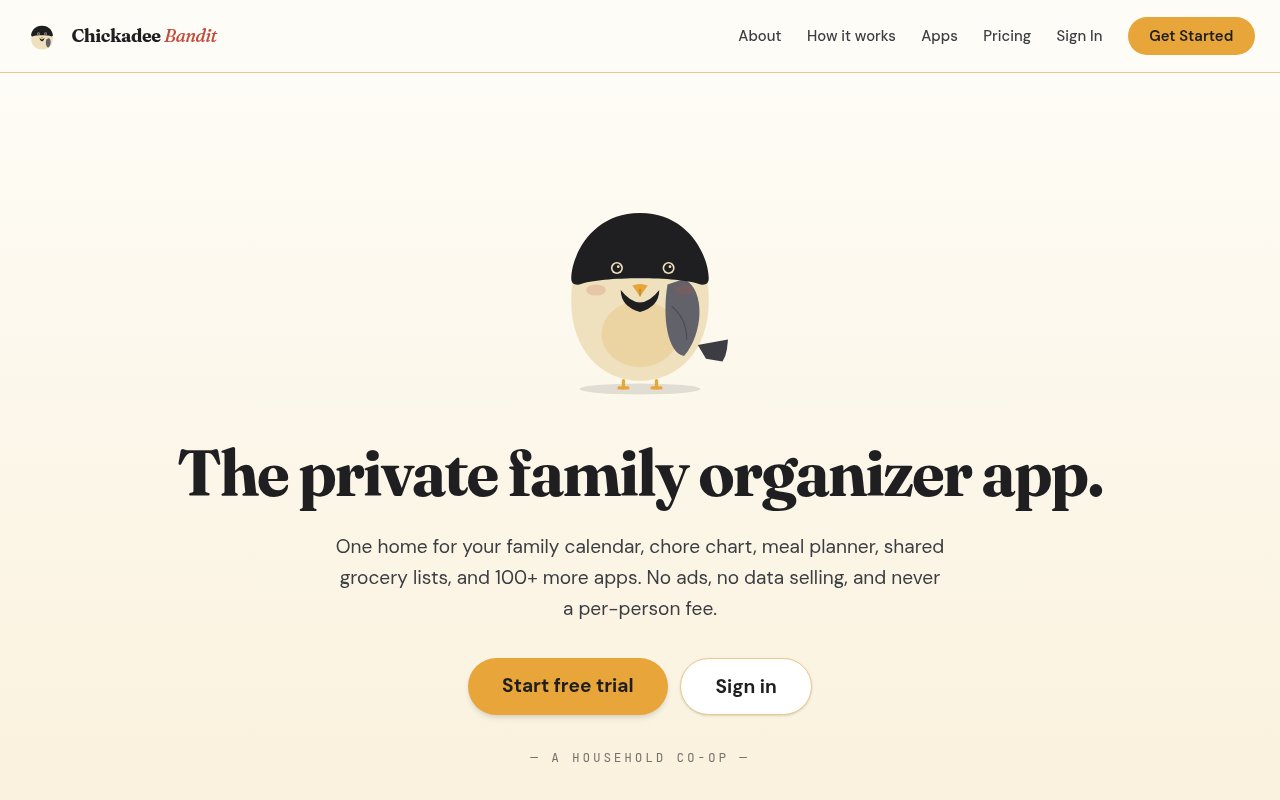
Chickadee Bandit is a private organizer that gives a household one place for daily life. Instead of keeping the family calendar in one app, chores in another, groceries in a third, and important records in an inbox, it puts those jobs inside a shared hub. The library contains more than 100 focused apps, including tools for calendars, chores and allowances, meals, grocery lists, documents, messages, notes, photo albums, location sharing, and household records. A household installs only the apps it needs, so the product can stay smaller than a fixed dashboard that tries to show everything at once. It works for traditional families, but its broader idea of a household also fits couples, roommates, caregivers, and other groups that coordinate day to day.
Setup starts with a private household hub. An organizer creates the account, invites members, chooses the relevant apps, and assigns roles that control what children, adults, guests, and administrators can see or change. Everyone then works from the same underlying household space, with access adjusted for the person rather than split across unrelated accounts. A shared calendar can sync with Apple, Google, and Outlook, while the Family Inbox can receive forwarded email and use AI-assisted capture to turn useful details into household information. Scheduled reminders, digests, and outbound email help move plans out of one person's memory. Mobile access is included, and an existing tablet can become a wall display for today's schedule, weather, checklists, announcements, and quick household actions without requiring dedicated hardware.
The app library is the core of the product. Households can add a chore chart, allowance ledger, grocery list, meal planner, pantry, home maintenance log, or another narrowly focused tool, then remove anything that doesn't earn a place. The supplied gallery shows a more unusual extension of that model. A household with an admin account and an AI assistant that supports MCP can describe a missing app in ordinary language, have the assistant build it, and review the requested permissions before installation. Gallery examples include campaign scheduling for a tabletop group, a household voting game, a dishwasher picker, and a tiny news prank. Each entry explains whether it reads household names or roles, whether it saves data, and that installation requires confirmation. The downloadable app file also lets technically curious users inspect what an example does without exposing another household's data.
Privacy is a central design choice rather than an optional plan upgrade. The site says every household receives its own isolated, encrypted database, and the business is funded by subscriptions instead of advertising or data sales. Export and account portability remain available without an extra charge. Every paid plan includes two-factor authentication and passkeys, child-safety and visibility controls, app permissions, approval before an app gains access, and read-only share links. Those safeguards are especially relevant because the hub can contain schedules, family records, locations, and details about children. The platform also avoids charging for every invited person. Kids, grandparents, caregivers, and babysitters count within the household's member limit, but they don't each need a separate subscription.
Chickadee Bandit makes the most sense for the person already acting as the household's unofficial operations manager. It can replace a loose collection of lists and specialist subscriptions when a family wants shared routines and records under one login. The same structure can also support a small club or shared house, though larger groups need a higher tier. It isn't a social feed or a general group chat, and its modular approach asks the organizer to decide which apps belong in the hub. Custom AI-built apps also require more technical comfort than installing the included library choices. In return, the household gets a system that can reflect its own routines instead of forcing every family into one preset workflow.
Access is paid after a 30-day trial, and the trial doesn't require a credit card. The Family plan costs $6 per month or $60 per year for up to 10 members, 5 GB of file storage, 1 GB of app data, and one sponsored Space. Group costs $10 per month or $100 per year for up to 20 members and larger storage allowances. Organization costs $30 per month or $300 per year for up to 60 members, with the largest storage pool and transferable ownership. A separate Community add-on costs $30 per year and provides additional sponsored Spaces. One subscription covers the household rather than billing each person. If a trial ends without a subscription, the hub becomes read-only for 14 days before deletion. A canceled paid account stays read-only for 90 days, giving the household time to export data or resume the subscription.
The pricing is straightforward, but this isn't a permanent free organizer. The value depends on whether a household will actually consolidate several recurring jobs into the hub and keep its chosen apps current. Storage and membership caps vary by tier, and adding custom apps depends on an MCP-capable assistant plus an administrator who can assess permissions. For a family that wants an ad-free, subscription-funded space and dislikes passing private coordination data through multiple services, the trade looks coherent. The trial provides enough time to build a real household setup, invite the people who will use it, and see whether a modular hub is easier to maintain than the pile of apps it replaces.
Key Features
- Modular household app library
- Role-based family access
- Private encrypted household database
- AI-built custom household apps
- Shared tablet wall display
- Cross-platform calendar synchronization
Pros & Cons
What we like
- Combines many household jobs in one private hub
- One subscription covers the entire household
- App permissions are shown before installation
- Works on mobile and existing tablets
Room for improvement
- No permanent free household plan
- Member and storage limits vary by tier
- Custom apps require an MCP-capable assistant
- Modular setup takes some organizer effort
Frequently Asked Questions
What is Chickadee Bandit?
Is Chickadee Bandit free?
Can a household create its own apps?
How does Chickadee Bandit handle household privacy?
Best For
Featured in
Alternatives to Chickadee Bandit
View all
CalendHub
Smart scheduling and calendar management for teams
Kevin Gabeci Toolkits
Seven AI toolkits for writing books, making music, cutting video, and building agents.

Eased Into AI
Learn AI from zero. No jargon, no hype, just steps that work.

Fix It Gently
Calm, plain-English fixes for everyday tech problems.
Our take
Tool Index Editorial · Oct 2026· 3.5/5
Chickadee Bandit is a modular household hub for calendars, chores, groceries, records, location sharing, and smaller shared apps. It suits families, co-parents, caregivers, and shared homes that want one private space instead of several subscriptions. The Family plan is $6 a month or $60 a year for up to 10 members, with a 30-day trial and no card.
We like the per-household pricing, role controls, calendar sync, and option to turn an existing tablet into a wall display. The app library gives households room to fit the system to their routines. That flexibility also creates setup work, and custom AI-built apps ask an administrator to judge permissions and manage credits. There is no permanent free plan, so the value depends on the household actually consolidating its routines here.
Editorial opinion from the Tool Index team, written from the public product pages. Not a user review.
Reviews (0)
No reviews yet
Be the first to share your experience with Chickadee Bandit
Sign in to write a reviewBadge builder
Add Chickadee Bandit to your website
Choose a badge style and size, preview it here, then copy the generated HTML. Badge images are self-contained SVGs and do not require an external script.

<a href="https://toolindex.net/tools/chickadee-bandit?ref=badge" target="_blank" rel="noopener">
  <img src="https://toolindex.net/badge/chickadee-bandit/medium.svg" alt="Chickadee Bandit - Listed on Tool Index" width="180" height="50" />
</a>How to use the badge
- 1. Pick the style, size, and theme that fit your layout.
- 2. Copy the generated HTML from the code block.
- 3. Paste it into your footer, homepage, or press page.
Standard badge available
The standard listing badge is available now. Score and circle badges are limited to tools currently ranked in the top 10 of a category.
Badge clicks return visitors to this profile with a referral tag so the source remains identifiable.
Related Tools

Confluence
Atlassian's long-running team wiki that anchors many enterprise knowledge stacks
Asana
Project management for teams that live in projects, tasks and dependencies
Kevin Gabeci Toolkits
Seven AI toolkits for writing books, making music, cutting video, and building agents.

Logseq
An open-source outliner notes app where every bullet is a first-class block
Work on Chickadee Bandit? Request listing access or correction