
Cloudless Voice
Local voice dictation for Mac and Windows that cleans up your speech on-device, free for individuals
Gallery
About Cloudless Voice
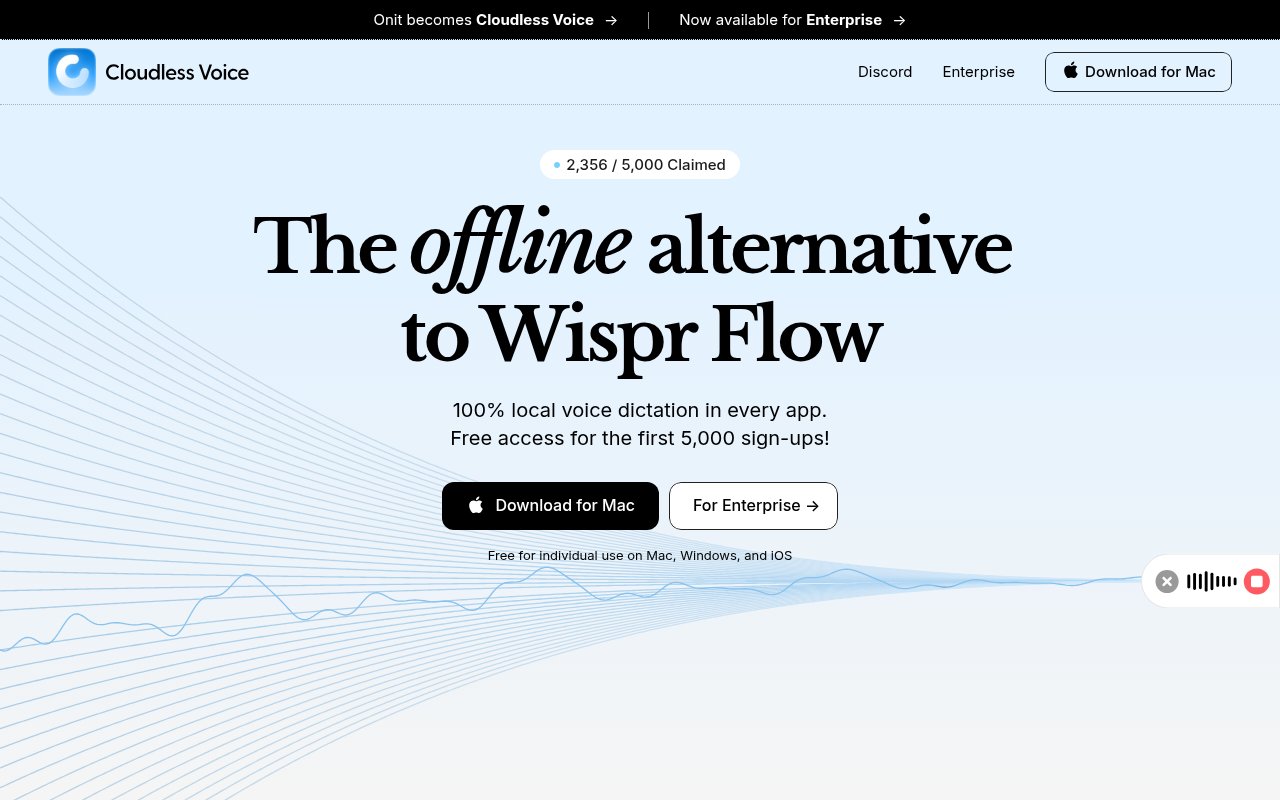
Cloudless Voice is a dictation app for Mac and Windows that turns speech into clean text without sending audio anywhere. It positions itself as a free alternative to Wispr Flow, and the name is the pitch. Transcription and cleanup both run on the machine in front of you, using Parakeet V3 on MLX for speech recognition and a fine-tuned Llama 1B model for tidying the result, so what you say never leaves the device. The problem it goes after is that raw dictation is usable but ugly. Speech recognition has become accurate, but it hands back a stream of filler words, missing punctuation, numbers spelled out and email addresses read aloud with at and dot in them. Cloud dictation tools fix that with a server-side language model, at the cost of shipping every sentence you speak to someone else's infrastructure, and usually at the cost of a subscription. Wispr Flow is the comparison the site draws, and it's the model for what a modern dictation tool feels like, a hotkey, a pause, and finished prose in the field you were typing in. Cloudless keeps the cleanup step and drops the cloud.
In use it's a hotkey. Caps Lock is the default trigger, it's customisable, and Shift plus Caps Lock still gives you the original Caps Lock behaviour. Double-tap for a handsfree mode, speak, and the text lands in whatever app has focus, since it works across all applications and websites rather than inside its own window. Smart Cleanup then removes filler words, fixes punctuation and capitalisation, converts spoken emails and URLs into their proper form, formats times like 3:30 PM, turns spoken lists into numbered lists, and writes spoken numbers as digits. There's a transcript history, a correction system with a personal dictionary for names and jargon, light and dark modes, and support for more than a hundred languages.
The correction system is how it gets better over time. When the recogniser mishears a name or a product term you fix it once and add it to the personal dictionary, and the transcript history lets you go back to an earlier dictation rather than losing it if the target app swallowed the text. The handsfree double-tap mode suits longer drafting sessions where holding a key gets tiresome, and the light and dark modes are the only visual settings, since the app is designed to stay out of the way rather than be a place you work.
It's for anyone who writes a lot and would rather talk. Developers dictating commit messages and pull request descriptions, people who answer email all day, writers drafting by voice, and teams in regulated settings where sending audio to a cloud service is a policy problem rather than a preference. The enterprise plan exists for that last group. The individual free tier is explicitly for non-commercial use, which is worth reading before rolling it out across a company.
What sets it apart from other local dictation tools is the second model. Plenty of apps run a local speech recogniser. Fewer run a local language model afterwards to make the output ready to send, and that cleanup is the part that makes dictation feel like typing rather than transcribing. The site also says the code is open source and available to verify, which is a strong claim for a privacy tool, though no repository link is published on the site itself, so that's a claim to check rather than take on trust.
Running everything locally sets some expectations. Parakeet V3 runs through MLX, Apple's array framework for its own chips, which is why the Mac build needs an M-series machine, and the site doesn't spell out Windows hardware requirements. The upside is that nothing depends on a network connection or a vendor's uptime, and there's no per-word cost, which changes how freely you use it. The downside is that the quality ceiling is set by the models on your machine rather than by whatever a cloud provider can afford to run. An iOS app is described as coming, the desktop download is a direct installer from the site, there's a Discord community and a set of user testimonials on the homepage, and there's no account requirement to run the app, although the site encourages signing up to secure a free seat.
Access is free for individuals, with a catch. The site says the first 5,000 sign-ups get individual, non-commercial use for free, and doesn't state what happens after that or what a personal licence will cost later, so pricing for later arrivals is unknown. For a company the enterprise plan is the route, since the individual tier excludes commercial use, and its pricing is custom and handled by contact. Questions go to contact@cloudless.so.
Key Features
- On-device speech recognition with Parakeet V3
- Local Llama 1B cleanup model
- Filler word and punctuation cleanup
- Works in every app via hotkey
- Personal dictionary and corrections
- Support for 100 plus languages
Pros & Cons
What we like
- Audio and text never leave the machine
- Cleanup makes dictation ready to send
- Free for individual, non-commercial use
- No account needed to run it
Room for improvement
- Free seats capped at the first 5,000 sign-ups
- Open-source claim has no repository link on the site
- Mac version requires Apple silicon
- iOS app is still described as coming
Frequently Asked Questions
What is Cloudless Voice?
Is Cloudless Voice free?
Does my audio leave my computer?
Which platforms does it support?
Best For
Featured in
Alternatives to Cloudless Voice
View all
CalendHub
Smart scheduling and calendar management for teams
Kevin Gabeci Toolkits
Seven AI toolkits for writing books, making music, cutting video, and building agents.

Eased Into AI
Learn AI from zero. No jargon, no hype, just steps that work.

Fix It Gently
Calm, plain-English fixes for everyday tech problems.
Our take
Tool Index Editorial · Oct 2026· 4.0/5
Cloudless Voice is local dictation for Mac and Windows that transcribes speech and cleans filler words, punctuation, numbers, lists, and spoken addresses on the device. It works across apps from a hotkey and adds a personal dictionary, corrections, and transcript history. For writers and privacy sensitive teams, we found the combination of offline recognition and local cleanup more compelling than raw transcription alone.
Individual access is currently free only for the first 5,000 signups, while enterprise pricing is not public. That makes the future personal price unclear. Local models also shift the performance and quality burden to the user's hardware, and the site claims verifiable open source code without exposing a repository in the captured page. Teams should verify platform requirements, licensing, and code availability before treating the privacy claim as audited fact.
Editorial opinion from the Tool Index team, written from the public product pages. Not a user review.
Reviews (0)
Badge builder
Add Cloudless Voice to your website
Choose a badge style and size, preview it here, then copy the generated HTML. Badge images are self-contained SVGs and do not require an external script.

<a href="https://toolindex.net/tools/cloudless-voice?ref=badge" target="_blank" rel="noopener">
  <img src="https://toolindex.net/badge/cloudless-voice/medium.svg" alt="Cloudless Voice - Listed on Tool Index" width="180" height="50" />
</a>How to use the badge
- 1. Pick the style, size, and theme that fit your layout.
- 2. Copy the generated HTML from the code block.
- 3. Paste it into your footer, homepage, or press page.
Standard badge available
The standard listing badge is available now. Score and circle badges are limited to tools currently ranked in the top 10 of a category.
Badge clicks return visitors to this profile with a referral tag so the source remains identifiable.
Related Tools

Confluence
Atlassian's long-running team wiki that anchors many enterprise knowledge stacks
Asana
Project management for teams that live in projects, tasks and dependencies
Kevin Gabeci Toolkits
Seven AI toolkits for writing books, making music, cutting video, and building agents.

Logseq
An open-source outliner notes app where every bullet is a first-class block
Work on Cloudless Voice? Request listing access or correction