Cogni
MCP memory server with entity-graph recall for AI agents and LLMs
Gallery
About Cogni
Cogni is a memory server for AI agents and large language models that uses entity-graph spreading activation to retrieve relevant context. It plugs into Claude, ChatGPT, Gemini, or local models through the Model Context Protocol, giving your assistant a persistent memory layer that survives across sessions and can follow chains of facts that share no common vocabulary with your query. Built by Transparent AI, Inc., it positions itself as the cognition layer for LLMs, handling the recall work so your model doesn't have to stuff everything into a context window.
The problem it addresses is the shallow context window most chat interfaces offer. You can ask the same assistant a question today and tomorrow, but unless you paste in your notes or rely on the provider's built-in memory, it forgets everything. Even providers that offer some memory tend to store facts in isolated chunks that only surface when your wording happens to match. Cogni takes a different approach by building an entity graph from what you tell it, then traversing that graph to find related facts even when the vocabulary differs completely. When you ask about a project you discussed last month using different terminology, it can still find the relevant context because the entities connect across documents.
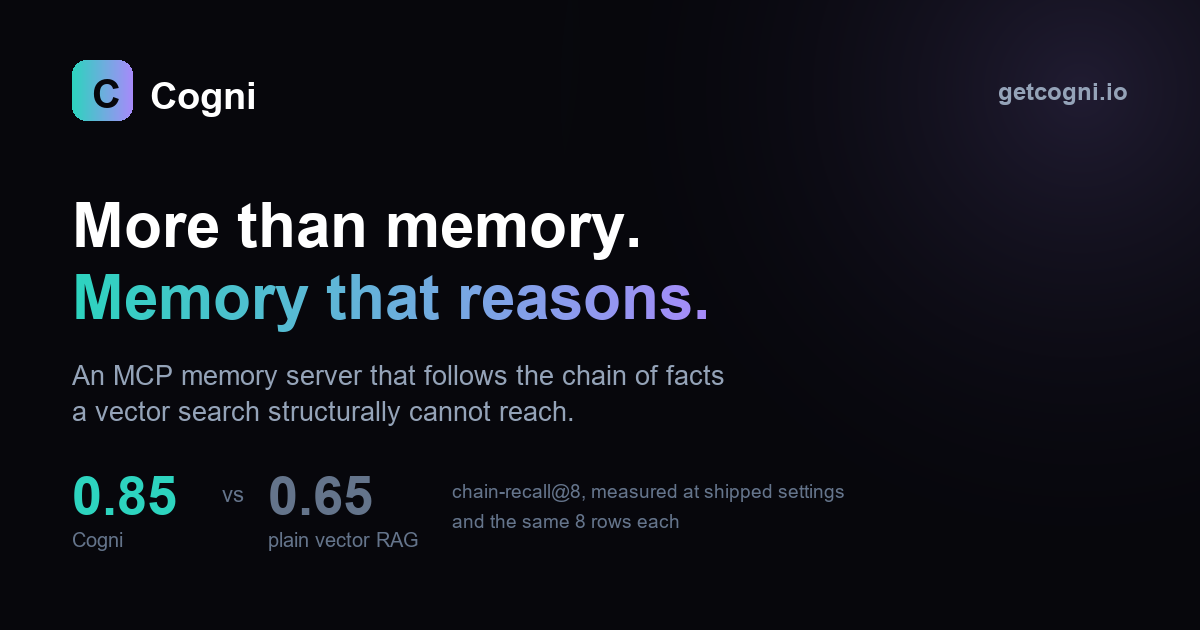
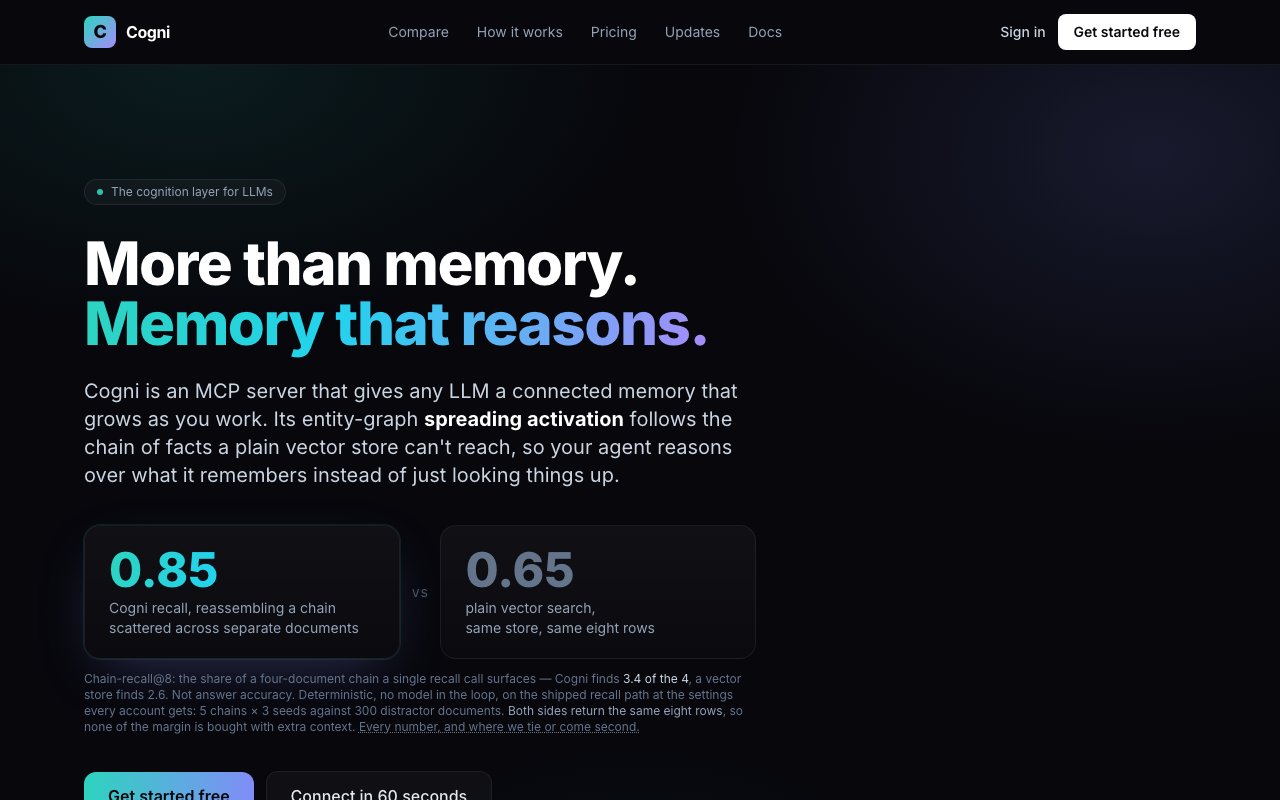
Under the hood, the system runs no LLM or GPU at retrieval time. It performs deterministic graph traversal through entities it extracted from your conversations and documents, spreading activation outward from the query to find connected facts. A full vector search still runs underneath, so you don't lose standard semantic matching, but the graph layer adds the ability to follow relationships across multiple hops. The benchmark the team publishes shows 0.85 chain recall at eight hops versus 0.65 for vector search alone, and on cross-vocabulary questions where vector retrieval scores zero, Cogni scores 0.48. That gap matters because the hardest retrieval problems are exactly the ones where your query doesn't share words with the answer.
Setup takes about a minute. You connect through OAuth if you're using the Claude or ChatGPT apps, or drop an API key into Claude Desktop, Cursor, Cline, VS Code, Windsurf, or another MCP-compatible client. Once connected, your assistant can store memories, query them, and estimate how long tasks will take based on similar past work. Effort estimation is a small but useful feature for agents that need to plan multi-step jobs, since the system tracks how long previous tasks actually took and uses that history to inform future estimates. Every memory gets timestamped, so you can ask point-in-time questions about what you knew when.
The audience is anyone building or using AI assistants that need persistent context. Researchers juggling notes across multiple papers can ask questions that span documents without manually finding the connections. Developers running coding agents get an assistant that remembers past architectural decisions instead of suggesting the same pattern you already rejected. Personal productivity setups benefit from having the assistant know your preferences and project history without re-explaining every session. Teams can share a memory namespace so the knowledge belongs to the group rather than one person, which matters when onboarding new team members or handing off projects.
What sets Cogni apart from standard retrieval-augmented generation is the focus on entity relationships rather than just vector similarity. Most RAG systems embed chunks and find the closest matches by cosine distance. That works well when the query uses similar vocabulary, but breaks down when the relevant information was stored using different words. By building and traversing an entity graph, Cogni can follow chains of facts that surface answers similarity search would miss entirely. It's the difference between finding documents that sound similar and finding documents that are actually connected to your question.
Pricing starts free with full access to spreading recall and a shared storage tier, plus email support. No credit card is required for the free tier. Pro at $5 per month raises the limit to 50,000 memories indefinitely and adds memory inspection, editing, export, import, and archive features. Team and Enterprise plans add SSO, audit logging, shared team memory, and on-premises deployment for organizations that need it. Data is encrypted in transit and at rest, and the company states it is never used for training. The infrastructure has no external dependencies beyond Cogni itself, meaning no separate vector database or GPU to manage.
Key Features
- Entity-graph spreading-activation recall
- MCP integration with Claude, ChatGPT, Gemini, and local models
- Timestamped memory with point-in-time queries
- Effort estimation tools for agent planning
- Memory inspection, editing, and export on Pro
- On-premises deployment for Enterprise
Pros & Cons
What we like
- Retrieves related facts even when wording differs
- No LLM or GPU required at retrieval time
- Connects in about a minute via OAuth or API key
- Works with most major AI clients and local models
Room for improvement
- Free tier is limited to shared one-memory storage
- Graph quality depends on how much context you've fed it
- Newer product, smaller community than established RAG tools
- Some MCP clients may need manual API key setup
Frequently Asked Questions
What is Cogni?
Is Cogni free?
Which AI tools does Cogni work with?
How is Cogni different from vector search?
Best For
Featured in
Alternatives to Cogni

Apatero AI
The creator studio for AI image, video, audio, 3D, and avatars, now at apatero.ai.

SoloDevStack
A solo developer blog built on head-to-head tool comparisons, 580+ posts deep.
Apatero Studio
Creator studio for AI image, video, audio, 3D, and avatars. Every model worth using, in one workspace.

Melodex
Turn your idea into an AI-generated music video
Reviews (0)
Badge builder
Add Cogni to your website
Choose a badge style and size, preview it here, then copy the generated HTML. Badge images are self-contained SVGs and do not require an external script.

<a href="https://toolindex.net/tools/cogni?ref=badge" target="_blank" rel="noopener">
  <img src="https://toolindex.net/badge/cogni/medium.svg" alt="Cogni - Listed on Tool Index" width="180" height="50" />
</a>How to use the badge
- 1. Pick the style, size, and theme that fit your layout.
- 2. Copy the generated HTML from the code block.
- 3. Paste it into your footer, homepage, or press page.
Standard badge available
The standard listing badge is available now. Score and circle badges are limited to tools currently ranked in the top 10 of a category.
Badge clicks return visitors to this profile with a referral tag so the source remains identifiable.
Related Tools
Apatero AI
The creator studio for AI image, video, audio, 3D, and avatars, now at apatero.ai.
Kevin Gabeci Toolkits
Seven AI toolkits for writing books, making music, cutting video, and building agents.

Warp
The modern terminal reimagined with AI and collaboration

Bolt.new
Prompt-to-deployed full-stack app inside the browser
Work on Cogni? Request listing access or correction