CoOS
A local-first desktop app where an AI agent builds your CRM, ERP, and HR as plugins
Gallery
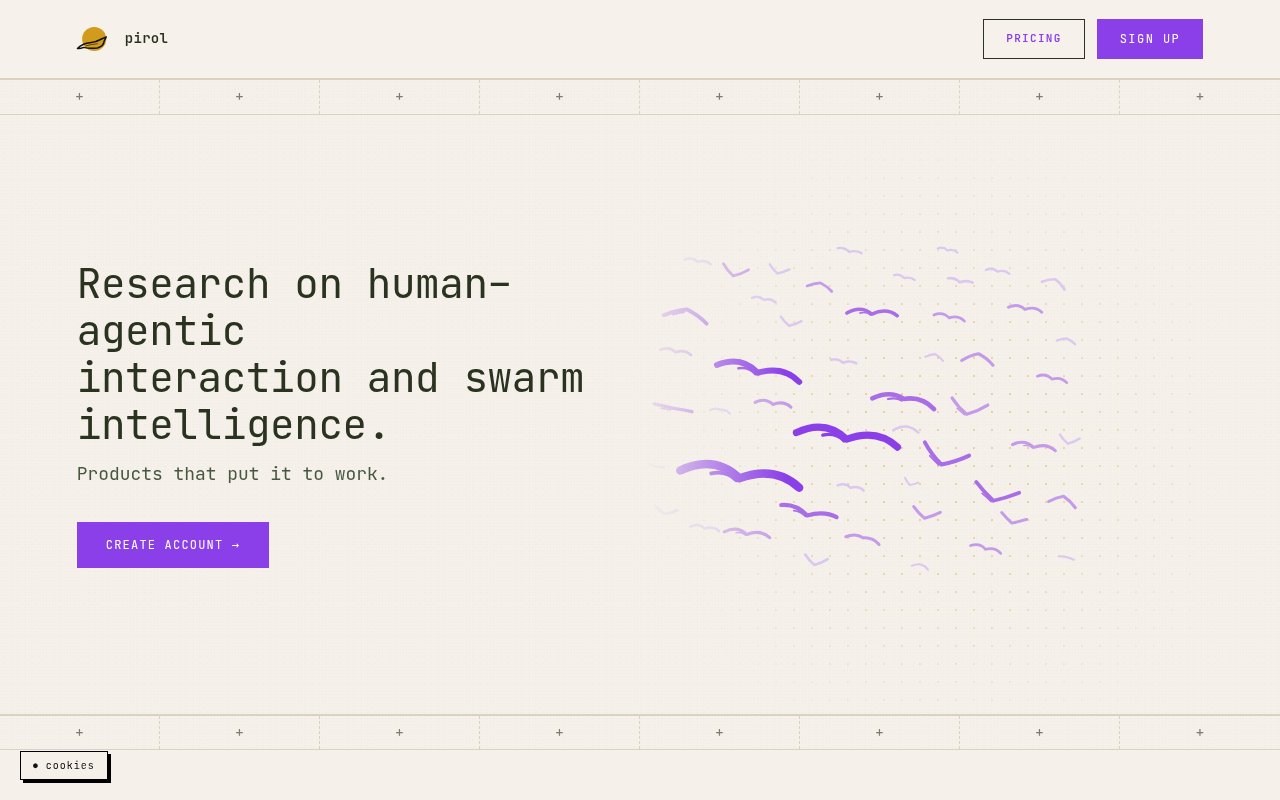
About CoOS
CoOS, short for Company Operating System, is a desktop app from the German AI lab pirol in which an agent builds the business software a company runs on. Instead of buying a CRM, an ERP, and an HR system and bending your process to fit them, you describe what you need and the agent writes it as plugins inside the app. Everything in CoOS is a plugin, and the agent is the one writing them, so the system grows in the direction your company actually works rather than the direction a vendor's roadmap points. The ambition behind the name is that the operating layer of a business, its records, its workflows, and its reports, gets written to order rather than bought off the shelf.
The problem it goes after is the gap between off-the-shelf business tools and how a specific company operates. Small and mid-sized firms end up with a stack of subscriptions that each do most of a job, a pile of spreadsheets filling the cracks, and customer data scattered across all of it. CoOS puts the whole thing in one local-first application where the data stays on your own machines, which matters most to teams whose records are too sensitive to hand to a cloud vendor and to companies that want to behave like software companies without hiring a software team.
In practice you install the desktop app on macOS or Windows and start a conversation. The agent keeps memory across sessions, creates files, runs code, and connects to outside services through MCP connectors, so a request like a customer pipeline with follow-up reminders becomes a working module rather than a chat answer. The feature list on the entry tier gives a sense of the toolkit, with code generation, data visualisation, content creation, file creation, code execution, and extended thinking alongside memory that persists across conversations. There's also a CLI for macOS, Linux, and WSL that mirrors the desktop app, works in whatever folder you're already in, and carries the same memory and skills. Models can run locally on your own hardware or come from the Pirol API, which routes to leading cloud models under your own keys and on your own infrastructure with the stated aim of zero data exposure.
It's aimed at founders running operations from a laptop, small agencies, consultancies that keep client data close, and organisations in regulated or confidential work where on-premises processing isn't optional. pirol frames the app around exactly that second group, companies handling sensitive data that need processing to stay in the building, and the local database server offered at the higher tiers is built for them. It's less obviously a match for a large enterprise with an existing ERP it has no intention of leaving, or for a team that wants a polished off-the-shelf CRM on day one and has no appetite for steering an agent.
What sets it apart is the combination of an agent that writes the software and a runtime that keeps everything local. Plenty of tools will generate a CRM page for you in the cloud. CoOS keeps the code, the database, and optionally the models on your side of the line, works offline on every plan, and adds privacy anonymisation on every tier. Because local models and frontier models are both on offer, a team can keep confidential records on a model running on its own hardware and still reach a stronger cloud model when a task needs it. pirol describes itself as a small lab researching how humans and agents work together, and the product reads that way, with the agent doing the building and you steering it.
The limits are worth knowing before you commit. It's a young product from a small lab, so the plugin ecosystem is whatever the agent has written for you rather than a marketplace of proven modules, and you'll want to review what it builds before your team relies on it for invoicing or payroll. The site describes no public plugin registry, so the first days will be spent teaching the agent what your business looks like. The desktop app covers macOS and Windows only, with Linux served through the CLI. Credits are metered, so heavy use of frontier models will push you toward the higher tiers, and the pricing is in euros, which is a small friction for teams billed in other currencies.
Access is freemium in a specific sense. Solo mode is free for local-only use, and paid plans are billed per company with a soft cap so there are no surprise charges. Starter is 9 euros a month with 10 euros of monthly credits and a 5 euro startup credit, local models, code generation, data visualisation, memory, and MCP connectors, but no trial. Pro is 19 euros a month and adds frontier model access, web search, CoOS Extend, audio transcription, and a 7-day free trial. Scale starts at 90 euros a month for higher usage and output limits, five or twenty times the Pro usage, early access to advanced features, and priority during busy periods. Pro and Scale can be cancelled monthly, a local database server is available at both, with an online version for an extra 30 euros a month, and annual prepayment takes 10 percent off. Questions go to hello@pirol.ai.
Key Features
- Agent-built CRM, ERP, and HR plugins
- Local-first desktop app for macOS and Windows
- CLI for macOS, Linux, and WSL
- Local or cloud models via the Pirol API
- MCP connectors and persistent memory
- Offline mode with privacy anonymisation
Pros & Cons
What we like
- Data and generated software stay on your own machines
- Agent writes the modules instead of you configuring templates
- Works offline on every plan
- Local model support for sensitive work
Room for improvement
- Young product from a small lab
- Desktop app covers macOS and Windows only
- Metered credits push heavy model use to higher tiers
- Generated modules need review before a team relies on them
Frequently Asked Questions
What is CoOS?
Is CoOS free?
Does my data leave my machine?
Which platforms does CoOS run on?
Best For
Featured in
Alternatives to CoOS
View all
Almanac
A hosted, source-cited wiki that turns your files into context your AI agents can use

Demi AI
Demi helps busy professionals eliminate repetitive admin work across their favorite tools.

Lindy
No-code AI agents that handle email, meetings, and recurring workflows
Vapi
Build voice AI agents that take and place phone calls
Our take
Tool Index Editorial · Sep 2026· 3.5/5
CoOS is now presented on pirol's site as Kyte, a local desktop workspace where agents build company software such as CRM, ERP, and HR modules. It is aimed at small teams that want local models, offline operation, and more control over business data. The current plans are Free, Pro at EUR 19 a month, and Scale from EUR 90 a month, with the paid tiers adding credits and higher limits.
We like the combination of local execution, connectors, memory, and a database option. The catch is that the CoOS name no longer appears on the captured product pages, while the claims about agent built business systems are much broader than the concrete examples shown. Teams should treat generated payroll, billing, or compliance workflows as custom software that still needs review and testing.
Editorial opinion from the Tool Index team, written from the public product pages. Not a user review.
Reviews (0)
Badge builder
Add CoOS to your website
Choose a badge style and size, preview it here, then copy the generated HTML. Badge images are self-contained SVGs and do not require an external script.

<a href="https://toolindex.net/tools/coos?ref=badge" target="_blank" rel="noopener">
  <img src="https://toolindex.net/badge/coos/medium.svg" alt="CoOS - Listed on Tool Index" width="180" height="50" />
</a>How to use the badge
- 1. Pick the style, size, and theme that fit your layout.
- 2. Copy the generated HTML from the code block.
- 3. Paste it into your footer, homepage, or press page.
Standard badge available
The standard listing badge is available now. Score and circle badges are limited to tools currently ranked in the top 10 of a category.
Badge clicks return visitors to this profile with a referral tag so the source remains identifiable.
Related Tools

OpenBenchmarks
Public, externally validated benchmarks that help agents pick SaaS APIs
Almanac
A hosted, source-cited wiki that turns your files into context your AI agents can use

Wizard
Self-extending Rust terminal AI agent that works with any model

Chariot
Elastic cloud infrastructure for deploying and scaling AI agent fleets with persistent storage
Work on CoOS? Request listing access or correction