
Descript
AI video and podcast editor that lets you edit recordings by editing the transcript like a text document
Gallery
About Descript
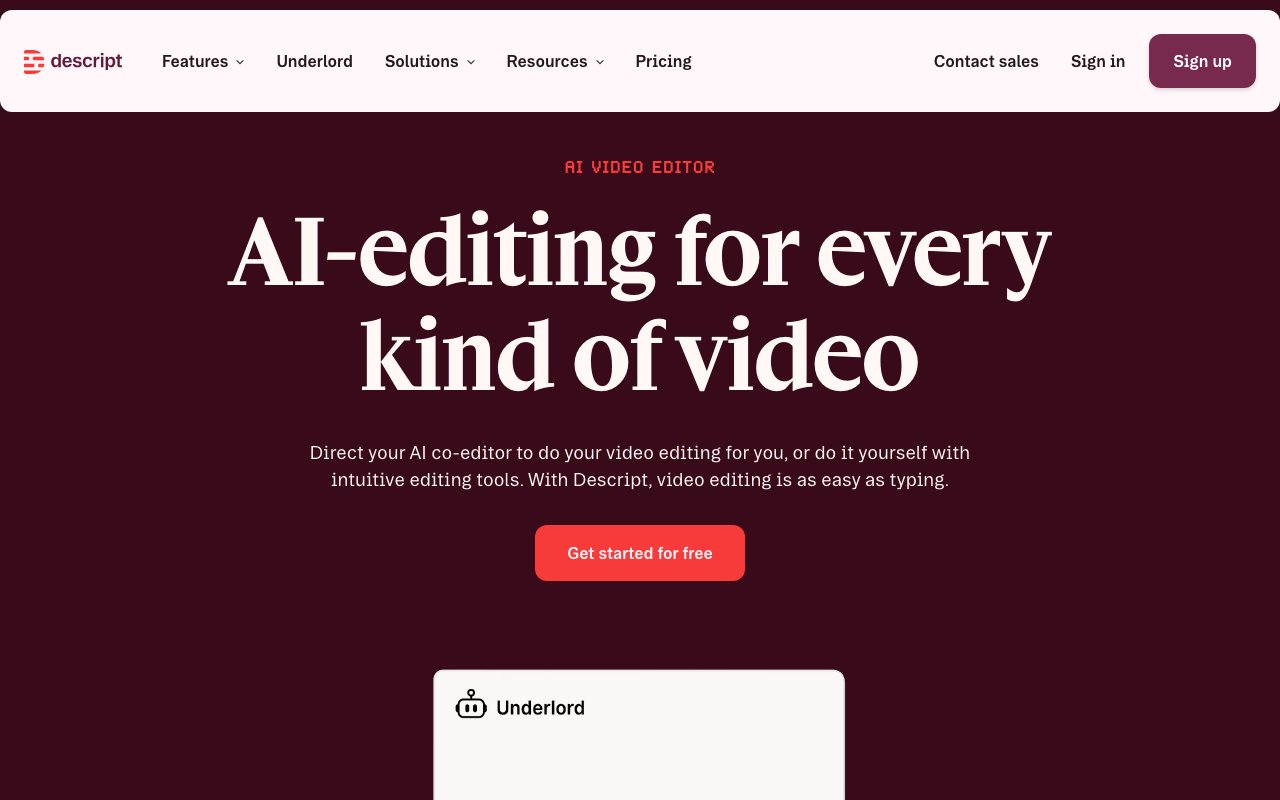
Descript is a video and podcast editing application that treats recordings like documents. Instead of scrubbing through timelines and slicing clips at precise frame boundaries, you edit the transcript. Delete a sentence from the text and the corresponding audio and video disappear. Rearrange paragraphs and the footage follows. It's a fundamentally different approach to editing that makes the process accessible to people who find traditional timeline editors overwhelming, while still offering enough depth for professionals who want speed over granular control.
When you import a recording, Descript automatically transcribes it with word level timestamps. The transcript becomes your primary editing surface. You can highlight and delete filler words like um and uh, cut out tangents and false starts, or restructure the entire piece by dragging paragraphs around. Every change in the text reflects immediately in the media. For longer projects this is dramatically faster than traditional editing because you're working with readable language rather than abstract waveforms and video thumbnails. You can skim a 30 minute recording in the time it takes to read the transcript rather than watching the whole thing at 2x speed.
The software also supports scene based visual arrangement, which works similarly to building a slide deck. Each scene can have its own layout, graphics, and text overlays. This is useful for creators who produce formatted content like tutorial videos or explainer segments with consistent templates. For users who need frame level precision, there's still a multitrack timeline available underneath the transcript. The tracks handle audio independently, supporting non destructive editing with layer based mixing. Standard audio effects like EQ, compression, and reverb are built in for post production work.
The AI features address common production pain points that would otherwise require either expensive equipment or tedious manual work. Studio Sound analyzes your audio and applies enhancement to reduce background noise, normalize levels, and improve clarity. It won't turn a phone recording into professional studio quality, but it can salvage footage that would otherwise be unusable due to HVAC hum, room echo, or inconsistent mic positioning. Filler word removal automatically identifies and cuts verbal tics, including custom patterns like repeating sentence starters that the built in detection might miss.
Eye contact correction uses AI to adjust footage so you appear to be looking at the camera even when you were reading from notes positioned to the side of the lens. Background removal works without a green screen, isolating speakers from their environments for compositing onto other backdrops. These features won't fool professional cinematographers but they solve real problems for solo creators and small teams who don't have dedicated production support.
Voice cloning is where Descript gets interesting and occasionally controversial. The feature called Overdub can generate a synthetic version of your voice from training samples. Once trained, you can fix mistakes by typing the correct words and having the AI speak them in your voice rather than rerecording. Change a product name mentioned midway through a tutorial, correct a mispronounced term, or insert a sentence you forgot without resetting your entire setup. Descript requires consent verification for voice cloning to prevent misuse, and the generated audio is watermarked for detection.
The platform works for video and audio equally. Podcasters use it for episode editing, transcript based show notes, and clip creation for social promotion. Video creators use it for YouTube content, social shorts, and course material. Marketing and sales teams use it for promotional videos, demo recordings, and customer testimonials. Learning and development departments use it for training content that needs frequent updates as products change. The collaboration features support remote teams working on the same project with commenting and version history, though real time multiplayer editing requires a paid plan.
Pricing includes a free tier with limited transcription minutes and lower resolution exports. Paid plans start at $12 per month per editor and unlock features like higher resolution output, more transcription hours, and access to advanced AI tools. Teams and enterprises have higher tier options with additional seats and priority support. The free tier is enough to test whether the text based workflow fits how you think about editing. Most people know within one project whether this approach clicks for them or whether they prefer traditional timeline editing.
Descript isn't trying to replace After Effects or DaVinci Resolve for complex visual effects work or color grading. It's aimed at talking head content, interviews, podcasts, and narrative videos where the spoken word drives the edit. If you spend most of your editing time finding good takes, cutting out dead air, and removing mistakes rather than compositing layers or building motion graphics, this tool will likely cut your editing time significantly. The learning curve is short because the metaphor is familiar. If you can edit a Google Doc, you can edit in Descript. That accessibility is the core value proposition.
Key Features
- Transcript-based editing that removes audio and video when you delete text
- Overdub AI voice cloning and AI Speech to fix or add lines by typing
- Studio Sound for removing background noise, echo, and hiss
- Automatic filler word and silence removal
- Screen recording plus Rooms for multitrack remote recording
- Underlord AI co-editor, auto captions, multicam, eye contact, and green screen
Pros & Cons
What we like
- Editing by transcript is far faster than a traditional timeline for talking-head content
- One tool covers recording, editing, transcription, and publishing
- Studio Sound and filler removal clean up rough audio with little effort
- Generous free plan and web-based remote recording with no guest downloads
Room for improvement
- Transcript-first workflow is less suited to heavily VFX or motion-graphics video
- AI media minutes and AI speech hours are metered and can run out on lower tiers
- Voice cloning and dubbing quality varies and can sound off on complex audio
- Can get sluggish on long projects and large multitrack sessions
Frequently Asked Questions
What is Descript?
Is Descript free?
What is Descript best for?
What is Descript Overdub?
Best For
Featured in
Alternatives to Descript
View all
Kapwing
Browser-based AI video editor for teams and creators, with auto-subtitles, text-to-video, and real-time collaboration

Podcastle (now Async)
Browser-based AI audio and video studio for recording, editing, voice cloning, and one-click cleanup
Vid.AI
AI video editor that auto-cuts, captions, and turns long-form footage into short-form clips

Opus Clip
AI clipper that turns long videos into short, captioned, ready-to-post viral shorts
Reviews (7)
Powerful once it clicks
Found Descript on a Reddit thread and I am glad I clicked. The thing I keep coming back to is how reliable it is. The core workflow is smooth once you are set up. The catch is voice cloning and dubbing quality varies and can sound off on complex audio. Hard to imagine going back to my old setup.
The kind of tool you forget you are paying for
Started using Descript casually, now it is pinned in my dock. Got real value out of transcript-based editing that removes audio and video when you delete text. It handles the boring parts so I can focus on the work that matters. Easy yes for anyone weighing the same trade offs.
Recommended without reservation
Almost a year on Descript now, no plans to leave. Setup was painless and I was productive the same day. Easy yes for anyone weighing the same trade offs.
Solid daily driver
Started using Descript casually, now it is pinned in my dock. It is the rare tool that got better the more I used it. Support actually answered when I had a question, which surprised me. Found it works best for fixing mistakes or recording voiceovers by typing instead of re-recording. It earns its place in my stack.
It just works
Descript has quietly become part of my daily flow. The defaults are sensible, so I was not fighting settings on day one. The interface stays out of my way, which I appreciate. It has been a fit for recording remote guests and repurposing long content into short social clips. It earns its place in my stack.
Does the job, a few gripes
Onboarded the whole team to Descript in an afternoon. What stands out is how it handles studio sound and filler removal clean up rough audio with little effort. One thing that bugs me is can get sluggish on long projects and large multitrack sessions. Worth the price for what I get out of it.
Bought it for one feature, stayed for ten
Hadn't planned on switching, but Descript was hard to ignore. The transcript-based editing that removes audio and video when you delete text is more useful than I expected. Recommending it to people in a similar spot.
Badge builder
Add Descript to your website
Choose a badge style and size, preview it here, then copy the generated HTML. Badge images are self-contained SVGs and do not require an external script.

<a href="https://toolindex.net/tools/descript?ref=badge" target="_blank" rel="noopener">
  <img src="https://toolindex.net/badge/descript/medium.svg" alt="Descript - Listed on Tool Index" width="180" height="50" />
</a>How to use the badge
- 1. Pick the style, size, and theme that fit your layout.
- 2. Copy the generated HTML from the code block.
- 3. Paste it into your footer, homepage, or press page.
Standard badge available
The standard listing badge is available now. Score and circle badges are limited to tools currently ranked in the top 10 of a category.
Badge clicks return visitors to this profile with a referral tag so the source remains identifiable.
Related Tools
Pika
Playful AI video generator known for fun effects and short clips

Vidu
AI video generator built around reference-to-video, keep characters, props and styles consistent across every clip
Luma Dream Machine
Fast, photoreal video generation from the team behind Genie 3D
Seedance
ByteDance's benchmark-leading AI video model that delivers cinematic, audio-synced clips at a fraction of rival pricing
Work on Descript? Request listing access or correction