Luma Dream Machine
Fast, photoreal video generation from the team behind Genie 3D
Gallery
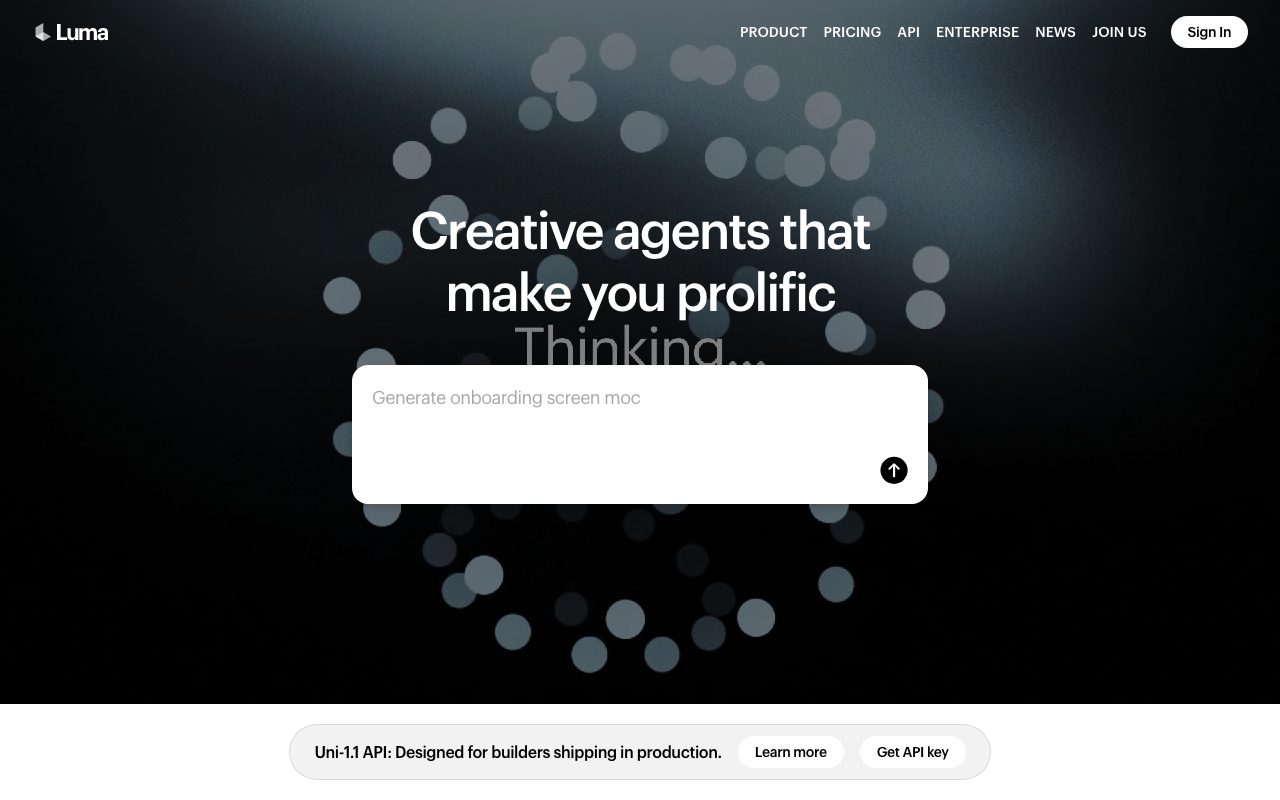


About Luma Dream Machine
Luma Dream Machine is the AI video generator from Luma Labs, the company behind the popular NeRF capture app. Dream Machine launched in mid-2024 and went viral for its smooth motion and strong prompt fidelity.
You type a prompt, optionally upload a start or end frame, and get a 5-second video clip. Camera moves feel believable. Subjects don't melt mid-shot. Compared to early Runway and Pika, the leap was obvious.
Filmmakers, marketers, TikTok creators, and indie animators all use Dream Machine. It sits in the same conversation as OpenAI's Sora, Runway Gen-3, and Kling.
What Luma Dream Machine actually does
Dream Machine generates short video clips from text prompts, image prompts, or both. The newer Ray models extend duration, lift resolution, and add keyframe control.
You can specify a start frame, an end frame, or both, and Dream Machine will animate between them. That's huge for creators who want predictable shot composition.
Camera control prompts (dolly in, pan left, orbit around) work surprisingly well. The model has clearly absorbed cinematography conventions.
Who Luma Dream Machine is for
Creators making short-form social video are the obvious fit. TikTok and Instagram creators use Dream Machine for B-roll and abstract sequences.
Indie filmmakers and ad agencies use it for previz and concept exploration. Drop a storyboard frame, generate motion, see if the shot works.
Heavy production teams still use Runway, Sora (where available), or traditional animation tools for hero shots. Dream Machine is great for fills, transitions, and ideation.
Pricing breakdown
Luma Dream Machine has a free tier with watermarked clips and limited generations. Paid plans start around $9.99/month and scale up to $94.99/month for the Premier tier.
Higher tiers unlock more credits, faster queues, longer clips, and commercial usage rights. The API is available for developers and product builders.
Compared to Runway Gen-3 and Sora, Dream Machine pricing is competitive. Budget for credits if you're producing daily.
Standout features
Keyframe control with start and end images is a killer feature. You drive a clear visual narrative instead of praying for an acceptable random output.
Camera move prompts are reliable. Dolly, pan, orbit, and crane moves render with believable physics in most cases.
The newer Ray2 model adds longer durations and noticeably better physics simulation. Hair, water, and fabric all behave more naturally.
Honest tradeoffs
Five seconds is short. Even with extension features, you'll stitch many clips for a 60-second story. That eats credits fast.
Faces and hands still glitch sometimes. Less than they did 18 months ago, but not gone. You'll do regenerations.
The Luma queue can back up during peak hours. Higher tiers get faster queues, but free users sometimes wait minutes per render.
Dream Machine is the AI video tool that finally made me believe a clip could match what I imagined. Most of the time.
Luma Dream Machine vs Runway vs Sora
Runway has been at this longer with stronger editing tools and a deeper feature set. Sora (when accessible) leads on raw fidelity and clip length. Dream Machine sits in the middle: fast iteration, strong camera control, and friendly pricing.
See best AI video generators and Runway alternatives. Our Luma vs Runway comparison goes deeper on workflow.
Other Luma Dream Machine alternatives: Kling AI, Pika Labs, Hailuo, and Veo. The space updates monthly. Check our pages for current state.
Bottom line on Luma Dream Machine
Luma Dream Machine is one of the strongest AI video generators available without an enterprise contract. The keyframe and camera controls make it the creator-friendly pick.
Browse tools for video creators and the Runway profile. AI video is moving fast. Whatever you decide today, recheck quarterly.
Try the free tier. If you hit watermark frustration, the cheapest paid plan removes it and unlocks the experience.
Workflow tips for Dream Machine creators
The best Dream Machine clips start with strong start frames. Generate or upload a clean still image, then prompt the motion you want. Random prompts produce random results.
Camera control prompts work. "Slow dolly in," "orbit around the subject," and "static shot, subject moves" all generate distinct results. Treat the prompt as direction, not just description.
For longer narratives, generate clips with consistent first or last frames so they cut together cleanly. This is the manual answer to character consistency until model-side solutions catch up.
Dream Machine API for product builders
Luma exposes a Dream Machine API for developers building generative video into products. Avatar tools, ad creative platforms, and storytelling apps all integrate it.
Latency varies based on queue load. Plan for asynchronous generation (queue, webhook, fetch) rather than waiting in a tight loop. Most builders treat it as a background job.
API pricing is per-credit, similar to other generative video providers. Test the price-to-quality ratio against Runway, Kling, and Pika for your specific use case.
The state of AI video in 2026
AI video moved from "interesting research" to "production-ready" in the last 18 months. Dream Machine, Sora, Runway Gen-3, Kling, and Pika 2 all clear the bar for real creative work.
Each model has a personality. Dream Machine excels at smooth motion and cinematic camera moves. Sora pushes raw fidelity. Kling has strong physics. Runway has the deepest editing tools.
Most professional users keep 2-3 video tools in rotation. The cost of multiple subscriptions is small compared to the creative gain of picking the right model per shot.
Final word on Dream Machine
Dream Machine earned its viral moment with strong fundamentals. The ongoing improvements (Ray2, Kontext, longer clips) keep it competitive.
For creators who want strong camera control and friendly pricing, Dream Machine is one of the easiest AI video tools to recommend right now.
Dream Machine and the indie filmmaker workflow
Indie filmmakers use Dream Machine for previz, B-roll, and abstract sequences. Generate dozens of options, pick the best, and stitch them into a sizzle reel quickly.
For music videos, Dream Machine excels at dreamy, surreal sequences. The model's tendency toward smooth motion and cinematic camera moves matches music video aesthetics naturally.
Ad agencies pitch concepts faster with Dream Machine. Generate three different visual treatments for a brief, present to clients, and only commission live shoots after creative direction is locked.
The workflow tension is between AI generation and traditional production. Most pros use Dream Machine for ideation and final-cut footage from real cameras. The hybrid model is the sweet spot.
Luma Labs has been shipping Ray model updates rapidly. Each release improves physics, longer durations, and prompt fidelity. Subscribe to their changelog if you depend on the tool professionally.
For more creator tools, see tools for video creators and our Runway and Pika profiles.
AI video is a fast-moving category. The tool that's best in 2026 might not be best in 2027. Keep evaluating.
Luma Dream Machine FAQ
Is Dream Machine better than Sora? When you can access Sora, it edges out on raw fidelity and clip length for some prompts. For consistent access, predictable workflows, and friendlier pricing, Dream Machine is the easier daily tool.
Can I use Dream Machine commercially? Yes, on paid tiers. The free tier outputs include watermarks and limit commercial use. Read the license tier you're on before publishing client work.
What about character consistency across clips? It's the hardest problem in AI video. Dream Machine's keyframe control and Luma's newer Ray models help, but you'll still rely on careful prompting and frame-matching tricks.
How does pricing compare to Runway? Both have similar tiered pricing models. Runway's editing tools are deeper. Dream Machine's camera and keyframe controls are cleaner. Try both for your typical workload.
Does Dream Machine support audio generation? Not natively. You'll layer audio in your video editor (Premiere, Final Cut, DaVinci Resolve). For AI music or sound effects, pair with tools like Suno or ElevenLabs.
AI video has progressed faster than most predicted. Dream Machine's combination of keyframe control, camera prompts, and friendly pricing make it one of the easiest tools to recommend in the category.
Dream Machine power-user techniques
Generate multiple variations per prompt. Dream Machine has randomness baked in, so the third or fourth attempt often beats the first. Budget credits for iteration.
Use start frames more than text-only prompts. A clear still image gives the model context that text alone can't match. Quality jumps significantly.
Combine Dream Machine with traditional editing. Generate raw clips, then color grade and stabilize in DaVinci Resolve or Premiere. The polished result feels closer to professional.
Match clip endings to clip beginnings for cuts. Frame matching is the manual workaround for character consistency across multi-clip sequences.
Layer audio thoughtfully. AI-generated visuals plus stock music can feel cheap. Custom sound design or original audio (or licensed Music Bed tracks) elevates the final product.
Stay current with Luma's release notes. Each Ray model update changes prompt behavior. Techniques that worked in V1 sometimes need adjustment in newer versions.
Browse our best AI video generators roundup and Runway and Pika profiles for adjacent options.
Tutorial / Demo
Key Features
- Text-to-video and image-to-video
- Keyframe-based generation between two images
- Camera path controls
- Photoreal motion model
- 3D capture sibling product
- API for developers
Pros & Cons
What we like
- Best-in-class motion smoothness
- Photoreal output that holds up
- Keyframe generation is uniquely useful
- Fast turnaround compared to peers
Room for improvement
- Less stylistic range than Runway or Pika
- Credits expensive at scale
- Long-form continuity still tricky
- Limited editor, meant to be paired with another tool
Frequently Asked Questions
Does Luma Dream Machine have a free tier?
Luma vs Sora vs Runway, who's best?
How long can Luma videos be?
Does Luma support image-to-video?
Can I use Luma videos commercially?
Best For
Featured in
Tags
Alternatives to Luma Dream Machine
View all
Our take
Tool Index Editorial · May 2026· 4.4/5
Luma Dream Machine sits in a crowded category, differentiating itself as fast, photoreal video generation from the team behind genie 3d.
What it actually does well: Best-in-class motion smoothness, Photoreal output that holds up, and Keyframe generation is uniquely useful. Less impressive: Less stylistic range than Runway or Pika and Credits expensive at scale.
Verdict: Luma Dream Machine cleanly earns its spot in the category — a smart default when you need generating photoreal B-roll.
Editorial opinion from the Tool Index team, written from the public product pages. Not a user review.
Reviews (4)
Stuck the landing for our team
Took a few weeks for Luma Dream Machine to click, then it stuck. What stands out is how fast turnaround compared to peers. Worth calling out the 3D capture sibling product too. Found it works best for animating between two key frames you've hand-picked.
Pros
- Photoreal output that holds up
- Best-in-class motion smoothness
- Fast turnaround compared to peers
Easy 5 from me
Honest take: Luma Dream Machine delivers most of what the marketing promises. What stands out is how photoreal output that holds up.
Pros
- Fast turnaround compared to peers
- Keyframe generation is uniquely useful
- Photoreal output that holds up
Pulled its weight from week one
Tried half a dozen options before landing on Luma Dream Machine. Where it really wins is keyframe generation is uniquely useful. The API for developers is more useful than I expected. Easy yes for anyone weighing the same trade-offs.
Pros
- Fast turnaround compared to peers
- Keyframe generation is uniquely useful
- Photoreal output that holds up
Stuck the landing for our team
The pitch for Luma Dream Machine sounded too good to be true. Mostly true. Where it really wins is keyframe generation is uniquely useful. Sticking with Luma Dream Machine.
Pros
- Keyframe generation is uniquely useful
- Photoreal output that holds up
- Best-in-class motion smoothness
Badge builder
Add Luma Dream Machine to your website
Choose a badge style and size, preview it here, then copy the generated HTML. Badge images are self-contained SVGs and do not require an external script.

<a href="https://toolindex.net/tools/luma-dream-machine?ref=badge" target="_blank" rel="noopener">
  <img src="https://toolindex.net/badge/luma-dream-machine/medium.svg" alt="Luma Dream Machine - Listed on Tool Index" width="180" height="50" />
</a>How to use the badge
- 1. Pick the style, size, and theme that fit your layout.
- 2. Copy the generated HTML from the code block.
- 3. Paste it into your footer, homepage, or press page.
Score badge available
Luma Dream Machine qualifies for the score and circle badges based on its current top-10 positionin AI Video Generators.
Badge clicks return visitors to this profile with a referral tag so the source remains identifiable.
Related Tools

Apatero AI
The creator studio for AI image, video, audio, 3D, and avatars, now at apatero.ai.
Kevin Gabeci Toolkits
Seven AI toolkits for writing books, making music, cutting video, and building agents.

Warp
The modern terminal reimagined with AI and collaboration

Bolt.new
Prompt-to-deployed full-stack app inside the browser
Work on Luma Dream Machine? Request listing access or correction