
Kapwing
Browser-based AI video editor for teams and creators, with auto-subtitles, text-to-video, and real-time collaboration
Gallery
About Kapwing
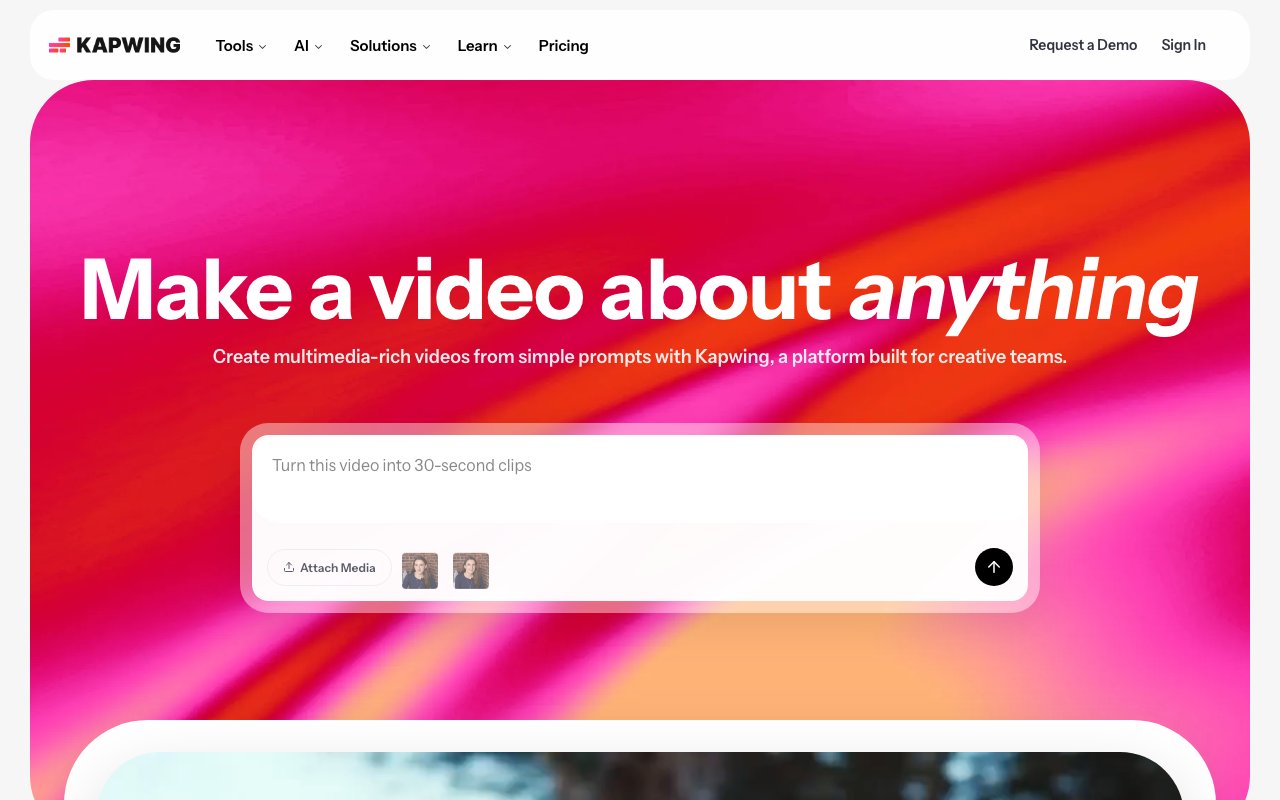
Kapwing is a browser based video editing platform that handles everything from basic trimming and combining clips to AI powered content generation and automatic dubbing in over forty languages. More than thirty million creators use it, and the main appeal is that nothing requires downloading or installing software. You open it in Chrome or Firefox or Safari, upload your footage or start from a text prompt, and edit directly in the cloud with your files stored on their servers. Teams can collaborate in real time on the same project, which solves the version control headaches that plague traditional desktop editing workflows when multiple people need to touch the same timeline. No more passing project files back and forth or wondering who has the latest cut. Everyone sees the same thing and changes sync automatically.
The core editor works like what you would expect from professional video software but without the steep learning curve that intimidates new users. You get a drag and drop timeline for combining clips, trimming segments, and layering multiple tracks of video and audio. Text overlays, images, stickers, and transitions snap into place visually without needing to understand keyframes or complex menus. Color correction, filters, and brightness adjustments happen through simple sliders rather than the complicated panel systems that professional tools use. The platform supports resolutions up to 4K and handles file uploads as large as six gigabytes, which covers most production workflows outside of cinema grade projects. Background removal works automatically using AI, so you can isolate subjects from their environments without manual masking or green screens. If you do have green screen footage, the chroma key tool handles compositing cleanly. Export options cover all the standard formats and aspect ratios, with presets for different social platforms so the same content can ship to TikTok, YouTube, Instagram, and LinkedIn without manual resizing.
Where Kapwing gets interesting is the AI toolkit bolted onto the core editing experience. The text to video generator creates studio quality clips from written prompts, automatically adding voiceover, relevant visuals, subtitles, and background music based on your description. You can generate video content without shooting anything yourself. Voice cloning lets you create synthetic versions of your own voice for narration, useful for scaling content production across languages or episodes without recording new audio every time. The dubbing feature translates existing videos into over forty languages with lip synced audio that matches the speaker's mouth movements, which matters for creators trying to reach international audiences without re shooting their content or hiring voice actors for each language. Auto subtitles generate captions you can customize, style, and edit for accuracy. Silence removal identifies and cuts dead air from recordings automatically, tightening up podcasts, interviews, and talking head videos. Speaker focus detection isolates voices in noisy footage. The AI upscaler improves resolution on lower quality source material. Object removal erases unwanted elements from frames.
The platform targets several overlapping user groups. Marketing teams build promotional content, social ads, and brand videos without hiring production crews or waiting weeks for agencies to deliver. Educators create course content, tutorials, and training materials using screen recording and the timeline editor. Internal communications departments produce company announcements, onboarding videos, and policy explainers. Social media managers resize and repurpose content across platforms since the same clip can export optimized for different aspect ratios and length requirements. Podcasters turn audio into video clips with transcription, waveform visualizations, and image overlays. Meme creators tap into over two thousand templates for quick turnaround content that rides trending formats. Individual content creators on YouTube, TikTok, and Instagram use it as a lightweight alternative to desktop editing software when they need faster turnaround or access from different devices.
Free accounts export videos up to one minute long with visible Kapwing watermarks at 720p resolution. The Pro plan at sixteen dollars monthly when billed annually or twenty four dollars monthly removes watermarks, extends maximum export length to two hours, unlocks 4K output quality, and includes a thousand AI credits for premium features. Business at fifty dollars monthly when billed annually or sixty four dollars monthly adds voice cloning, lip sync video capabilities, four thousand monthly AI credits, and five hundred gigabytes of cloud storage for project files and assets. Enterprise pricing is custom for organizations needing SAML single sign on, dedicated account management, priority support with onboarding and training, and higher credit allocations. Credits get consumed by premium AI features like auto subtitle generation, dubbing, AI video generation, and voice cloning, so heavier users of those capabilities need to budget their allocation carefully or purchase additional credit packs when monthly allowances run out.
Key Features
- Drag-and-drop timeline editor that runs entirely in the browser
- AI auto-subtitles and translation across 40+ languages
- Text-to-video generation with voiceover, visuals, and music
- Smart Cut that removes silences and filler words automatically
- One-click resizing and repurposing for social platforms
- Real-time team collaboration with timestamped comments
Pros & Cons
What we like
- No download or install, works on any machine with a browser
- Fast captioning and repurposing workflow for short-form video
- Genuine team collaboration with shared workspaces and comments
- Generous AI toolset bundled into one editor instead of separate apps
Room for improvement
- Free plan adds a watermark and caps videos at 1 minute and 720p
- Per-member pricing makes larger teams expensive
- AI credits are metered, so heavy generation can run out mid-month
- Browser editor can lag on very long or high-resolution projects
Frequently Asked Questions
What is Kapwing?
Is Kapwing free?
What is Kapwing best for?
Does Kapwing work in the browser?
Best For
Featured in
Alternatives to Kapwing
View all
Descript
AI video and podcast editor that lets you edit recordings by editing the transcript like a text document
Vid.AI
AI video editor that auto-cuts, captions, and turns long-form footage into short-form clips

Opus Clip
AI clipper that turns long videos into short, captioned, ready-to-post viral shorts
InVideo AI
Turn a text prompt into a complete video with script, stock footage, AI voiceover, music, and captions
Reviews (12)
Quietly excellent
Hadn't planned on switching, but Kapwing was hard to ignore. What stands out is how it handles one-click resizing and repurposing for social platforms. Genuine strength is that it gets out of the way and lets me work. Glad I made the switch.
Onboarded the team in a day
Started using Kapwing casually, now it is pinned in my dock. Got real value out of drag-and-drop timeline editor that runs entirely in the browser. Mostly using it for collaborative video review and editing for distributed teams.
Worth the price of admission
Have been running Kapwing for a while, here is where I land. Their take on genuine team collaboration with shared workspaces and comments is genuinely good. The output quality holds up better than I expected.
Onboarded the team in a day
Onboarded the whole team to Kapwing in an afternoon. Their take on smart cut that removes silences and filler words automatically is genuinely good. It has shaved real time off my week. Would sign up again without thinking twice.
It just works
Came to Kapwing after getting frustrated with what I had before. Where it really wins is drag-and-drop timeline editor that runs entirely in the browser.
Recommended without reservation
Onboarded the whole team to Kapwing in an afternoon. It slotted into my routine without much fuss. Found it works best for generating quick marketing or explainer videos from a text prompt. Easy yes for anyone weighing the same trade offs.
The kind of tool you forget you are paying for
Have been running Kapwing for a while, here is where I land. Real selling point for me was text-to-video generation with voiceover, visuals, and music. The interface stays out of my way, which I appreciate.
The kind of tool you forget you are paying for
Kapwing has quietly become part of my daily flow. Where it really wins is generous ai toolset bundled into one editor instead of separate apps. Easy yes for anyone weighing the same trade offs.
Good, with a few caveats
Three months of Kapwing later, here is what holds up. I expected to churn off it in a week and I am still here. One thing that bugs me is per-member pricing makes larger teams expensive. Hard to imagine going back to my old setup.
Genuinely impressed
Came to Kapwing after getting frustrated with what I had before. Got real value out of ai auto-subtitles and translation across 40+ languages. It fits well for adding captions and subtitles to social videos at scale. Would sign up again without thinking twice.
Quietly excellent
Found Kapwing on a Reddit thread and I am glad I clicked. Their take on smart cut that removes silences and filler words automatically is genuinely good. It handles the boring parts so I can focus on the work that matters. Found it works best for repurposing long videos into short clips for tiktok, reels, and shorts. Hard to imagine going back to my old setup.
Pulled its weight from week one
Started using Kapwing casually, now it is pinned in my dock. Setup was painless and I was productive the same day. It handles the boring parts so I can focus on the work that matters. It earns its place in my stack.
Badge builder
Add Kapwing to your website
Choose a badge style and size, preview it here, then copy the generated HTML. Badge images are self-contained SVGs and do not require an external script.

<a href="https://toolindex.net/tools/kapwing?ref=badge" target="_blank" rel="noopener">
  <img src="https://toolindex.net/badge/kapwing/medium.svg" alt="Kapwing - Listed on Tool Index" width="180" height="50" />
</a>How to use the badge
- 1. Pick the style, size, and theme that fit your layout.
- 2. Copy the generated HTML from the code block.
- 3. Paste it into your footer, homepage, or press page.
Standard badge available
The standard listing badge is available now. Score and circle badges are limited to tools currently ranked in the top 10 of a category.
Badge clicks return visitors to this profile with a referral tag so the source remains identifiable.
Related Tools
Pika
Playful AI video generator known for fun effects and short clips

Vidu
AI video generator built around reference-to-video, keep characters, props and styles consistent across every clip
Luma Dream Machine
Fast, photoreal video generation from the team behind Genie 3D
Seedance
ByteDance's benchmark-leading AI video model that delivers cinematic, audio-synced clips at a fraction of rival pricing
Work on Kapwing? Request listing access or correction