
FrontBack Scanner
Free Mac and Windows app that batch-scans photos, pairs fronts with backs and stitches panoramas
Gallery
About FrontBack Scanner
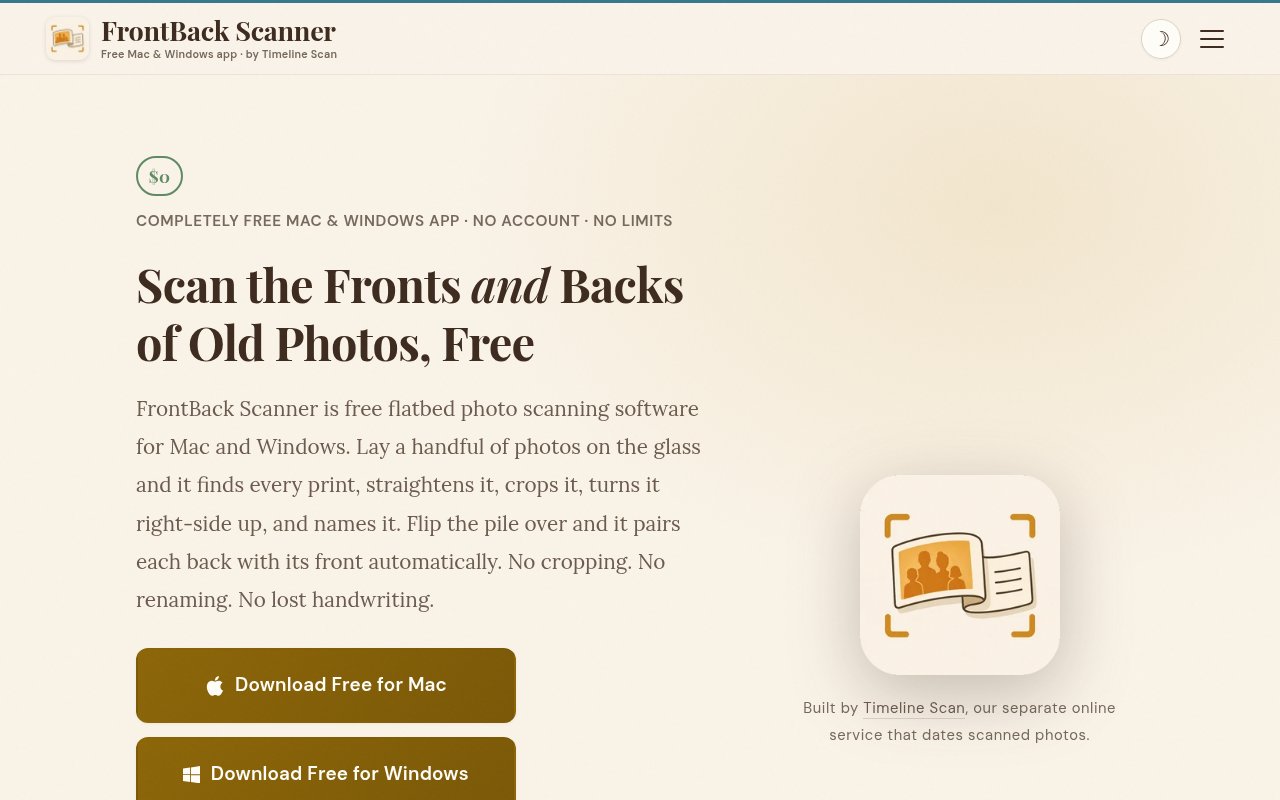
FrontBack Scanner is a free desktop app from Timeline Scan for digitising boxes of printed photographs on a flatbed scanner. You lay several prints on the glass, scan once, and the app finds each photo, straightens it, crops it and saves it as its own file with a sequential name. It exists because most flatbed scanning still means one photo per pass followed by a manual rotate and crop, which turns a shoebox into a lost weekend. FrontBack Scanner is built so that one pass does the work of four or five and the tedious part disappears.
The app detects the individual prints on the scanner bed, auto-straightens each one and names them in order. Orientation correction works out which way is up, and Timeline Scan's own benchmarks put that at 99.8 percent accurate. The front and back pairing that gives the app its name works by position. You scan a set of photos, flip each one over in place, scan again, and the app matches every back to its front by where it sat on the glass. Handwriting detection flags the backs that carry notes, which is often where the dates and names live. Oversized prints and panoramas that don't fit the bed can be scanned in overlapping sections and stitched together, and if you already have whole-bed scans from another tool, it'll split those into individual photos too.
A session looks like this. Lay four or five prints on the glass, scan, and watch the app carve the bed into separate straightened files. Flip them where they lie and scan again for the backs. Move on to the next handful. For a long panoramic print, scan it in overlapping passes and let the app stitch them into one image. At the end you have a folder of individual photos, backs paired with fronts and the handwritten notes flagged, ready to date and sort however you like.
It's for anyone with a family archive to work through. Genealogists, people organising a parent's or grandparent's collection, and anyone who's been putting off the box in the closet because the scanning part felt endless. It runs on macOS 14 and later on both Apple silicon and Intel, and on 64-bit Windows 10 and later, and it works with the flatbed scanner you already own rather than asking you to buy a dedicated photo scanner. It also suits anyone helping an older relative digitise an archive, because the workflow is lay, scan, flip, scan, with no per-photo fiddling.
The positional pairing is the clever part. Most scanning software treats every scan as unrelated, so fronts and backs end up as two piles you match by hand, and the notes on the back drift away from the photo they describe. Pairing by position keeps them attached, and the handwriting detection tells you which backs are worth reading. Combined with multi-photo detection and stitching, it covers the three things that make bulk scanning slow.
The splitting feature is worth calling out for people who've already done some of the work. If a previous tool or a scanning service left you with full-bed images holding three or four photos each, the app takes those files and separates them into individual, straightened photos without a rescan. It also means a scanner that shipped with clumsy software isn't a reason to start over.
FrontBack Scanner is the free front door to Timeline Scan, a paid online service that dates already scanned photos using timestamps, handwriting, faces, clothing, decor and file context, then writes the corrected date into the file's metadata so Google Photos, Apple Photos or Immich sort them into the right year. The service claims 95 to 99 percent accuracy when a print carries a visible date and 77 to 82 percent when it doesn't, turns a batch around in 24 to 48 hours, and starts from $12 for a pack. Using the scanner doesn't require the service, and the service doesn't require the scanner. They're built to fit together, scan with one and date with the other, but each stands on its own.
It's a desktop app, not a mobile one, and it needs a flatbed scanner rather than a phone camera. It's built around photographic prints, which is the scope the site describes. It's also a young product from a small company in Lehi, Utah, so expect a lean feature set that's focused on the scanning workflow rather than a full photo manager. Naming is sequential, so you'll still be doing the who and when part yourself, or handing it to the paid service.
FrontBack Scanner is completely free. No account, no watermarks, no photo limits, no subscription and no in-app purchases. The site is explicit that the scanner has no limits or purchases of any kind. The paid part of the business is the dating service, which you can take or leave. Support is at support@timelinescan.com, and the company behind both is Timeline Scan LLC.
Key Features
- Multi-photo detection per scan pass
- Auto straighten, crop and orientation fix
- Front and back pairing by position
- Handwriting detection on photo backs
- Panorama stitching from overlapping scans
- Splitting existing whole-bed scans
Pros & Cons
What we like
- Completely free with no limits or watermarks
- Works with the flatbed scanner you already own
- Backs stay attached to the right front
- Mac and Windows, Apple silicon and Intel
Room for improvement
- Desktop only, no phone scanning
- Needs a flatbed scanner
- Sequential naming, dating is a separate paid service
- Young product from a small company
Frequently Asked Questions
What is FrontBack Scanner?
Is it really free?
Do I need Timeline Scan to use it?
What computers and scanners does it work with?
Best For
Featured in
Alternatives to FrontBack Scanner
View all
CalendHub
Smart scheduling and calendar management for teams
Kevin Gabeci Toolkits
Seven AI toolkits for writing books, making music, cutting video, and building agents.

Eased Into AI
Learn AI from zero. No jargon, no hype, just steps that work.

Fix It Gently
Calm, plain-English fixes for everyday tech problems.
Our take
Tool Index Editorial · Sep 2026· 4.0/5
FrontBack Scanner turns a flatbed scan containing several printed photos into separate, straightened, upright files, then pairs each back with its front by position. We found the four-step workflow exceptionally practical for family archives, and the ability to flag handwriting, stitch oversized prints, and split old whole-bed scans covers the awkward jobs most scanner software ignores. The Mac and Windows app is completely free, with no account, watermark, or photo limit.
It is a focused utility rather than a photo manager. Users still need a flatbed scanner, sequential filenames do not solve identification or dating, and the separate Timeline Scan dating service costs extra. Auto-orientation accuracy is the maker's own benchmark, so important batches should be spot-checked. Within those limits, it removes a large amount of repetitive crop, rotate, rename, and matching work.
Editorial opinion from the Tool Index team, written from the public product pages. Not a user review.
Reviews (0)
No reviews yet
Be the first to share your experience with FrontBack Scanner
Sign in to write a reviewBadge builder
Add FrontBack Scanner to your website
Choose a badge style and size, preview it here, then copy the generated HTML. Badge images are self-contained SVGs and do not require an external script.

<a href="https://toolindex.net/tools/frontback-scanner?ref=badge" target="_blank" rel="noopener">
  <img src="https://toolindex.net/badge/frontback-scanner/medium.svg" alt="FrontBack Scanner - Listed on Tool Index" width="180" height="50" />
</a>How to use the badge
- 1. Pick the style, size, and theme that fit your layout.
- 2. Copy the generated HTML from the code block.
- 3. Paste it into your footer, homepage, or press page.
Standard badge available
The standard listing badge is available now. Score and circle badges are limited to tools currently ranked in the top 10 of a category.
Badge clicks return visitors to this profile with a referral tag so the source remains identifiable.
Related Tools

Confluence
Atlassian's long-running team wiki that anchors many enterprise knowledge stacks
Asana
Project management for teams that live in projects, tasks and dependencies
Kevin Gabeci Toolkits
Seven AI toolkits for writing books, making music, cutting video, and building agents.

Logseq
An open-source outliner notes app where every bullet is a first-class block
Work on FrontBack Scanner? Request listing access or correction