
Fumble
Find the keys and transitions that slow your real typing, then practice them locally
Gallery
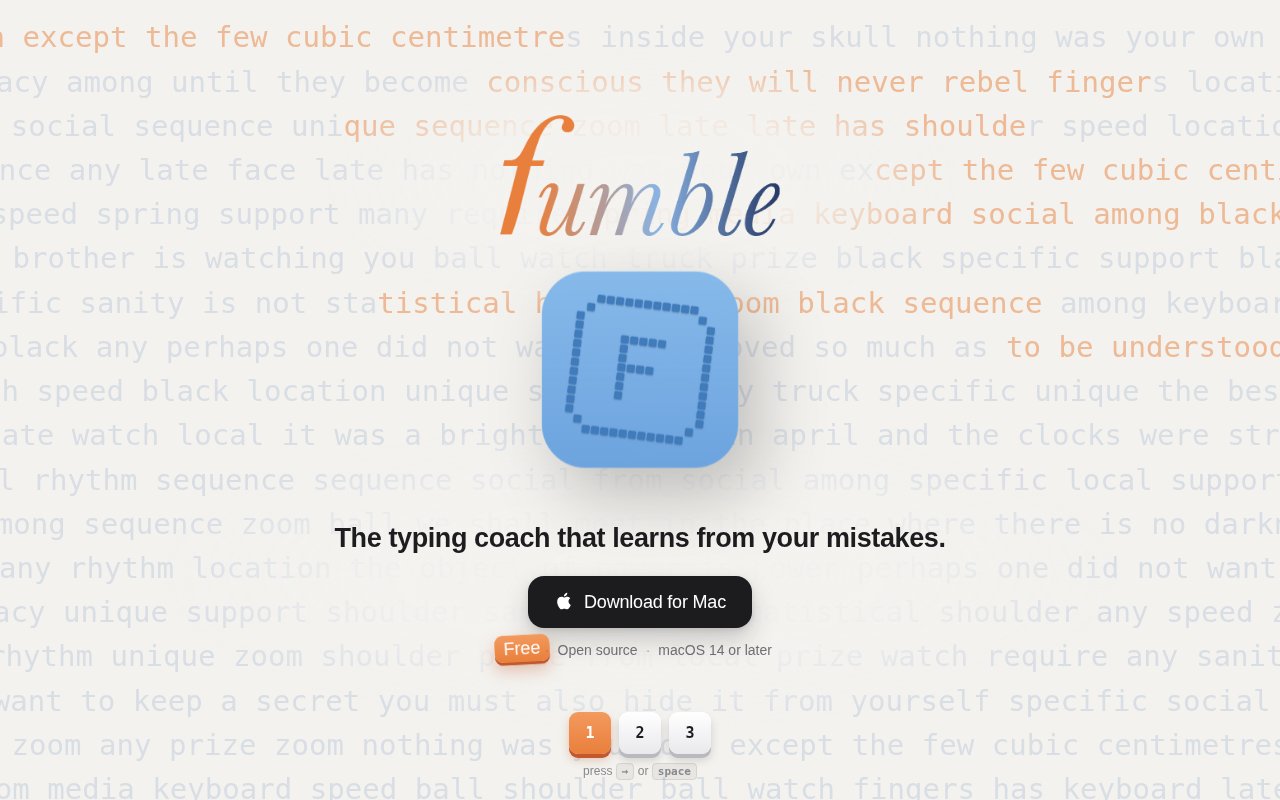
About Fumble
Fumble is a free, open-source typing coach for macOS that learns from ordinary typing across the day. It lives in the menu bar, observes physical key events and timing in apps such as editors, terminals, and email, then identifies the keys and key pairs that are costing the user the most time. That makes it different from a typing website that can only judge a short exercise performed inside its own page. Fumble starts with the habits a person already has and turns those measurements into focused practice. It is especially relevant to developers and other heavy keyboard users whose everyday text includes commands, symbols, identifiers, and patterns that generic prose drills rarely cover.
The ranking is based on time lost rather than raw slowness. Fumble compares key latency with a baseline derived from the user's own timing, then accounts for how often each key is pressed. Its baseline uses the median of per-key high-percentile latencies rather than pooling every keystroke, so a common slow key cannot raise the benchmark and hide itself as easily. A mildly slow key used thousands of times can therefore rank above a very slow key that appears only occasionally. The same analysis covers transitions between adjacent keys, where a difficult pair may be costly even if each key seems fine in isolation. Same-finger pairs are shown but kept out of drills because their physical constraint isn't necessarily a habit that more repetition can fix. Correction rate is tracked separately so speed and accuracy problems don't get collapsed into one score.
Its words-per-minute figure is designed to be inspectable. The app excludes software-injected events from text expanders, automation tools, remote control software, and other processes. It also leaves out key autorepeat, idle time, long thinking pauses, and activity inside Fumble's own practice window. The pause threshold adapts to the user's timing for each transition instead of applying one flat cutoff to every key pair. Pasting and most editor completions do not create ordinary key events, so they do not inflate the count either. A dropdown reports what was excluded rather than hiding the filtering behind a single unexplained number. This helps a user understand whether the daily metric reflects finger movement or an unrelated source of input.
Practice is more than one weak-key exercise. The adaptive Trainer begins with information captured from real typing, so keys already typed confidently can start further along while an actual weakness receives attention from the first session. An on-screen keyboard visualizes confidence, and per-letter views show recent performance, best performance, and lesson speed. Weak Spots generates continuous real-word drills weighted toward slow keys and transitions. Custom Text accepts pasted material, Numbers serves digit groups, and Code uses symbol-heavy pseudo-code fragments. Users can choose stop-until-correct or advance-through assistance, show whitespace dots, select cursor behavior, enable key and error sounds, and follow a daily goal with streaks. Practice results do not feed back into daily capture and distort the model.
Because system-wide key observation is sensitive, Fumble makes narrow data collection a core design decision. It records physical keycodes and timings, not the characters those keys produced, and writes counters and latency histograms rather than a replayable keystroke sequence. It stops recording when a password field has focus. The project discloses that adjacent-pair frequencies remain a limited residual risk and documents how users can inspect the stored data. There is no account, telemetry, or network code. The source is public under the MIT license, and a command-line tool can print today's summary, all recorded days, or the raw stored data for inspection.
Fumble requires macOS 14 or later and the Input Monitoring permission. That permission is necessary for all-day analysis and also prevents distribution through the sandboxed Mac App Store. The direct release is Developer ID signed and notarized, while installation is also available through a Homebrew cask or from source. The project is explicitly early, with a small community and some real-world combinations still to be tested. It won't suit Windows or Linux users, and people uncomfortable granting system-wide input access may prefer a browser typing tutor. For Mac users who accept that permission, it offers an unusually transparent link between actual typing friction and the exact drills used to address it.
Key Features
- All-day typing analysis
- Time-cost weak key ranking
- Slow transition detection
- Five focused practice modes
- Auditable WPM exclusions
- Local privacy-conscious storage
Pros & Cons
What we like
- Learns from typing across real applications
- Separates speed issues from correction patterns
- Explains which events its WPM excludes
- Runs locally with inspectable open source
Room for improvement
- Requires macOS 14 or later
- Needs sensitive Input Monitoring permission
- Early project with a small user community
- No Windows or Linux build
Frequently Asked Questions
What is Fumble?
Is Fumble free?
Does Fumble record what I type?
What does Fumble require on a Mac?
Best For
Featured in
Alternatives to Fumble

CalendHub
Smart scheduling and calendar management for teams
Kevin Gabeci Toolkits
Seven AI toolkits for writing books, making music, cutting video, and building agents.

Eased Into AI
Learn AI from zero. No jargon, no hype, just steps that work.

Fix It Gently
Calm, plain-English fixes for everyday tech problems.
Our take
Tool Index Editorial · Oct 2026· 3.5/5
Fumble is a free, open-source macOS typing coach that learns from normal keyboard use and turns costly keys and transitions into targeted drills. We like the premise because it measures the patterns a developer or heavy typist actually uses rather than judging only a canned paragraph. The public page also makes the core privacy position clear, with on-device operation and collection of key and timing rather than written content.
The tradeoff is access. Fumble requires macOS 14 or later and the sensitive Input Monitoring permission, so it won't suit Windows or Linux users or anyone uneasy about system-wide keyboard observation. Its public site is extremely spare, leaving important methodology and troubleshooting details to project documentation. For Mac users comfortable reviewing the source and permission model, it is a thoughtful early tool rather than a universal typing tutor.
Editorial opinion from the Tool Index team, written from the public product pages. Not a user review.
Reviews (0)
Badge builder
Add Fumble to your website
Choose a badge style and size, preview it here, then copy the generated HTML. Badge images are self-contained SVGs and do not require an external script.

<a href="https://toolindex.net/tools/fumble?ref=badge" target="_blank" rel="noopener">
  <img src="https://toolindex.net/badge/fumble/medium.svg" alt="Fumble - Listed on Tool Index" width="180" height="50" />
</a>How to use the badge
- 1. Pick the style, size, and theme that fit your layout.
- 2. Copy the generated HTML from the code block.
- 3. Paste it into your footer, homepage, or press page.
Standard badge available
The standard listing badge is available now. Score and circle badges are limited to tools currently ranked in the top 10 of a category.
Badge clicks return visitors to this profile with a referral tag so the source remains identifiable.
Related Tools

Confluence
Atlassian's long-running team wiki that anchors many enterprise knowledge stacks
Asana
Project management for teams that live in projects, tasks and dependencies
Kevin Gabeci Toolkits
Seven AI toolkits for writing books, making music, cutting video, and building agents.

Logseq
An open-source outliner notes app where every bullet is a first-class block
Work on Fumble? Request listing access or correction